
Scientific Illustration Templates
Templates for mechanism diagrams, workflows, graphical abstracts and other scientific illustrations. Each has a sample image and its full prompt; pick one, name your subject, and Yila draws your version.
91 templates


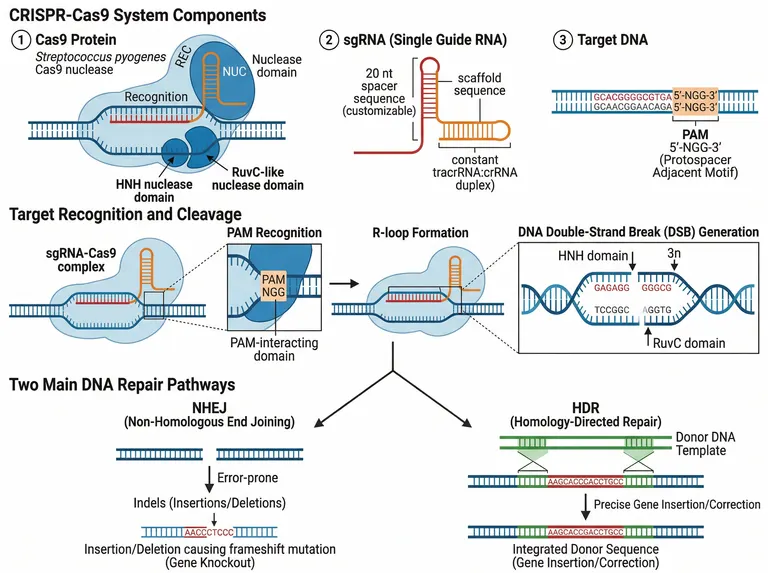


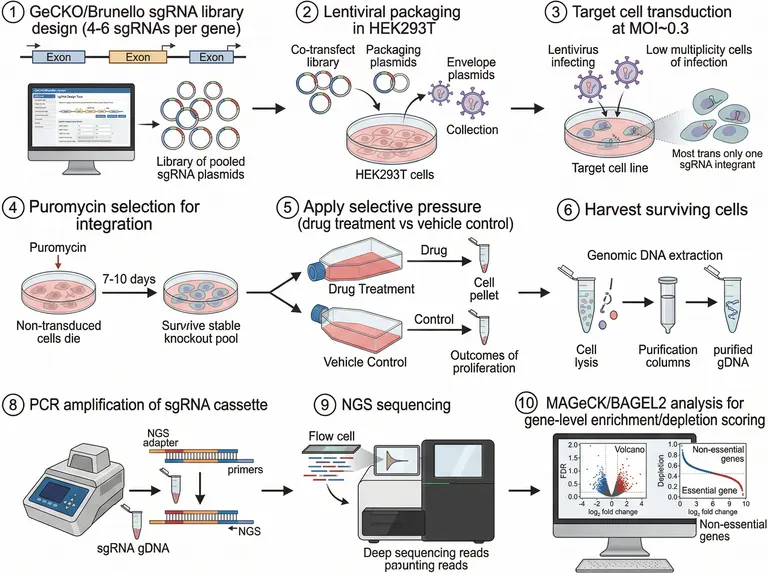
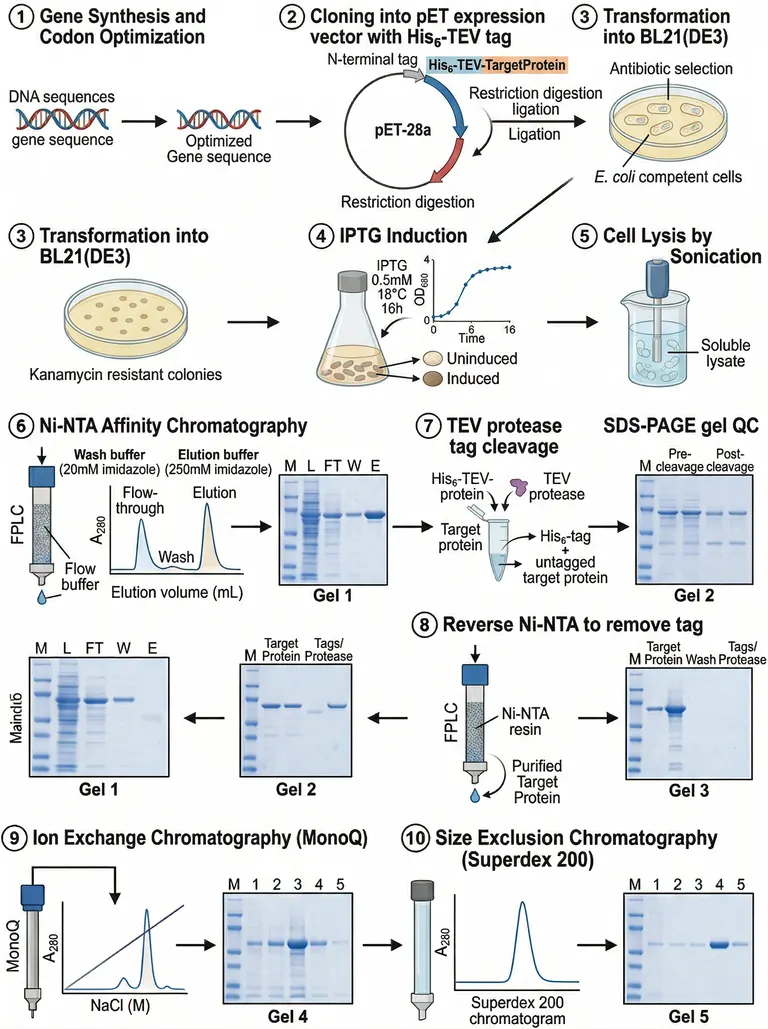
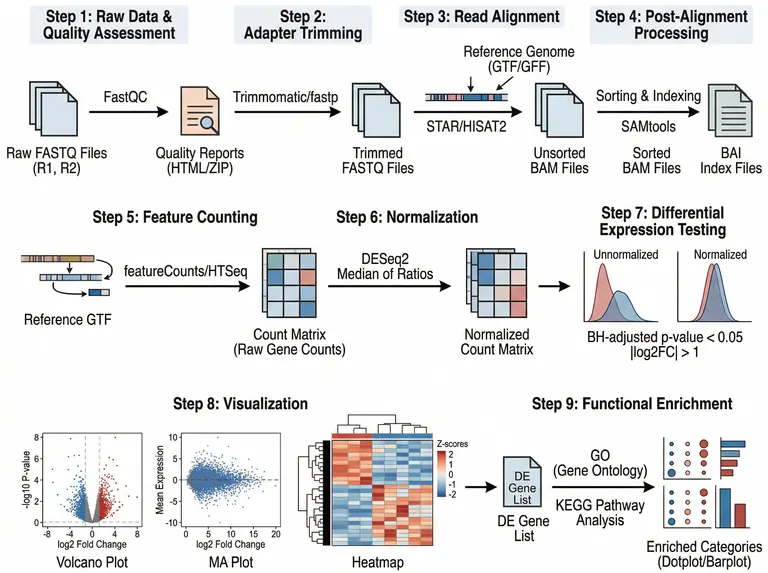
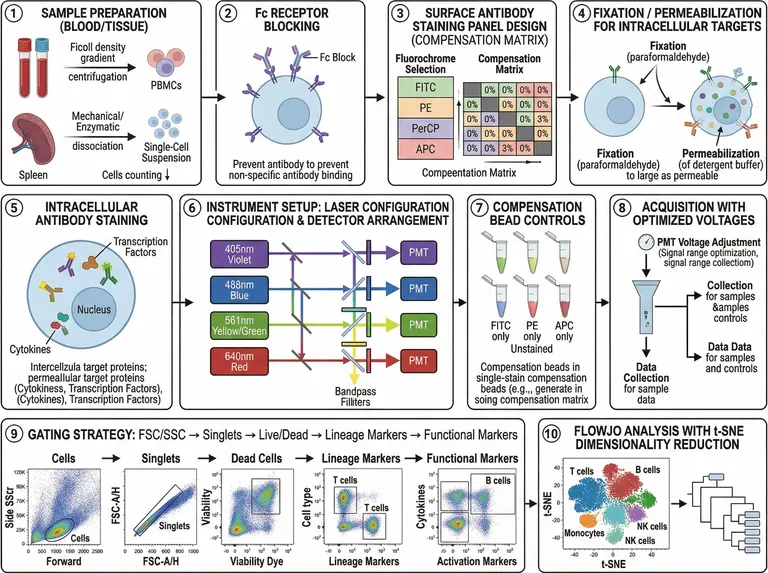
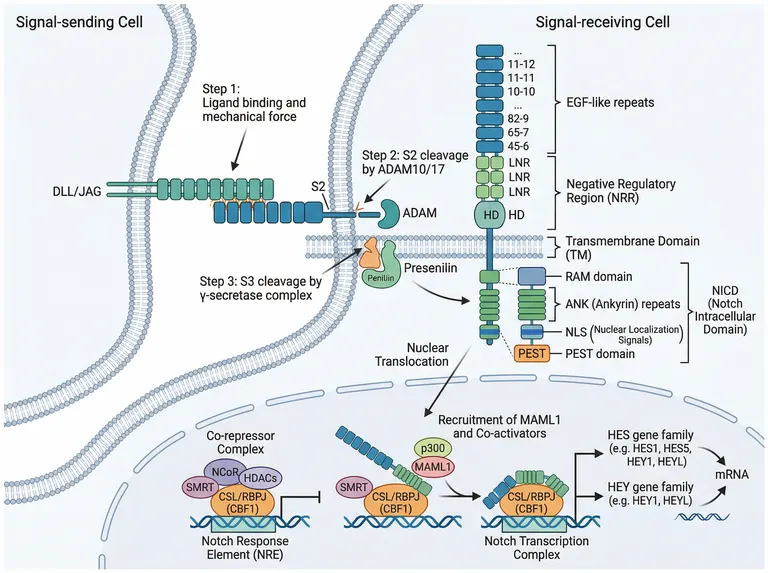
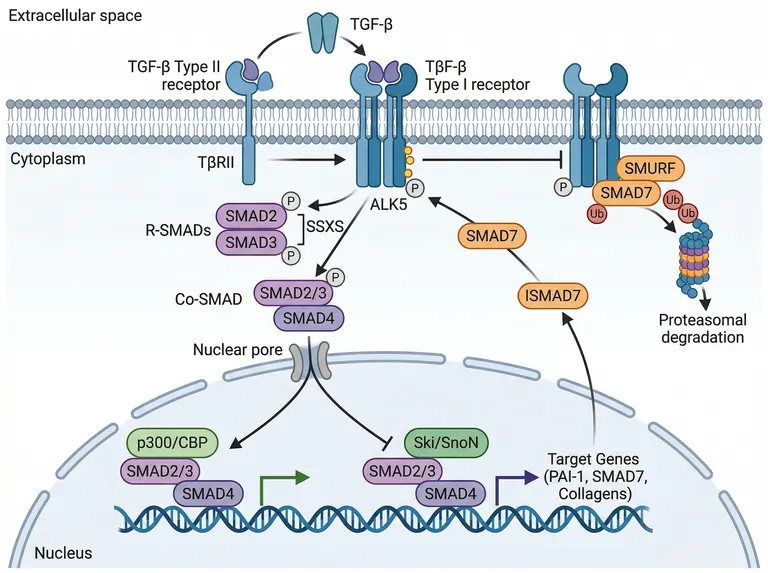
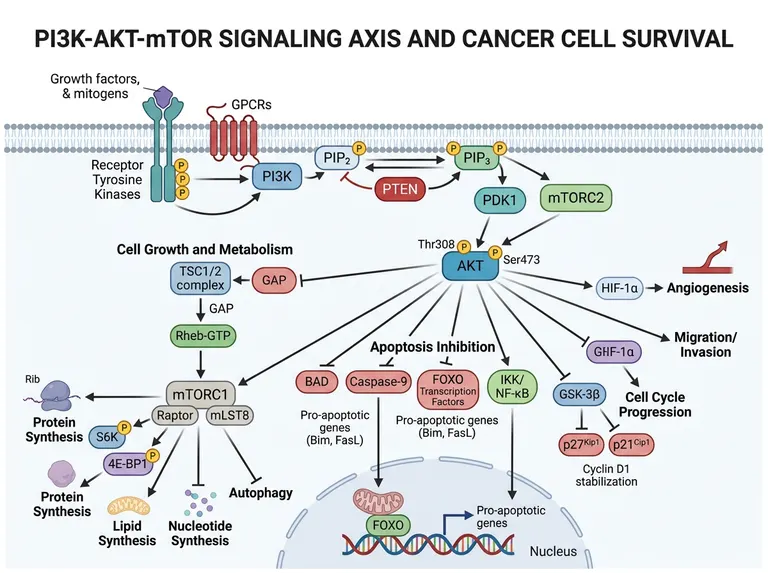
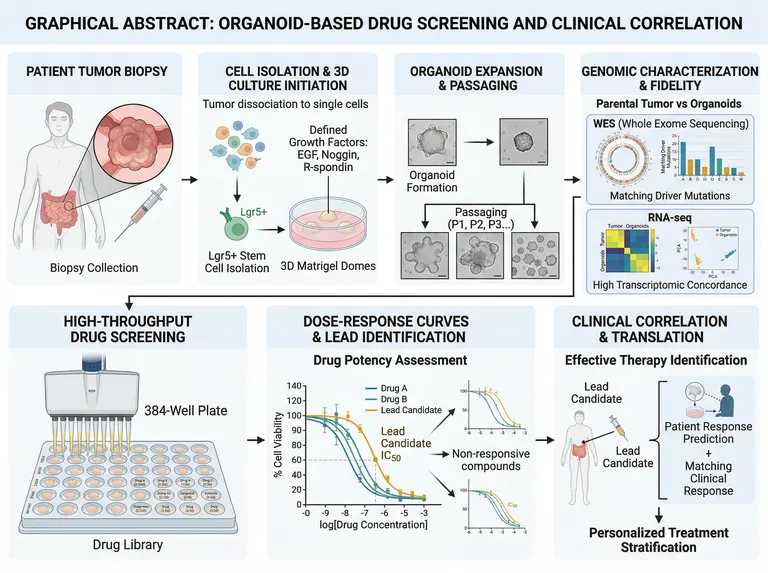
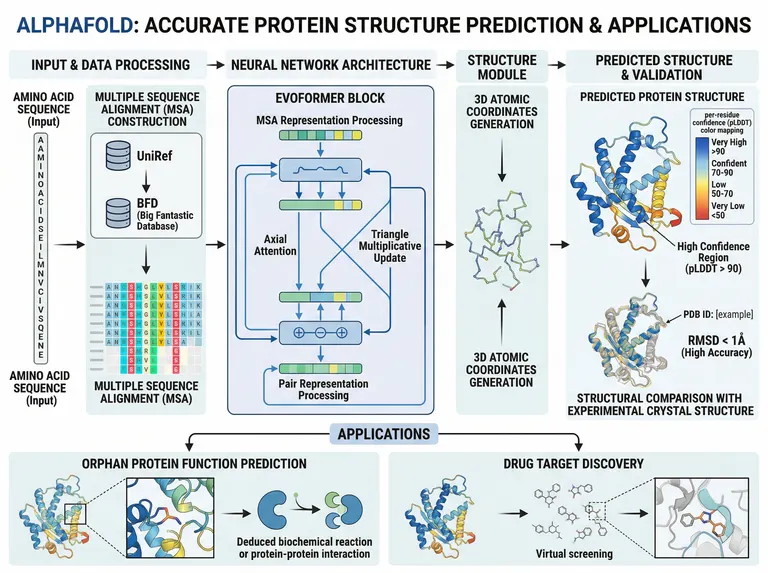
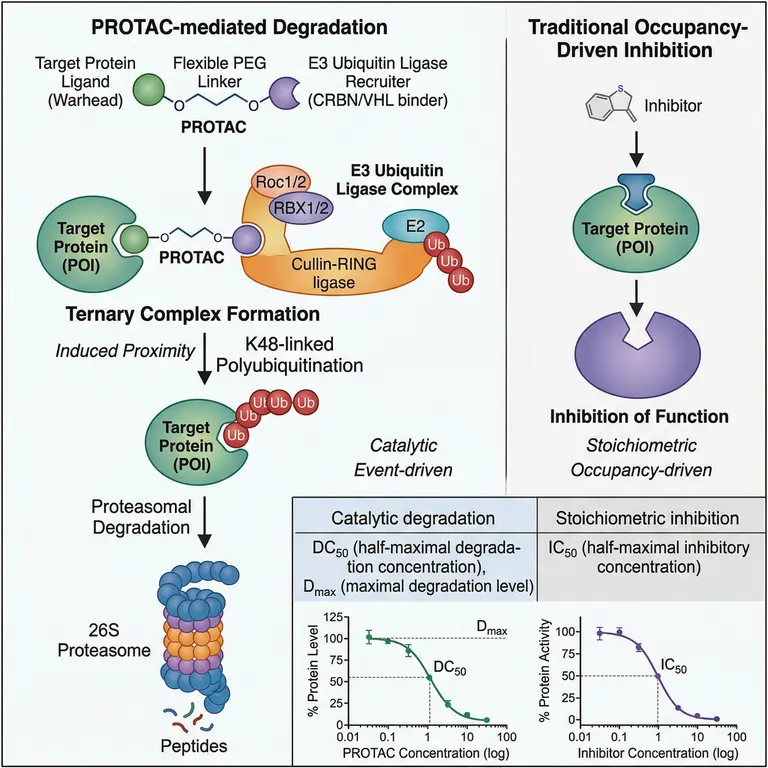
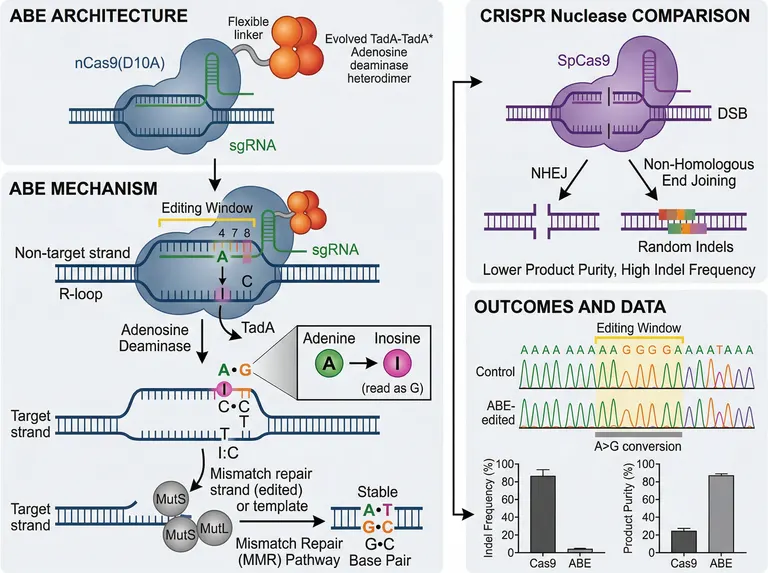
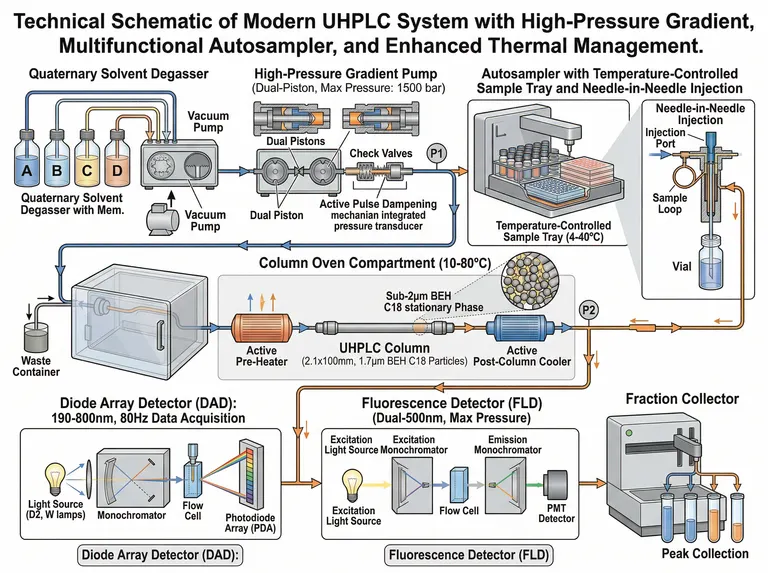
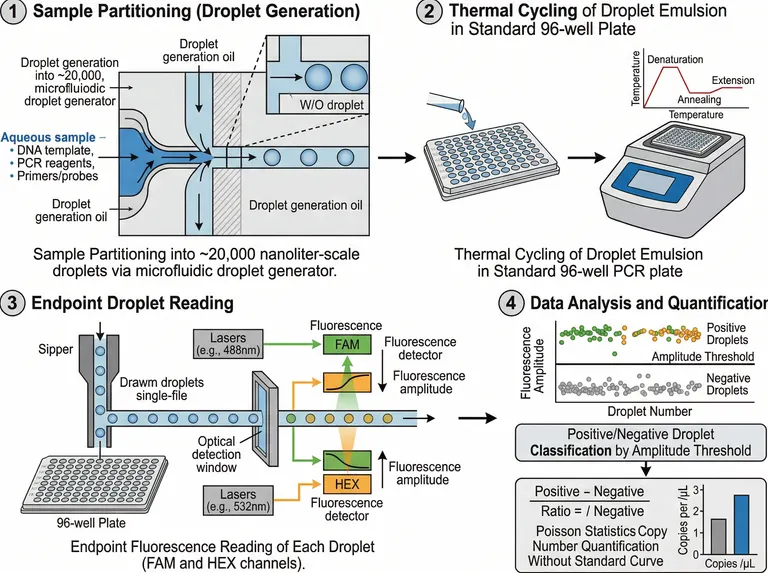
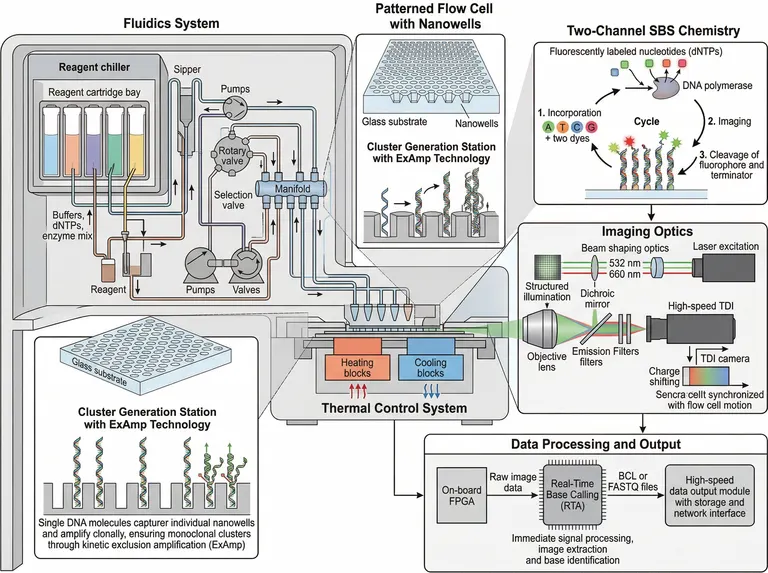
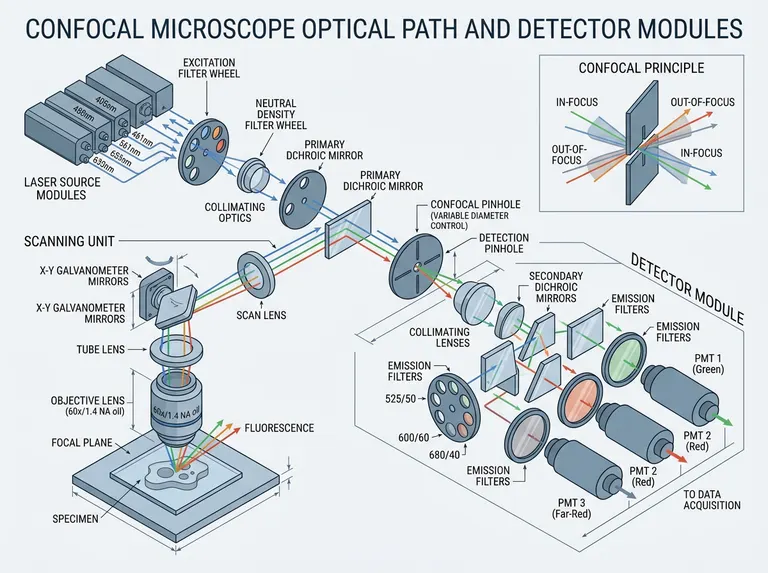
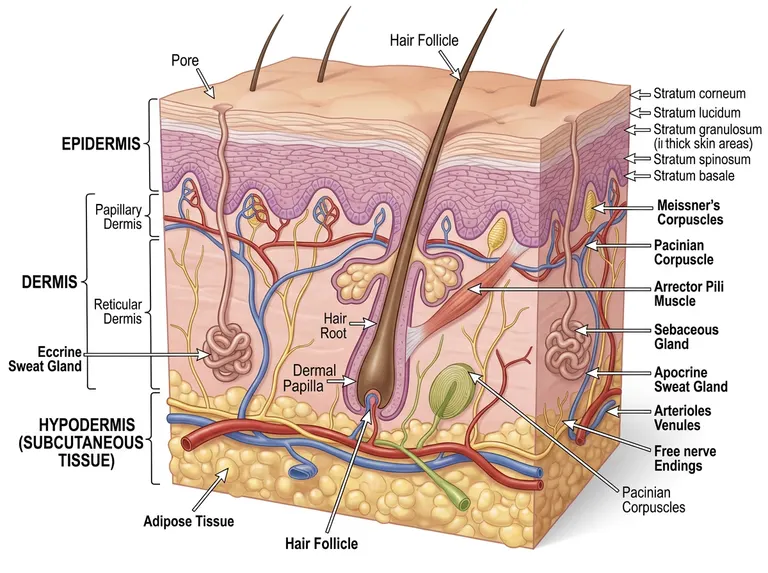
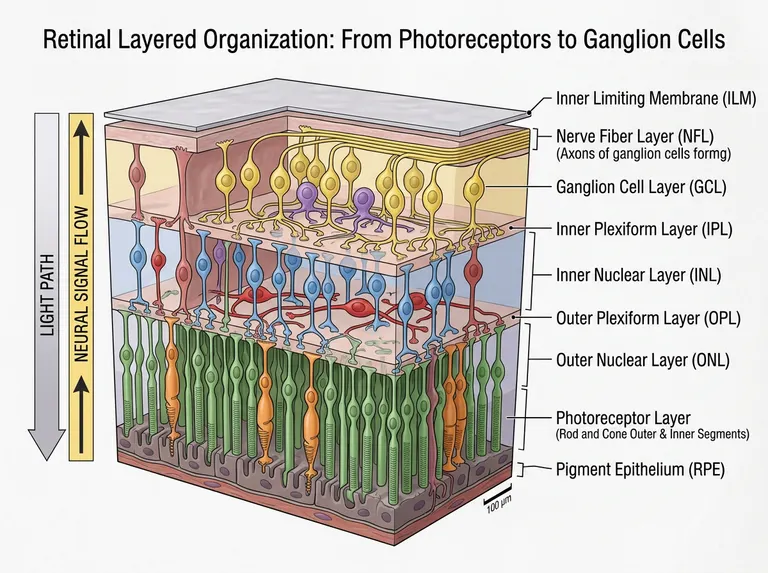
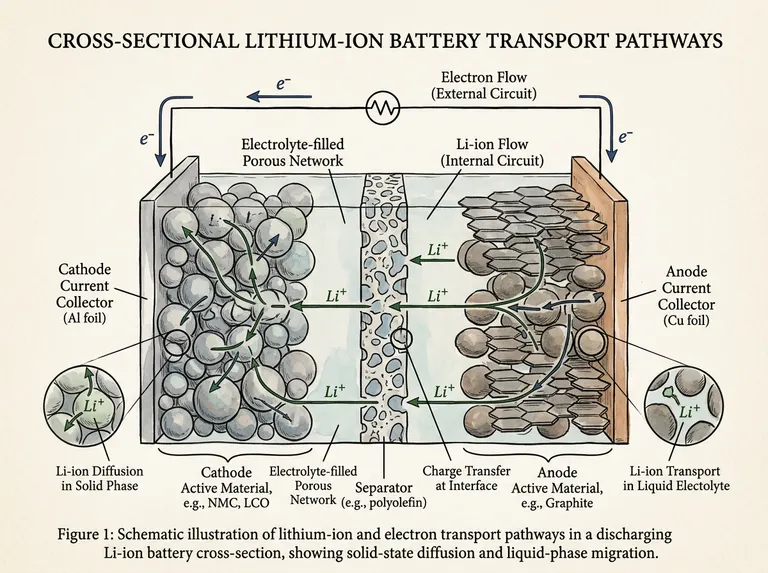
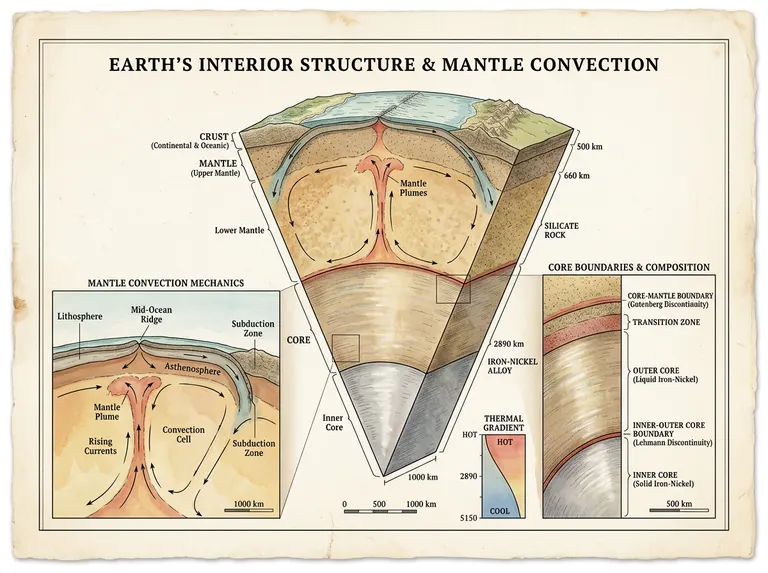
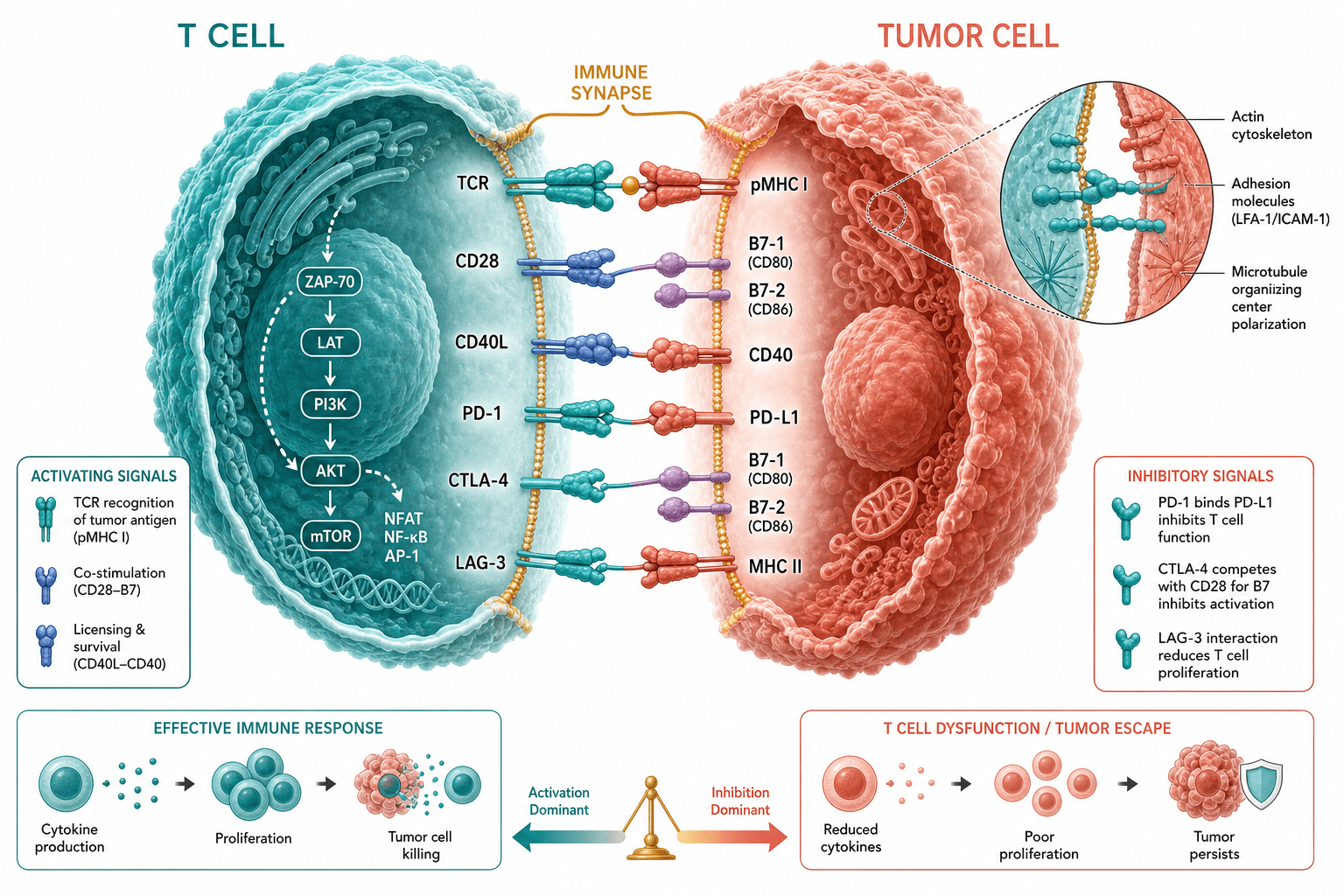
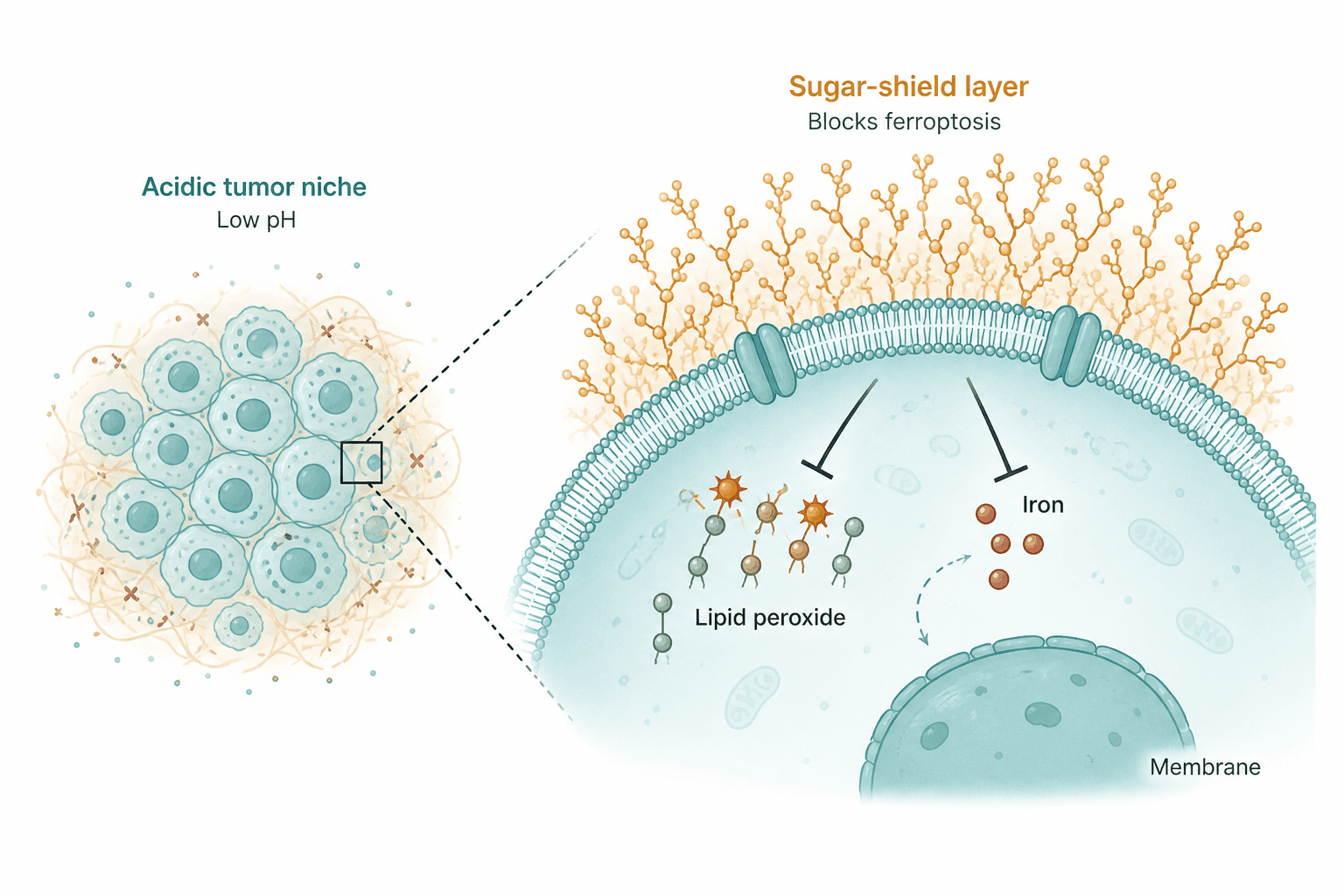

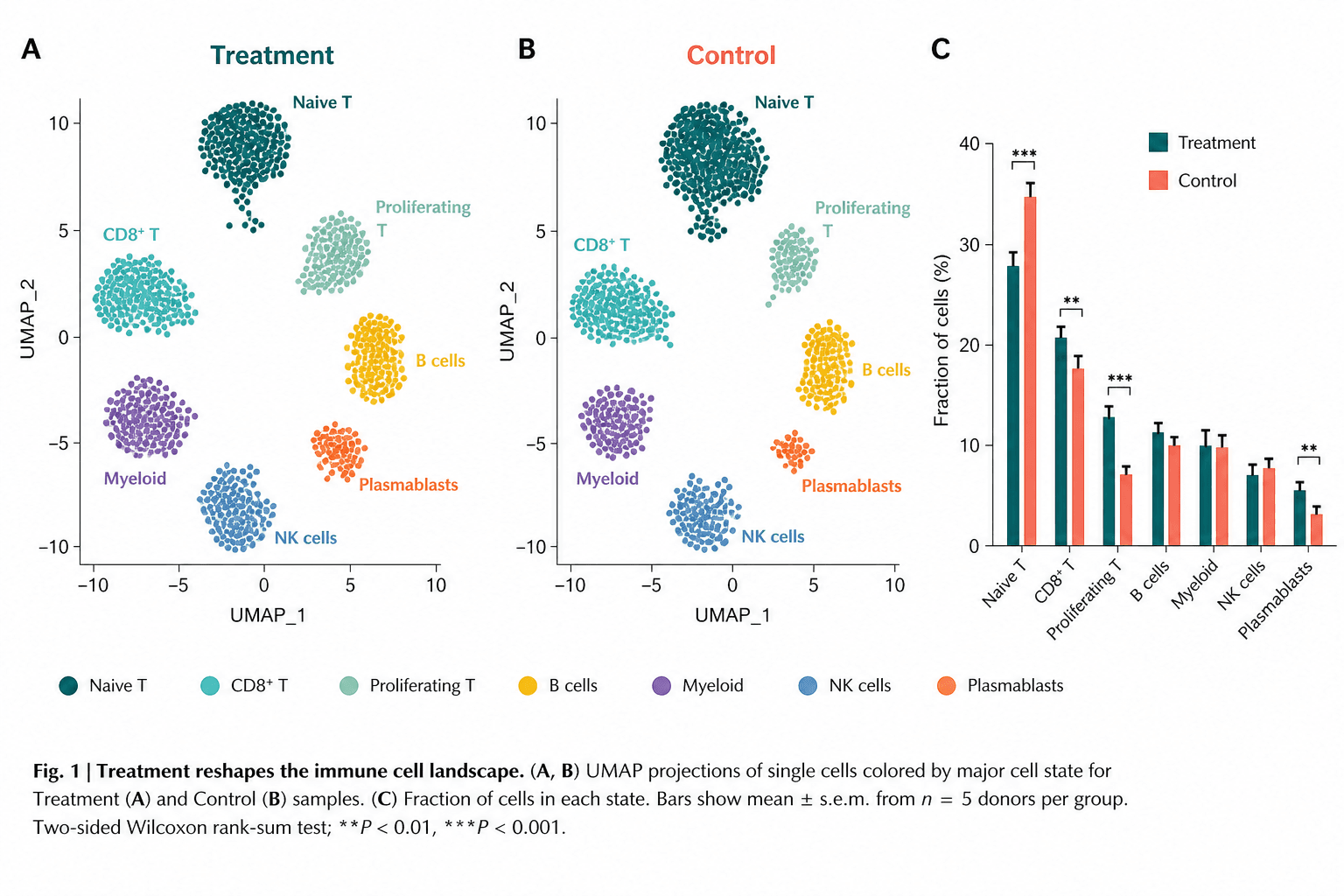
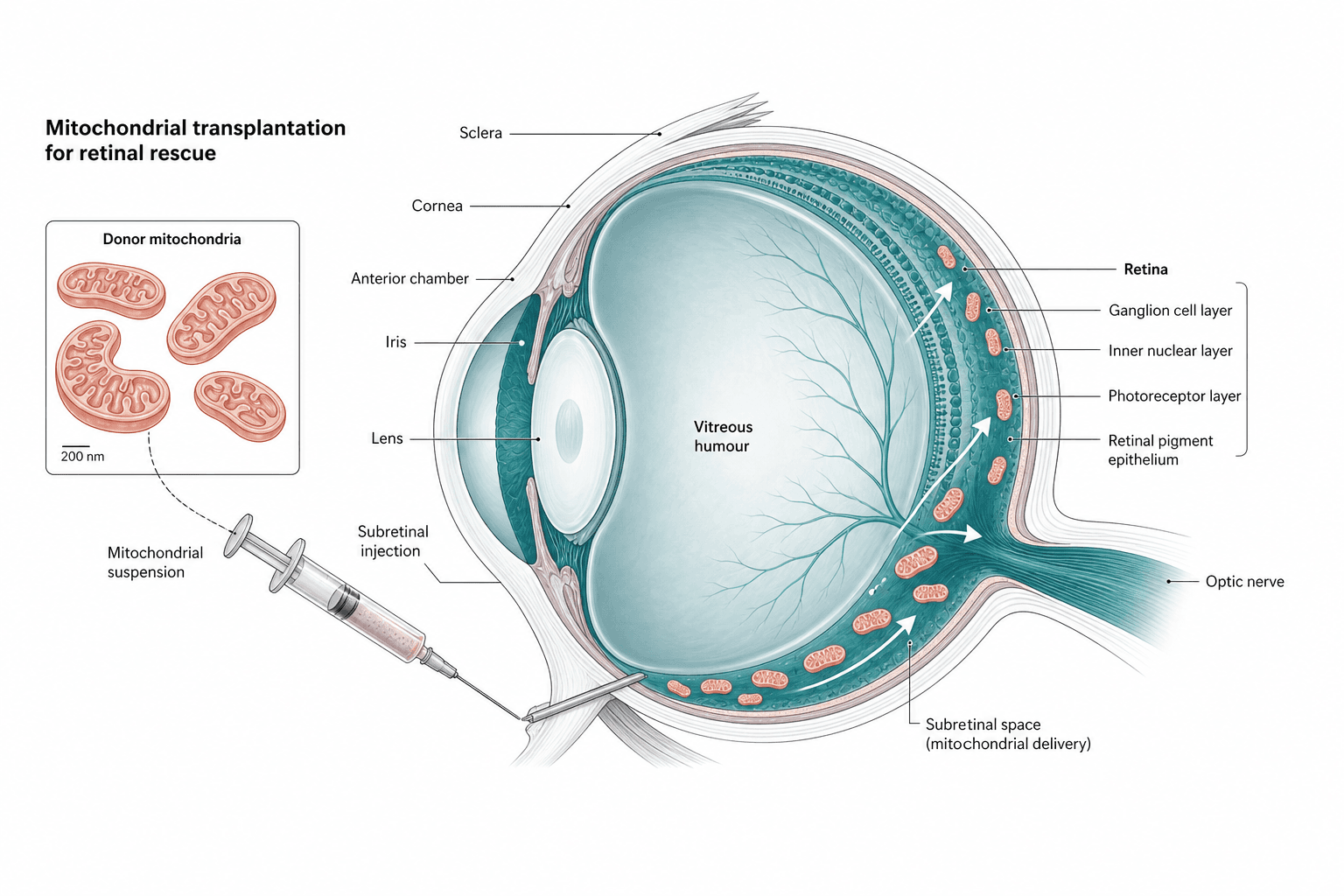

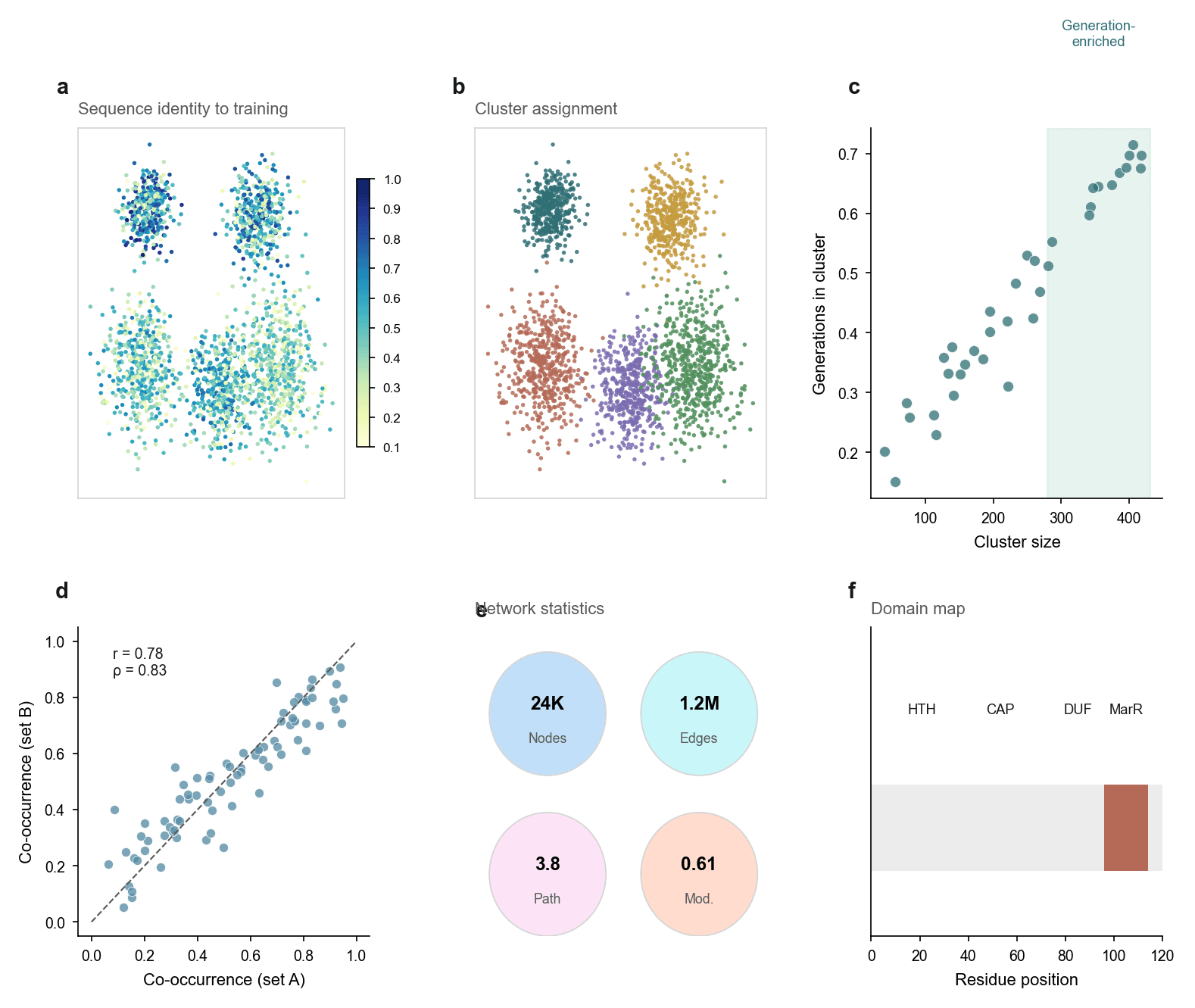
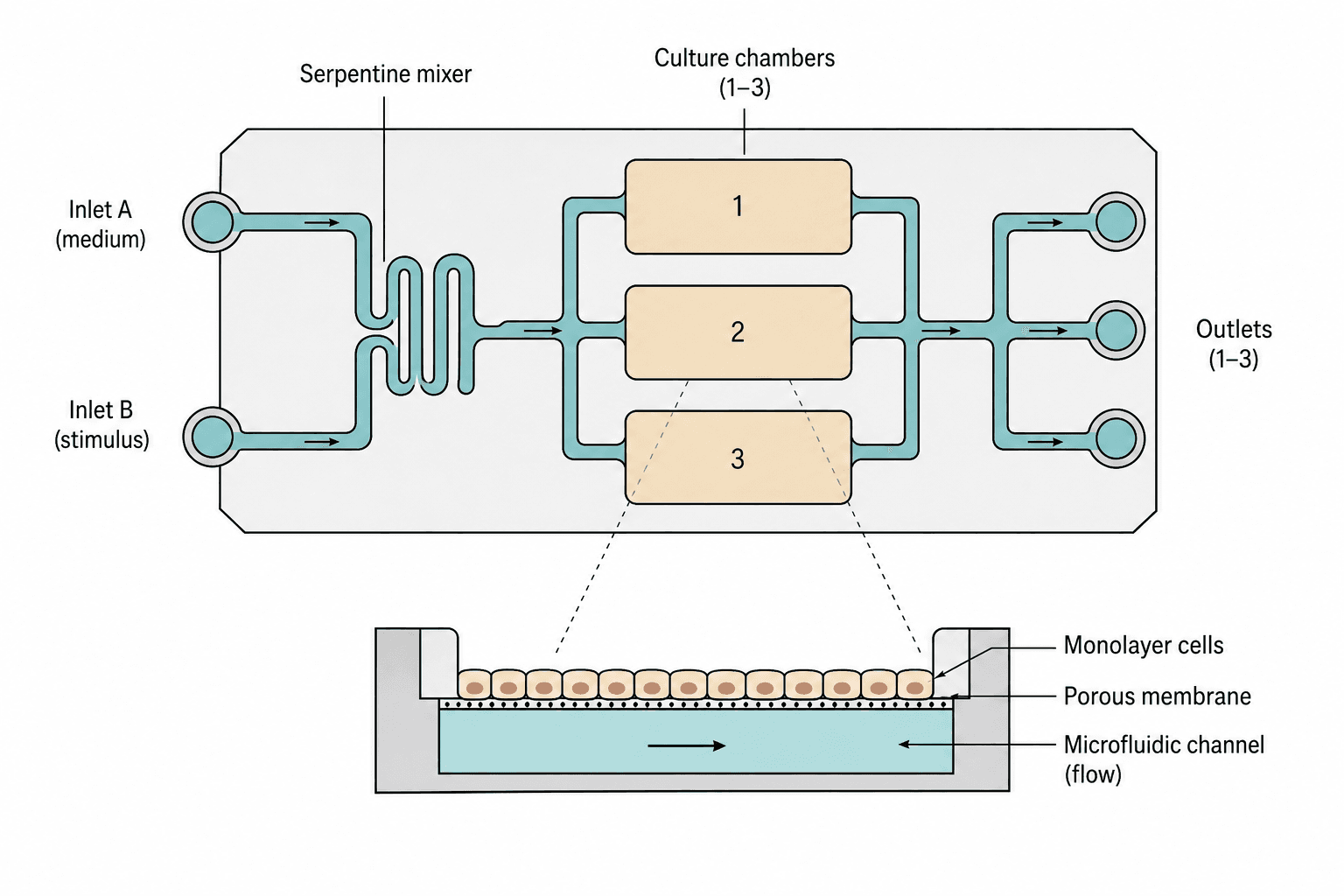
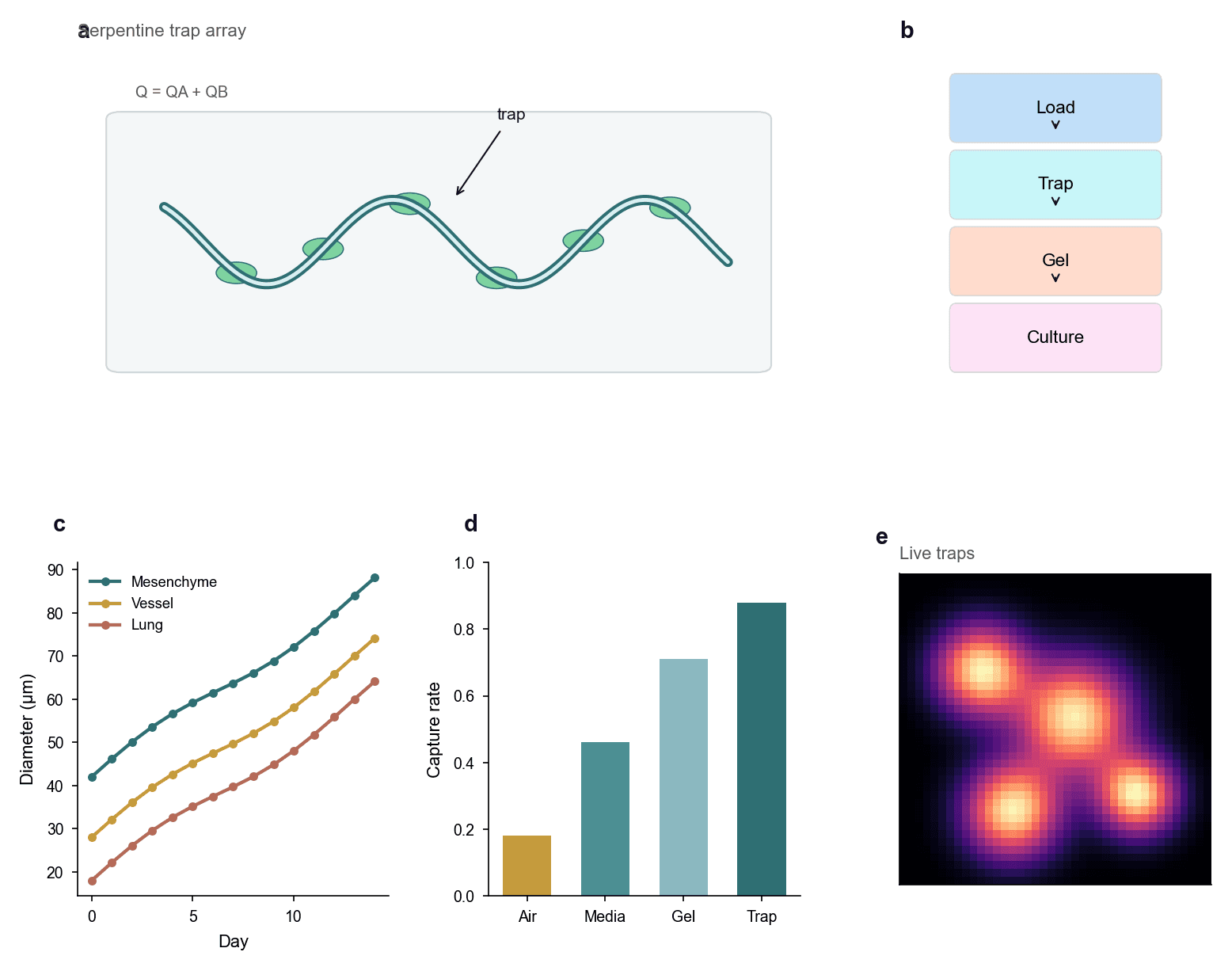
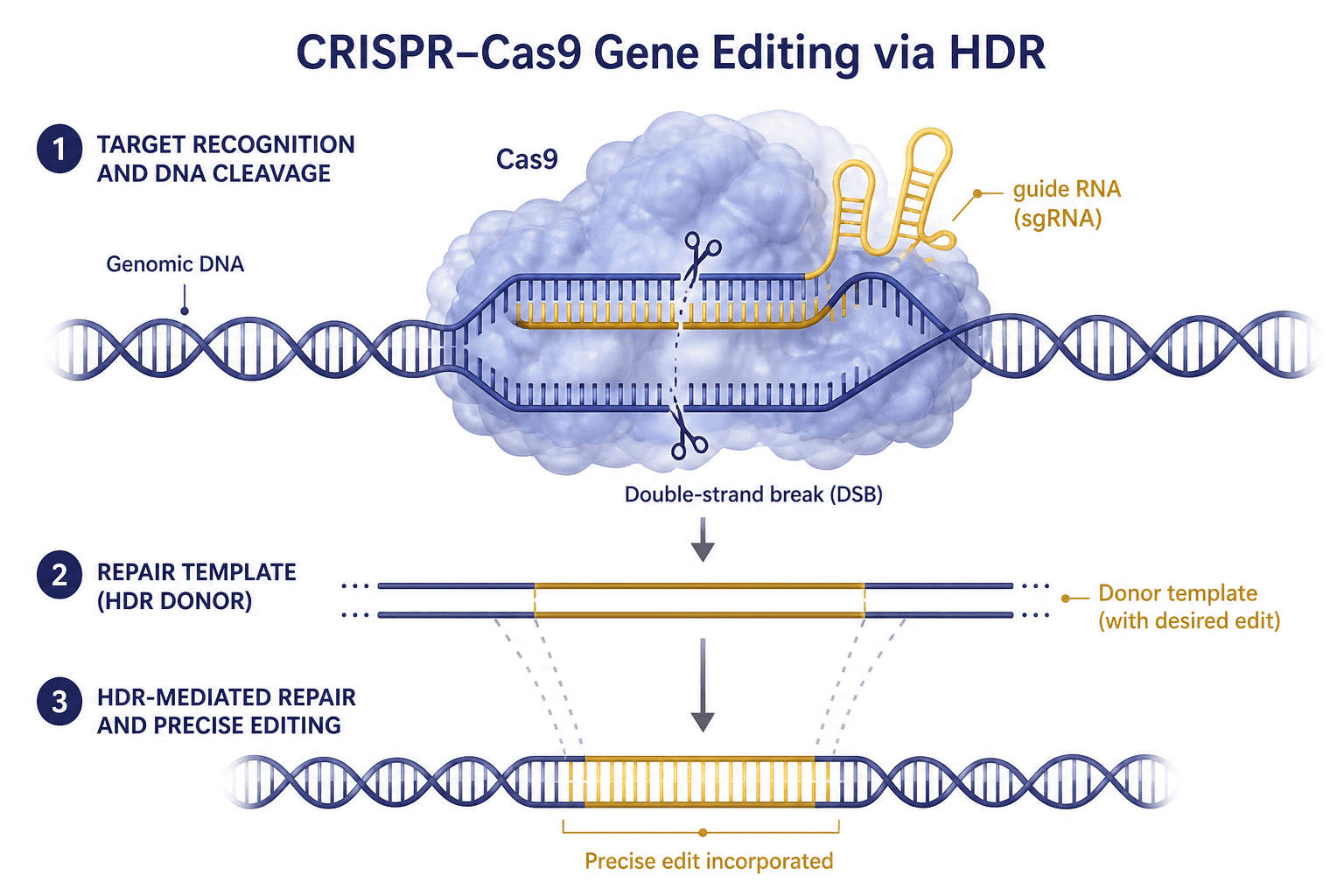
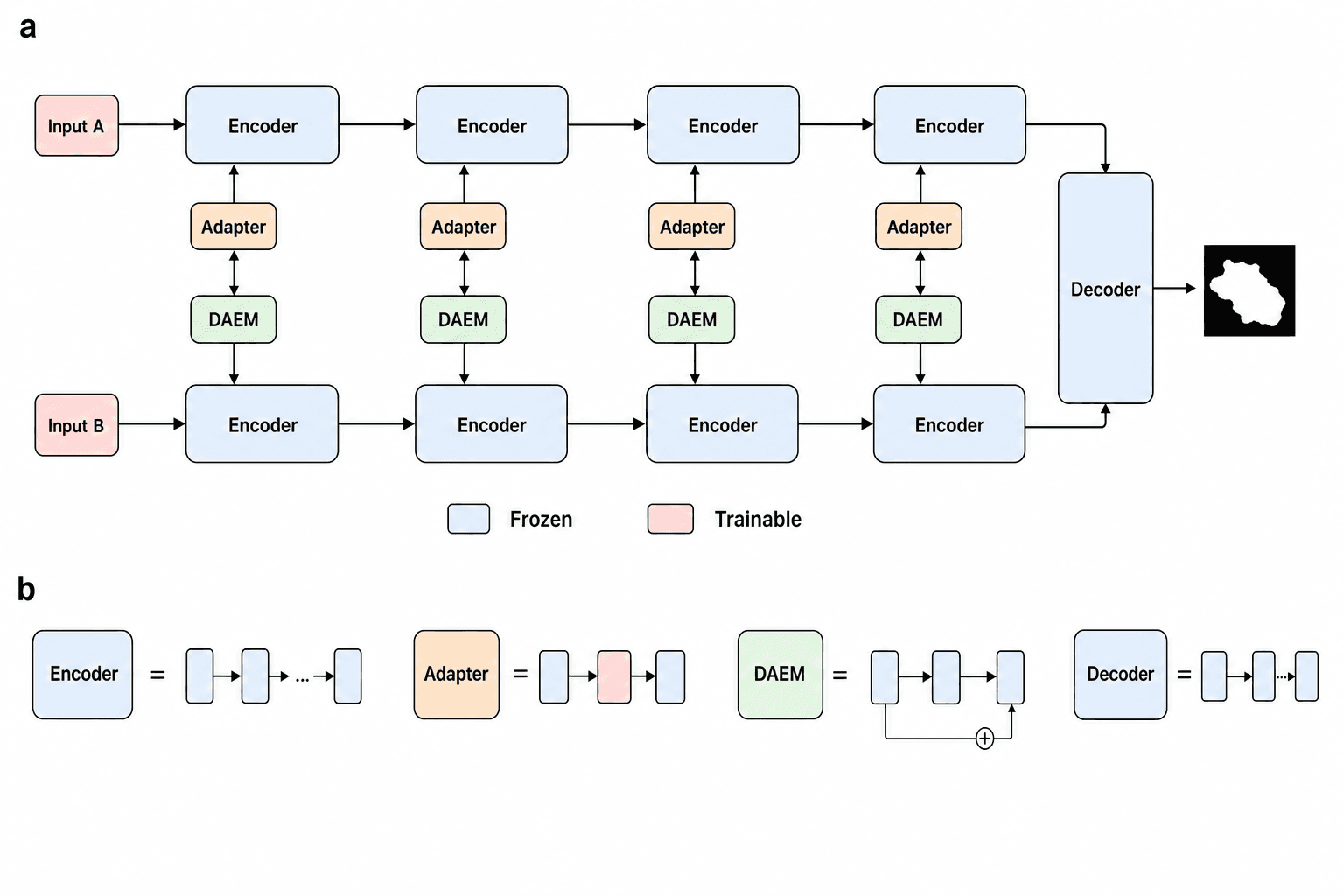

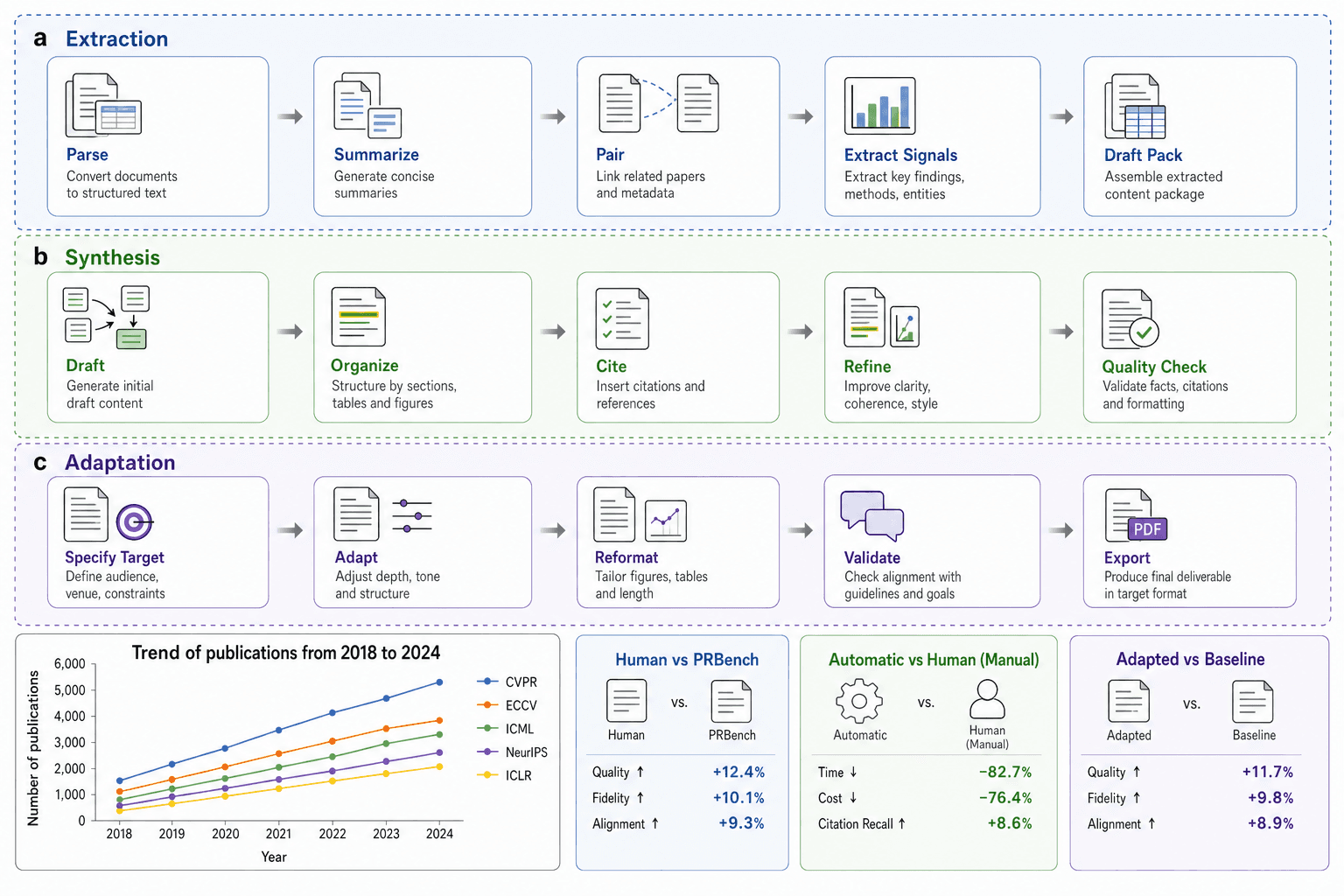
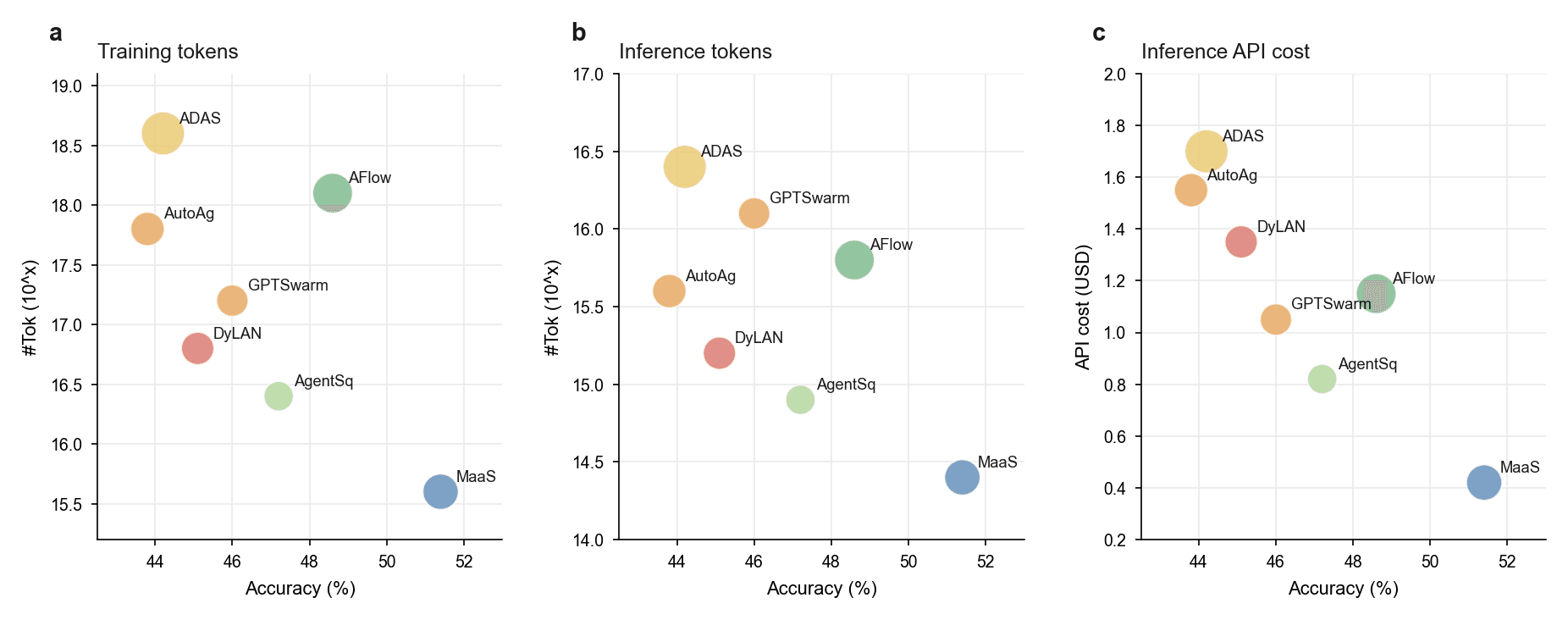
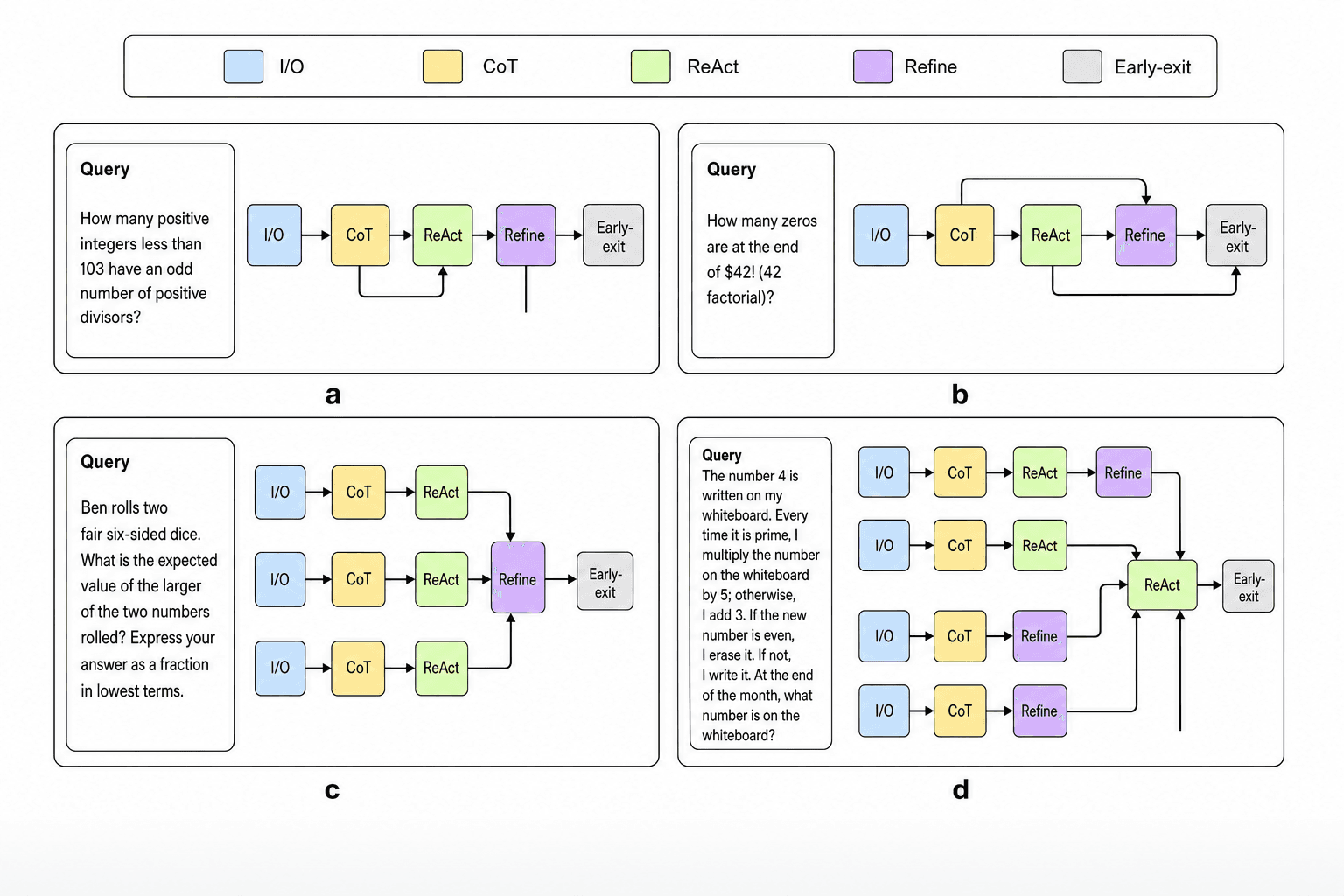
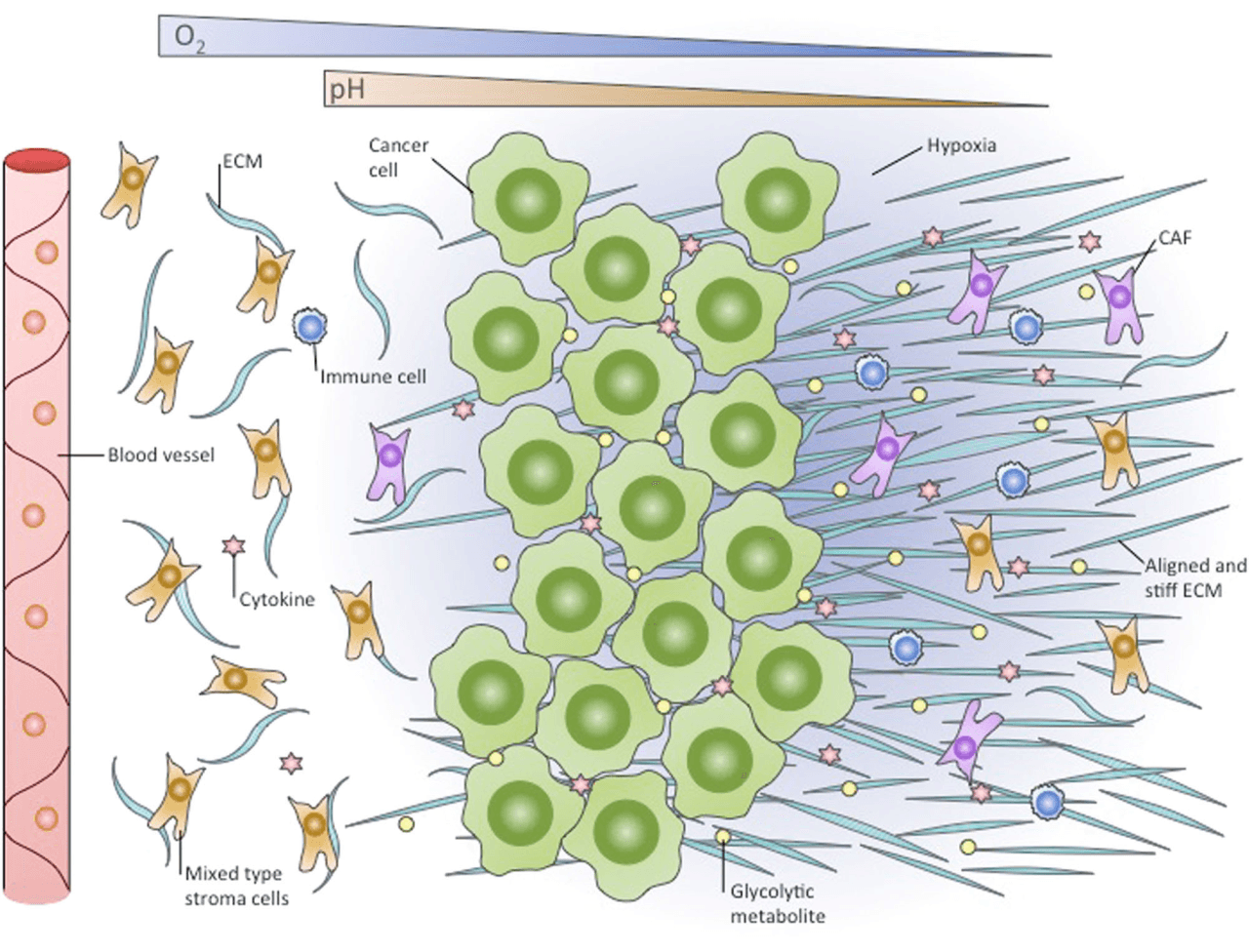
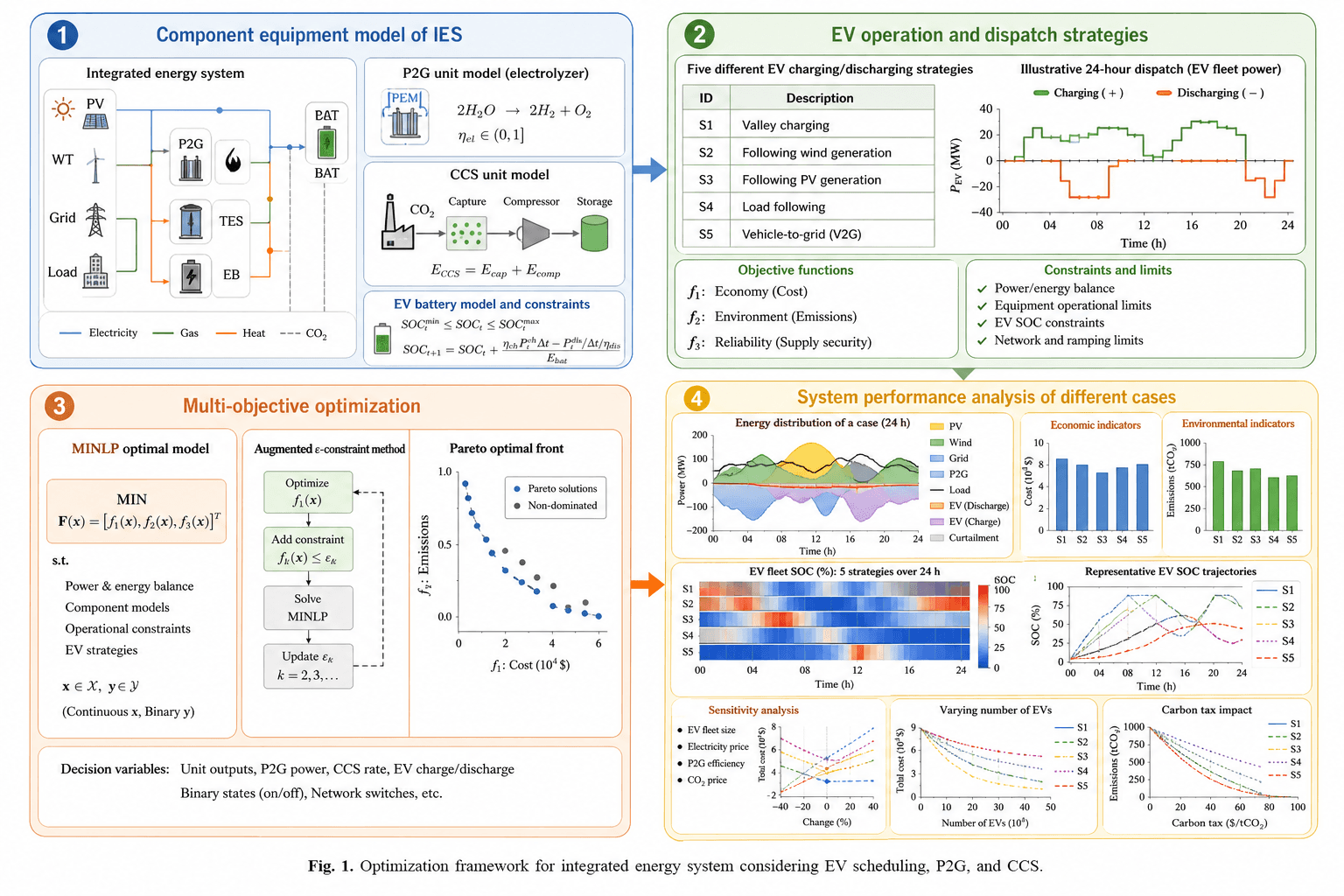


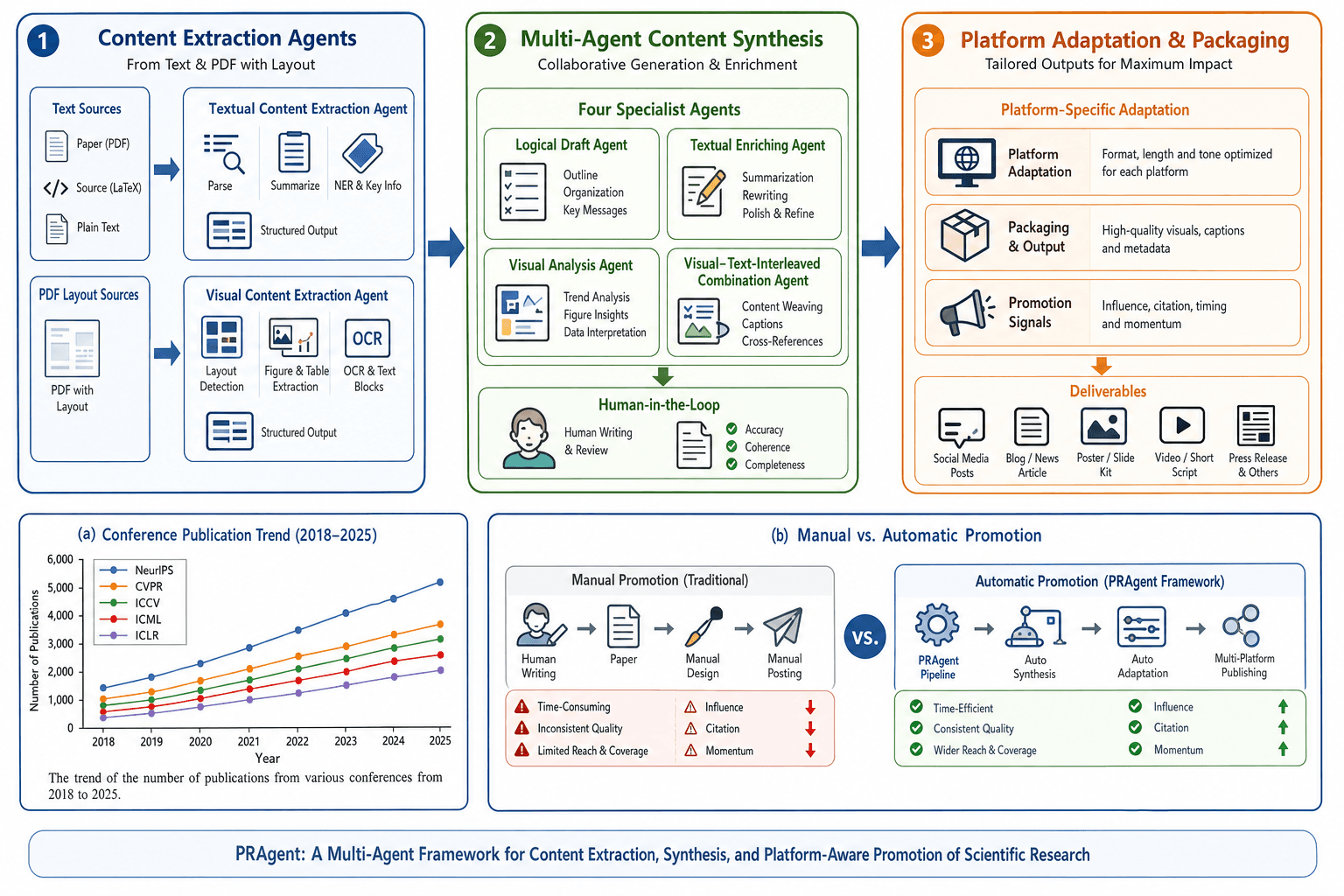


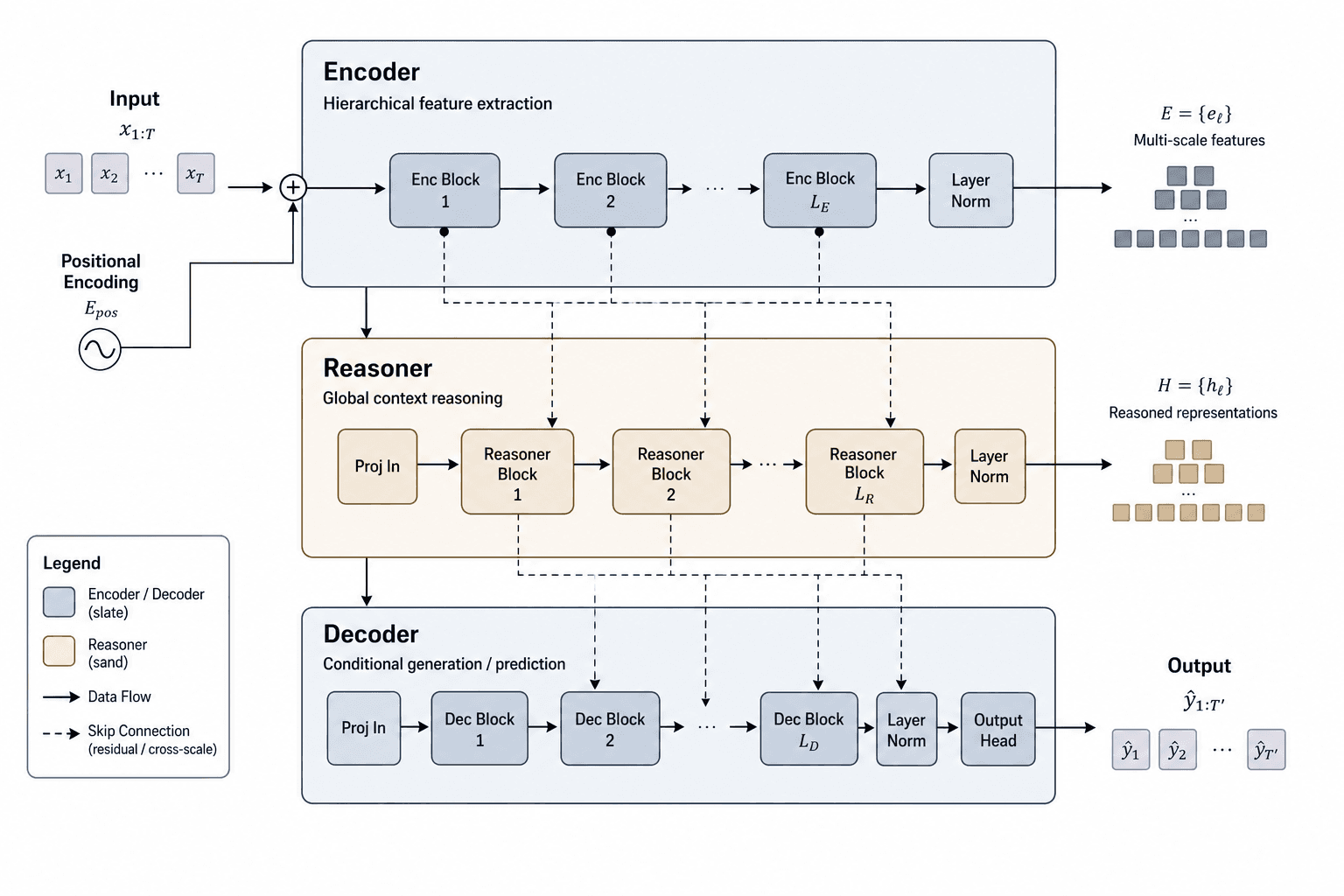
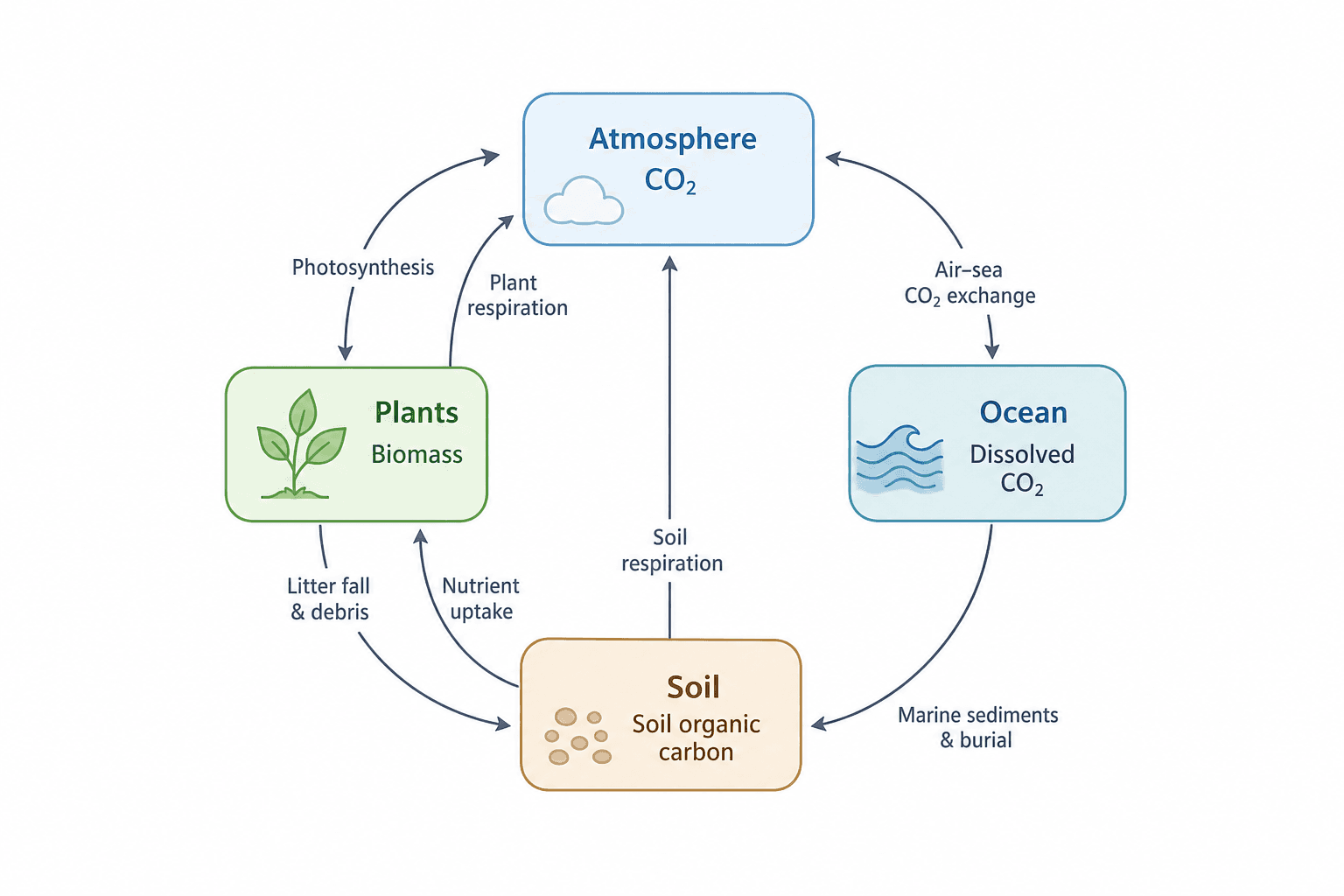


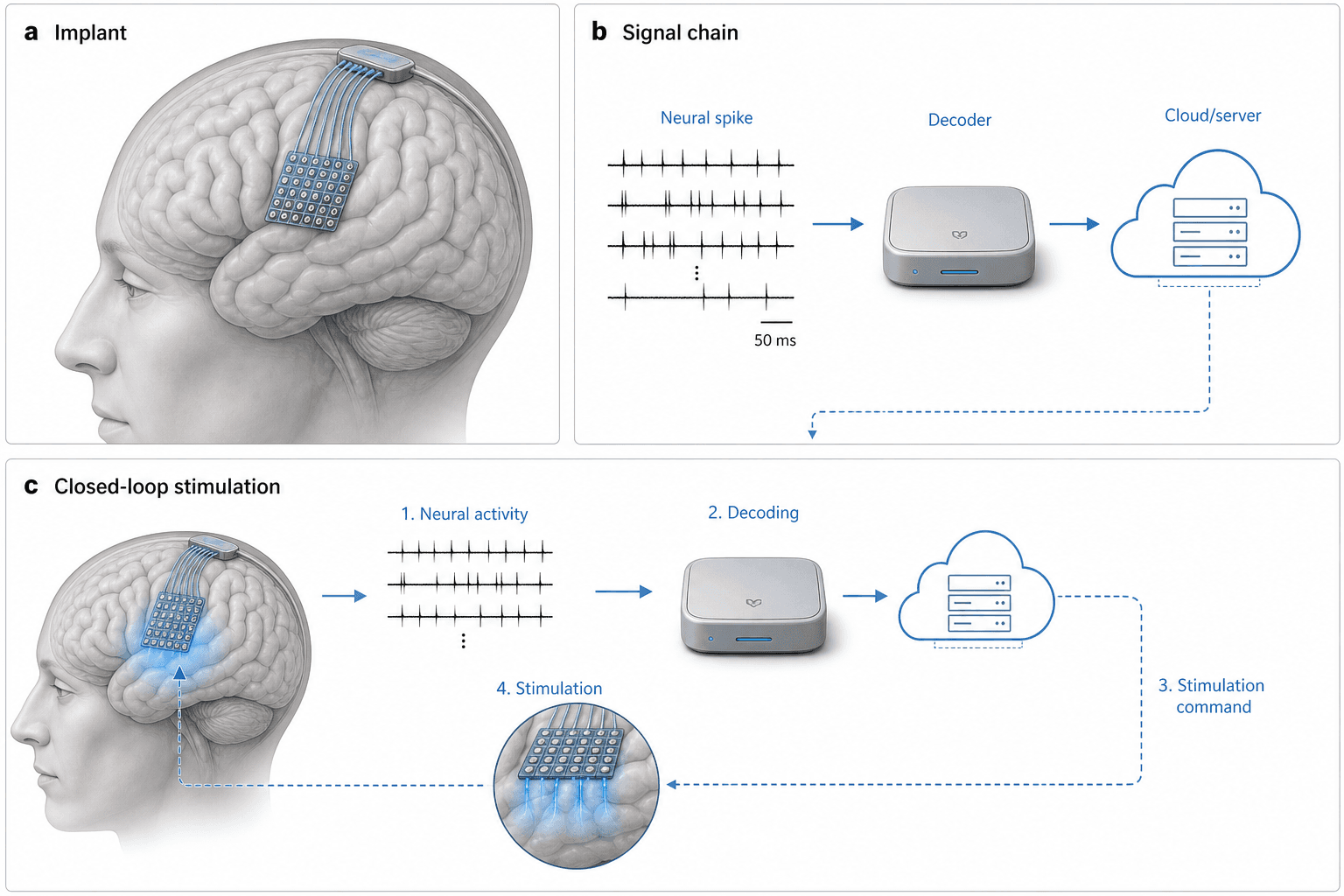

Using a template in Yila
- 1Pick a figure
- 2Describe your subject and the steps to stress
- 3Refine it in chat, then download the PNG
How to choose a scientific illustration template
Decide what the figure has to explain. A molecular process or mode of action calls for a mechanism or pathway diagram; how an experiment runs calls for a workflow; how a system or model is built calls for an architecture or network diagram; a one-glance summary for the first page of a paper calls for a graphical abstract.
Then look at what the sample draws. Each template page lists the elements to label and what a reviewer will look at; compare them with your subject to see what to keep and what to replace.
The samples are AI-generated PNG images, and some contain typos or labels worth double-checking, which their pages point out. Check the science in your own version item by item before it goes into a paper.
How to make a graphical abstract
A graphical abstract should tell a reader within seconds what the study did and found. It usually runs left to right or around a ring: the subject or question at the start, the key steps or mechanism in the middle, the finding or application at the end. Keep elements few, give each a short label, and leave paragraphs and data tables out.
Pick a template with a similar structure, describe your subject and the steps to stress, and Yila draws your version in that structure; refine whatever you want to change by chatting.
Questions
Can I use the generated figure in a paper?
You can use it as a schematic, but check its science and labels item by item first, and confirm your target journal’s rules on AI-generated images and any disclosure they require.
Can I change elements in the figure?
The output is a PNG image, so it cannot be edited element by element. Keep chatting in Yila about the elements, labels or colours to change and it generates a new version.
What format do I get?
An AI-generated PNG image you can download. It is not a vector graphic.
Are the figure templates free?
Browsing templates and copying prompts cost nothing; generating your version in Yila consumes credits, and new accounts get 2,500 credits.
Can I edit the prompt myself?
Yes. Every template includes its full prompt: copy it and change the subject and steps, or press "make my version" and describe the changes in Yila.