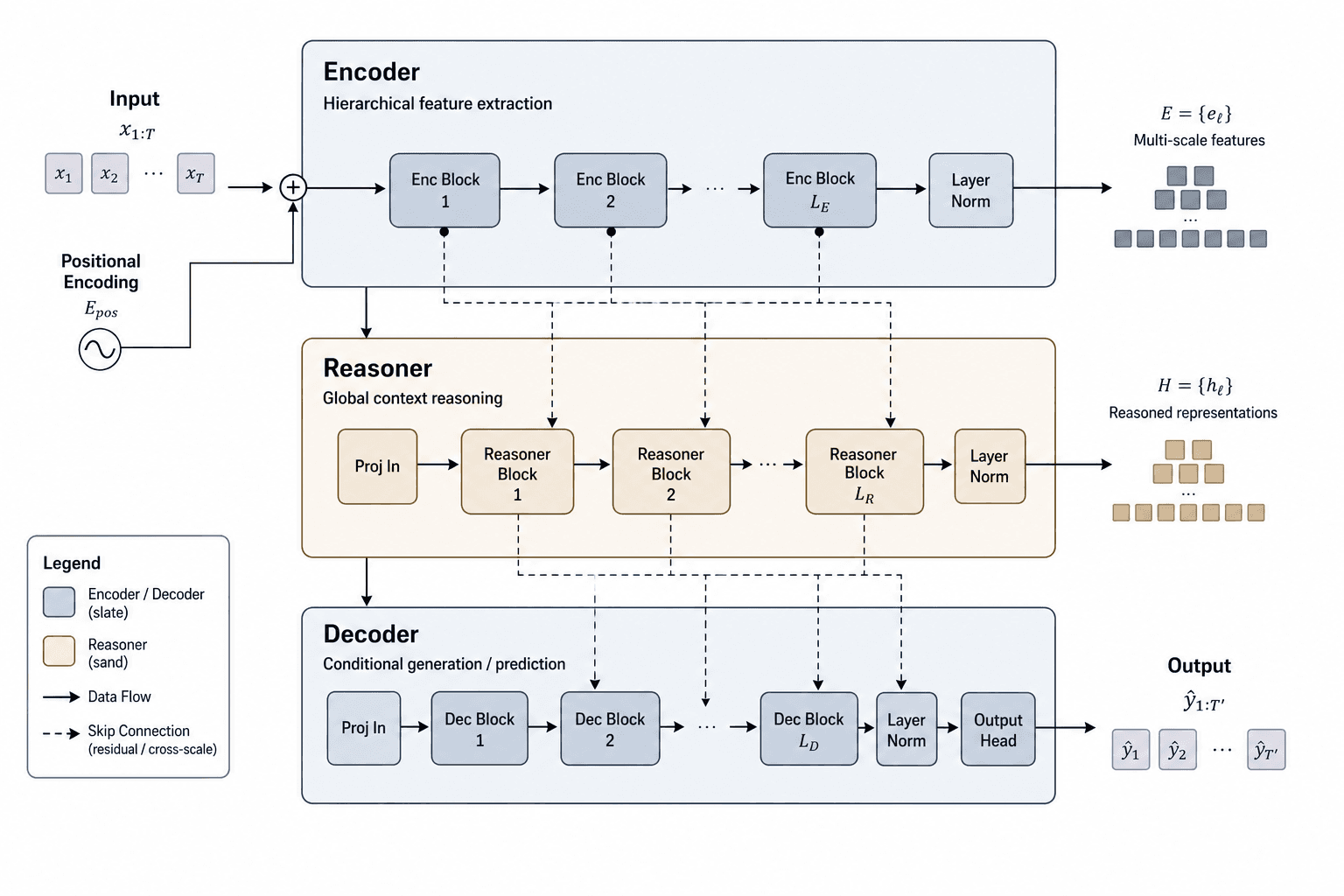
Figure template · System & Network · 4:3
Transformer Architecture Schematic Figure
A landscape schematic with the stacked encoder block at the upper left, two panels that open multi-head attention down to its scaled dot-product core, and a separate position-wise feed-forward panel at the lower right, sized for a methods section or a lecture.
Prompt
Create a scientific figure about: Transformer model architecture with attention and feed-forward blocks. Visual style: Schematic Minimal. Requirements: - publication-ready scientific quality - clear labels and directional arrows where appropriate - avoid cartoon style, avoid meme style, avoid stock-photo look - avoid neon glow and over-sharpened CGI look unless explicitly requested - composition optimized for research papers and academic slides - category context: systems-networks - minimal schematic style with reduced visual noise - strong information hierarchy using line weight and spacing - few but meaningful colors for process emphasis
What this template is
The figure moves from whole to part. The encoder block at the upper left starts where the input embedding meets the positional encoding, passes through multi-head self-attention, an add-and-normalize node and the feed-forward network, with a stacked-card mark for repetition. The attention panels then open that block: queries, keys and values each take their own linear projection and enter the scaled dot-product core of matrix multiplication, scaling, an optional mask and normalization, after which the heads are concatenated and projected once more. The lower-right panel unfolds the feed-forward network into two linear layers around a single activation, so line weight and a small palette carry the hierarchy.
Elements to label
Encoder block
Embedding, attention, add-and-normalize and feed-forward stacked from bottom to top, with the repetition mark set at the upper corner of the block.
Positional encoding inlet
The positional encoding joins the input embedding at a circled sum, with the arrow pointing upward into the block above it.
Residual connections
Lines bypassing each sub-layer to its add node, drawn in a style that the legend names separately from the main trunk.
Multi-head panel
Offset cards standing in for the heads, with the first and the last card labelled at either end of the stack.
Query, key and value projections
Three linear projections side by side, each carrying its own weight matrix and the dimension symbol that belongs to it.
Scaled dot-product core
Matrix multiplication, scaling, the optional mask and normalization in one column, ending in the product taken with the values.
Concatenate and project
The head outputs merged into one tensor, then a final linear layer labelled with the model dimension.
Feed-forward panel
Two linear layers around a single activation, with the activation choices named in brackets beside the box.
Where it is used
- Paper mechanism figure
- Course handout
- Defense slides
- Lab website
What reviewers look for
Say where normalization sits
Normalizing after the sub-layer and normalizing before it are both common choices, and whichever one the schematic draws has to match your code, or anyone rebuilding the model from the figure assembles the wrong block.
The mask is not automatic
Encoder self-attention usually carries no causal mask, so when the optional mask box appears in the core, note that it belongs to the decoder or to padding rather than hiding future positions in every layer.
Keep the dimensions consistent
The symbols on the projections, on the concatenation and on the output layer must all agree, with head count times per-head width equal to the model dimension, a relation worth stating in the caption.
Name what is left out
Only the encoder side is unfolded here, so either add the decoder and its cross-attention for an encoder-decoder model, or state plainly in the caption that this figure shows the encoder alone and nothing more.
How to use it in Yila
- 1Pick a figure
- 2Describe your subject and the steps to stress
- 3Refine it in chat, then download the PNG
Tips
Do
- Put your own layer count, head count and hidden width into the prompt so that the stack mark and the dimension labels carry real numbers.
- Ask for one accent colour on the attention path and grey elsewhere; a minimal schematic like this separates levels by line weight.
Avoid
- Do not keep two nearly identical attention panels in one figure; pick the more complete one and have the other one removed.
- Do not pile labels onto the arrows, because this layout depends on white space and crowded type soon flattens the hierarchy.
Questions
Can this go straight into a paper?
Use it as a draft for the methods section. It is an AI-generated raster image, so check the spelling inside every box, the direction of each arrow and the dimension symbols against your own code, and have duplicated or surplus panels removed in chat before you treat the figure as final.
Can I change elements in the figure?
Not element by element, but you can keep refining it by chatting in Yila: add the decoder and its cross-attention, move normalization ahead of each sub-layer, drop the mask box, or keep the encoder block on its own, then generate a new version from that description.
What format is delivered?
An AI-generated PNG image in landscape, suited to a methods figure, a teaching handout or a defense slide. It is not a vector graphic, so the small type inside the boxes softens once the figure is reduced and should be checked at submission size.
Is it free?
Browsing this page and viewing the sample cost nothing. Generating your own version in Yila consumes credits, and a new account receives 2,500 credits, which is enough to adjust the depth, the attention panels and the feed-forward block over several rounds.
I work on vision models. Can it be adapted?
Yes. Attention and feed-forward keep their shape; describe the input as patch embeddings, ask for the positional encoding that matches your setup, and add the classification head or the decoding path outside the block.
Can I keep only the encoder block?
Ask for the block at the upper left on its own, without the attention and feed-forward panels. The narrow result fits into a corner of a slide or a handout where the internals are explained in the text instead.