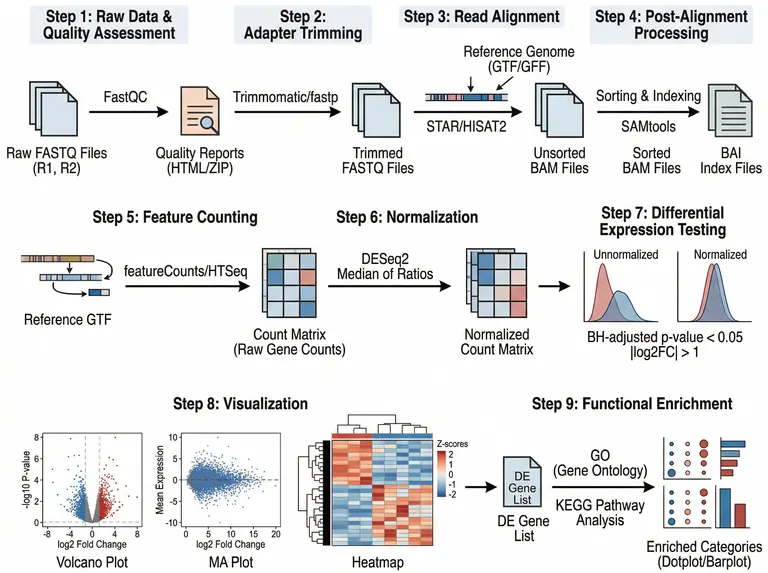
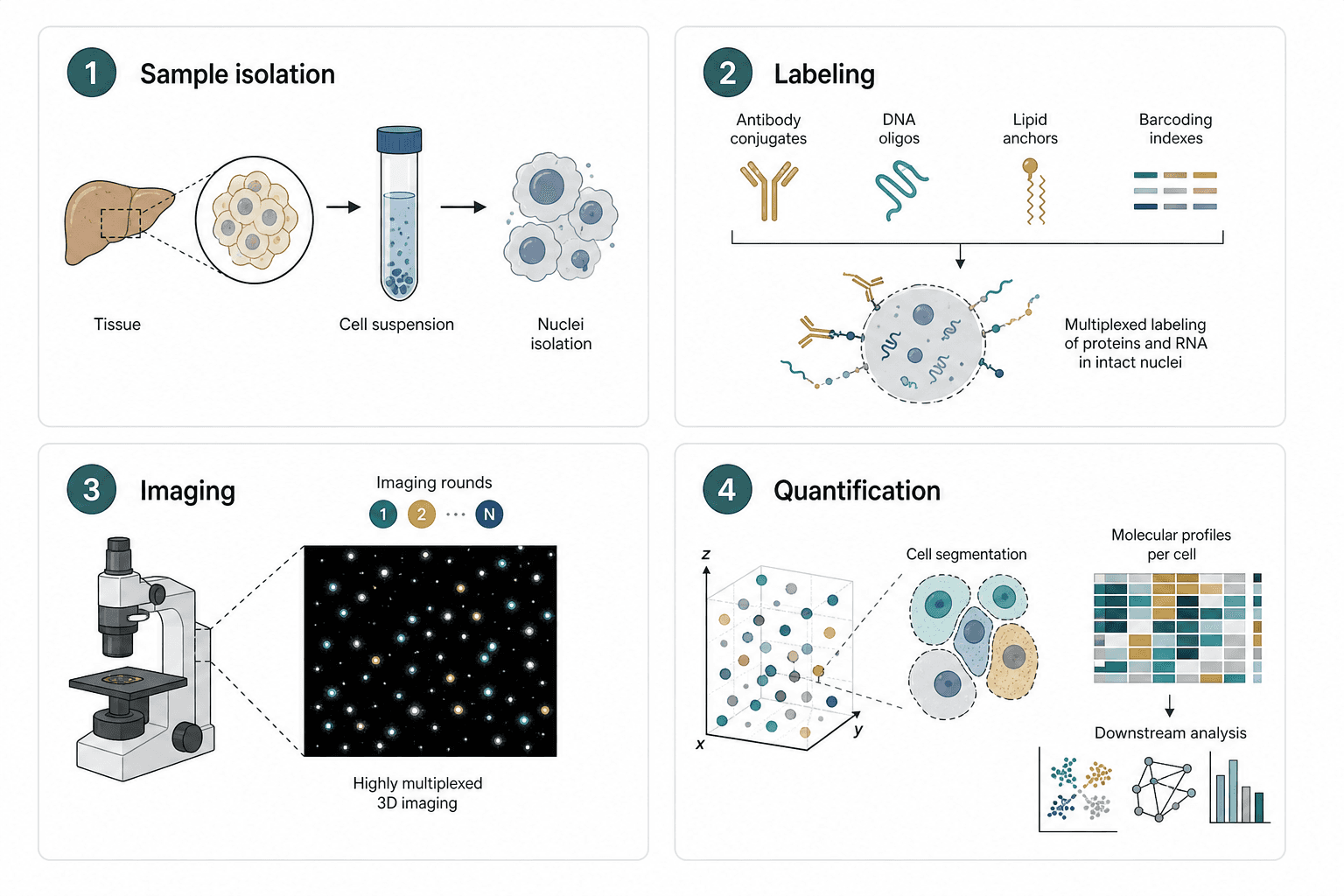
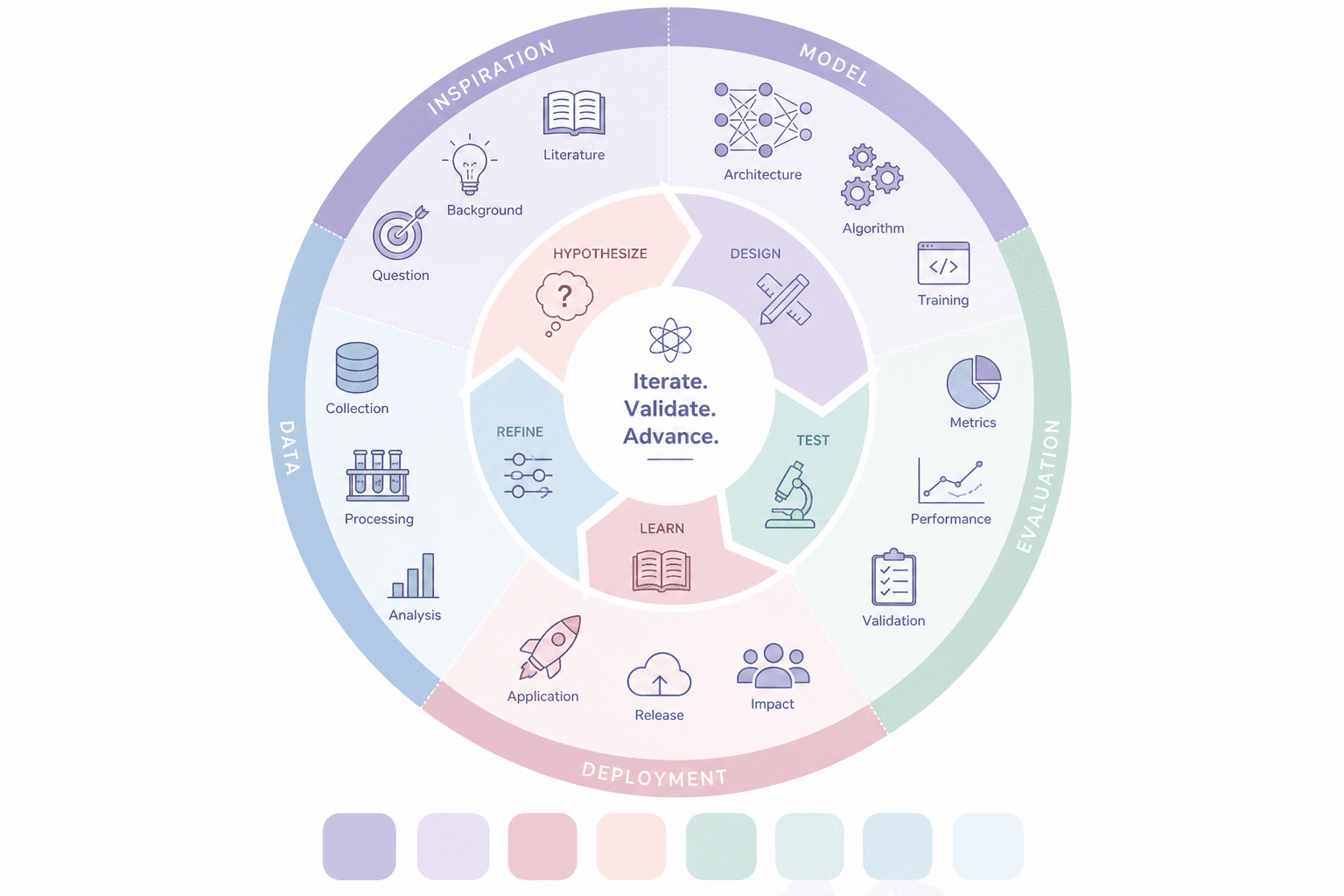
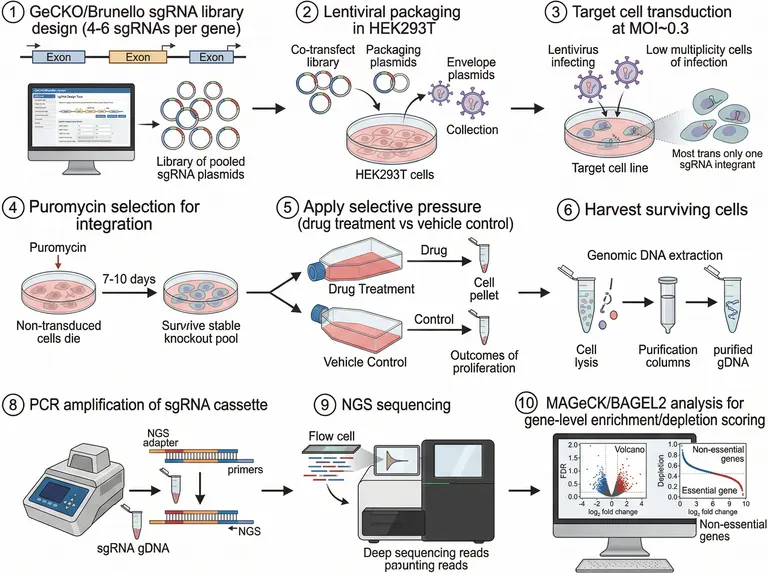
Figure template · Workflow · 4:3
Branching Data Analysis Workflow, Single-Cell Example
A nine-panel figure that demonstrates a branching analysis workflow through one single-cell RNA-seq experiment, with reads splitting into two branches and rejoining at a count matrix; model comparison and validation steps must be added for your own study.
Prompt
Create a scientific figure about: Branching analysis workflow with ingestion, preprocessing, model comparison, validation, and reporting. Visual style: Clean Vector. Requirements: publication-ready scientific quality, clear labels and directional arrows where appropriate, avoid cartoon or stock-photo look, composition optimized for research papers and academic slides.
What this template is
The first six panels are bench work: tissue is dissociated to single cells, partitioned with barcoded gel beads in oil droplets, reverse-transcribed so each transcript carries a cell barcode and UMI, amplified, built into a library and sequenced. The last three are computation: aligned reads branch into per-cell demultiplexing and UMI deduplication, rejoin as a gene-by-cell count matrix, and pass through QC filtering, normalization, variable gene selection, clustering and a UMAP view. A reader should see where the data fork, where they merge, and which output each branch contributes to the matrix that every later step depends on.
Elements to label
Data ingestion
Raw read files enter the computational half, with the arrow running from the sequencing panel straight into alignment and labelled as unprocessed reads.
Branch point
After alignment, split reads into per-cell demultiplexing and UMI deduplication, and rejoin both arrows at the count matrix so the merge is unmistakable.
Count matrix
Draw a gene-by-cell grid at the merge point and write what the rows and columns mean beside it, so nobody reads it as samples.
QC filtering checkpoint
Name the filter criteria, such as detected genes per cell and mitochondrial fraction, as the checkpoint cells must pass before downstream steps.
Normalization
Follow filtering with normalization, noting that it corrects for sequencing depth, then connect it to variable gene selection.
Feature extraction
Give variable gene selection its own box and state that clustering and the embedding use only those genes.
Reporting output
Number each cluster on the UMAP once; the sample labels two different clusters as cluster 3.
Where it is used
- Paper mechanism figure
- Course handout
- Defense slides
- Lab website
What reviewers look for
Comparison and validation are missing
The model comparison and validation checkpoints in this template's brief do not appear in the sample, which stops at a cluster plot. Add a comparison branch and an independent validation node if your paper must justify resolution or annotation choices.
Two panels share a title
Panels three and four carry the same reverse transcription title, so a reviewer will assume a step is missing. Rename panel three as in-droplet cell lysis, or merge the two panels into one so the numbering stays continuous.
Cluster labels must match
Two clusters are labelled cluster 3 in different colours. Cluster numbers, colours and the cell type annotation in your text must correspond one to one before any downstream comparison between clusters makes sense to a reader.
Barcode versus UMI
The cell barcode identifies the cell and the UMI removes amplification duplicates, so the library diagram should label them separately. The sample gets this broadly right; keep the two apart on separate coloured segments when you edit it.
How to use it in Yila
- 1Pick a figure
- 2Describe your subject and the steps to stress
- 3Refine it in chat, then download the PNG
Tips
Do
- Name the methods you compare and how you validate them in the prompt, so a parallel branch and a validation box appear after clustering.
- If you only present the computation, ask it to drop the six bench panels and give the branch and merge the full width.
- Give each branch its own colour and blend both colours at the merge, so readers can follow which data went where.
Avoid
- Do not keep the platform, software and sequencer brand names from the sample; describe each step by its function instead.
- Do not let a cluster number appear twice; check every label on the embedding plot after each generation.
- Do not draw the validation node on the same branch as training; show it receiving held-out data so readers see it is independent.
Questions
Can it go straight into a paper?
Treat it as a first draft of a methods schematic. It is an AI-generated PNG, and the sample repeats a panel title, repeats a cluster number and misspells a word, so check each panel and keep refining it in chat until it matches the journal's layout.
Can elements in the figure be changed?
Not element by element, but you can keep refining it by chatting in Yila: replace single-cell data with your own data type, add a model comparison branch and a validation node, or remove the bench panels, then generate a new version.
What format is delivered?
An AI-generated PNG image in a landscape layout, ready to place in a paper or slide. It is not a vector graphic, and the nine panels hold a lot of small text, so check the labels before shrinking it to half a column.
Is it free?
Browsing this page and the sample costs nothing. Generating in Yila consumes credits, and new accounts receive 2,500 credits, enough to rework this pipeline around your own data, branch structure and validation design over several rounds, including a cut-down version for slides.
My analysis has no bench work. Will it still fit?
Yes. The core of a branching workflow is ingestion, preprocessing, feature extraction, comparison, validation and reporting. Describe only the computational steps and the models you compare, and it will drop the bench panels and draw the fork clearly.
What if I have more than two branches?
List each branch and where it merges in the prompt, for example three normalization methods run in parallel before comparing cluster stability. It will stack the branches as parallel rows and gather them at the comparison node with one shared outline.