
Research Presentation Templates
16:9 slide templates for lab meetings, journal clubs, proposals and defenses. Each comes with a sample PPTX; pick one, add your paper, and Yila builds a new deck in that layout.
70 templates
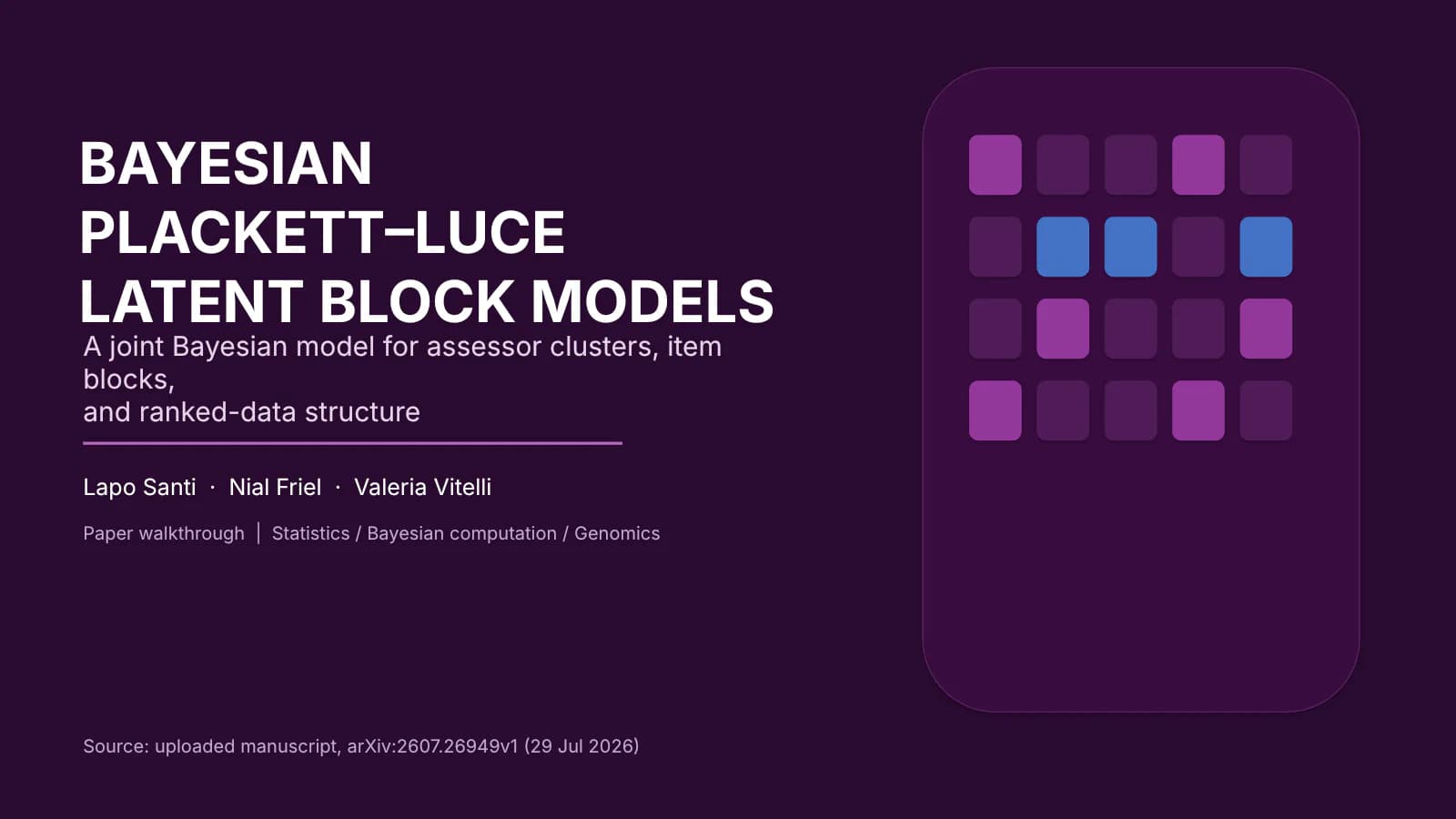
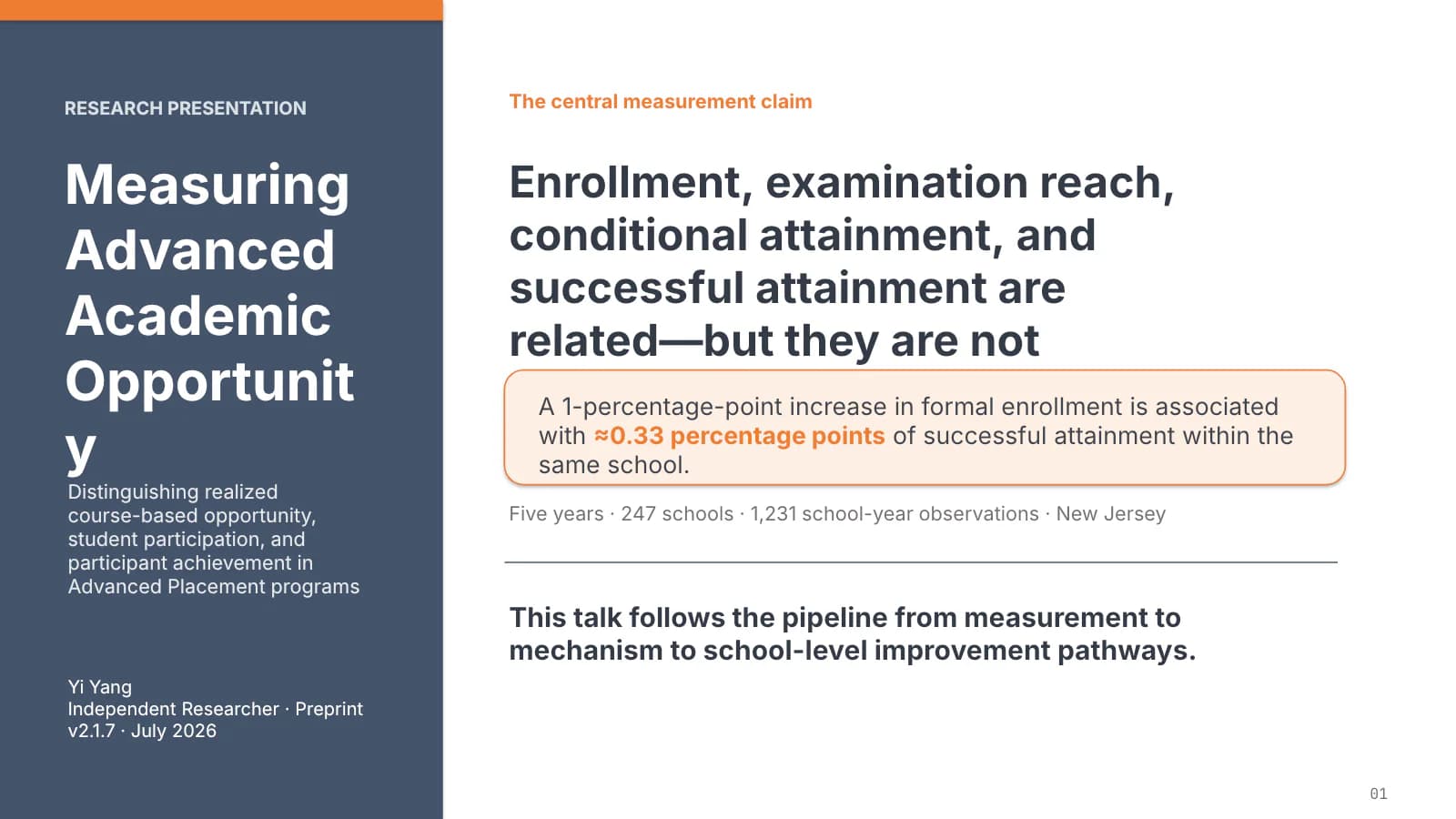
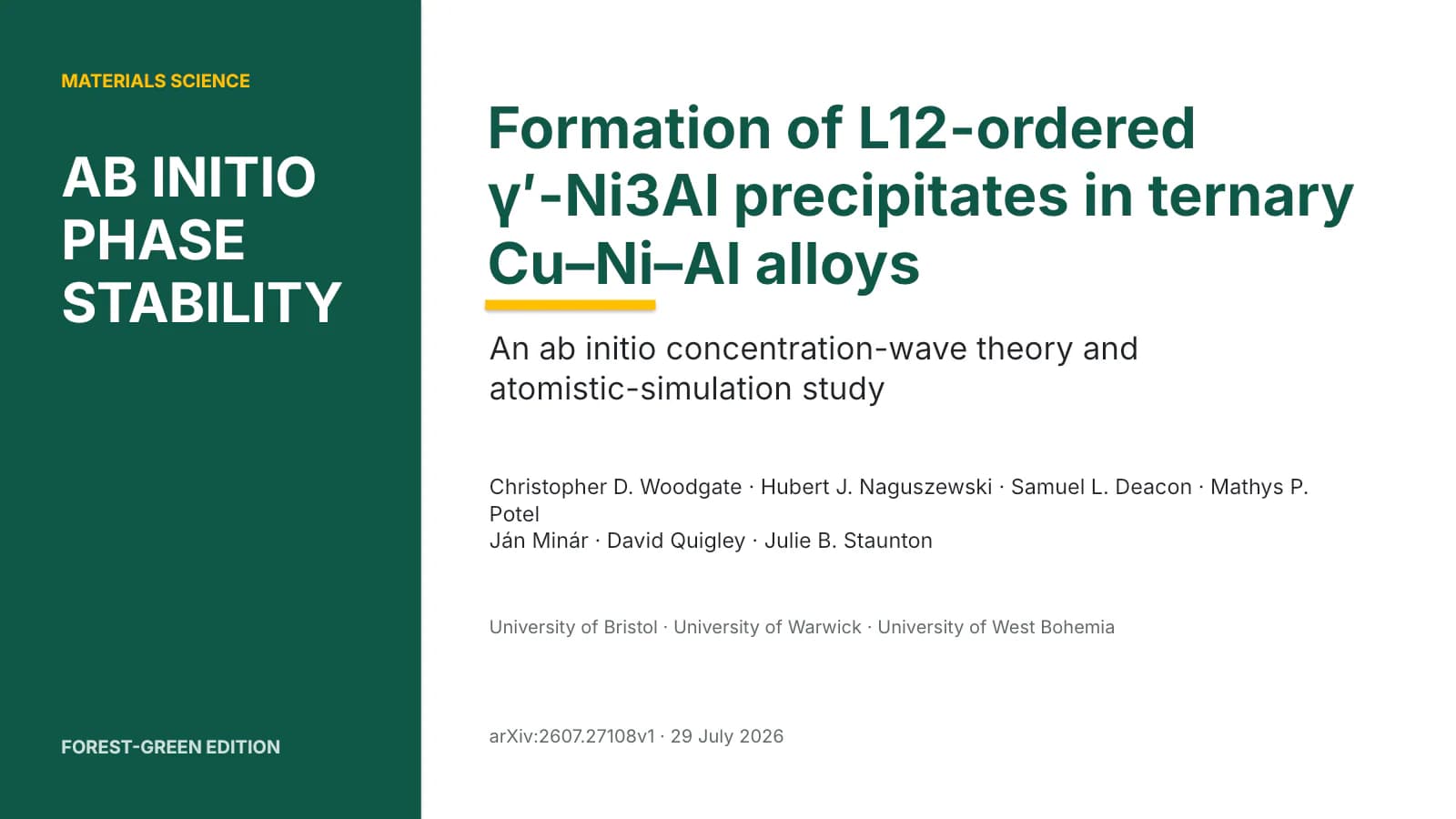
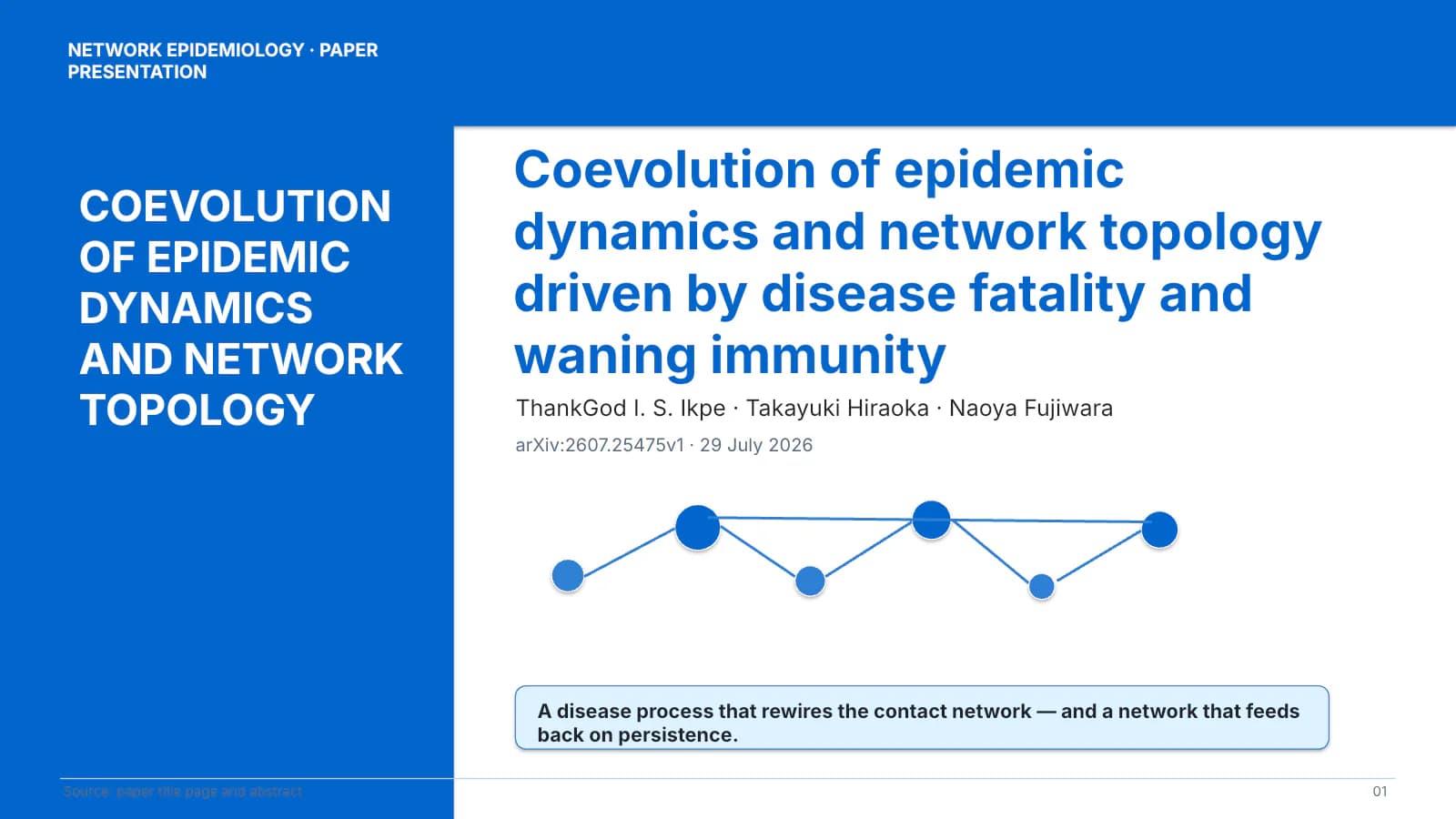
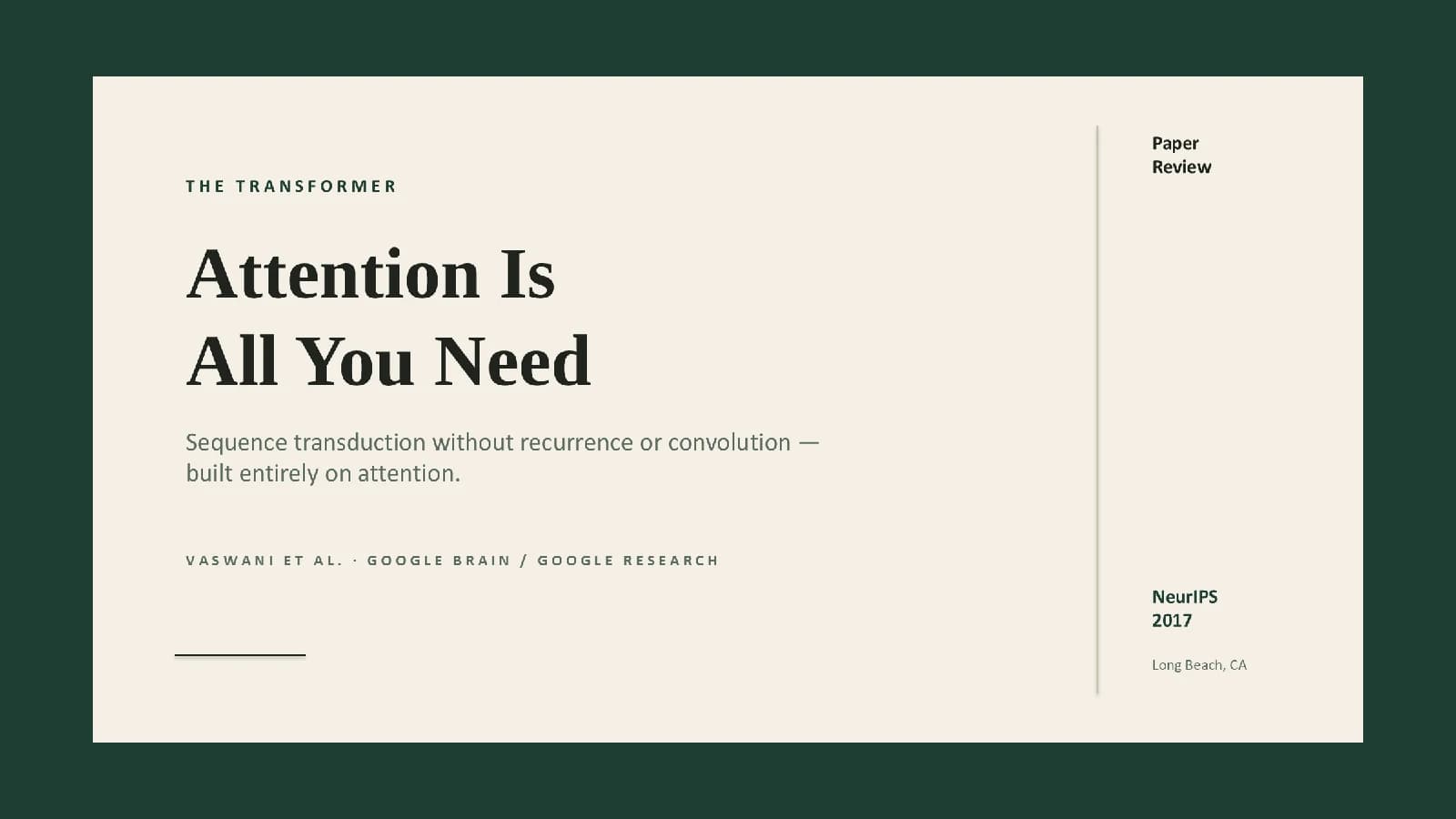


















Using a template in Yila
- 1Pick a template
- 2Upload your paper or describe your talk
- 3Yila builds an editable PPTX
How to choose a research presentation template
Start with the occasion. Lab meetings and journal clubs need the audience to follow a paper’s logic, so a layout with standing section navigation, a side rail or a top band that marks where you are, works well. Thesis and proposal defenses have to fit problem, method and conclusion into a fixed time, so look for strong title slides and result slides with room for figures. Grant reports and project reviews reward a clear structure and dense, well-organised pages.
Then look at your material. A figure-heavy paper suits a layout that gives most of each slide to images; equations and tables need generous white space and consistent type sizes. Every template page lists the sample’s slide count, editable text boxes, pictures and fonts.
Finally, page through the whole sample rather than judging by the cover: the section, result and closing slides shape how the whole talk feels.
Lab meeting slides versus defense slides
A lab meeting talks to people who know the project: the point is what you did recently, what went wrong and what comes next, so slides can be many and dense. A defense talks to a committee and has to cover the whole study in a set time, with a fixed arc of background, question, methods, results, conclusions and outlook, and clear transitions between them.
That is why lab-meeting templates favour navigation that stays on every slide, while defense templates favour bold section dividers and roomy result slides. One template can serve both; say which occasion it is when you generate.
Questions
Can I change the colours and fonts of the generated slides?
The result is a PPTX, so you can change text, fonts and colours in PowerPoint, Keynote or WPS. For a different colour scheme altogether, it is quicker to pick another template and generate again.
Can I add or remove slides?
Yes. The sample’s slide count is only a demonstration; Yila sets the number of slides from your paper or notes, and you can delete or duplicate slides afterwards.
Do the files open in PowerPoint and Keynote?
Yes. You get a standard PPTX that opens and edits in PowerPoint, Keynote and WPS. If a font from the sample is missing on your computer, a substitute is used and line breaks may shift slightly.
Are these presentation templates free?
Browsing templates and downloading sample PPTX files cost nothing; generating slides from your paper consumes credits, and new accounts get 2,500 credits.
Can I just edit the sample deck into my talk?
The sample is not a blank template; it carries another topic’s content. It is faster to upload your paper or describe your talk and let Yila rewrite every slide in that layout.