
Slide template · 16:9 · 32 slides
Yellow and Olive Lab Schedule Planner Slides Template
Mustard and olive organic shapes and thin curves frame a soft yellow page, navy typewriter-style titles head each slide, and cream calendars, weekly planners, timetables and check-off tables do the work. Built for lab scheduling and meeting task lists.

What this template is
The deck behaves like an open planner rather than a poster. A soft yellow field holds rounded mustard and olive shapes tucked into the corners, titles are set in navy, and every working surface is a cream card or table, because small text placed directly on yellow is hard to read. Almost every sample slide is a different scheduling layout, from month grids and hour-by-hour days to class-style timetables, to-do lists and tick tables. When Yila builds this theme it adds a full-height olive strip down the left edge and expects each planning slide to show an owner or a date.
What goes in each section
Opening and contents
1–42 min
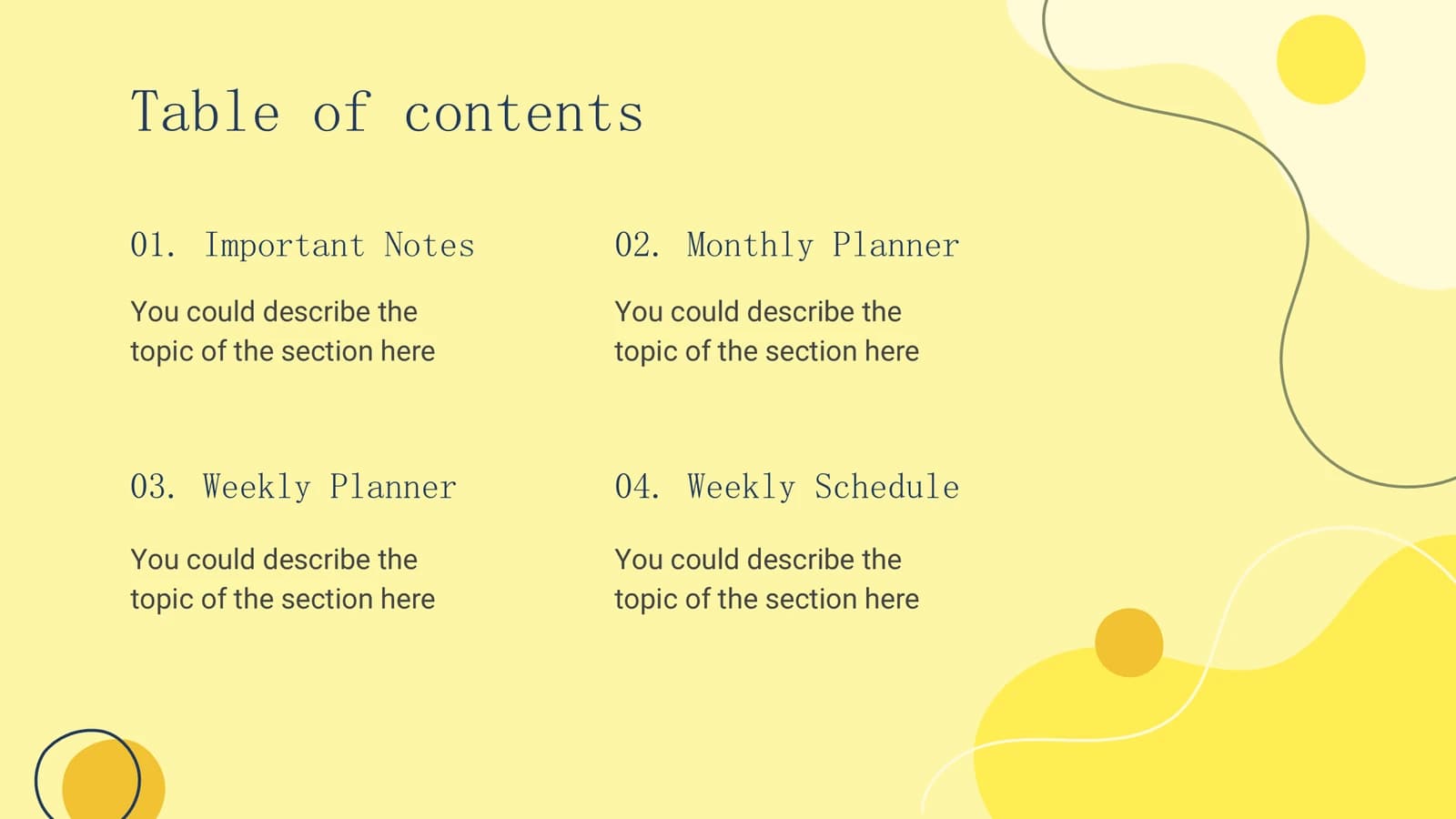
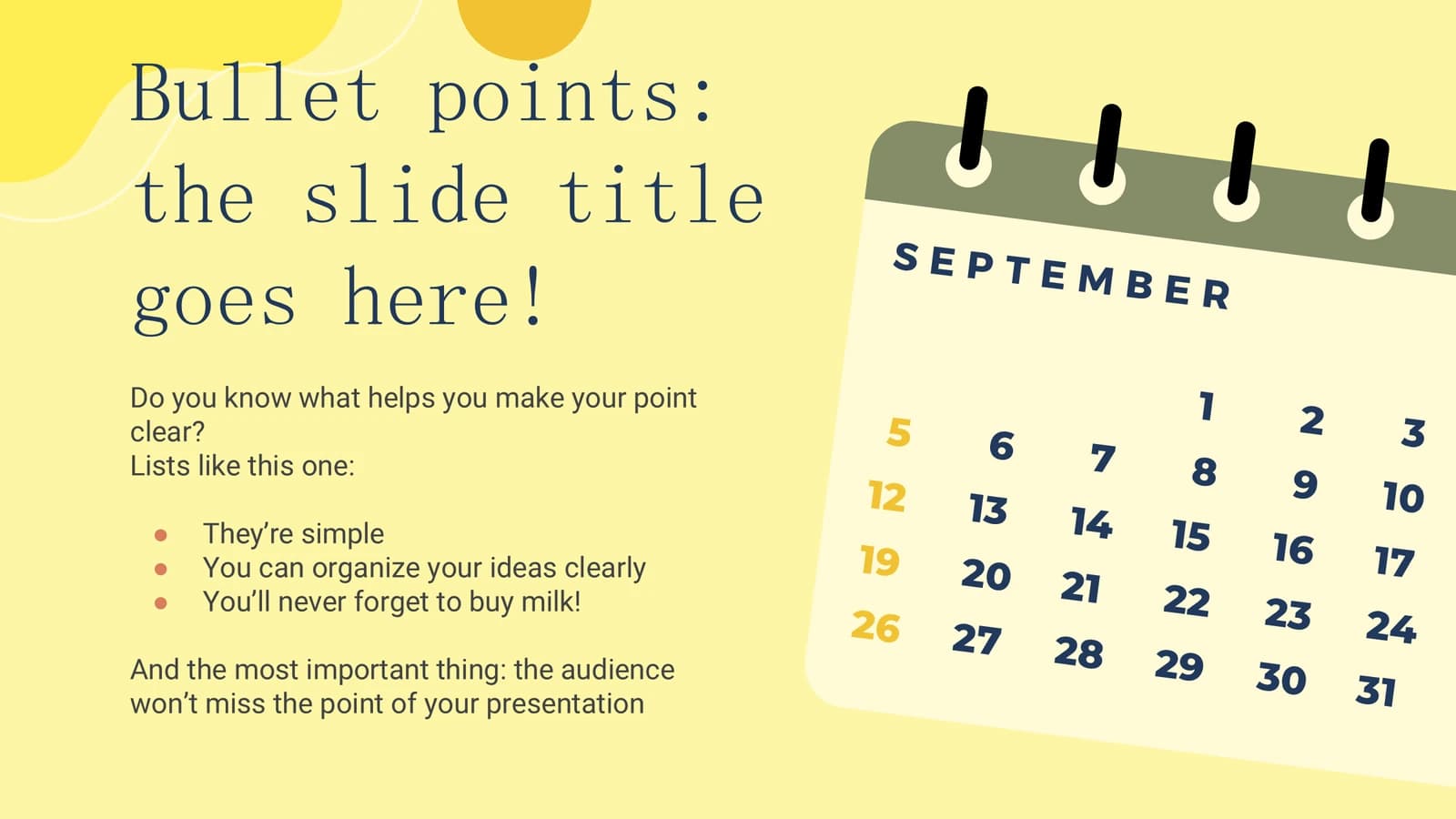
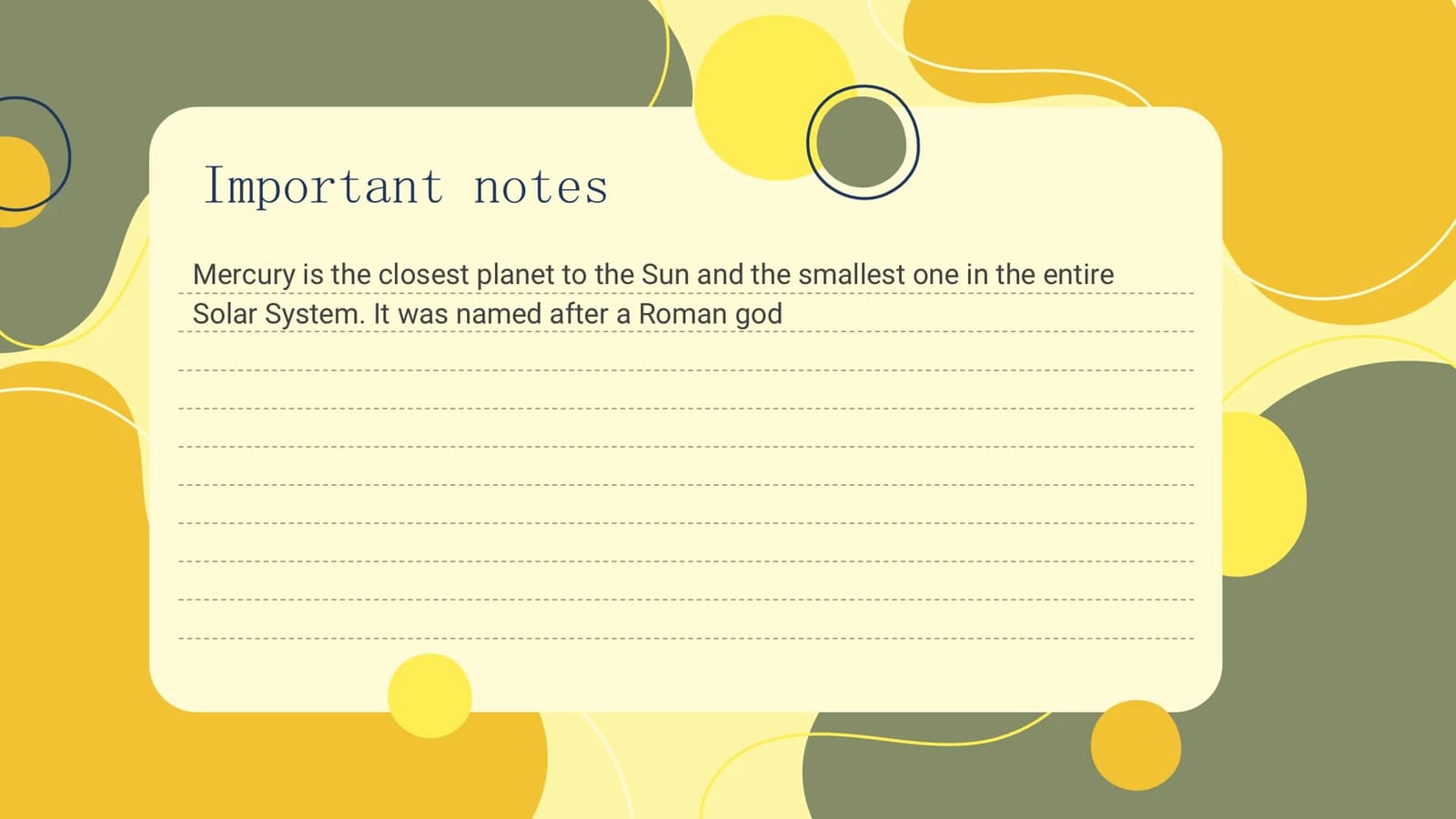
Plan title, four-part contents, a bullet slide for ground rules and a lined notes card.
 1
 2
 3
 4
Monthly scheduling
5–113 min
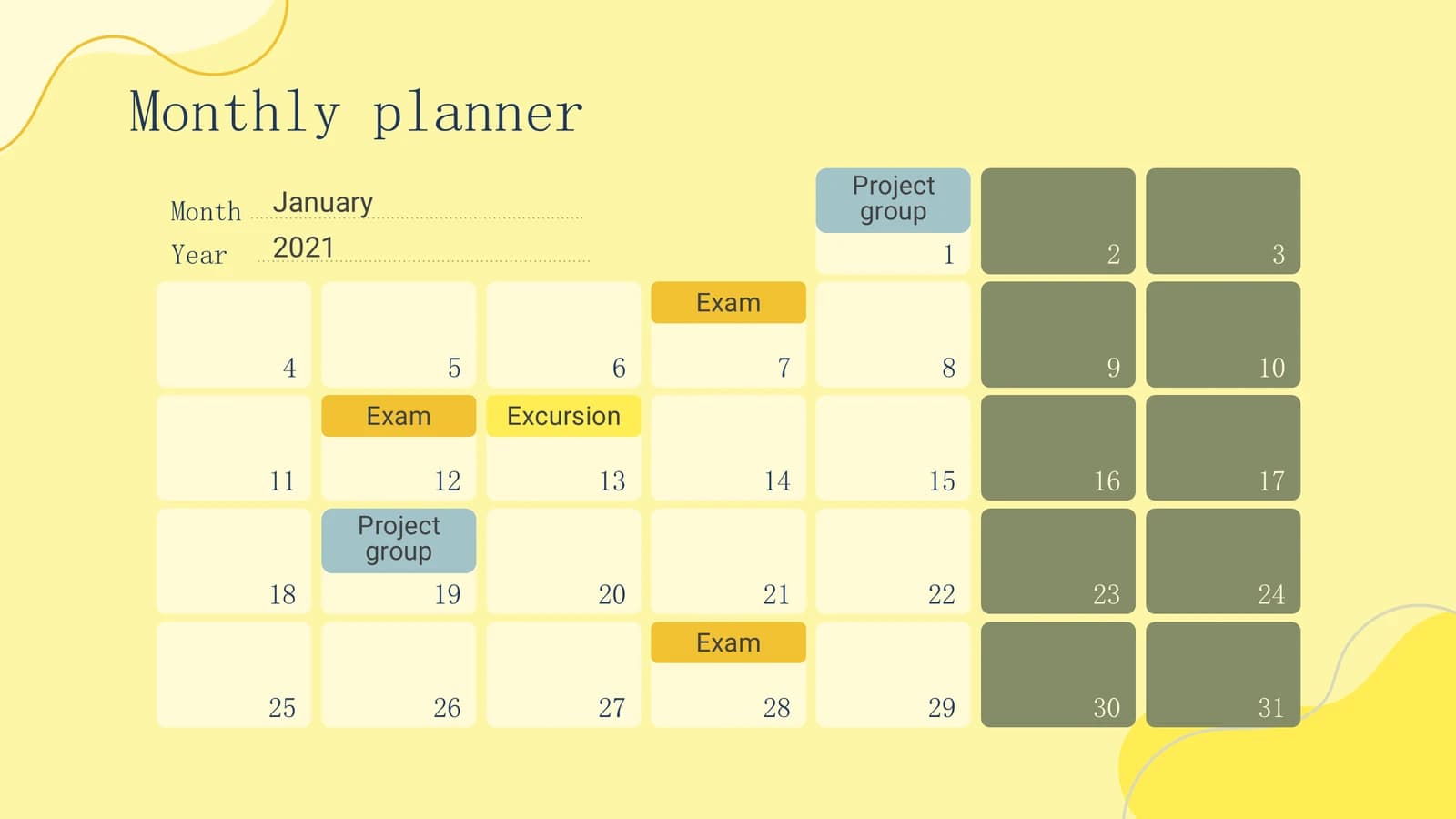
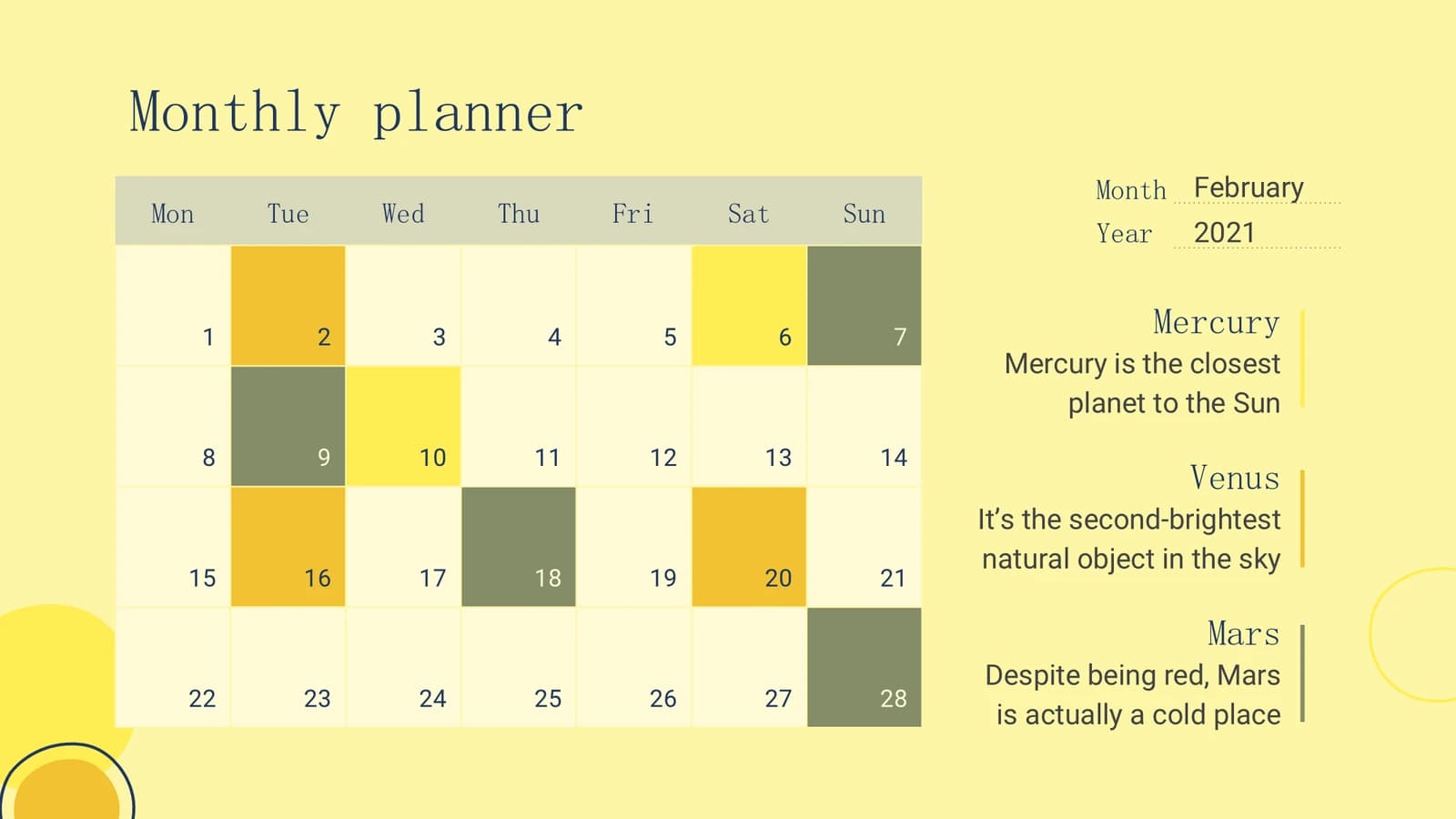
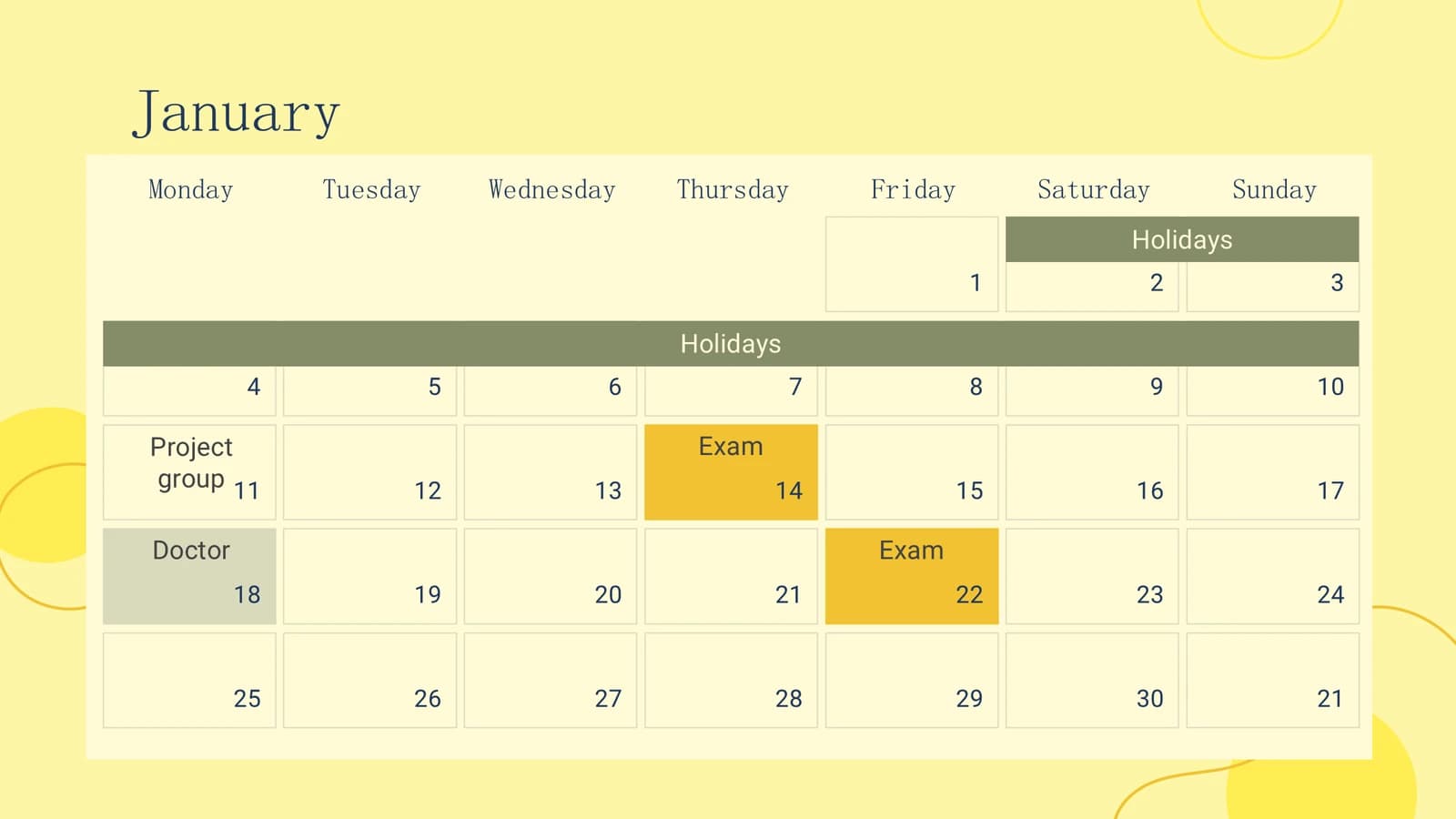
Section divider, then several month grids with coloured bars for deadlines, meetings and holidays.
 5
 6
 7
 8
- +3
Days and weeks
12–142 min
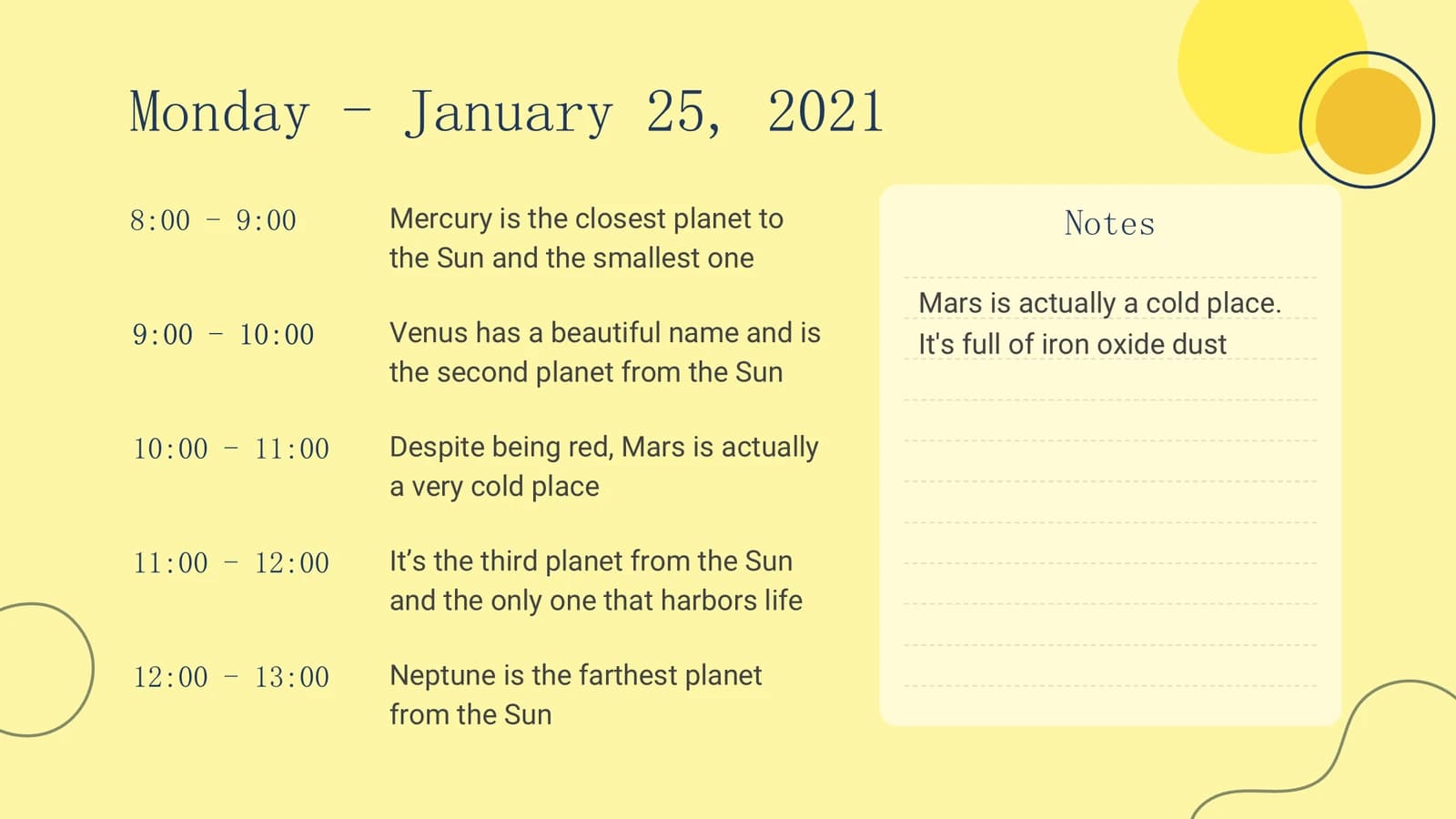
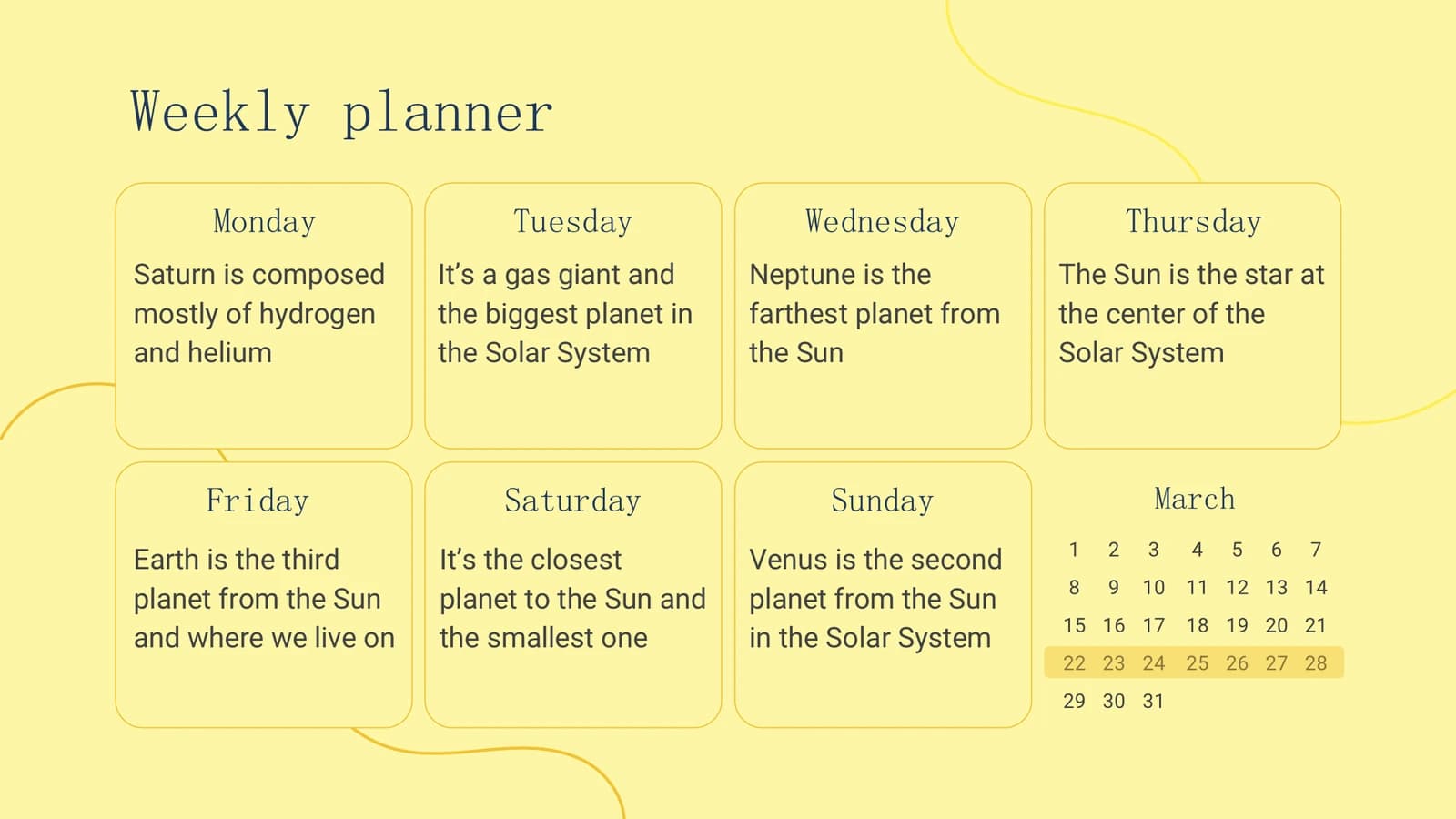
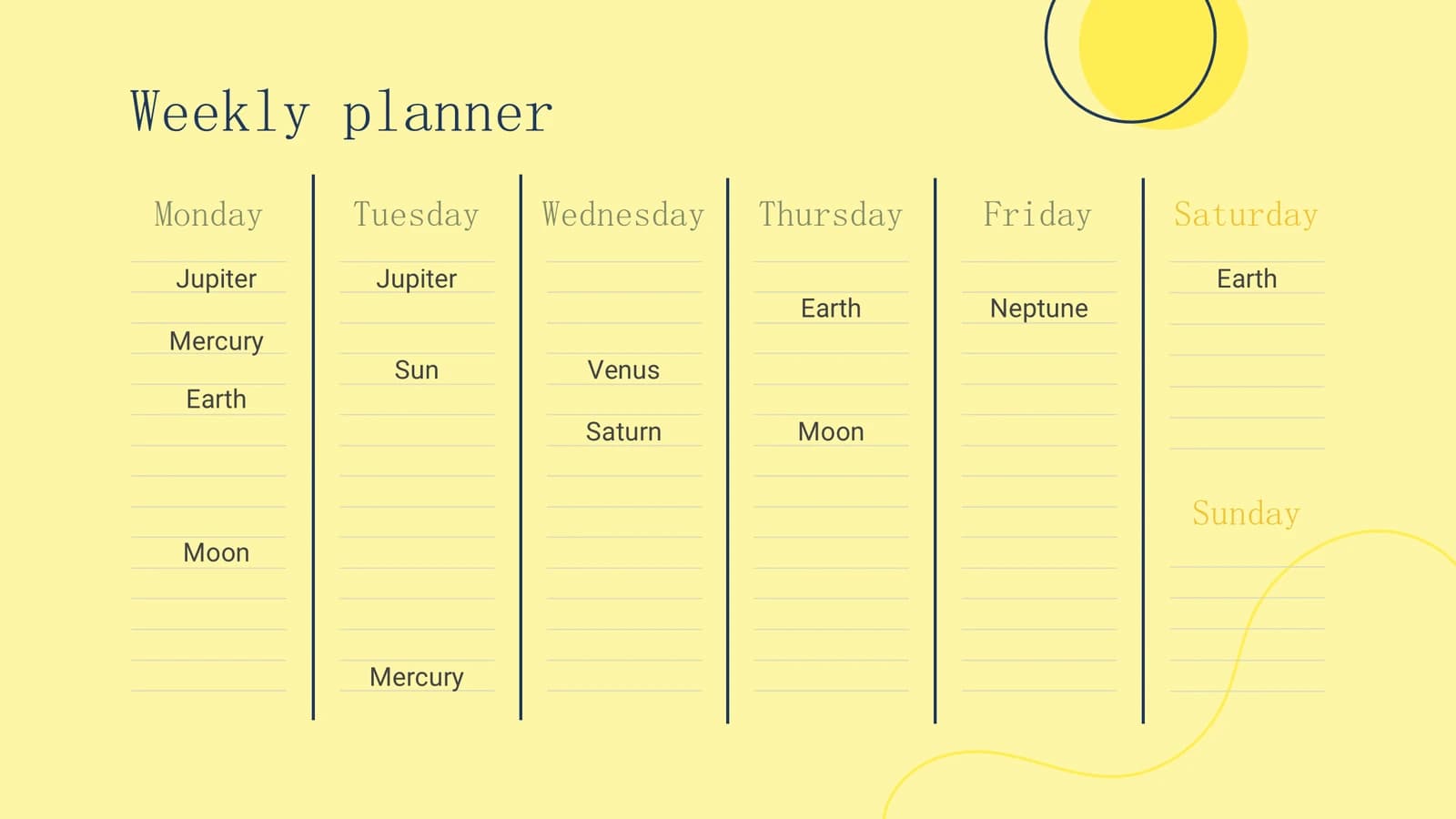
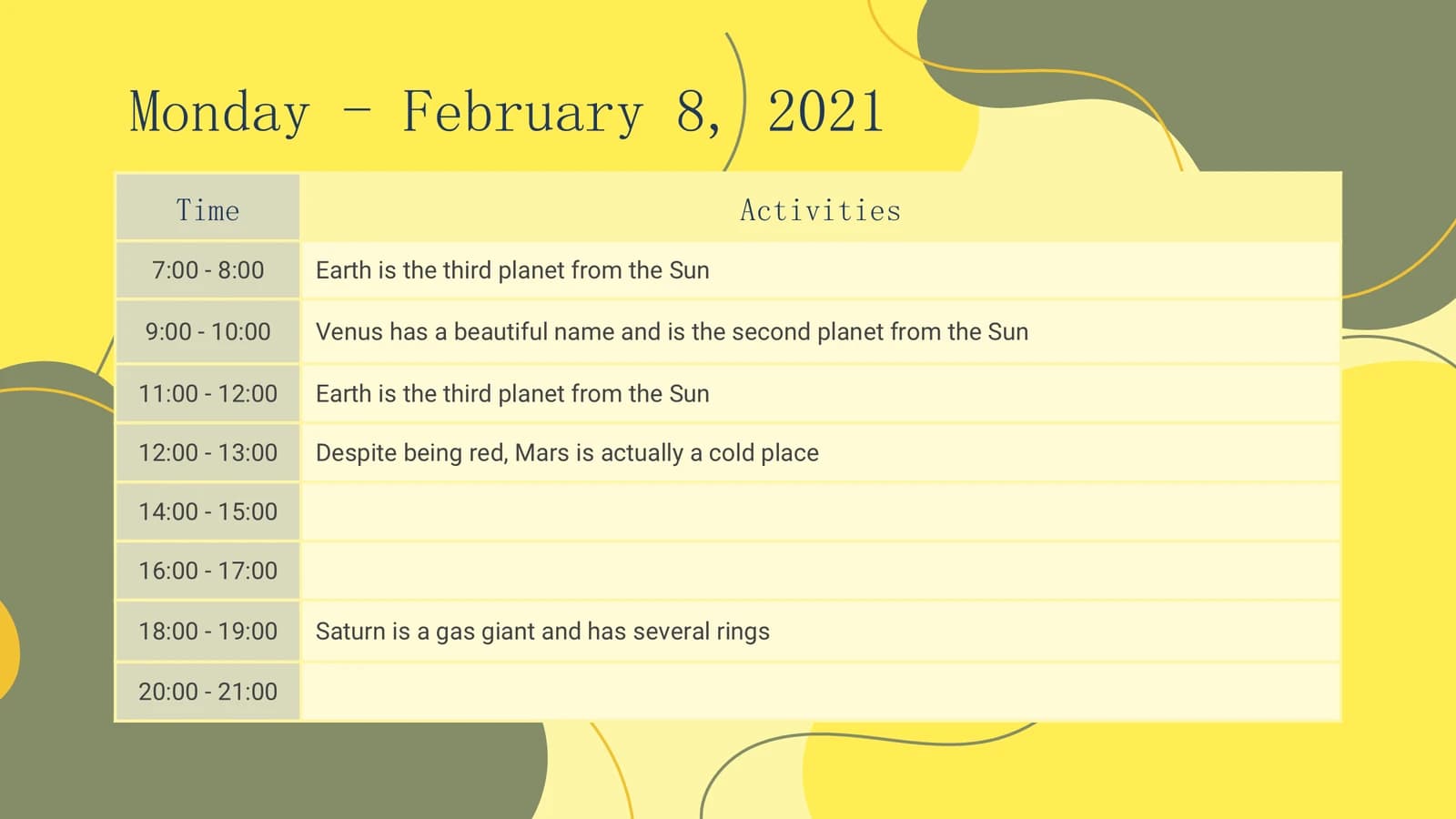
An hourly day plan, then two weekly layouts listing each day's tasks.
 12
 13
 14
Recurring timetables
15–192 min
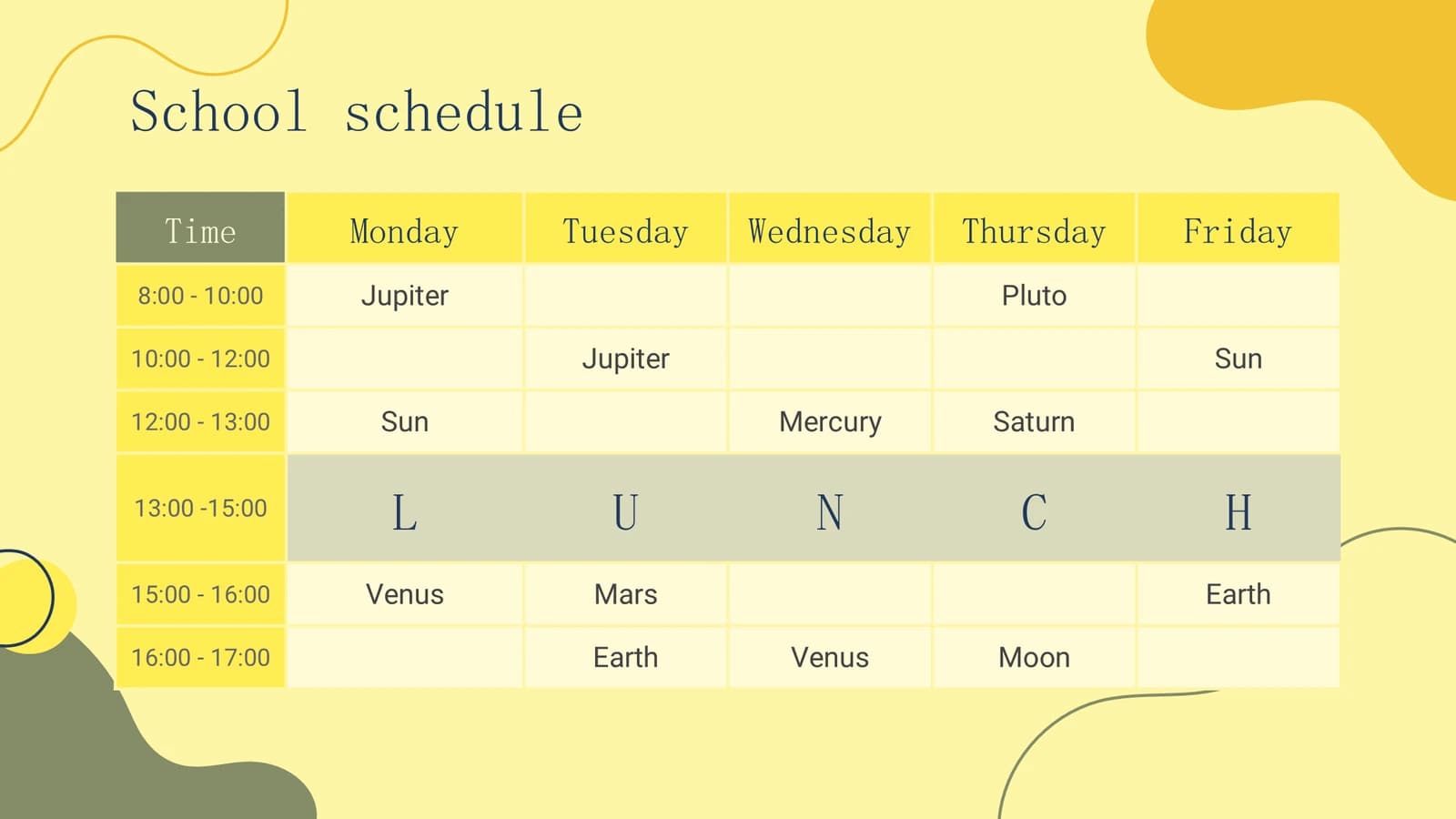
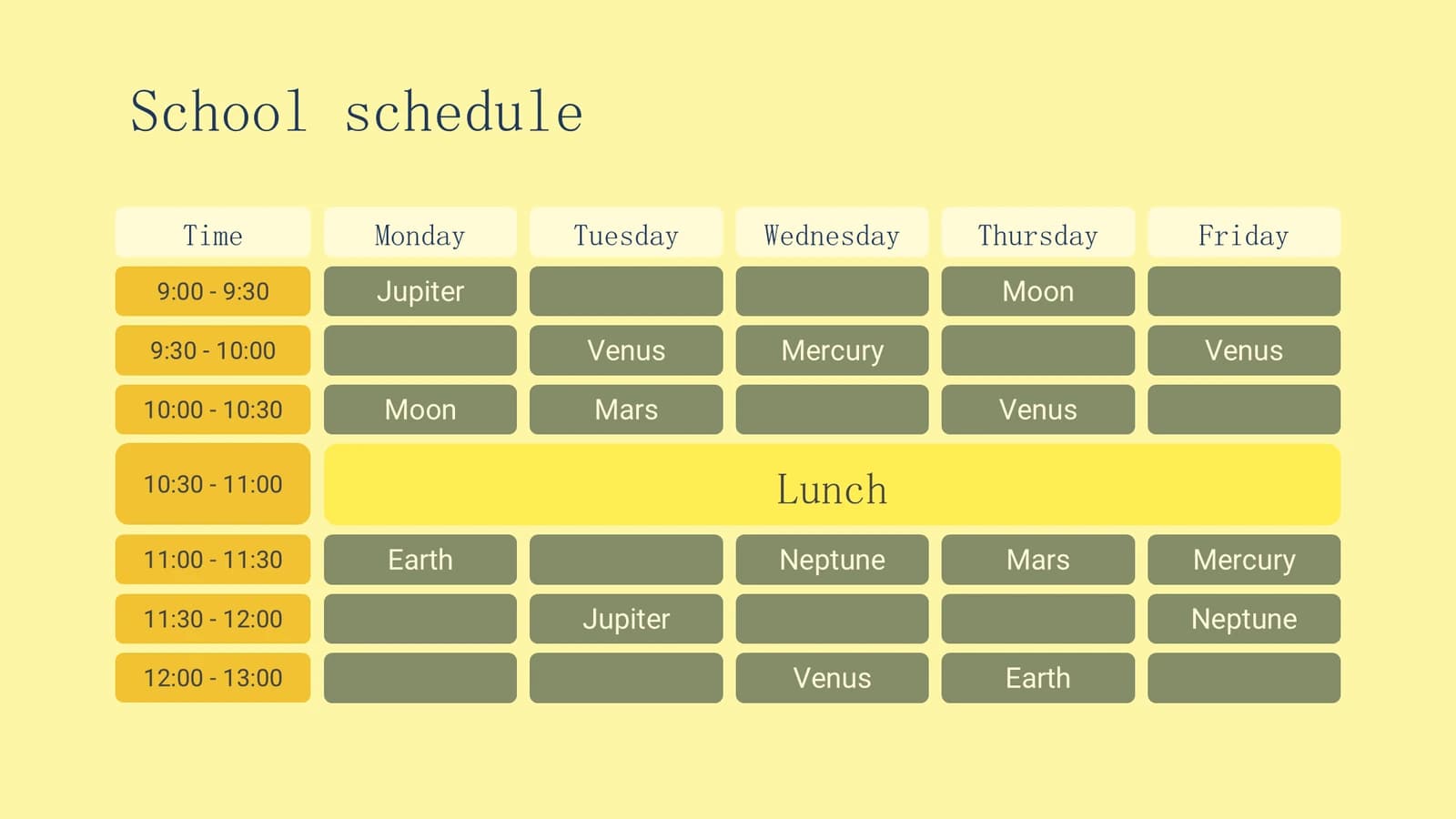
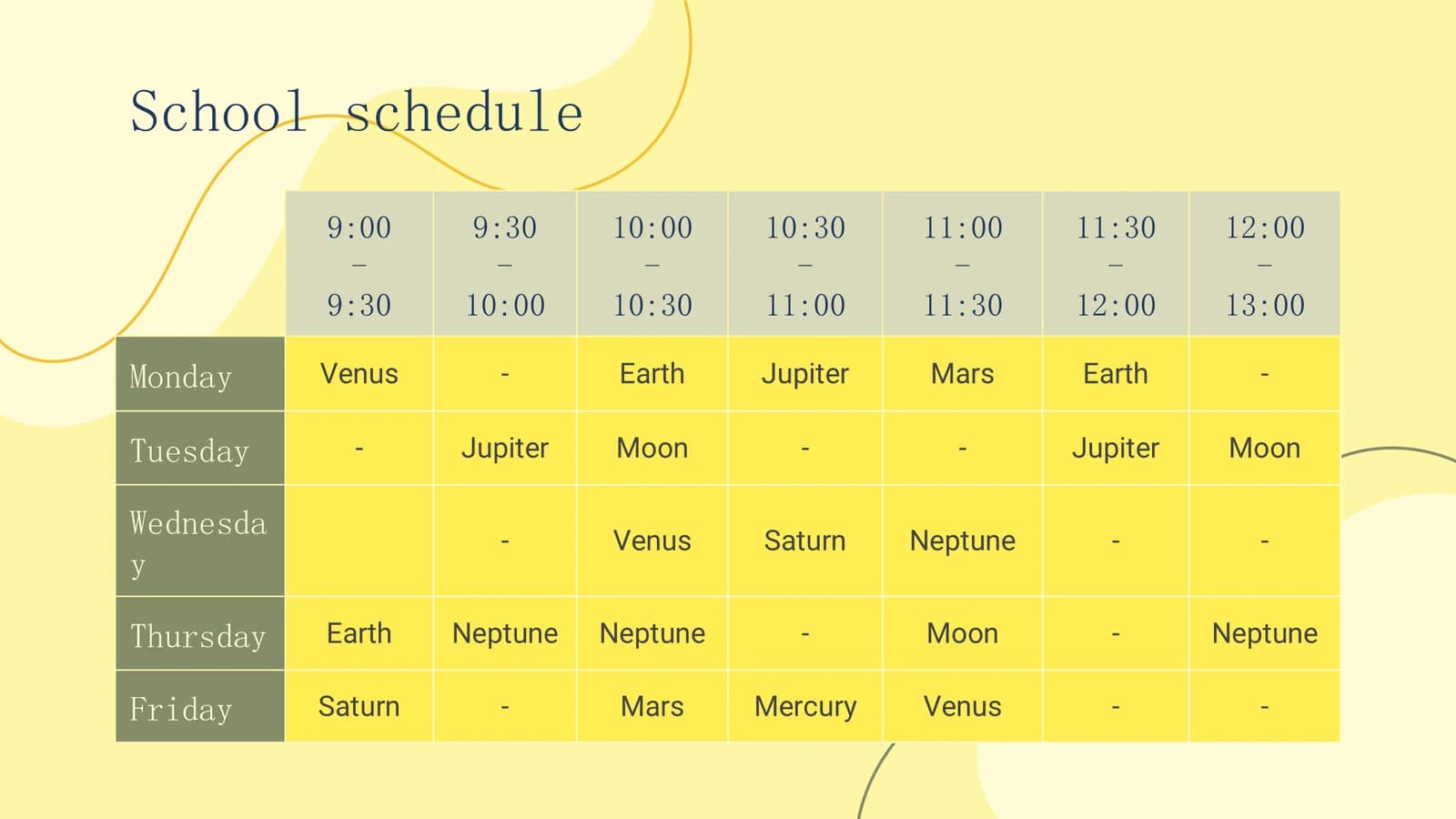
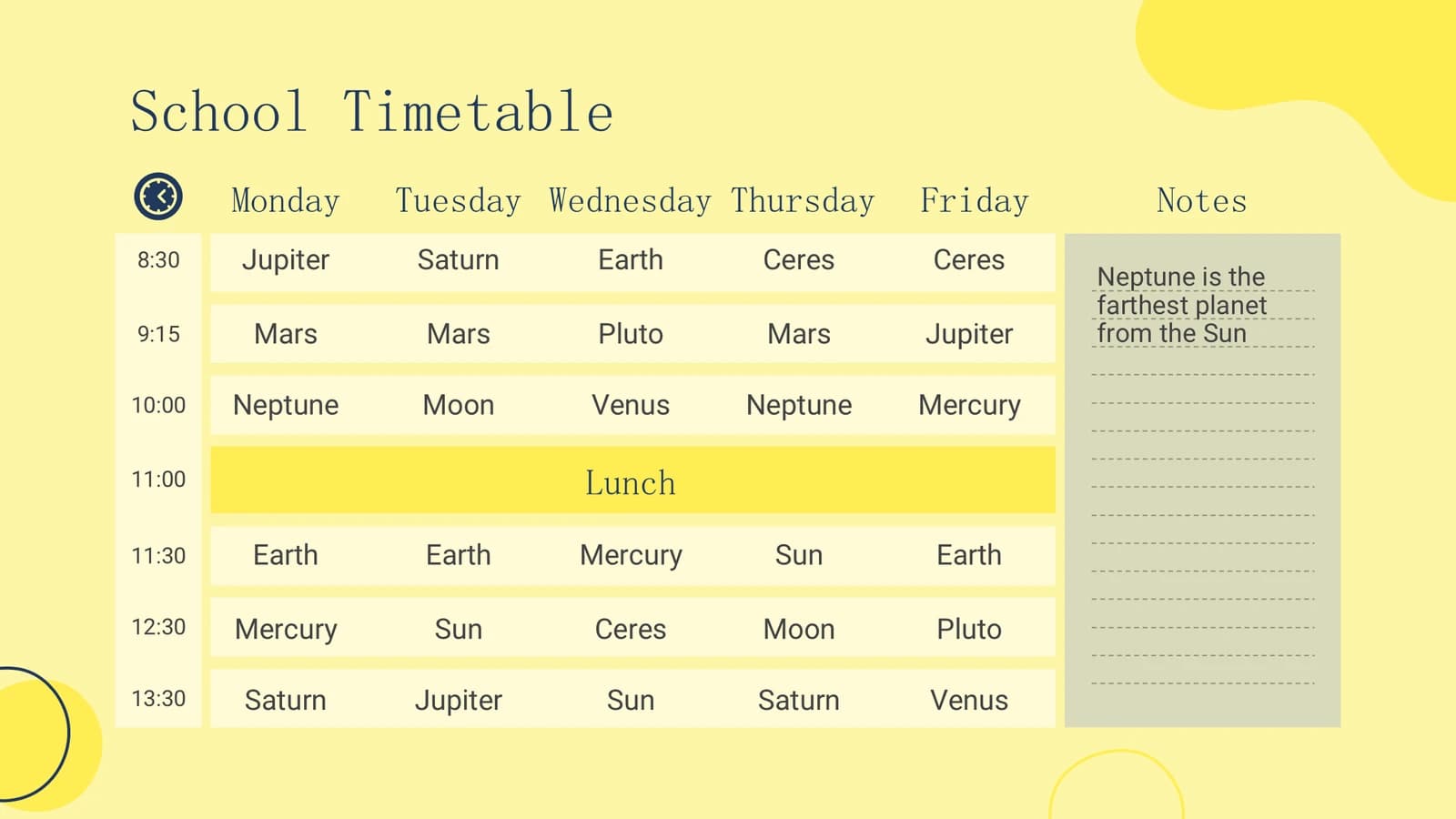
Time-slot by weekday tables for group meetings, teaching and shared instrument slots.
 15
 16
 17
 18
- +1
Weekly planner variants
20–253 min
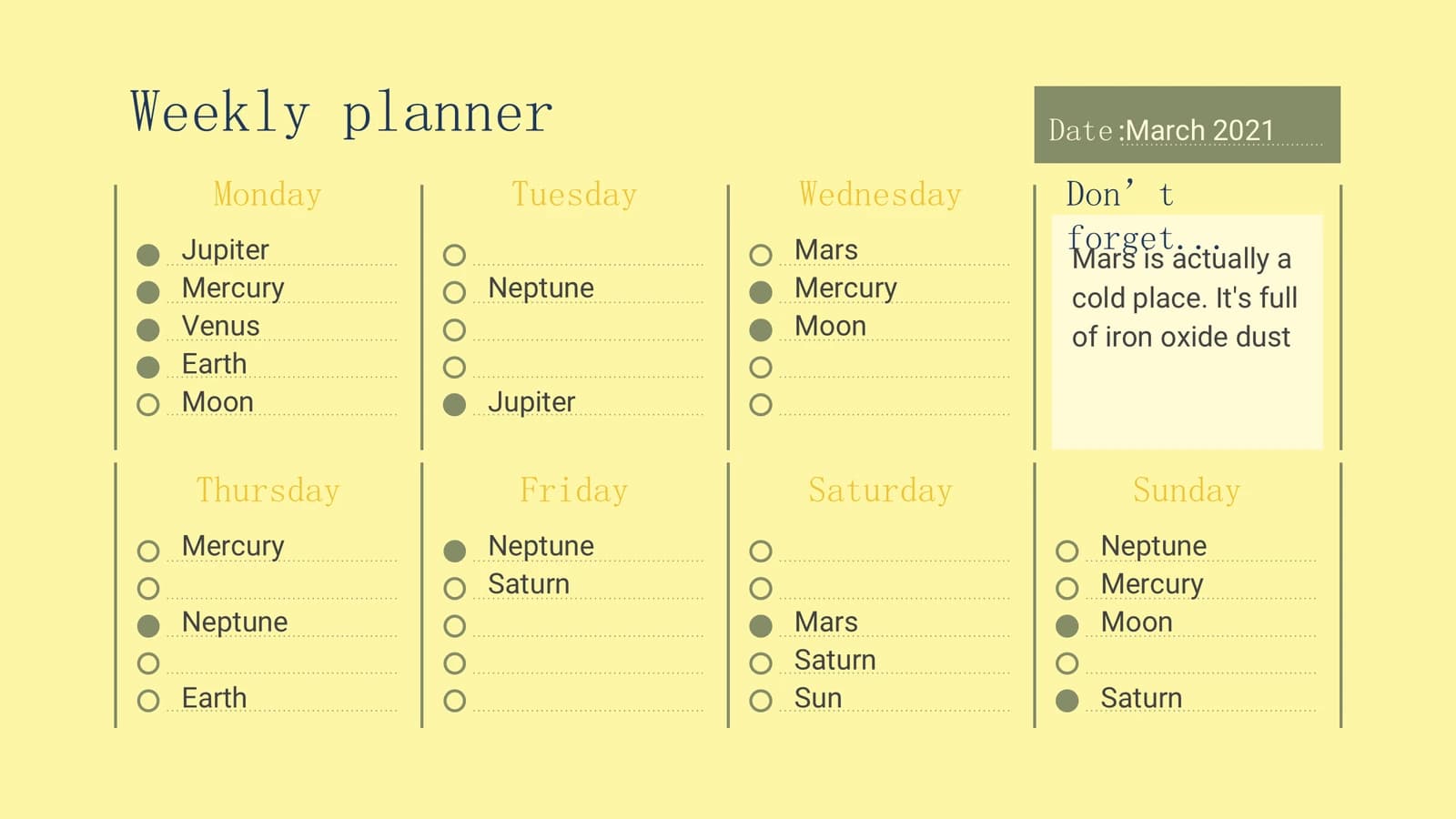
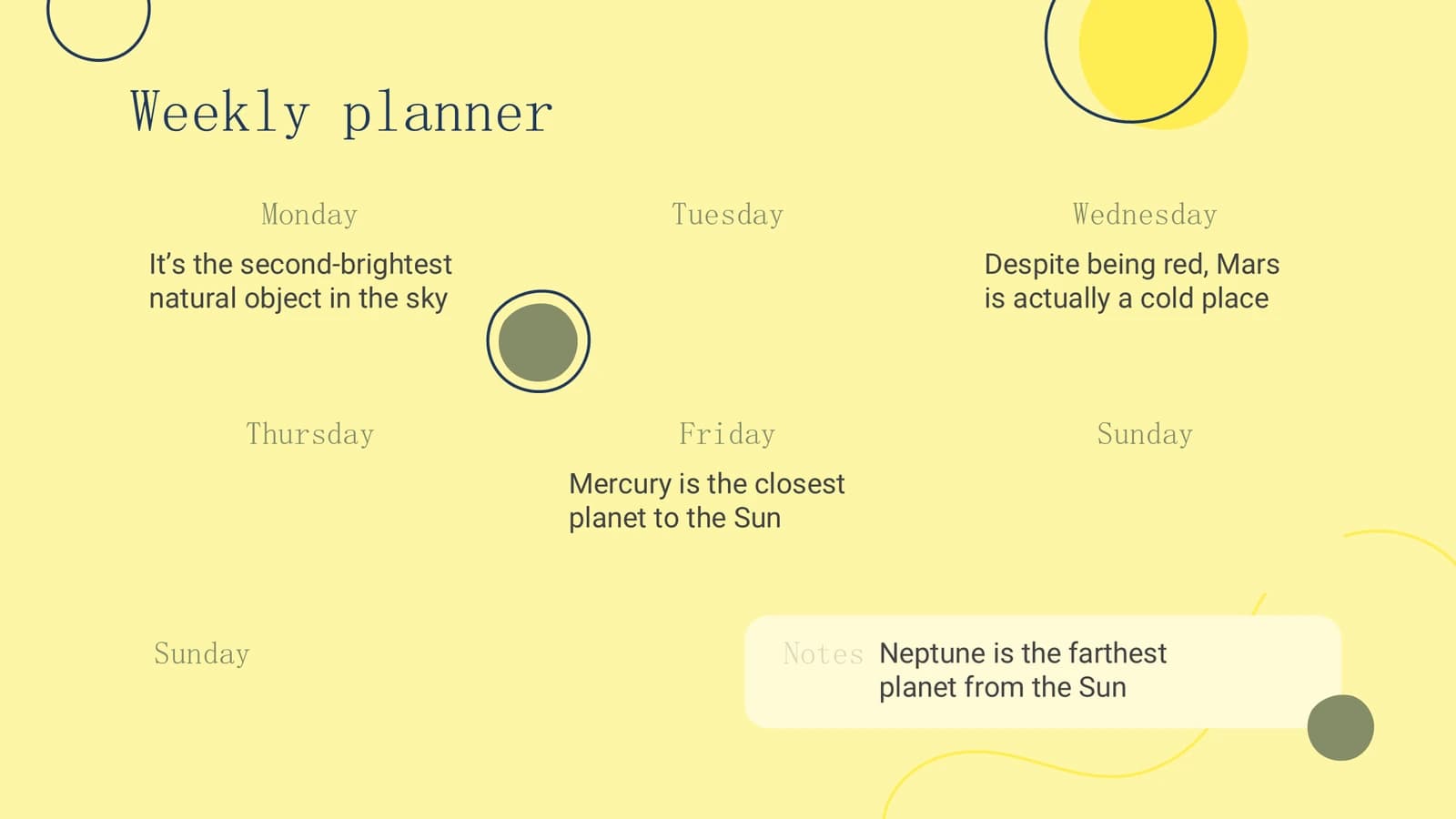
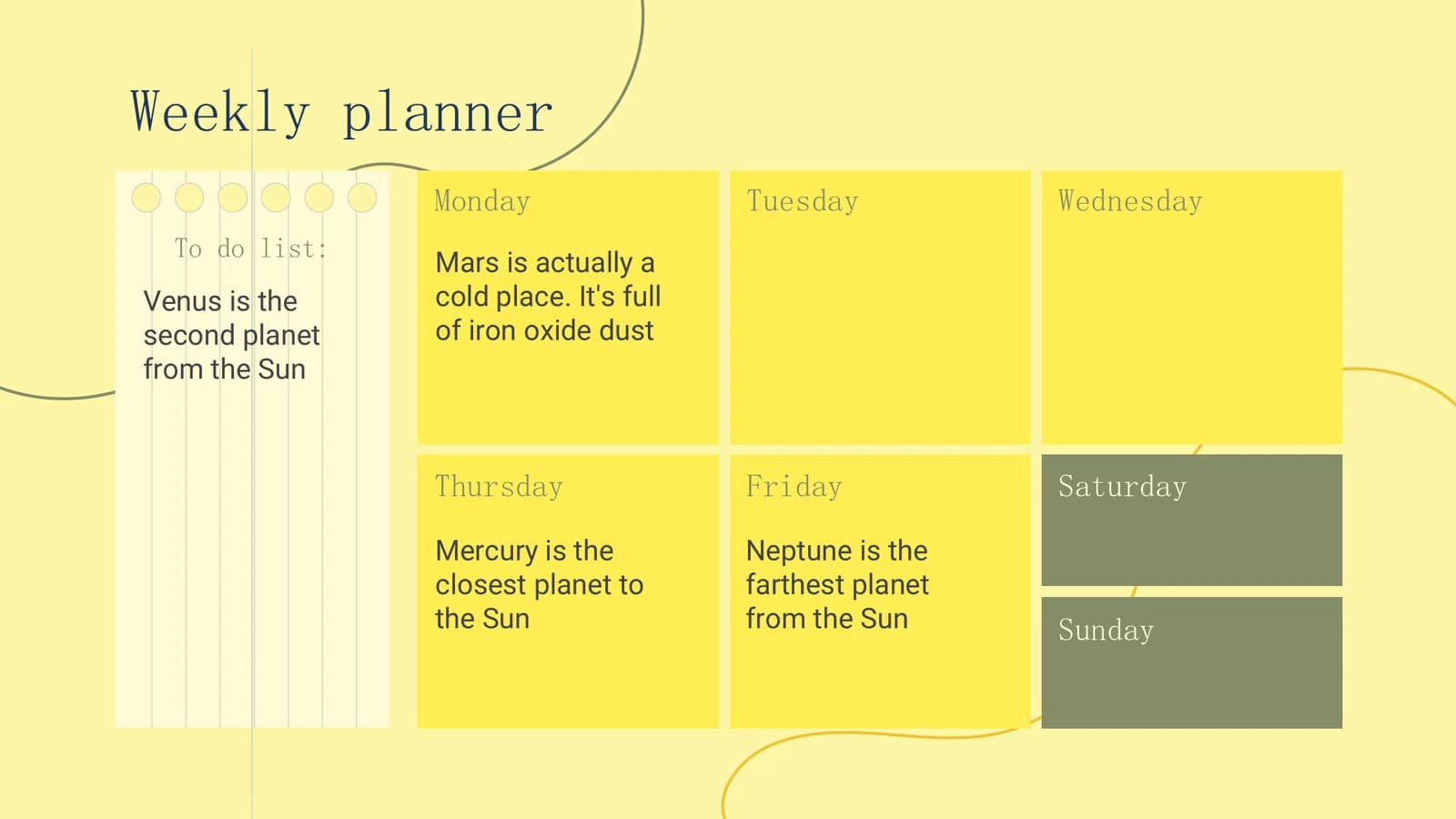
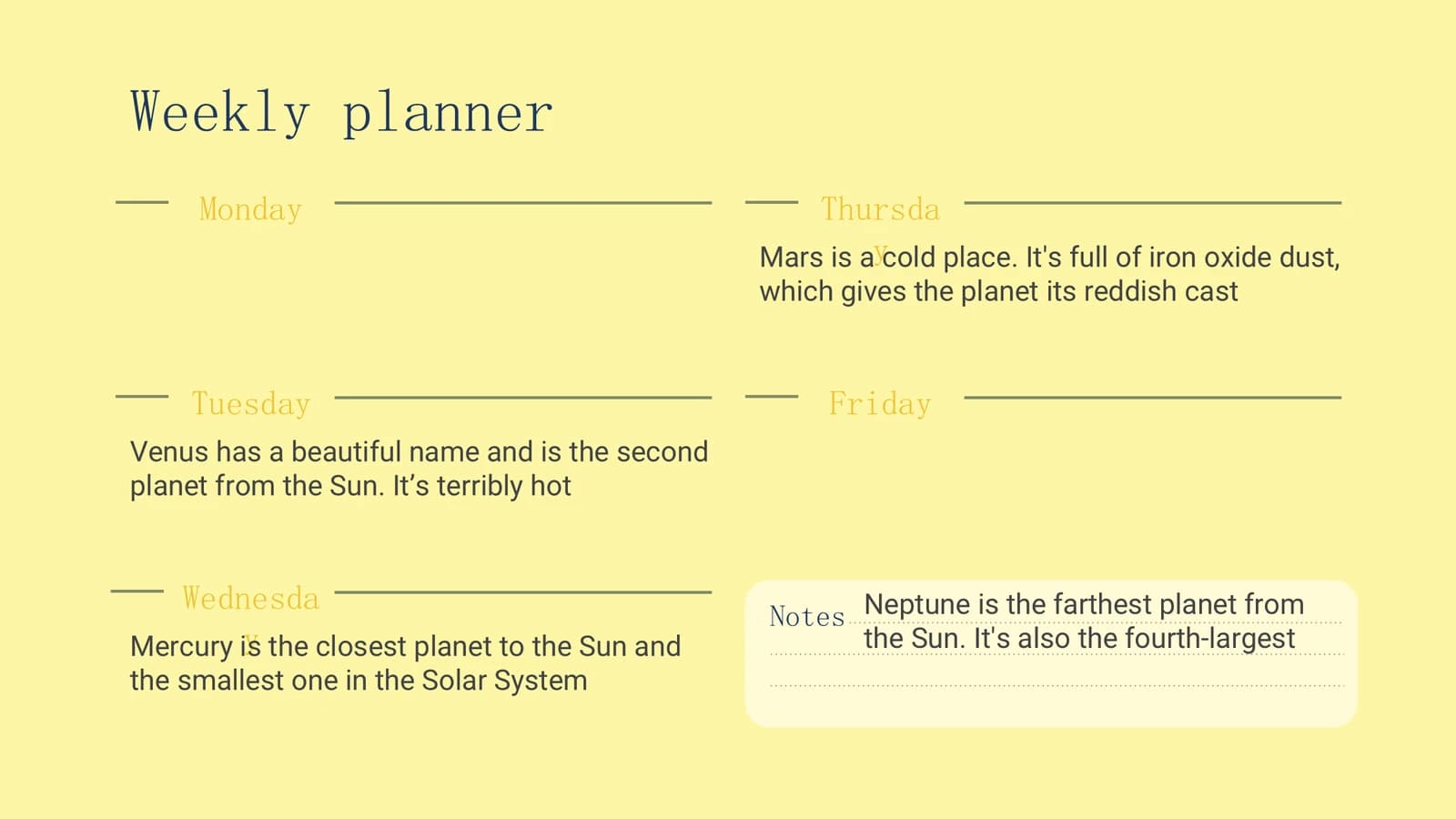
Six ways to lay out a week: dot lists, colour blocks, large date numerals and more.
 20
 21
 22
 23
- +2
Assignments and tracking
26–312 min
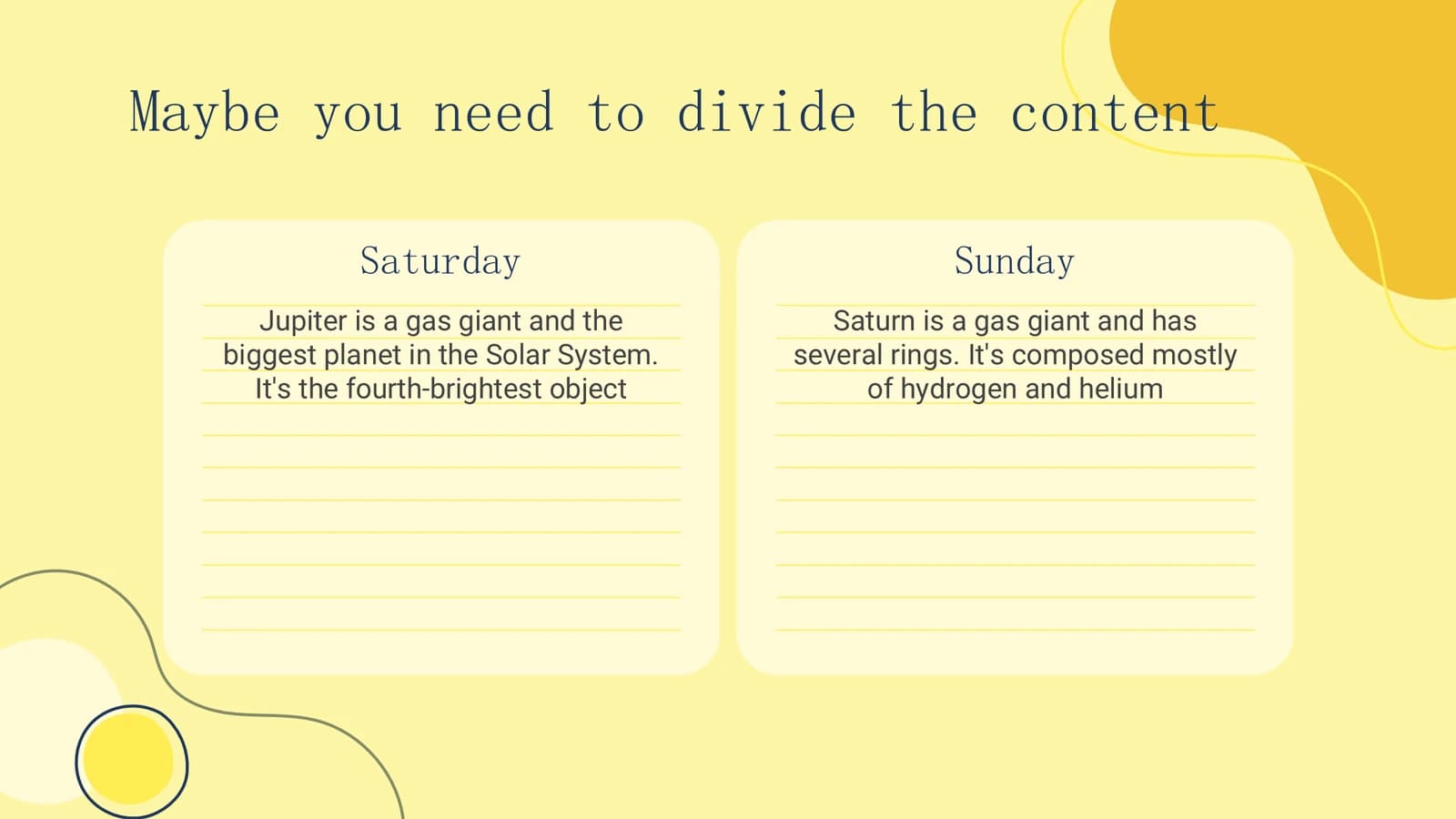
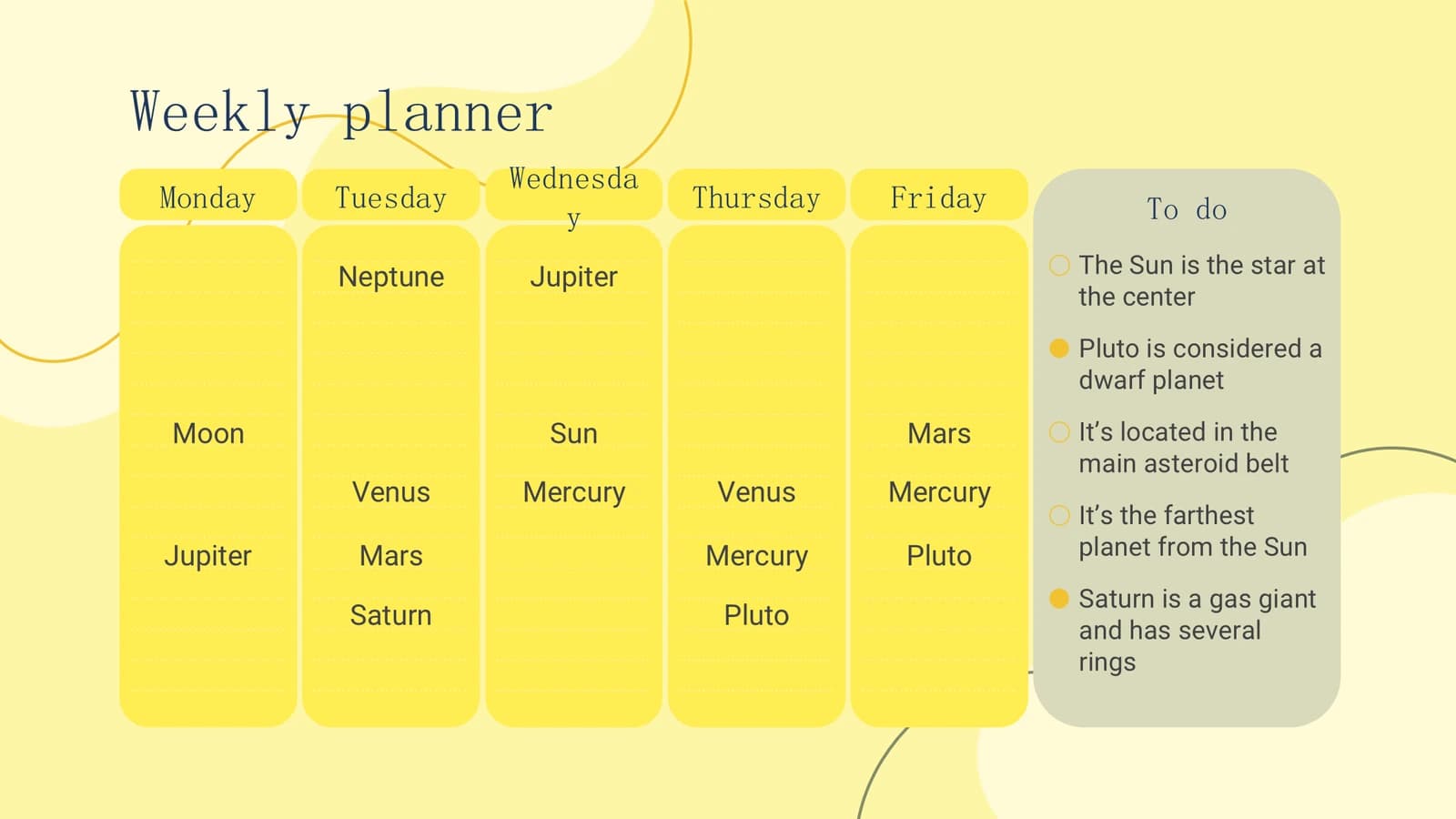
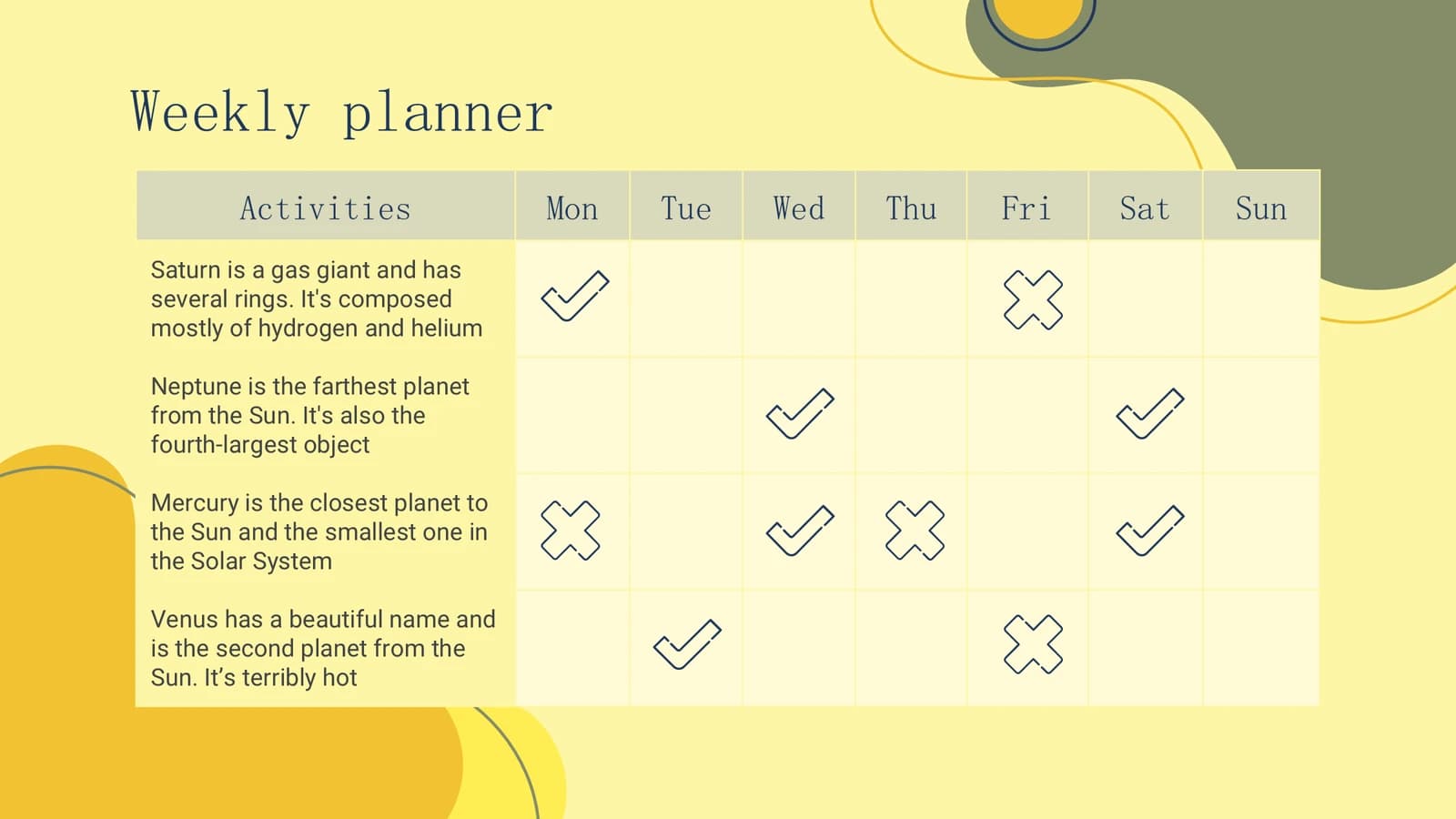
Weekend columns, to-do panels, an activity tick table and checkbox lists to track progress.
 26
 27
 28
 29
- +2
Close
321 min
A thank-you slide with room for a questions prompt and contact lines.
 32
What's in the file
The sample has 32 slides at 16:9 with 534 editable text boxes, no pictures and no speaker notes, Arial as its font, and a 407 KB download. Shapes, calendar cells and tables are all native shapes and text boxes, so dates, entries and fill colours change directly in the editor without replacing any image.
- Slides
- 32
- Aspect ratio
- 16:9
- Editable text boxes
- 534
- Pictures
- 0
- Speaker notes
- No
- Theme fonts
- Arial
- File size
- 407 KB
Good for
Weekly lab meeting
List each member's tasks for the week on slides 13 and 14, then record what got done with ticks and crosses in the activity table on slide 28 and walk through it row by row.
13–14, 28
Term or annual project schedule
Mark submission deadlines, mid-term reviews and field trips with coloured bars on the month grids of slides 6 to 11; the full-width bands on slide 8 suit a holiday, conference or beam-time week.
6–11
Shared instruments and teaching rota
Turn the timetables on slides 15 to 19 into an instrument booking sheet or course schedule, writing a user's name in each cell so clashing time slots stand out at a glance.
15–19
How to use it in Yila
- 1Pick a template
- 2Upload your paper or describe your talk
- 3Yila builds an editable PPTX
Tips
Do
- Give every planning slide at least an owner or a date; a coloured block with no name on it is decoration.
- Keep entries inside the cream work areas, since small text set directly on yellow loses contrast.
- Fix one colour per event type on the month grids and add a one-line legend in a corner so everyone reads them the same way.
Avoid
- Do not squeeze full weekday names into narrow columns; in the sample the longest one already breaks across two lines.
- Avoid filling every cell with text; with no white space it becomes hard to see which day is busiest.
Questions
Can I swap out the yellow?
Yila generates this template in soft yellow, mustard and olive. Because the shapes and calendar cells in the sample are native shapes, you can change their fills in PowerPoint after download; change the yellow background and the shapes together so the navy titles stay legible against the new palette.
Can I add or drop slides?
Yes. The 32 sample slides show almost every planner layout once, and a real lab meeting needs only a handful. Yila rewrites the deck from your tasks and material and keeps the layouts you need; after generation you can duplicate any calendar or timetable slide to extend a schedule, or delete the ones your group will never fill in.
Does it open in PowerPoint and Keynote?
Yes. The file is a PPTX that PowerPoint, Keynote and WPS open with editable text. The sample uses Arial, which nearly every computer has, so layouts barely shift between machines, and at about 407 KB it is easy to email or post in a group chat.
Do I pay anything?
Viewing this page and downloading the sample deck are free of charge. Having Yila build a plan tailored to your project consumes credits, and a newly registered account receives 2,500 credits, so you can produce a first schedule and see whether the layout suits your group.
What are the sentences about planets in the sample?
They are the original template's placeholder text, using planet facts to fill cells and show how much fits in each space; the email, phone and social icons on the last slide are placeholders too. The sample deck is not a blank template, so all of it must be replaced, and Yila rewrites it from your material.
Is it suitable for a research talk?
It is better for coordinating work than presenting findings: the sample has no picture placeholders and is built from calendars and tables. Lab scheduling, meeting assignments and term plans fit well; for a talk that shows experimental results, a template that balances images and text will serve you better.


