Slide template · 16:9 · 18 slides
Red and Blue Ruled-Frame Technical Report Slides Template
Every slide sits inside a thin ruled frame on a warm gray page, with a narrow metadata row on top, a solid label cell at upper right and a segmented footer. Red titles over navy body text read like a printed technical report.

What this template is
The frame is the theme's identity. It is drawn on every slide, cover, contents and closing included: a top row carries a short running title on the left and closes at the right with a filled label cell, and the footer is split into three cells. Titles are set in a heavy geometric sans, body copy in navy. Layouts prefer a large figure on the left with one concise finding on the right, or an even grid of numbers or a clean table. The deck suits physics, applied mathematics, engineering and computing papers whose argument runs through figures and quantitative comparisons, ordered as phenomenon, construction, method, controlled experiments, conclusion.
What goes in each section
Cover, abstract and contents
1–32 min
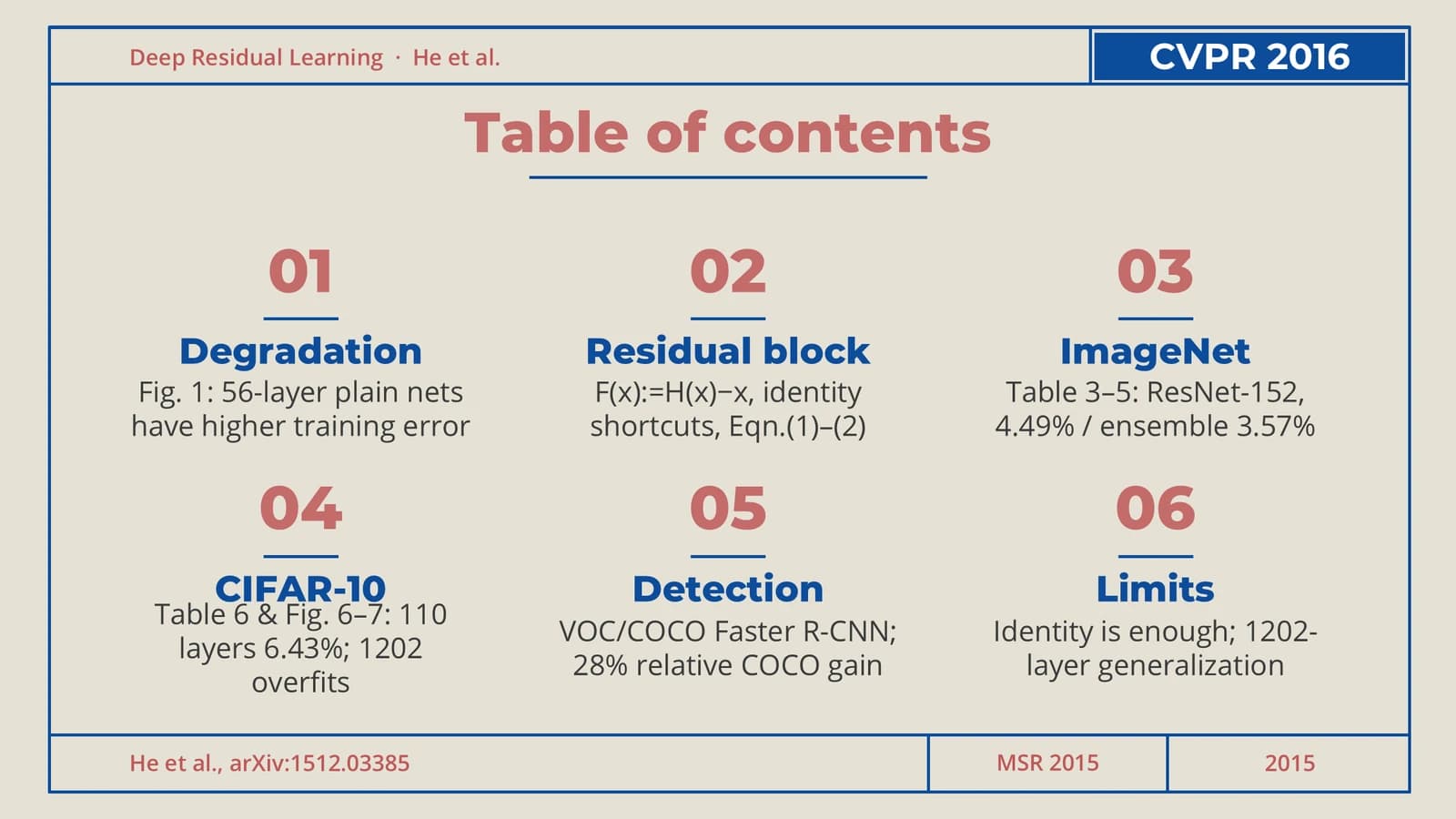
Title and source, two numbered contributions, then six numbered cells mapping the talk.
 1
 2
 3
The problem
4–74 min
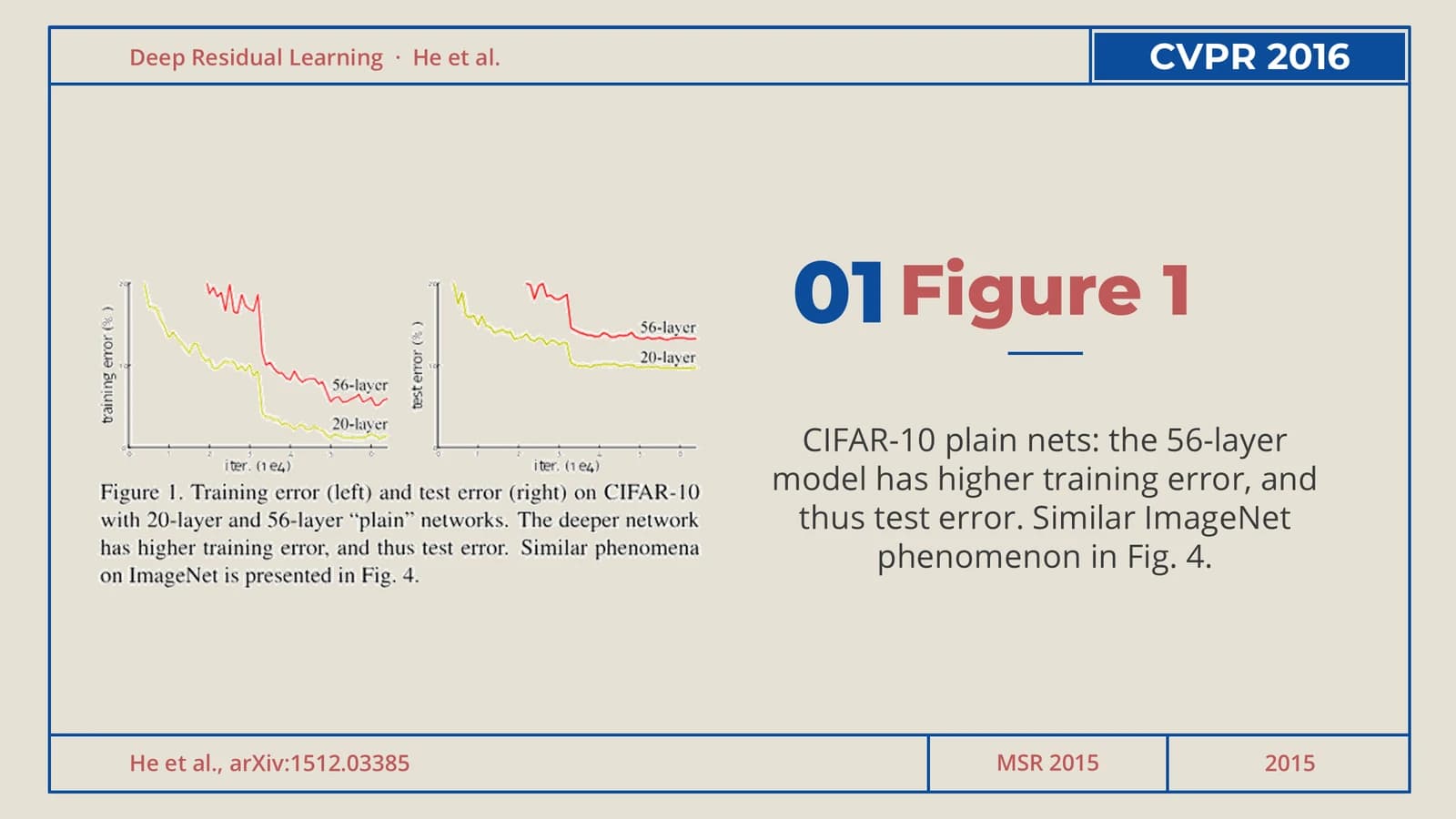
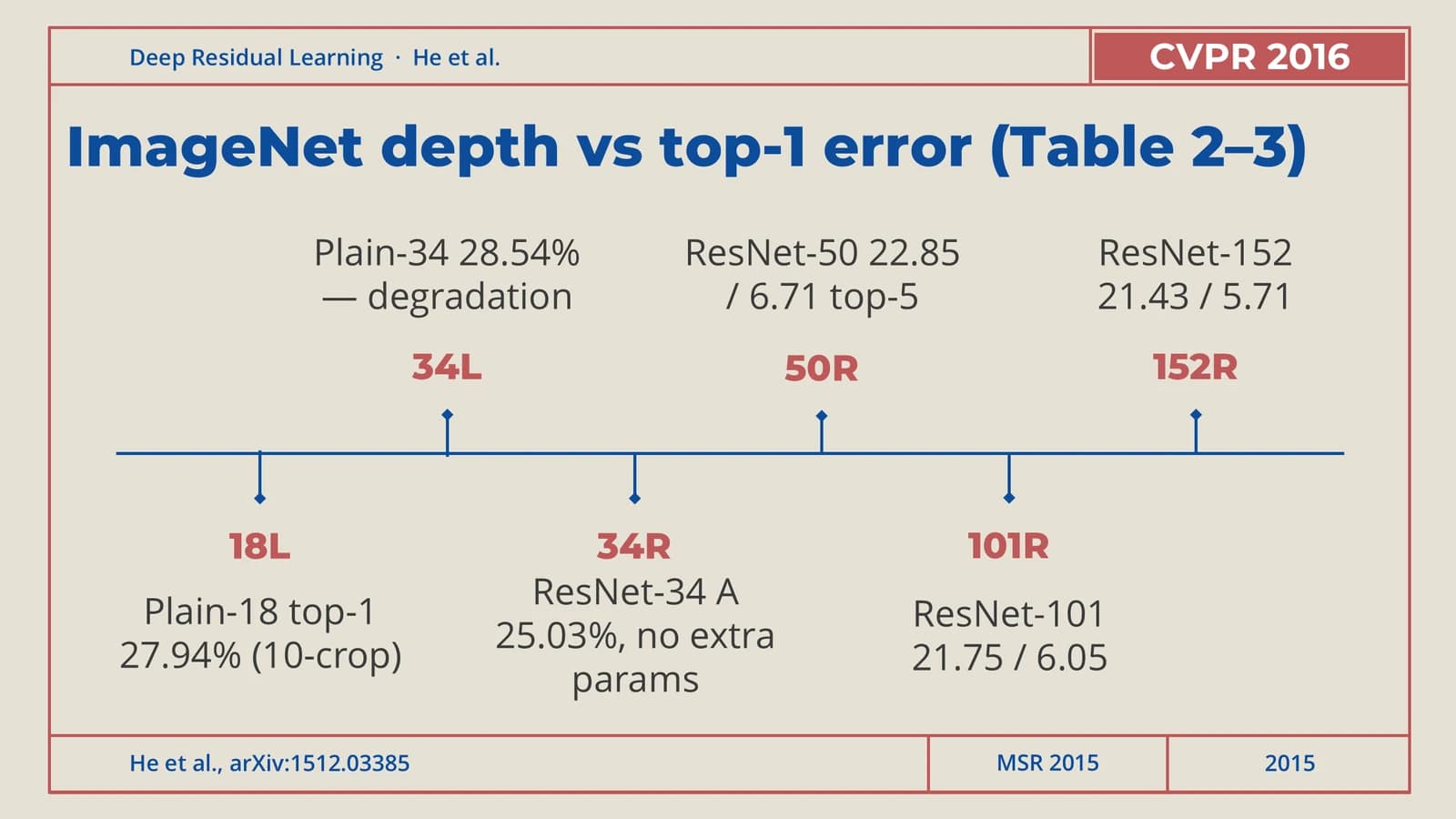
A large-type statement with a quotation, a figure-left slide, then a timeline of results by depth.
 4
 5
 6
 7
The method
8–134 min
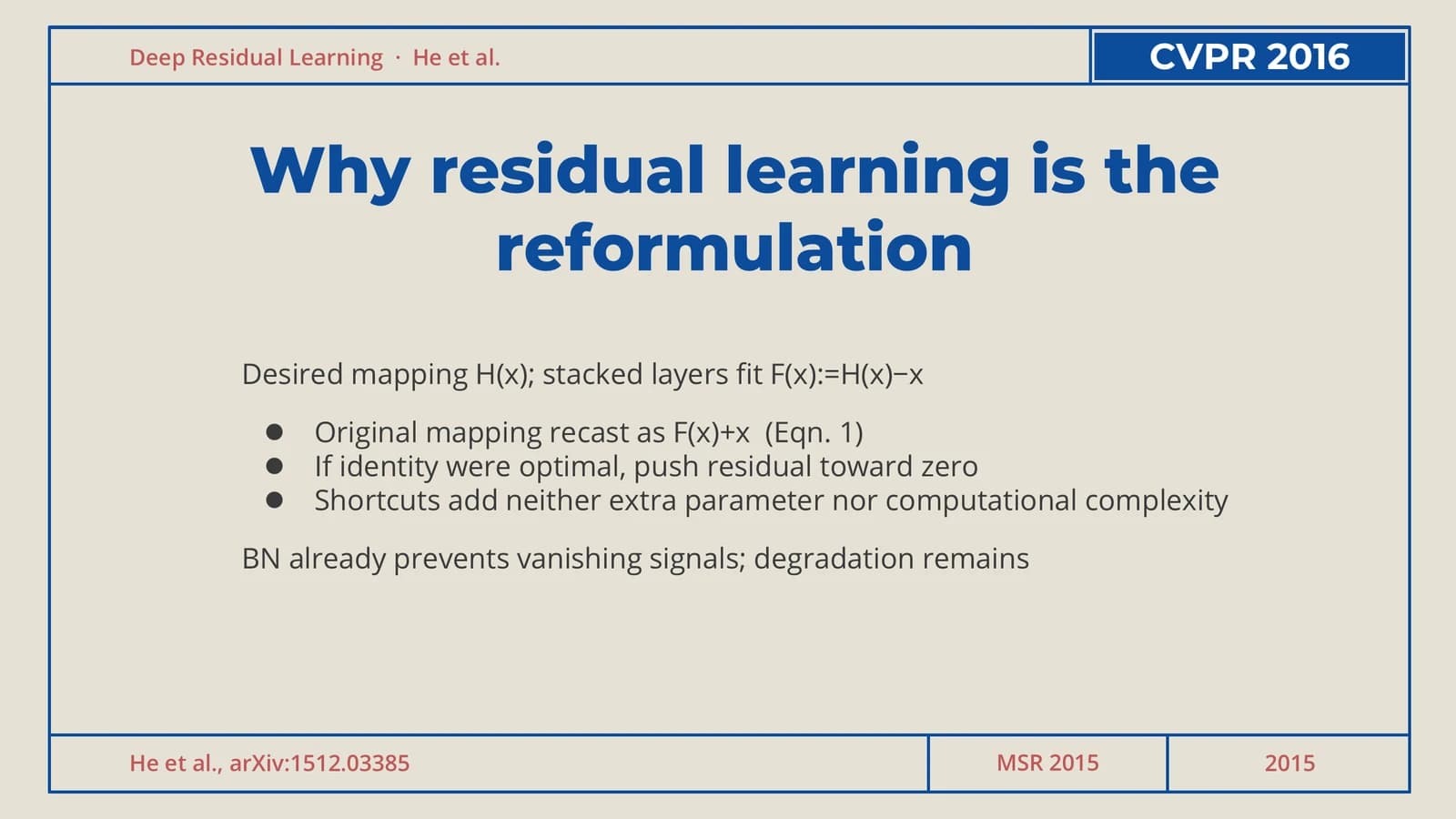
Motivation bullets, an icon grid of architectures, three shortcut options side by side, the bottleneck design.
 8
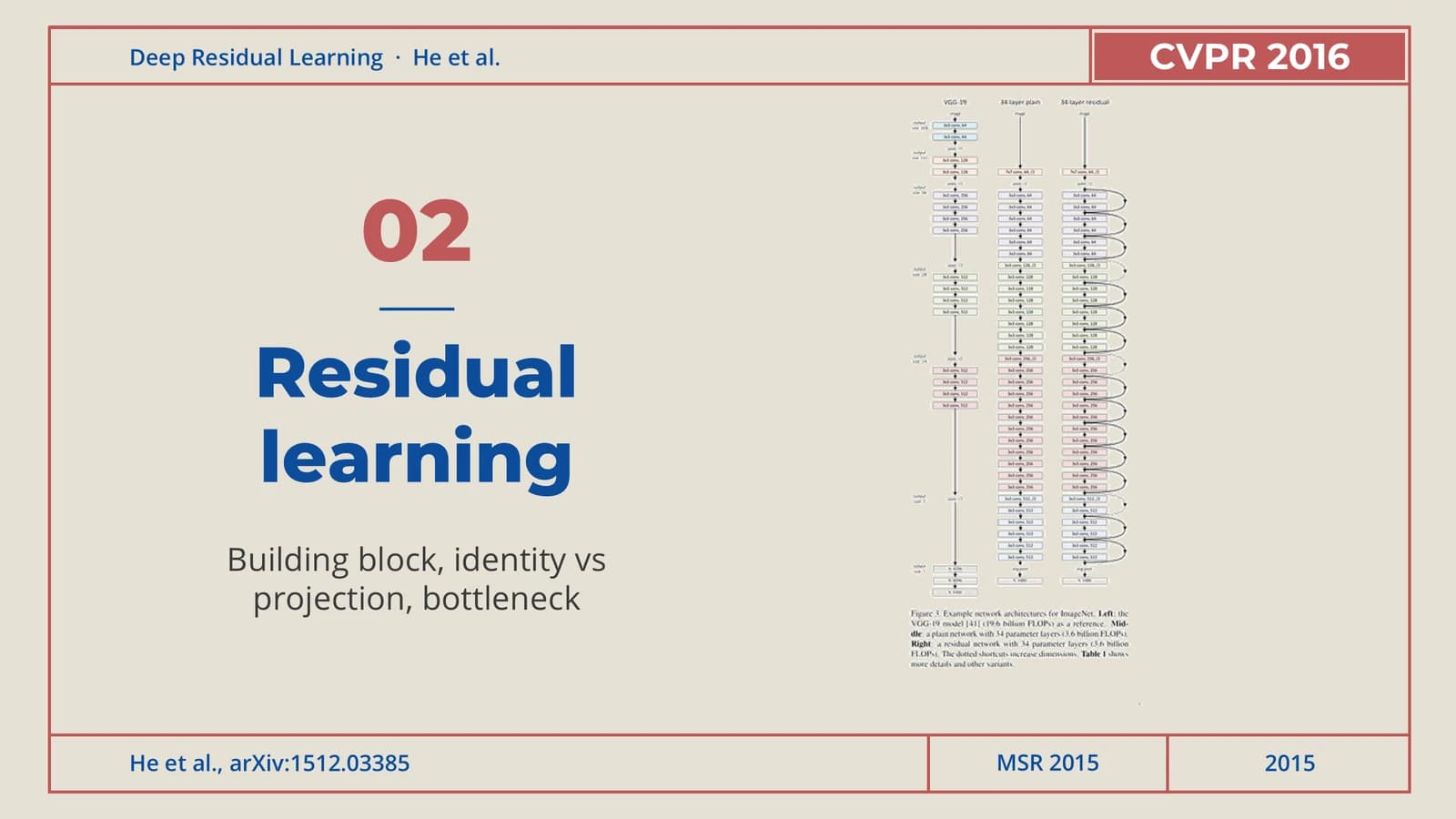 9
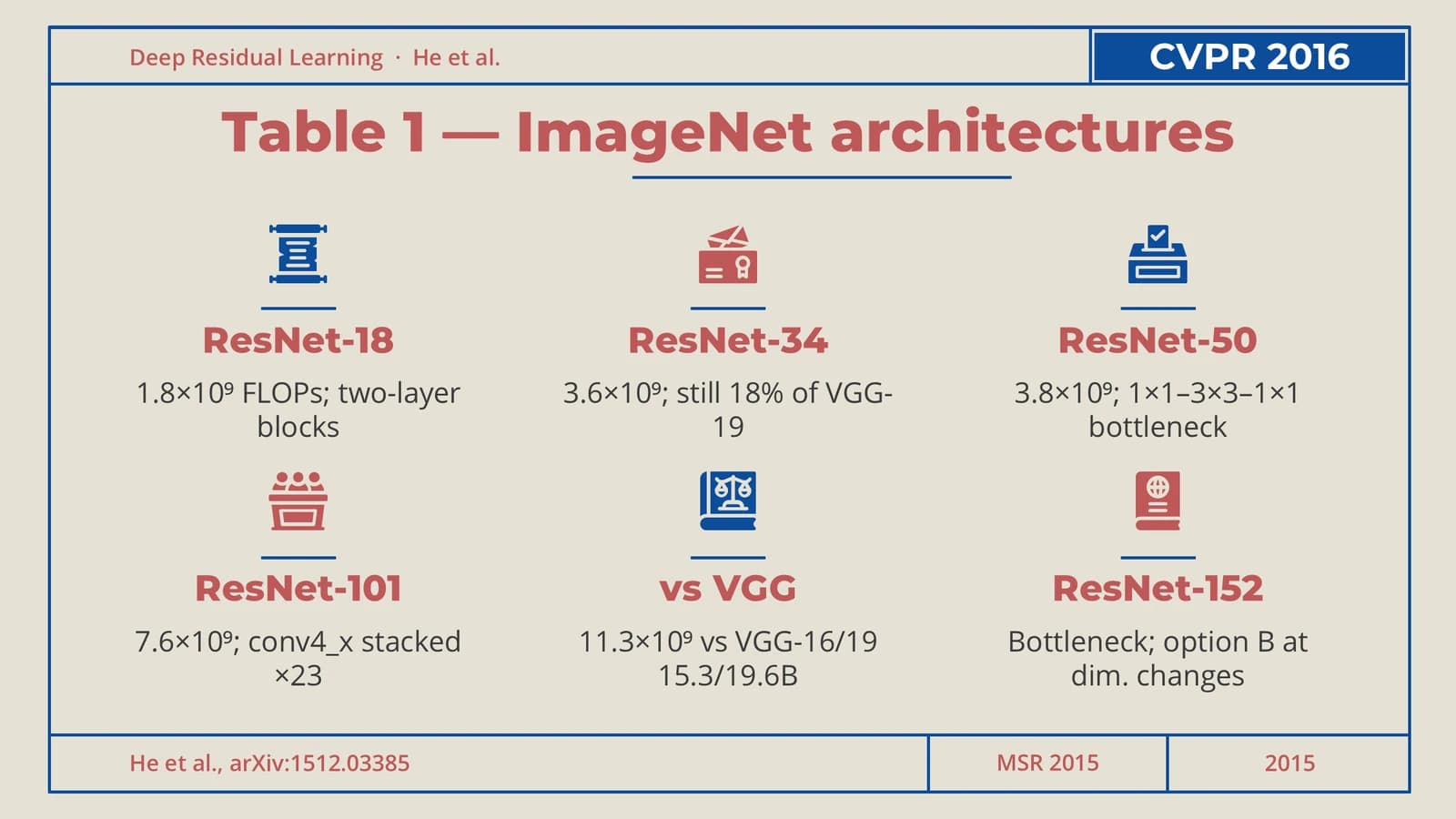 10
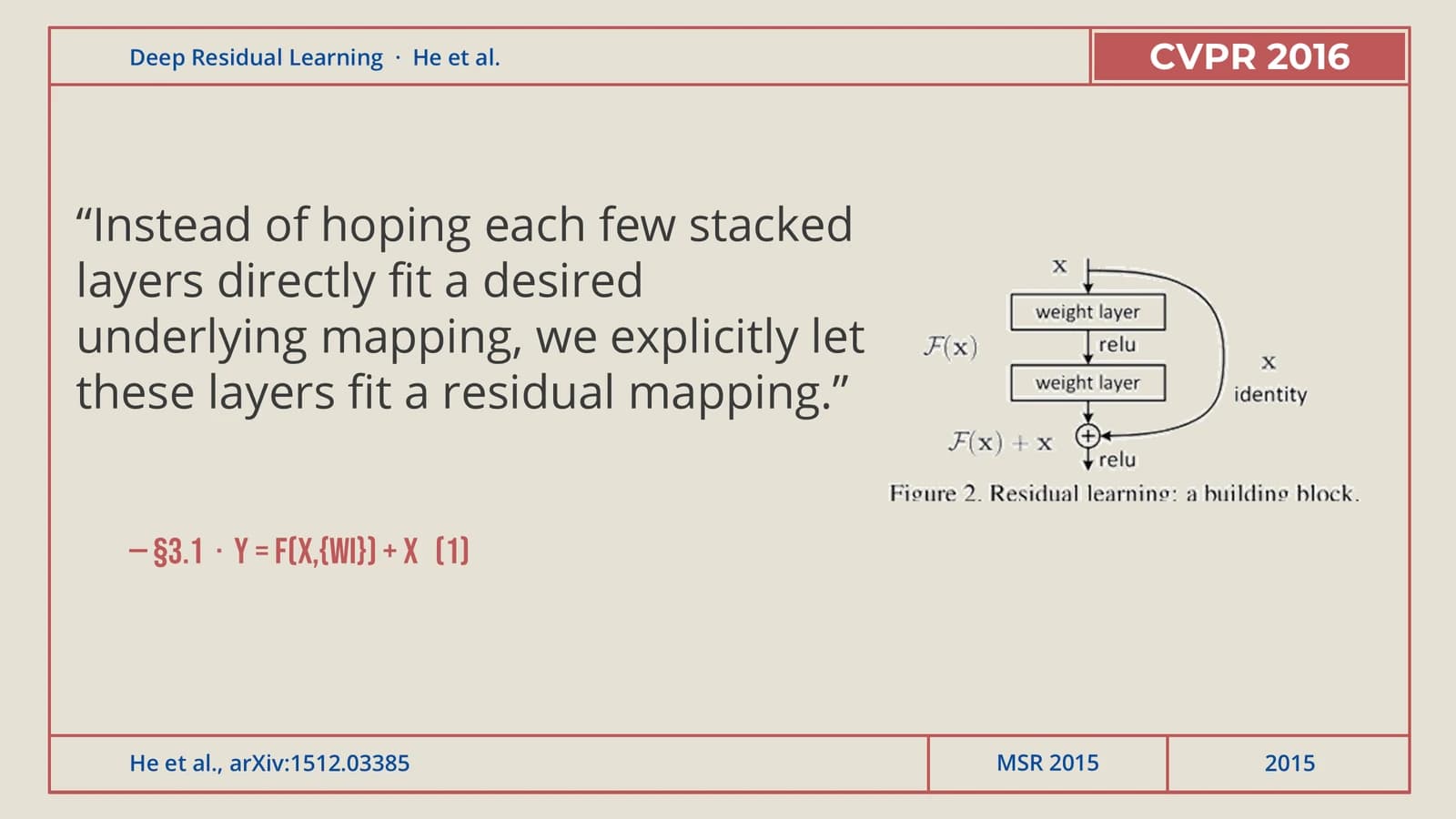 11
- +2
Experiments
14–174 min
Training curves, bar-style error comparisons, three headline numbers and a full results table.
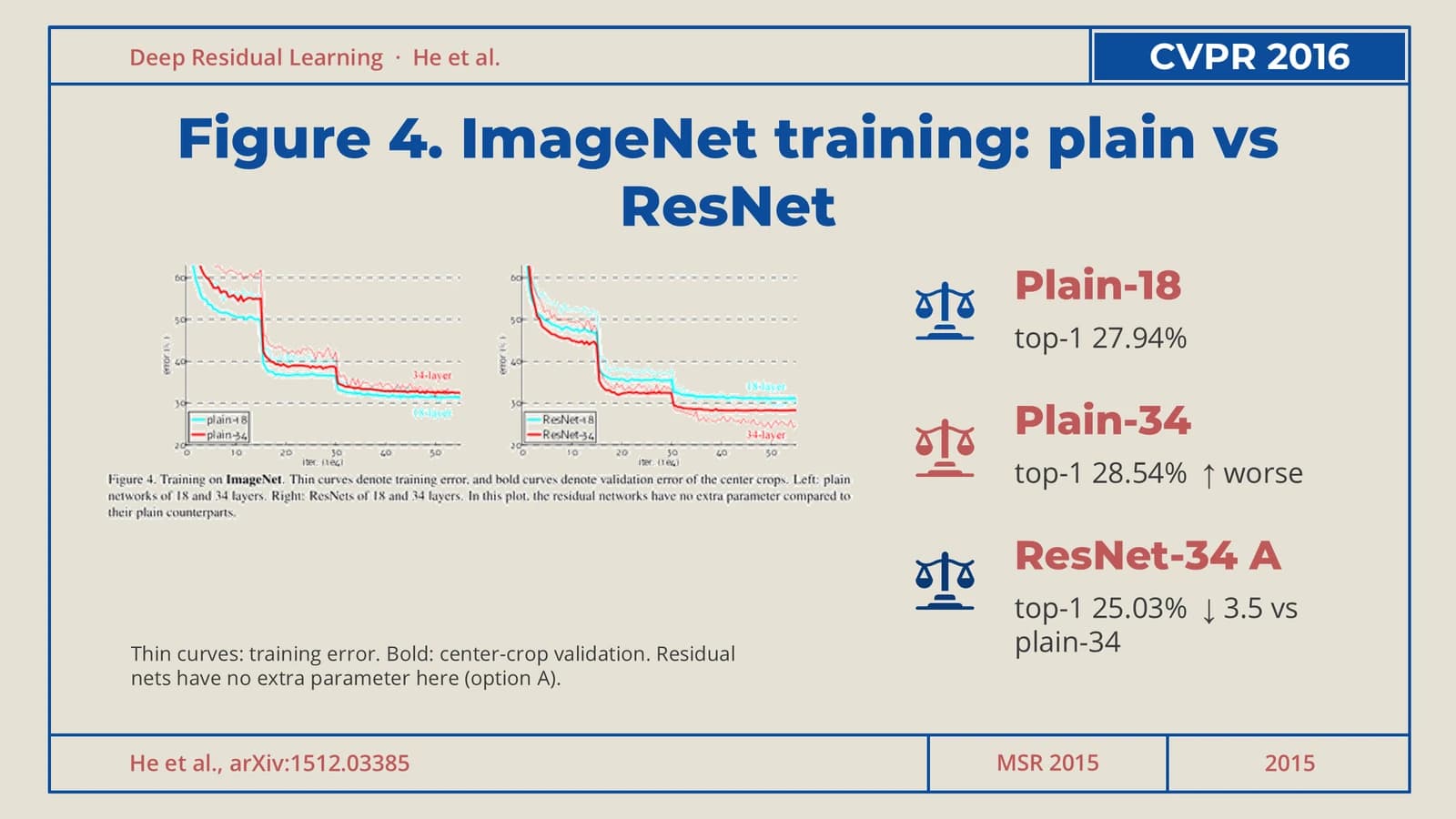 14
 15
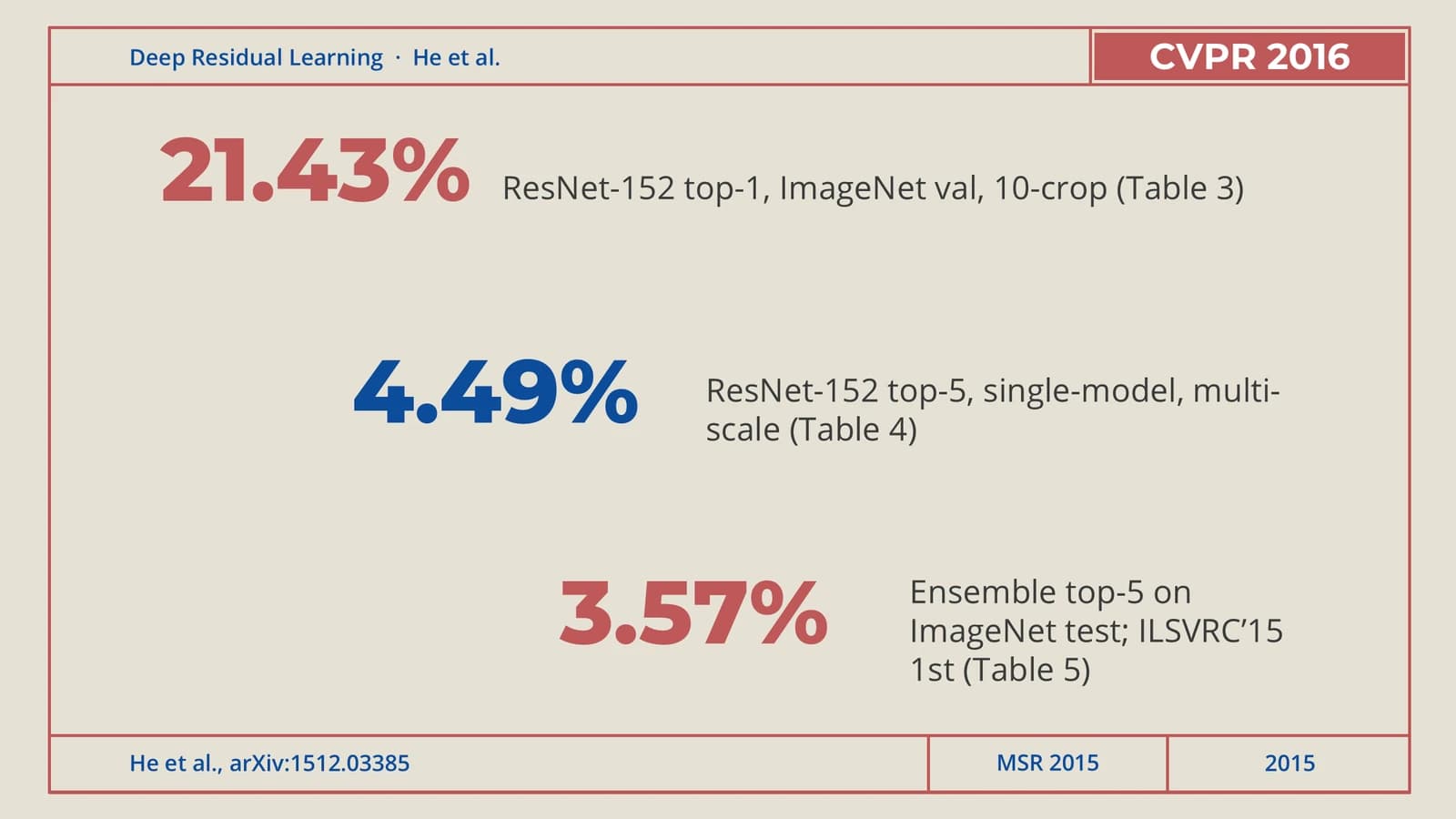 16
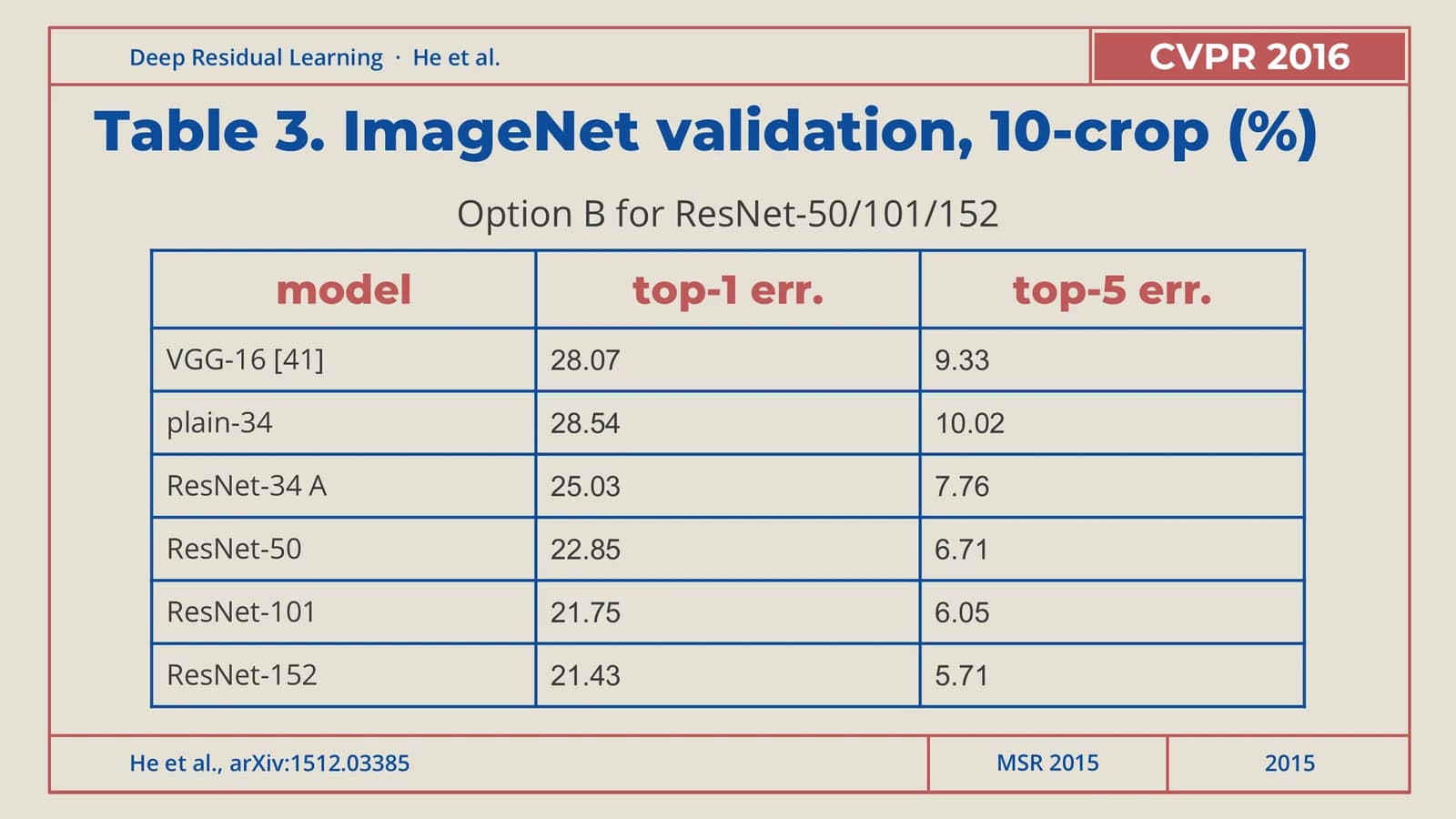 17
Takeaways
181 min
Four concluding statements on the left, with the paper's results table as support on the right.
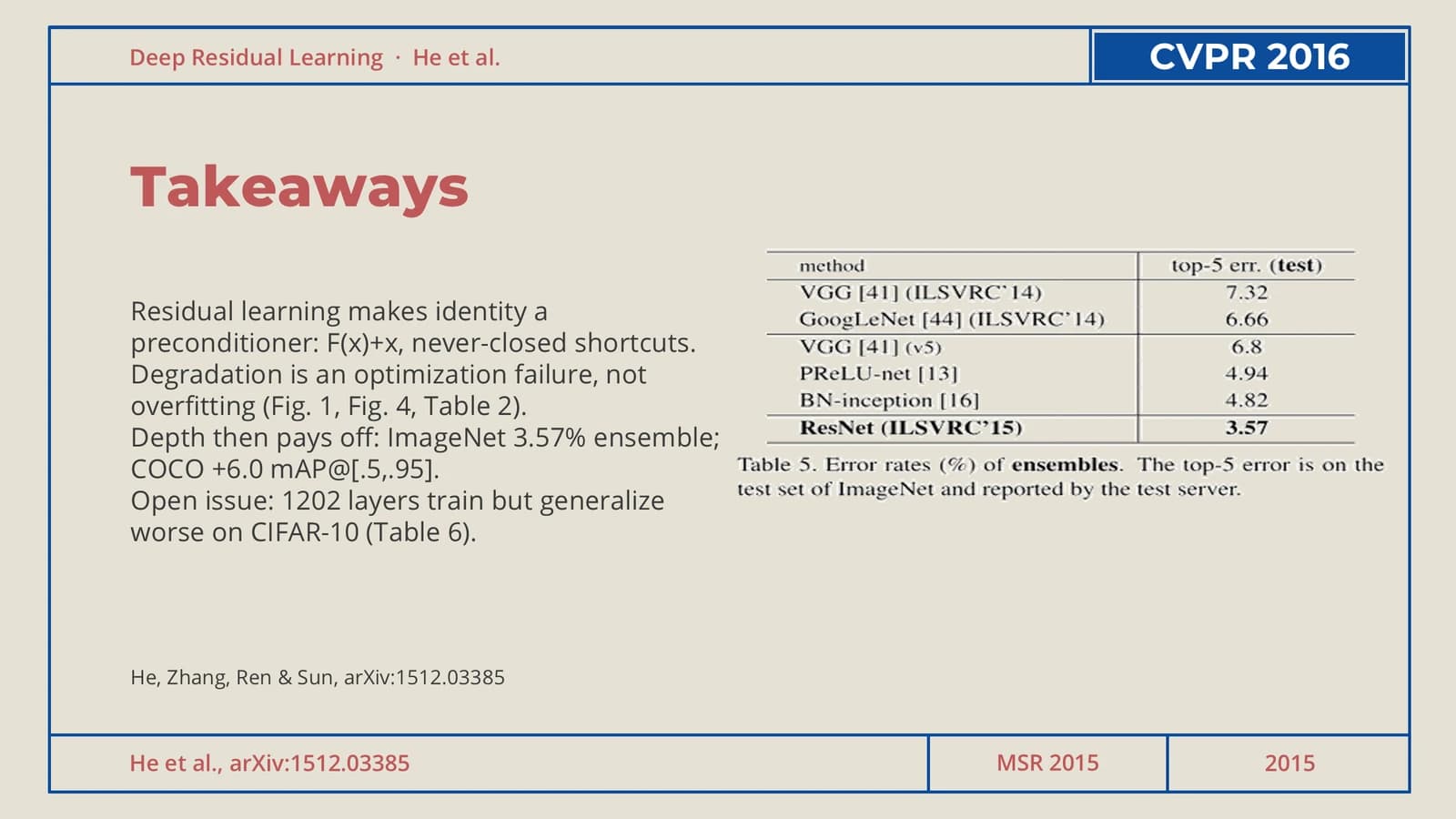 18
What's in the file
The sample has 18 slides at 16:9, with 101 text boxes and 6 pictures, which are figure and table crops from the source paper. Every slide carries speaker notes. The file registers Arial as its theme font and weighs 902 KB. All of the residual-network content is example material, to be replaced by your own paper when Yila generates the deck.
- Slides
- 18
- Aspect ratio
- 16:9
- Editable text boxes
- 101
- Pictures
- 6
- Speaker notes
- Yes
- Theme fonts
- Arial
- File size
- 902 KB
Good for
Physics or engineering conference talk
The frame and segmented footer make every slide look like a page of the same report, which lends a measurement-heavy talk a disciplined feel. Change the running title in the top row first, then the results table and the headline numbers.
Slides 16–17
Computing journal club
The six numbered cells on the contents slide map neatly onto the six points of a paper, and the three-column options slide handles ablations or variants: one icon, one name and one line of numbers per column.
Slides 3, 12
Data-dense technical update
The bar-style error comparison and the depth timeline turn a string of numbers into a trend. When you swap in your data, keep each bar length proportional to its value and mark just one decisive result in red.
Slides 7, 15
How to use it in Yila
- 1Pick a template
- 2Upload your paper or describe your talk
- 3Yila builds an editable PPTX
Tips
Do
- Fill the upper-right label cell only with a real section name or occasion, and leave it empty rather than invent a venue.
- Keep sources in the speaker notes and leave only the page number in the footer; the sample's citations in the footer break the theme's rule.
- Set every title in red and all body copy in navy; several sample slides switch titles to blue.
Avoid
- Do not hang a short navy bar under the title; the outer keyline already carries the blue.
- Do not put a whole paragraph of source text in the title position, as slide 13 of the sample does.
- Do not add a second keyline, a rail or a band inside the frame; the single frame is the whole structure.
Questions
Can I change the red and blue?
Red titles, navy body text and a frame split between red and blue are the fixed combination of this theme, and Yila never sets titles and body in the same colour here. For another palette, choose a different template; the generated PPTX still has editable text in PowerPoint, Keynote or WPS.
Eighteen slides is a lot. Can I cut or add slides?
Yes. The sample only demonstrates the layout. Yila rewrites every slide from the paper you upload or the outline you write, so the count follows your content: more figures, more results slides. You can also delete slides or duplicate framed ones in PowerPoint afterwards.
Does it open in PowerPoint and Keynote?
Yes. It is a PPTX file that PowerPoint, Keynote and WPS can open and edit. The file registers Arial as its theme font; if the display face used for titles is missing on your computer, the software substitutes one and line widths may shift a little.
Is this template free?
Viewing this page and downloading the sample deck cost nothing. Generating a deck from your paper with Yila consumes credits, and every new account receives 2,500 credits to start with, so you can try one paper first.
What goes in the solid cell at the top right?
The label of the current section, such as Method or Results; on the cover and closing slides the cell can stay empty. The theme's rule is never to invent a conference or institution name there, so leave it blank if you have nothing exact to put in it.
Where should citations go?
In the speaker notes. Every sample slide already has notes, and the footer cells work best holding only the page number. Squeezing authors, paper titles or figure numbers into that narrow strip makes the frame look crowded.