Slide template · 16:9 · 7 slides
Ink Black High-Contrast Methods Paper Slides Template
A dark network photograph covers the first and last slides; in between, light grey slides rely on bold black titles, black square number chips and grey cards with a black left bar. Made for compact methods talks.

What this template is
The palette is black, white and grey and nothing else. The cover and closing slide put white type over a dark photograph of a node-and-line network. Content slides switch to a light grey field with no side rail, header band or footer strip, so the bold black title does the structural work. Most slides split into two columns, explanation, numbered points or a table on one side and a chart on the other, with emphasis from black number chips, a black label with white text, or a grey card with a black left bar. It fits a compact methods paper told as motivation, components, experiments, conclusion.
What goes in each section
Cover
11 min
Method acronym, full paper title, authors and venue over the dark photograph.
 1
Motivation
22 min
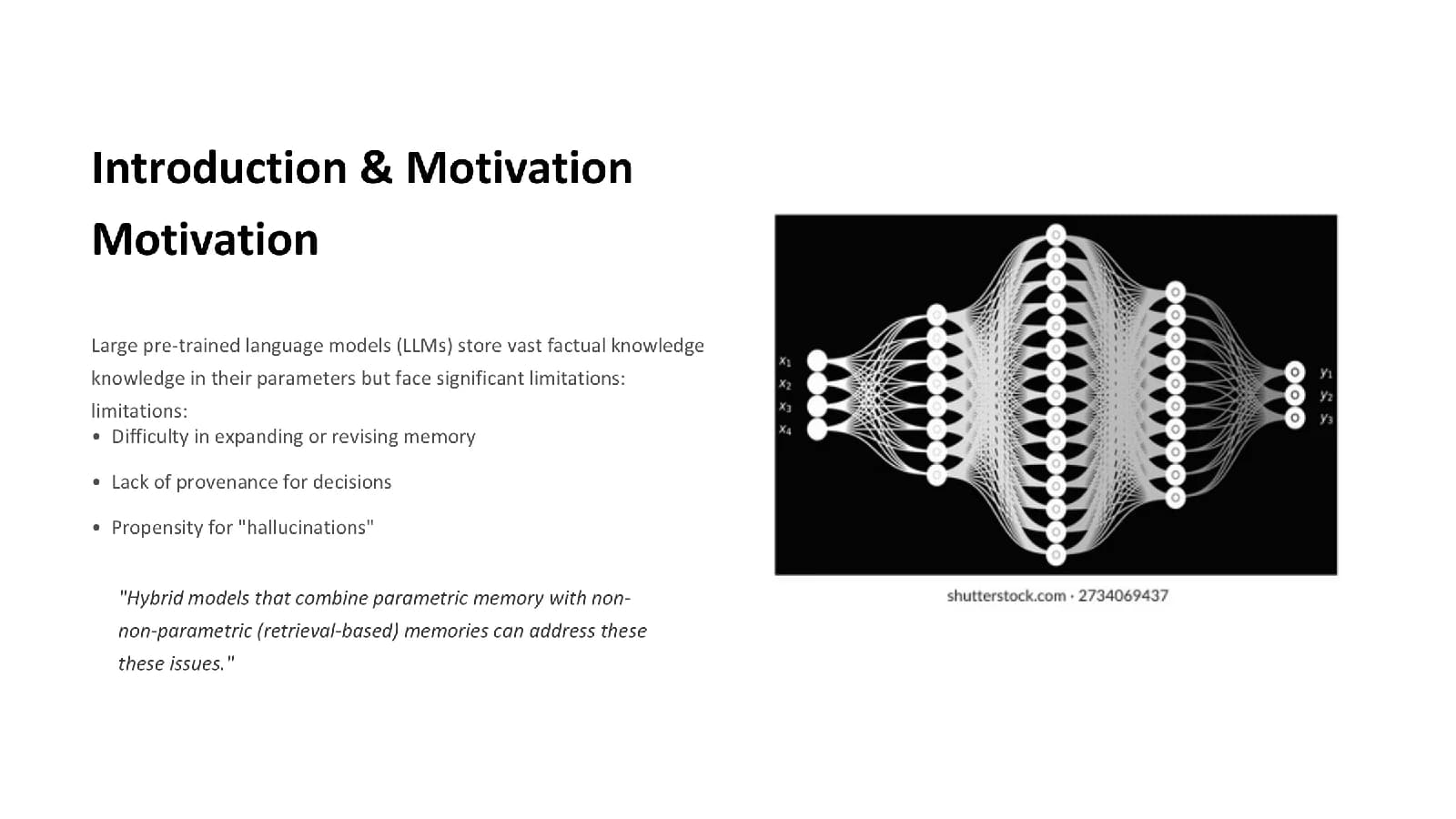
Three bullets on what earlier methods lack, then one quoted line from the paper that opens the new idea.
 2
Core components
33 min
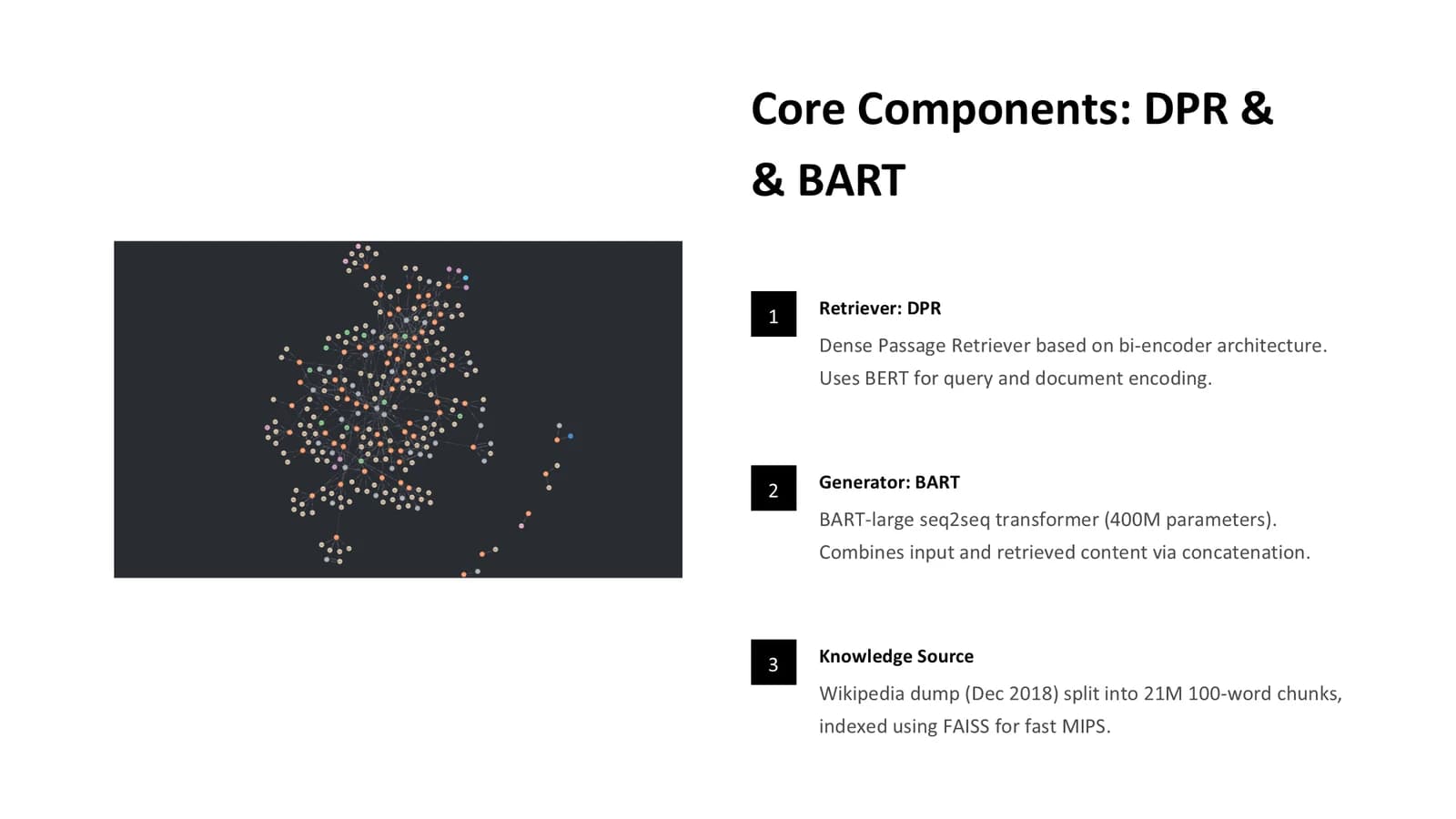
Three black number chips take the method apart, with a supporting illustration on the left.
 3
Experiments
4–67 min
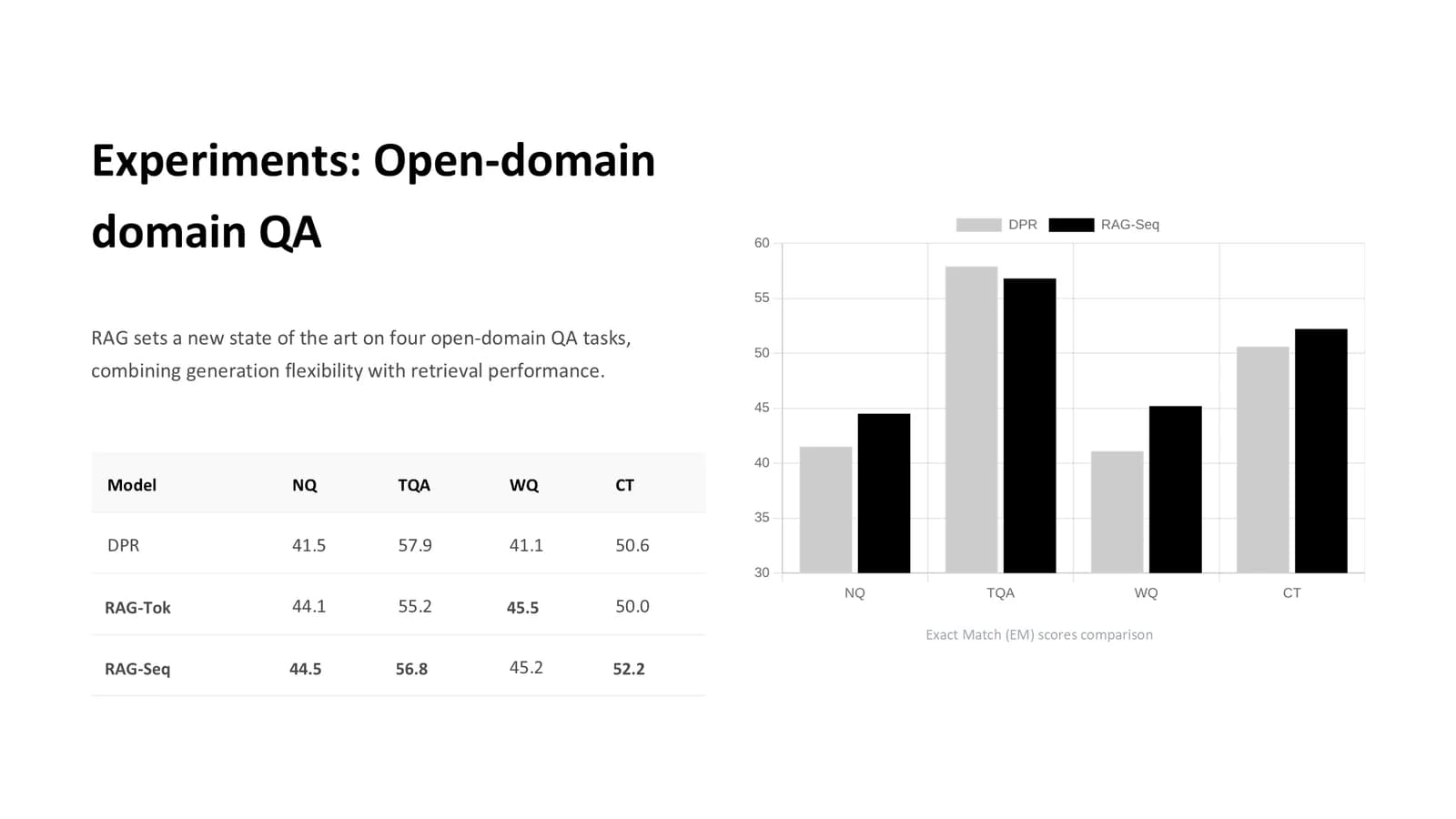
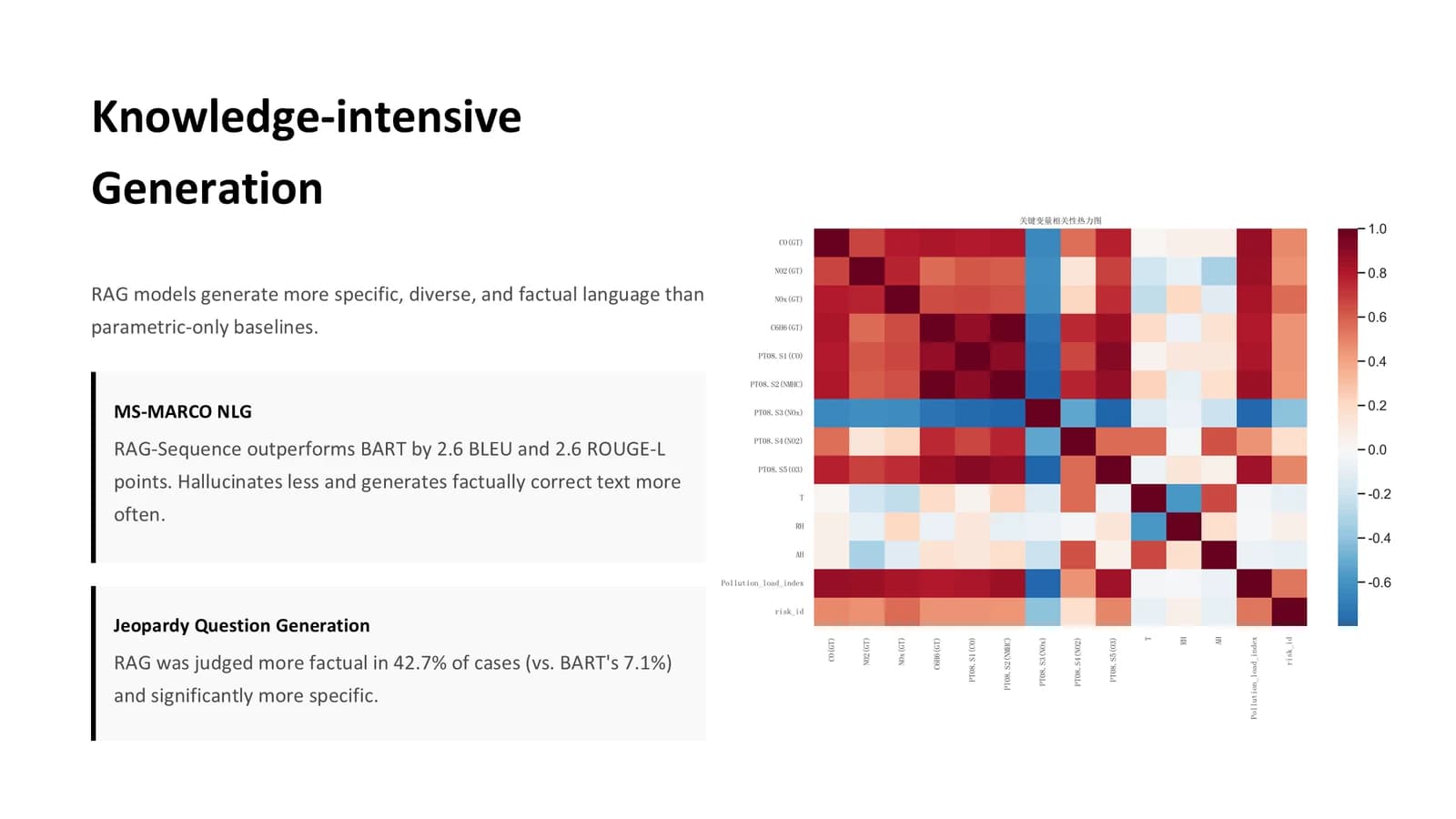
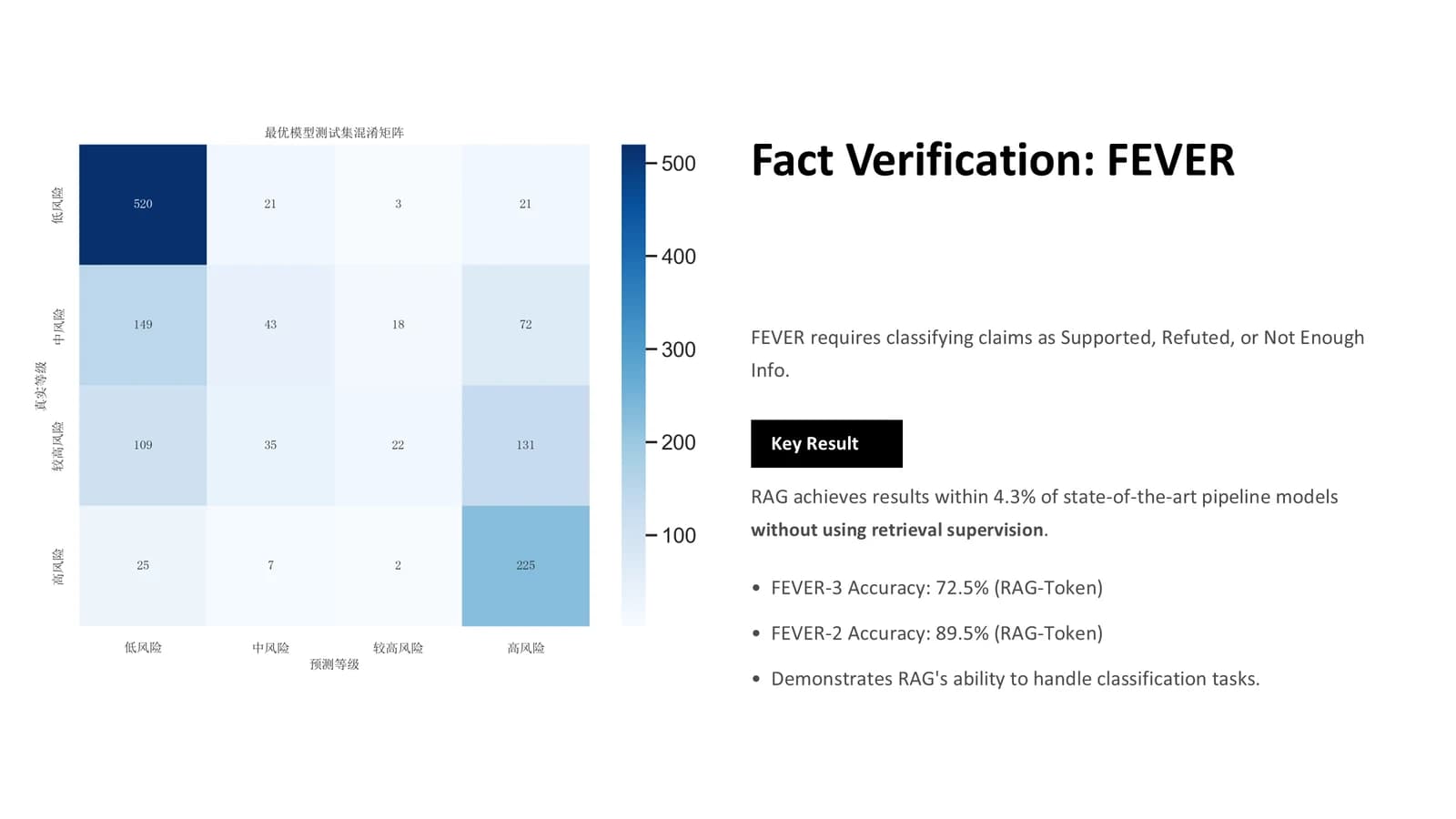
A score table with a bar chart, grey cards for generation quality, a black label for the key result.
 4
 5
 6
Conclusion and future work
72 min
One quotation sums up the contribution; three outlined boxes hold three conclusions.
 7
What's in the file
The sample file has 7 slides at 16:9 with 66 editable text boxes and 14 pictures, no speaker notes, Calibri Light for headings and Calibri for body text, and a 1.4 MB download. The photographic backdrop on the cover and close and every chart are pictures; titles, bullets, tables and card text can be edited directly.
- Slides
- 7
- Aspect ratio
- 16:9
- Editable text boxes
- 66
- Pictures
- 14
- Speaker notes
- No
- Theme fonts
- Calibri Light / Calibri
- File size
- 1.4 MB
Good for
Presenting a methods paper at lab meeting
The three black number chips on slide 3 match a three-part method such as retriever, generator and knowledge source; swap in your modules, and put the main experiment in slide 4's table and bar chart.
3–4
A short journal club slot
With only 7 slides the talk leaves plenty of room for questions; state the motivation and one quoted line from the paper on slide 2, and give each outlined box on slide 7 one takeaway the group should remember.
2, 7
Computing progress update
The two black-barred cards on slide 5 set results from two tasks side by side, and the black label on slide 6 is the place for this week's single most important number or finding.
5–6
How to use it in Yila
- 1Pick a template
- 2Upload your paper or describe your talk
- 3Yila builds an editable PPTX
Tips
Do
- Fill every figure slot with the chart or diagram from your paper that the slide discusses, with a one-line caption naming its source.
- Use the black label with white text once per slide, for the result that matters most, as sample slide 6 does with its key finding.
- Read every generated title and paragraph once through, looking carefully for repeated words or awkward line breaks.
Avoid
- Decorative or stock images unrelated to the paper; on a black, white and grey page they are the first thing the audience looks at.
- Adding a side rail, header band or footer strip to content slides; the restraint of this design depends on generous empty space around each title.
Questions
Can I add my university's colour?
Yila builds this template in black, white and grey, with black as the accent. In the PPTX you can recolour the number chips or the cards' black bars by hand in PowerPoint or similar software; change one element only, or the black-and-white restraint is lost.
Seven slides is short. Can I add more?
Yes. The sample lays out one retrieval-augmented generation paper in 7 slides; Yila rewrites every slide from your paper and notes, so more material produces more slides. In the file you can also duplicate a two-column content slide to extend it, or delete slides you do not need.
Does it open in PowerPoint and Keynote?
Yes. You receive a PPTX that opens in PowerPoint, Keynote and WPS with editable text. The sample sets headings in Calibri Light and body text in Calibri; on a computer without those fonts they are substituted, so page through the deck on the presentation machine first.
Is there a charge for this template?
Viewing this page and downloading the sample deck cost nothing. Generating your own deck with Yila consumes credits; new accounts receive 2,500 credits, so you can try it on a methods paper you already need to present and decide whether the high-contrast look suits it.
Can I reuse the sample's figures and text?
No. The sample is not a blank template: its cover names the original paper's authors and institutions, and some figure slots hold illustrative images rather than the paper's own figures. Replace all of it with your material; Yila rewrites every slide from the paper or description you upload.
Can I replace the network photograph on the cover?
Yes. The dark photograph behind the cover and closing slide is a full-slide picture, so you can swap in a dark image you have the right to use. If you would rather not use a photograph, a plain black field with a short black rule keeps the same black-and-white contrast.