Slide template · 16:9 · 11 slides
Lotus Pink and Blue-Gray Paper Report Slides Template
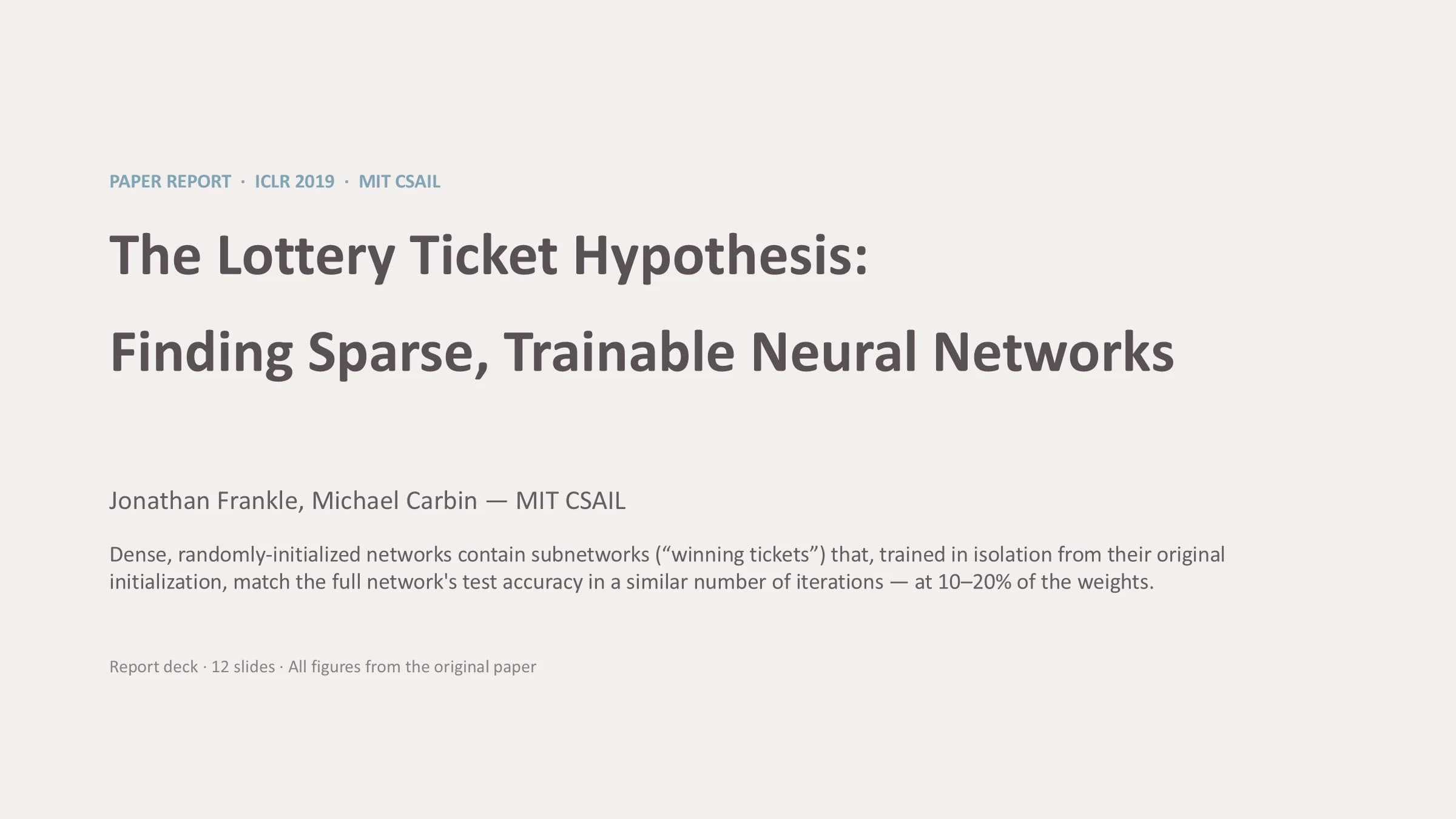
A cool, near-white page with warm gray titles, small blue-gray kickers and a few dusty pink headings. There is no rail and no band: the hierarchy comes from type size and two muted accents, which suits an editorial-feeling paper report or defense.
What this template is
Every content slide opens with a short uppercase kicker in blue-gray that names its part of the talk, followed by a bold warm gray title. Below that the page splits into two columns: running text with blue-gray subheadings on one side, the paper's figure or a table on the other. A key statement goes into a pale blue-gray rounded panel. Dusty pink is held back for second-level signals such as an untested conjecture, a control condition or an open question. The structure follows a hypothesis, method, results, discussion, limitations, conclusion order.
What goes in each section
Cover
11 min
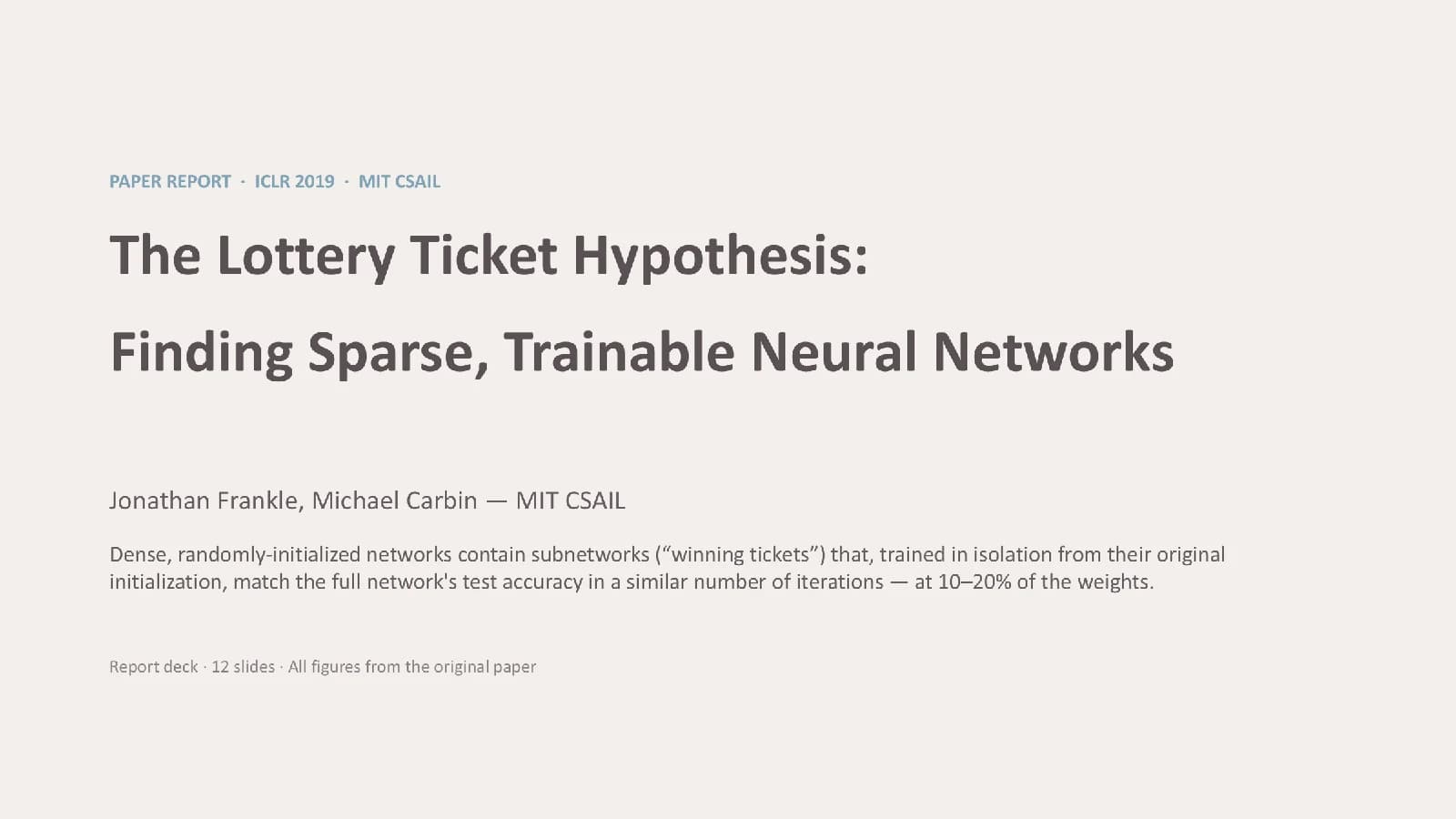
Occasion kicker, paper title, authors and affiliation, then one sentence stating the main finding.
 1
Hypothesis and method
2–33 min
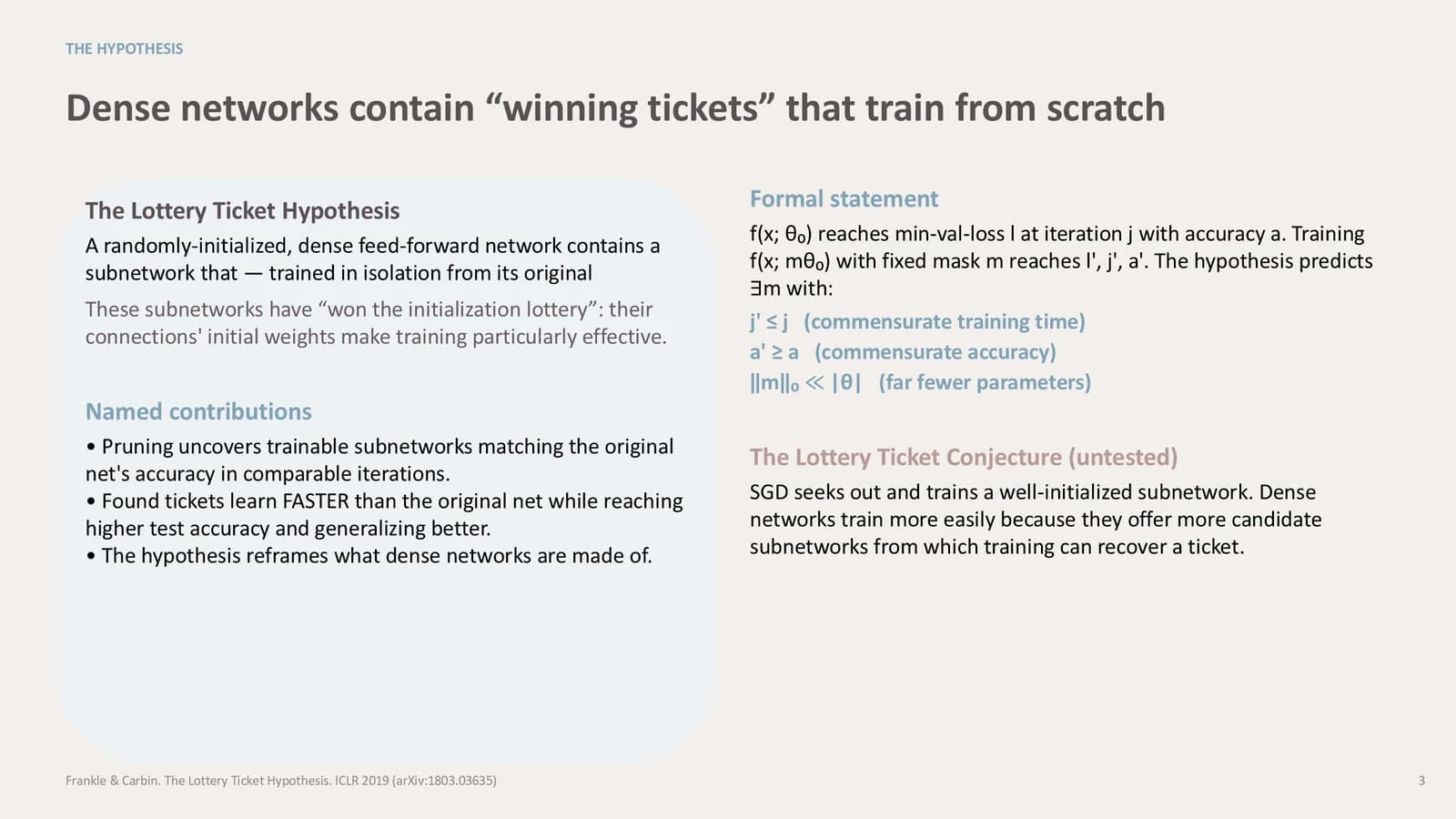
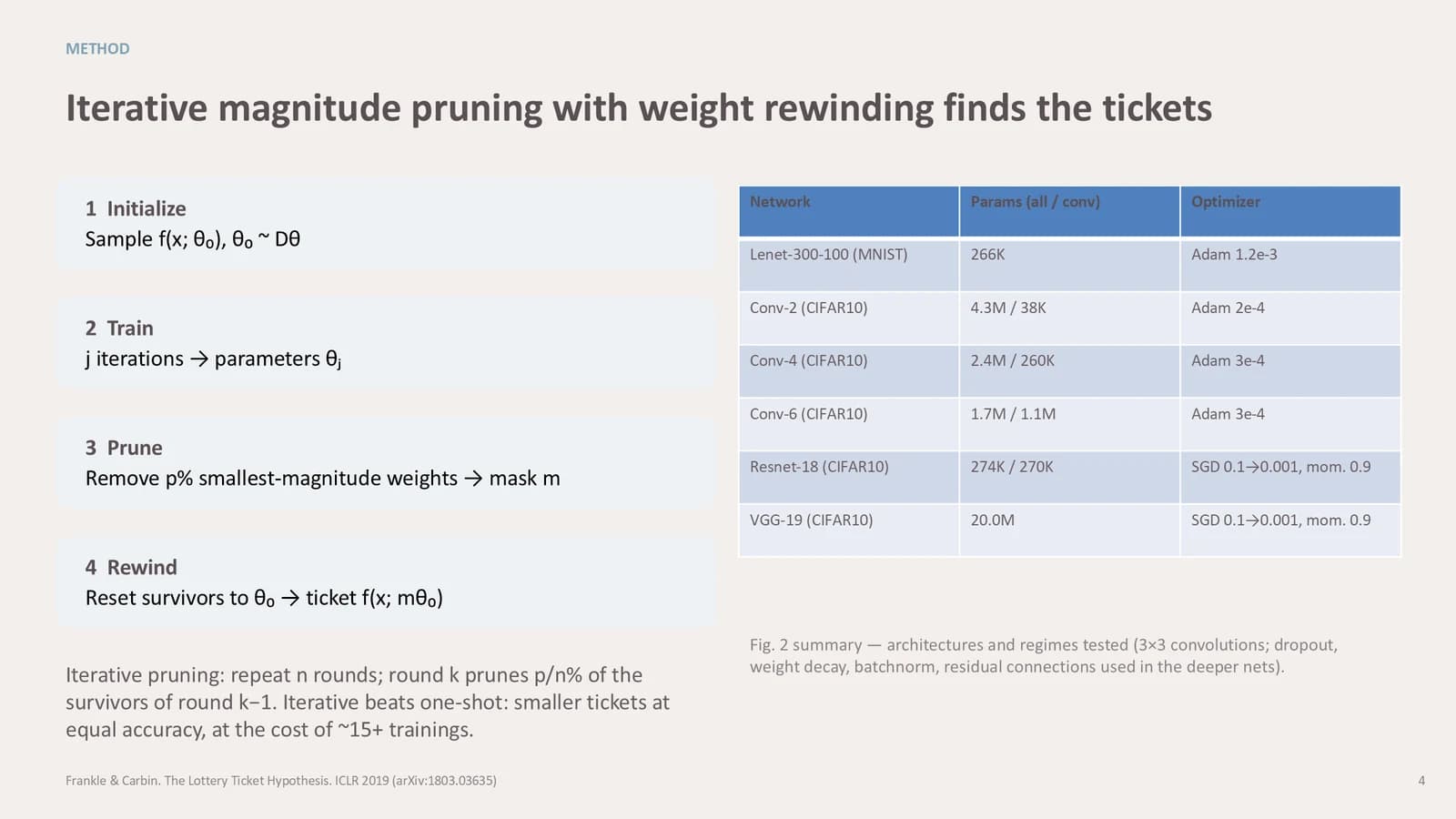
A panel with the claim and contributions beside its formal statement, then four method steps next to a settings table.
 2
 3
Results
4–86 min
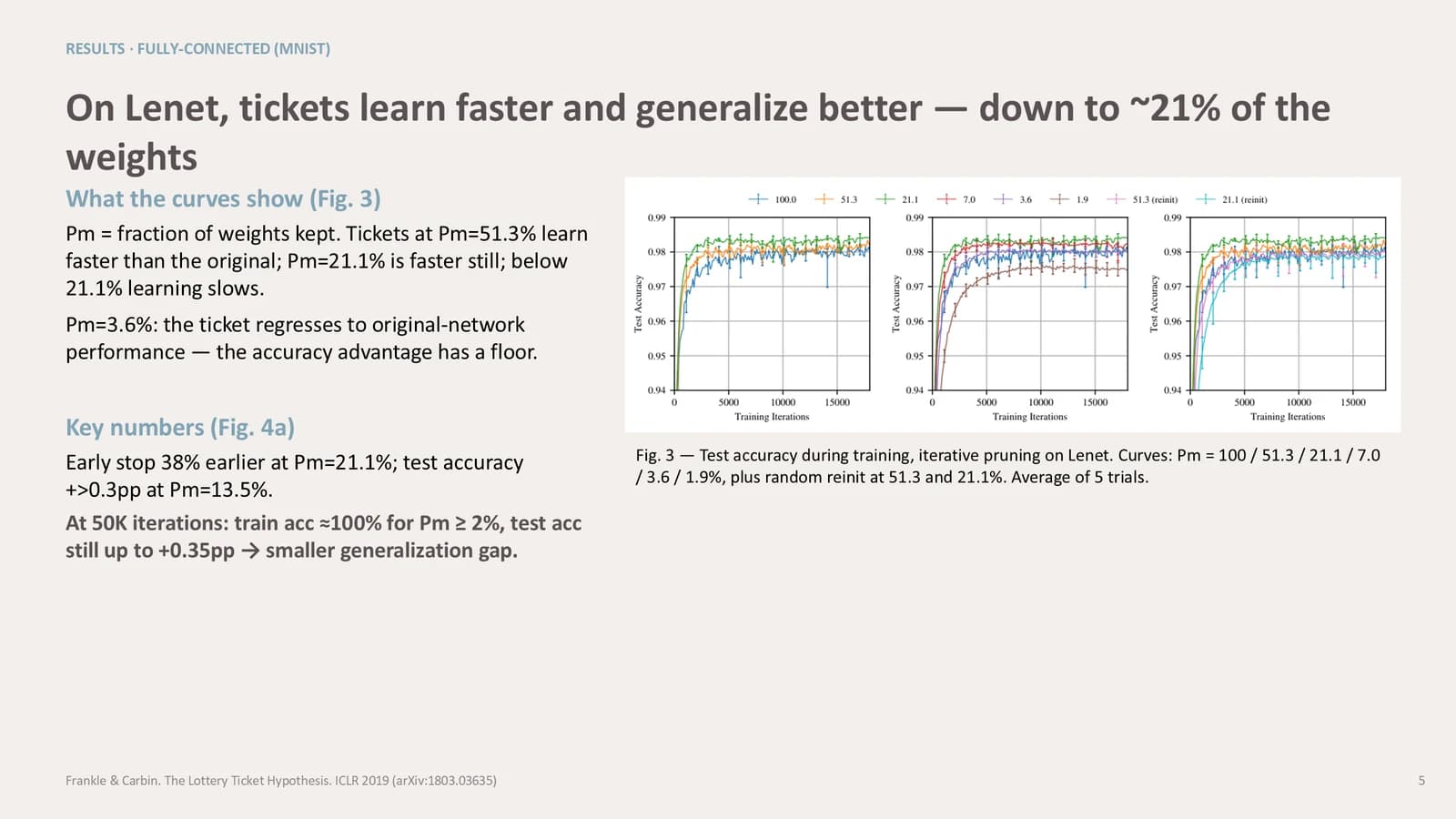
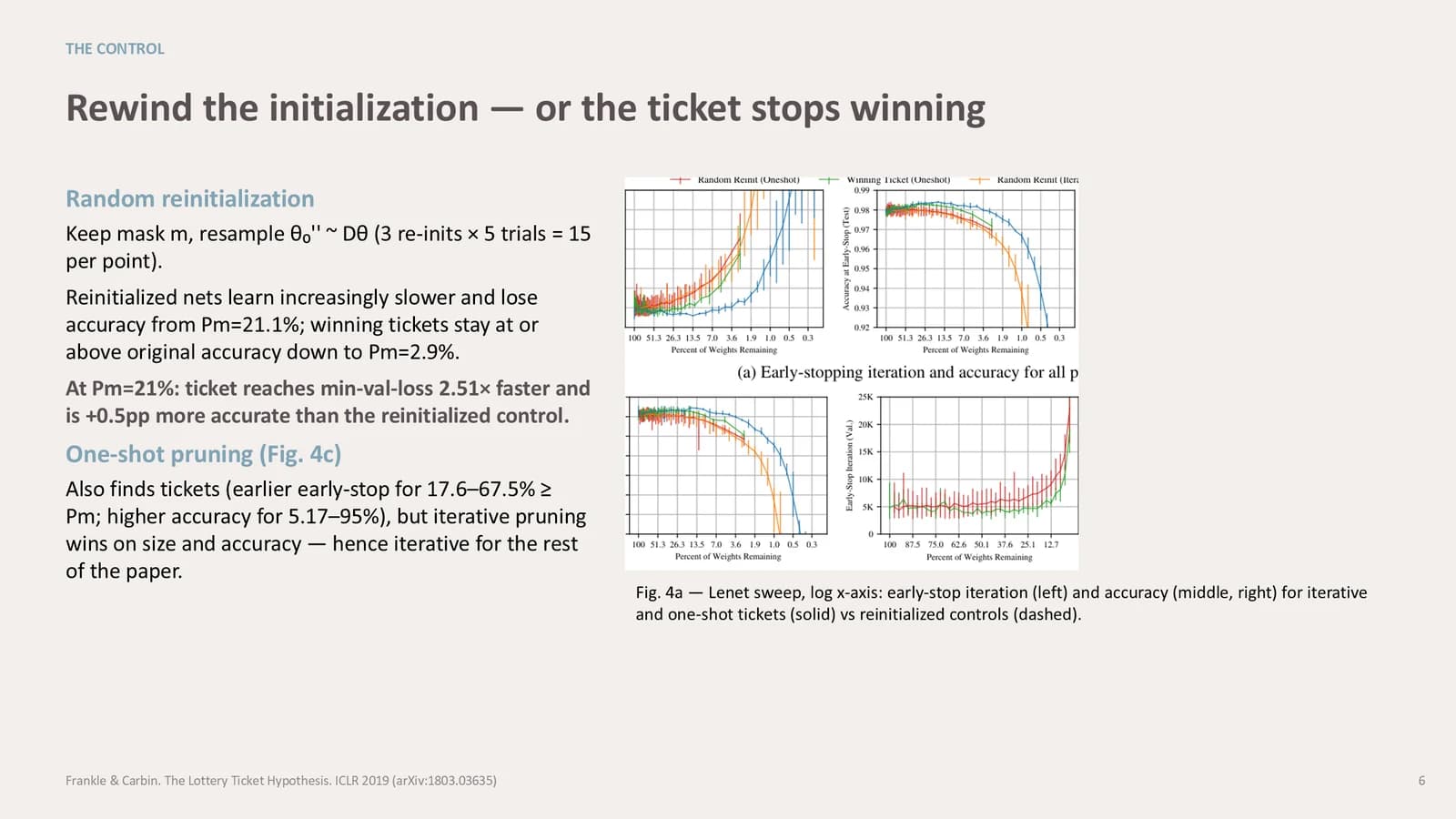
One experiment per slide: reading notes and key numbers on the left, the paper's figure and caption on the right.
 4
 5
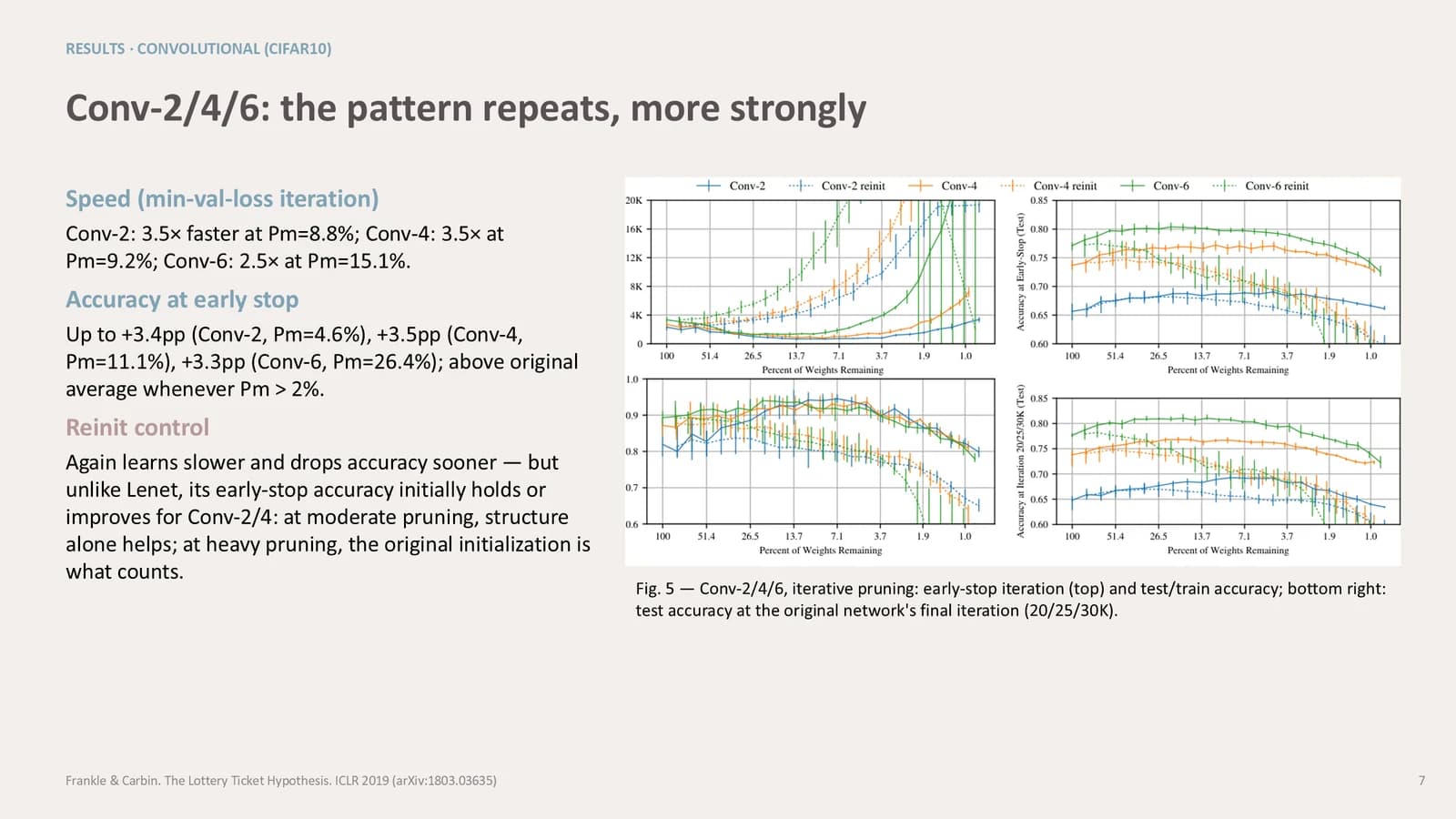 6
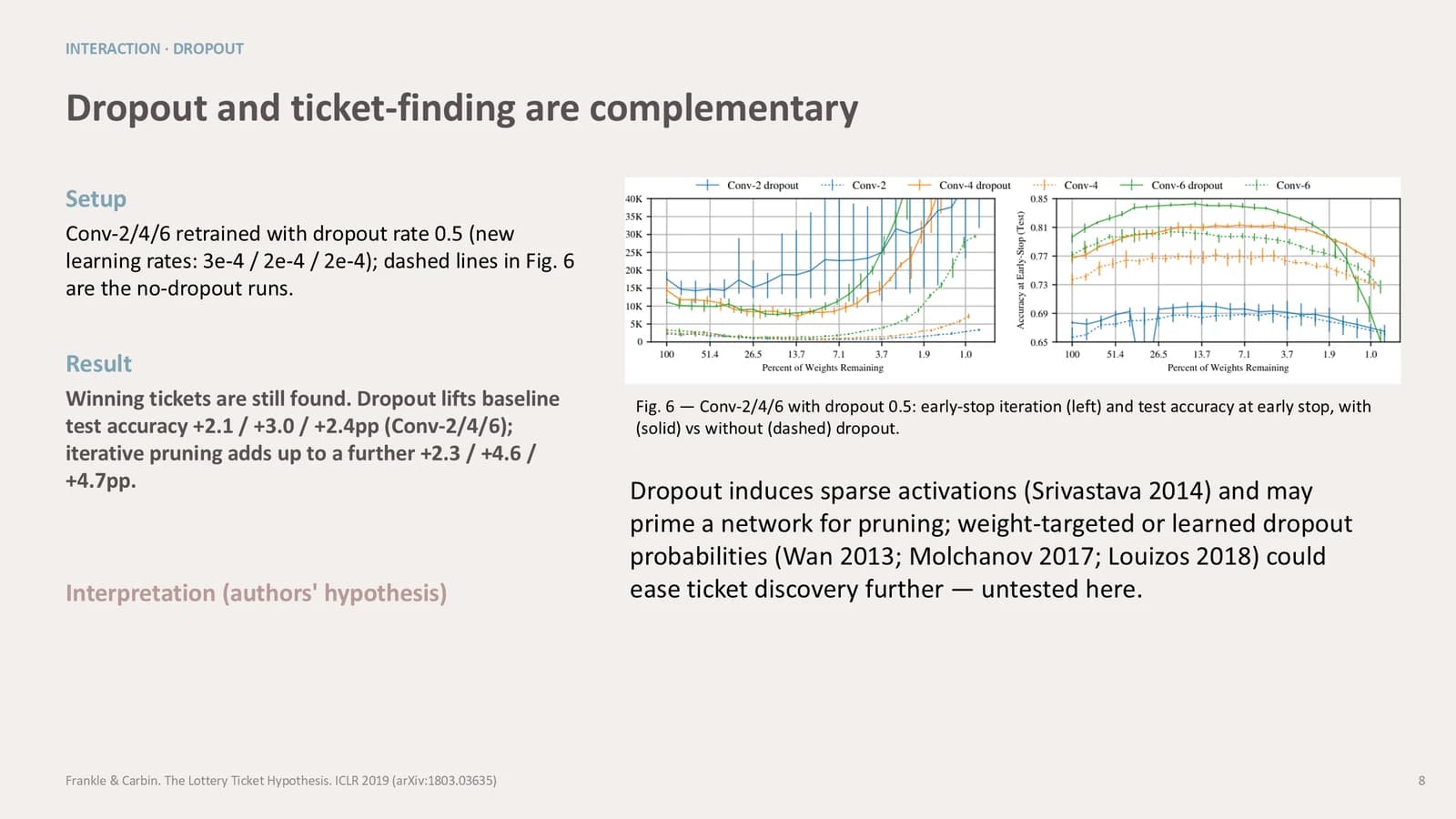 7
- +1
Discussion and limits
9–103 min
Three side-by-side columns of interpretation, then stated limitations next to where the paper sits in its field.
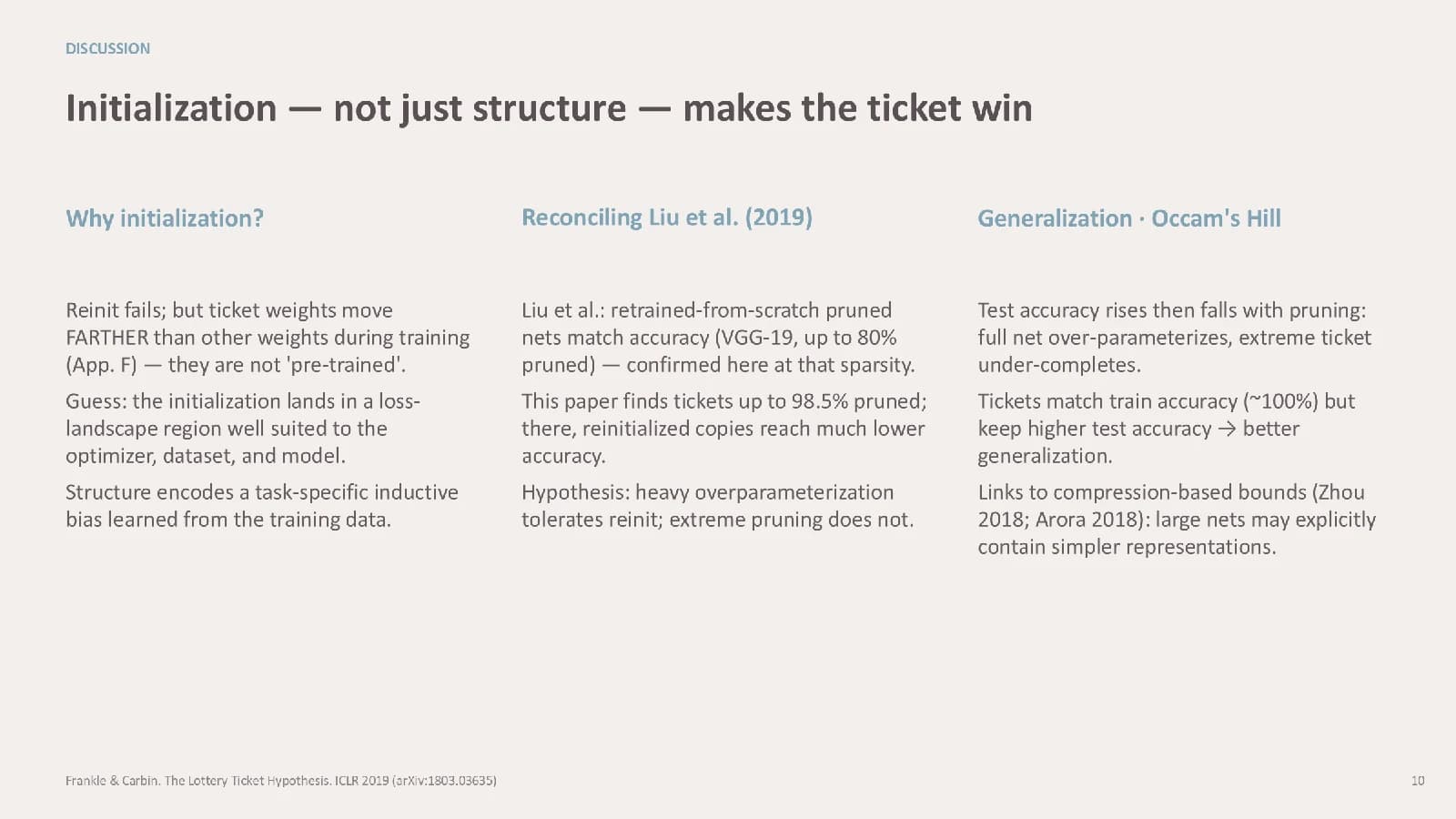 9
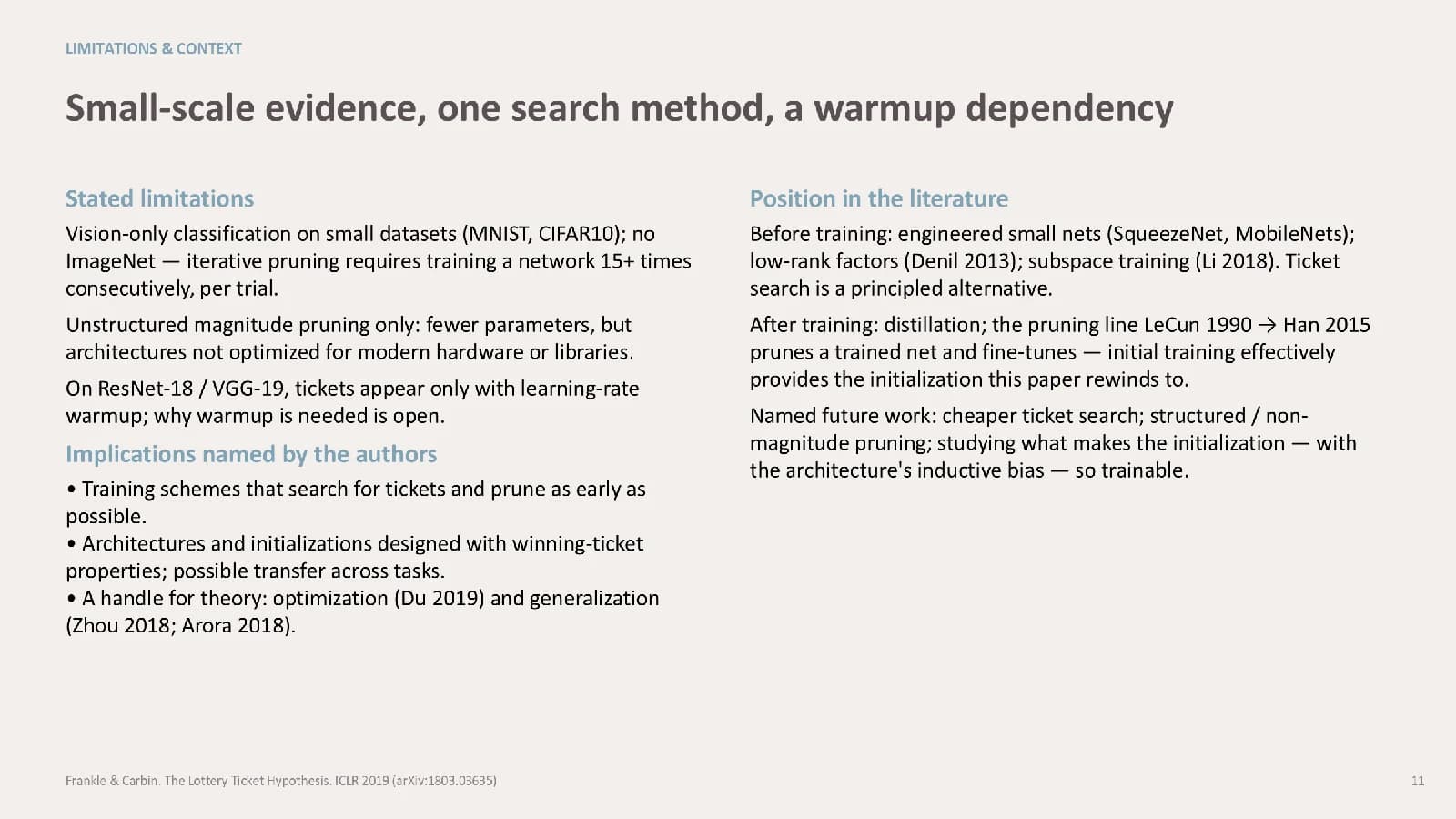 10
Take-home
112 min
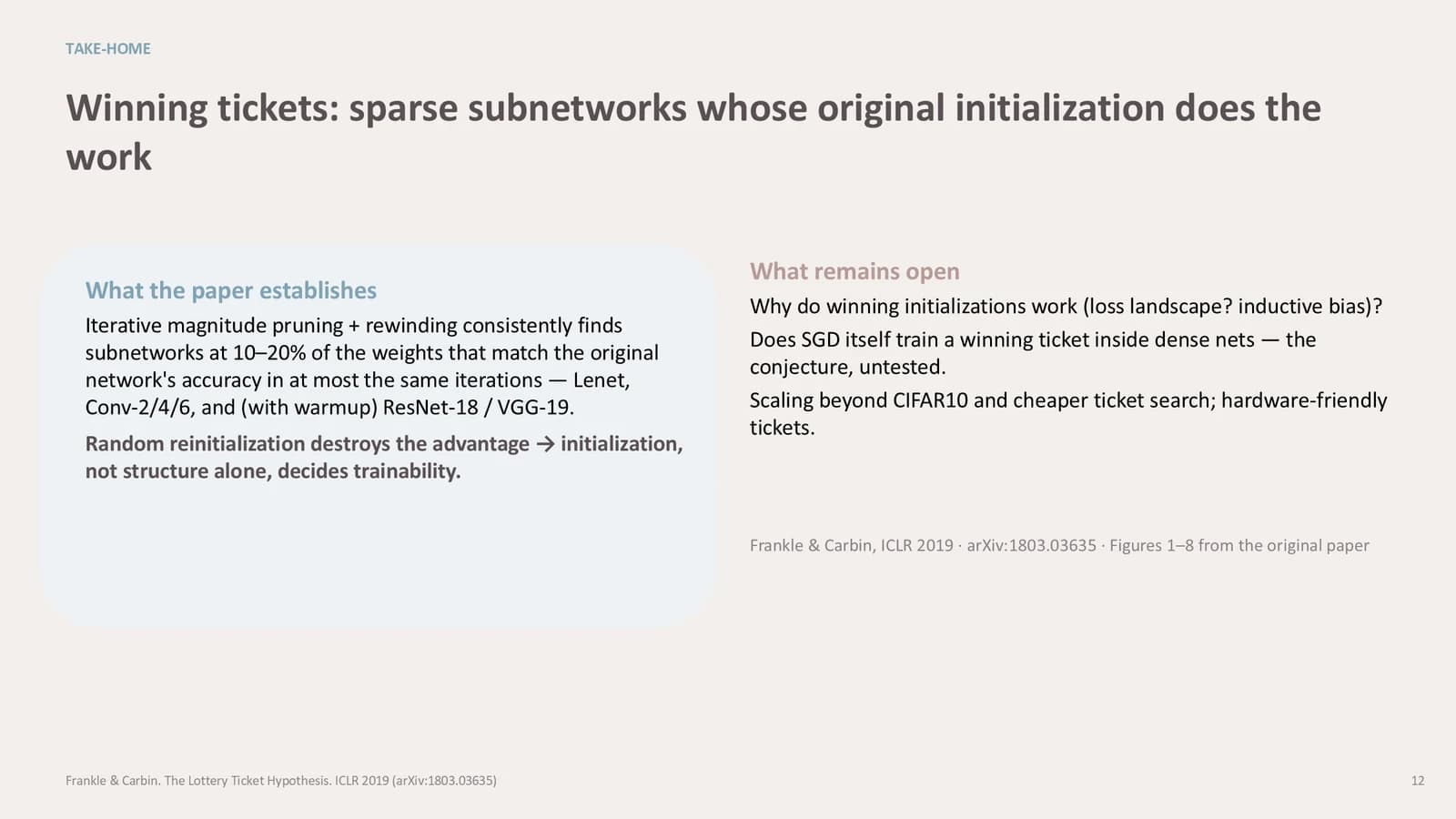
What the paper establishes in a pale panel, with open questions under a dusty pink heading beside it.
 11
What's in the file
The sample runs to 11 slides at 16:9, with 77 text boxes and 6 pictures, all figure crops from the source paper placed on the results slides. Every slide has speaker notes. Type is set in Inter throughout and the file is 639 KB. The pruning paper is example content that Yila replaces with the paper you are presenting.
- Slides
- 11
- Aspect ratio
- 16:9
- Editable text boxes
- 77
- Pictures
- 6
- Speaker notes
- Yes
- Theme fonts
- Inter
- File size
- 639 KB
Good for
Journal club
Five results slides share one structure, one experiment and one figure each, which keeps an experiment-heavy paper moving at an even pace. Rename each slide's kicker to your paper's experiment names first, then replace the figures.
Slides 4–8
Thesis defense
The restrained styling keeps attention on the research. The two-column limitations slide lets you set your study's boundaries against prior work, answering the questions a committee is likely to ask before anyone raises them.
Slides 2, 10–11
Social science paper reading
A wide text column and a narrower figure column suit papers that argue more than they plot. Use the three-column discussion slide for the theoretical reading, the conversation with earlier findings and the scope conditions.
Slides 3, 9
How to use it in Yila
- 1Pick a template
- 2Upload your paper or describe your talk
- 3Yila builds an editable PPTX
Tips
Do
- Keep each kicker to two or three words; the sample's THE CONTROL is about the right length.
- Reserve dusty pink for caveats such as untested, control or still open, and keep main subheadings blue-gray.
- After generating, check tinted panels like the one on slide 2, where a sentence in the sample runs past the panel and is cut off.
- Open each results column with a one-line finding before the numbers, the order slide 4 of the sample uses.
Avoid
- Do not add a left rail, a filled header band or a conference footer bar; the theme relies on whitespace and type size.
- Do not place more than one large figure on a slide; the two stacked figures on slide 8 are already at the limit.
Questions
Can I replace the pink and blue-gray?
Dusty pink as the main accent with blue-gray as the second is how this theme is defined, and Yila lays out every slide with it. For other colours, choose a different theme in the library and generate again. The resulting PPTX keeps its text editable in PowerPoint, Keynote or WPS.
The sample is 11 slides. Can I add or drop slides?
Yes. The sample only shows the layout. Yila rebuilds every slide from the paper you upload or the outline you write, so a paper with more experiments simply gets more results slides. You can also delete or duplicate slides in PowerPoint once the deck is generated.
Does it work in PowerPoint and Keynote?
Yes. The download is a PPTX that opens in PowerPoint, Keynote and WPS, and the text can be edited in all three. The sample uses Inter throughout; if your computer does not have it installed, a substitute font is used and spacing may change a little, so check line breaks before you present.
Is it free to use?
Browsing this page and downloading the sample deck cost nothing. Building a deck from your own paper with Yila consumes credits; new accounts start with 2,500 credits, enough room to try it on one paper first.
Is it suitable for a thesis defense?
Yes. The theme was written for paper reports and defenses: soft colours, but a clear hierarchy. Swap the results slides for your own experiments, state your study's boundaries honestly on the limitations slide, and close on one open question for the committee.
What should I upload?
A PDF or DOCX of your paper, or a written description of what you want to cover and for whom. The pruning paper in the sample is replaced completely; you are not expected to fill in a blank template slide by slide, and every page is rewritten from your material.