Slide template · 16:9 · 25 slides
Mist Pink and Mint Editorial Research Pitch Slides Template
Broad mist-pink and pale-mint gradients sit on a warm ivory page, and each slide pairs one oversized thin black headline with a dominant image and a few short lines. Suited to pitching a lab outcome, research tool or innovation project.
What this template is
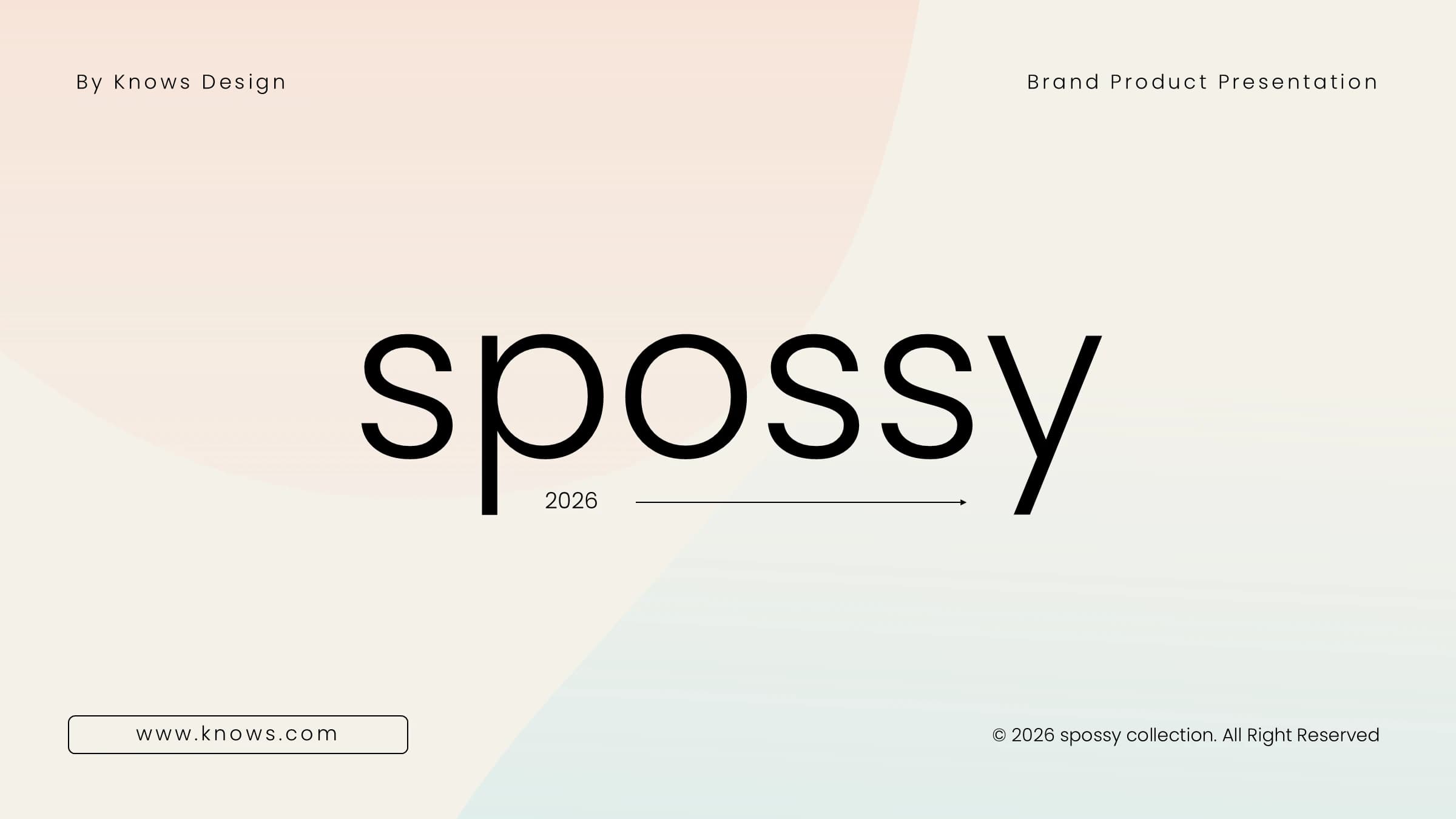
Each slide reads like a magazine spread. The ivory page carries soft pink and mint gradient fields as its structure, an oversized thin black headline gives it weight, and everything else stays quiet: hairline rules, outlined rounded labels and rounded photo frames. A small running header with a short rule and page number sits at the top, with a copyright line and arrow buttons at the foot. When Yila builds this theme it follows a story of research context, audience need, innovation or product, method, evidence, impact and finally roadmap and collaboration, alternating image-led and text-led slides rather than repeating one split.
What goes in each section
Opening and contents
1–31 min
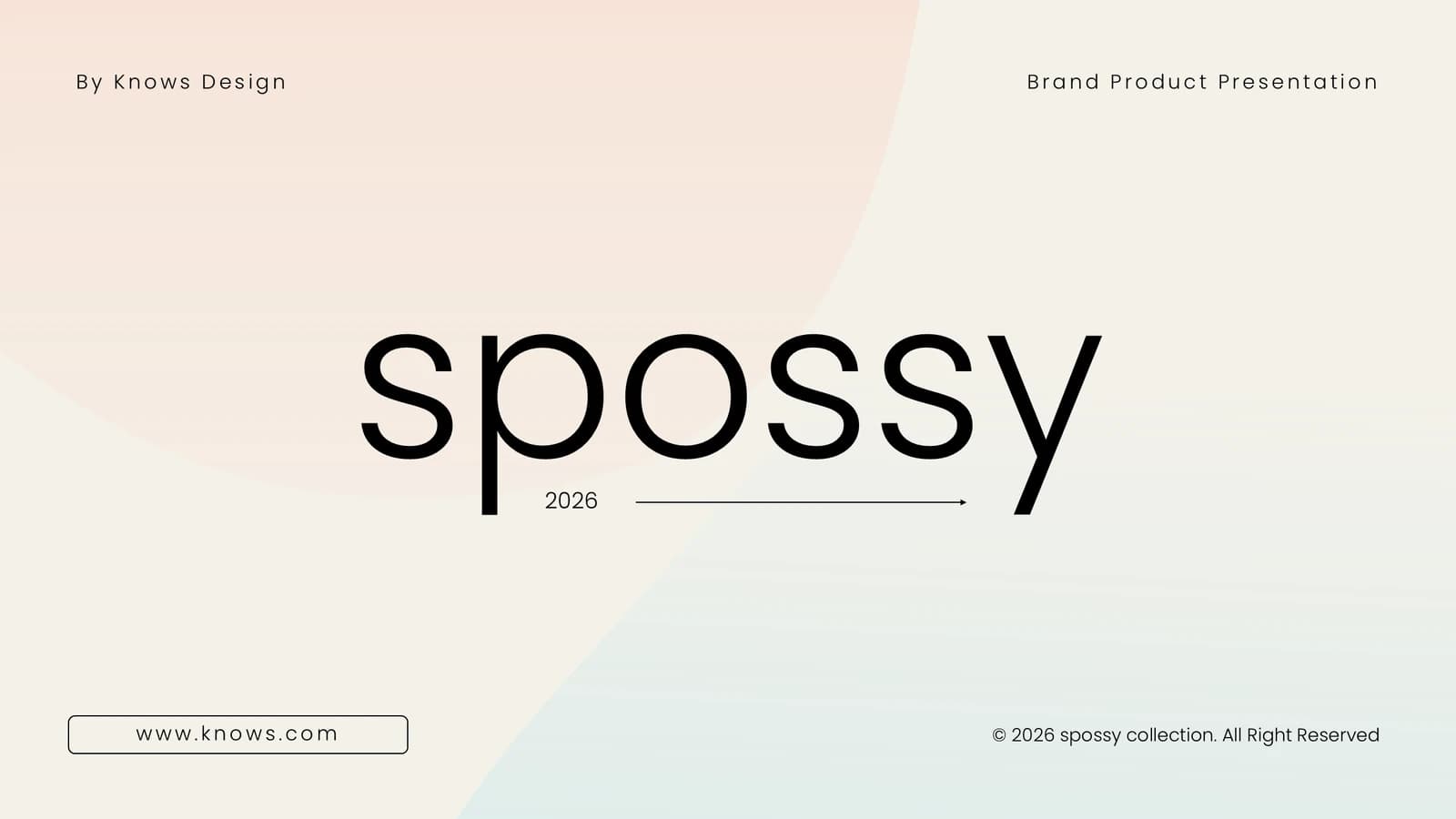
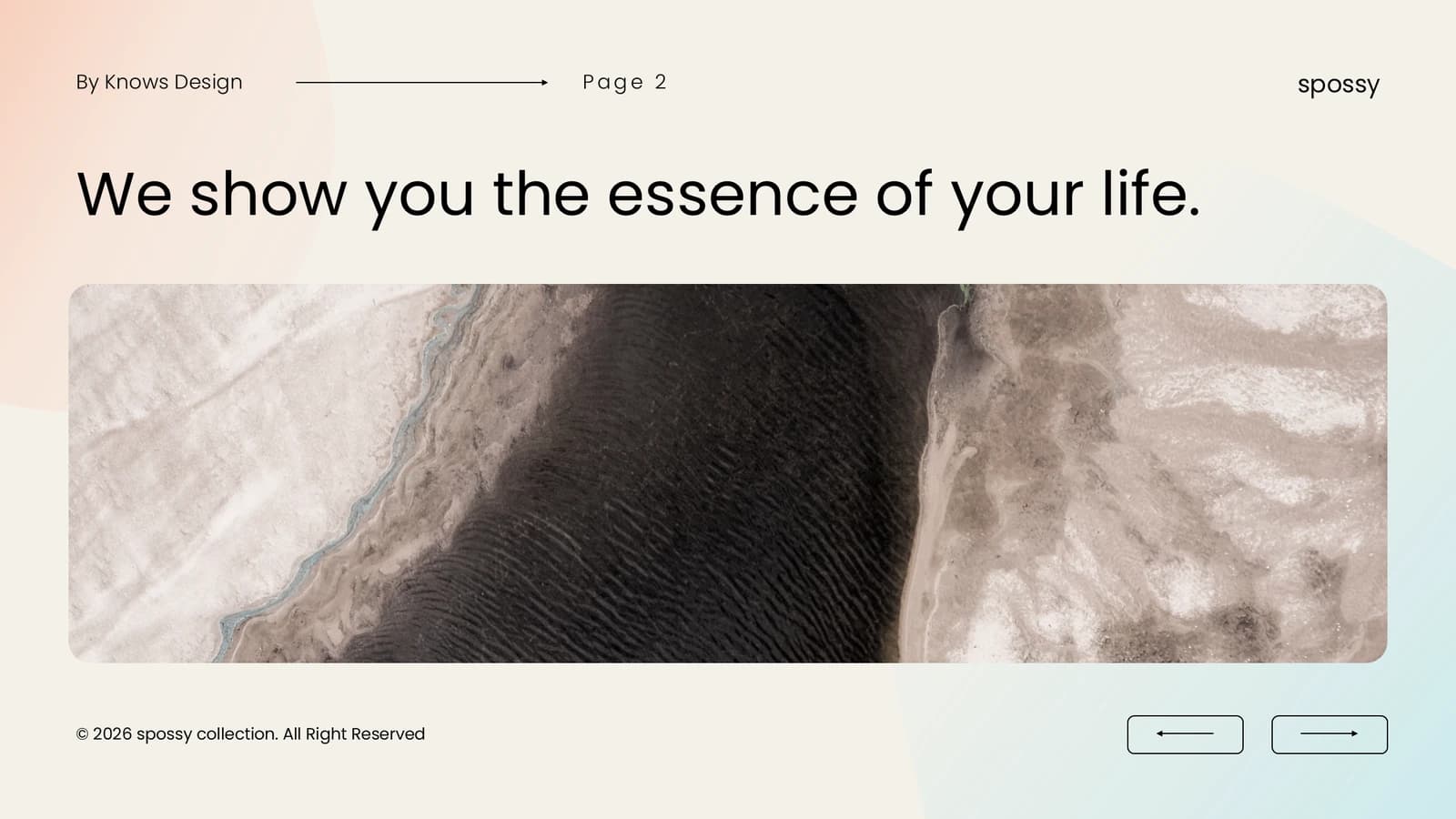
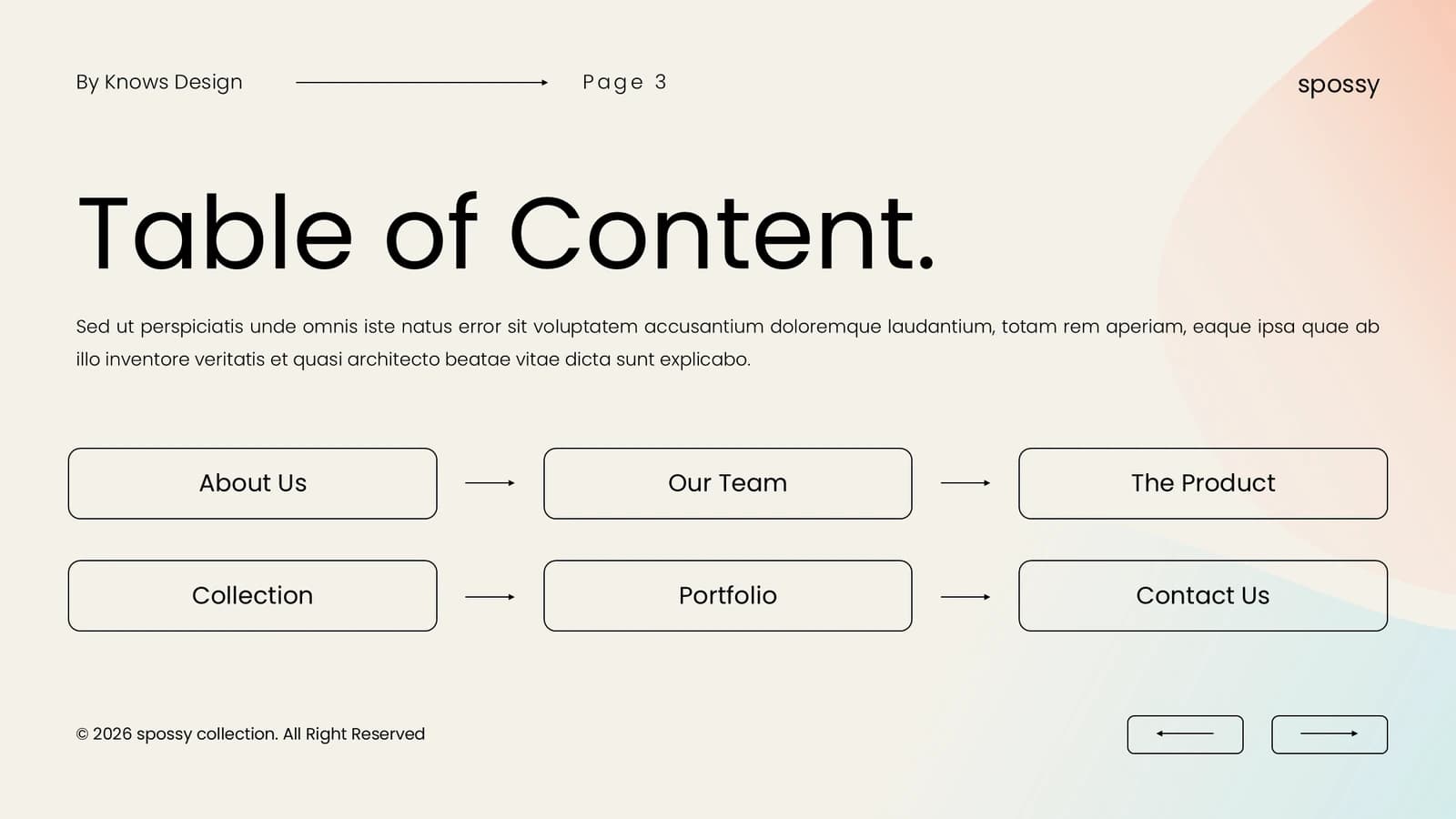
An oversized title, one claim over a wide photo, then six outlined boxes as contents.
 1
 2
 3
Context and need
4–72 min
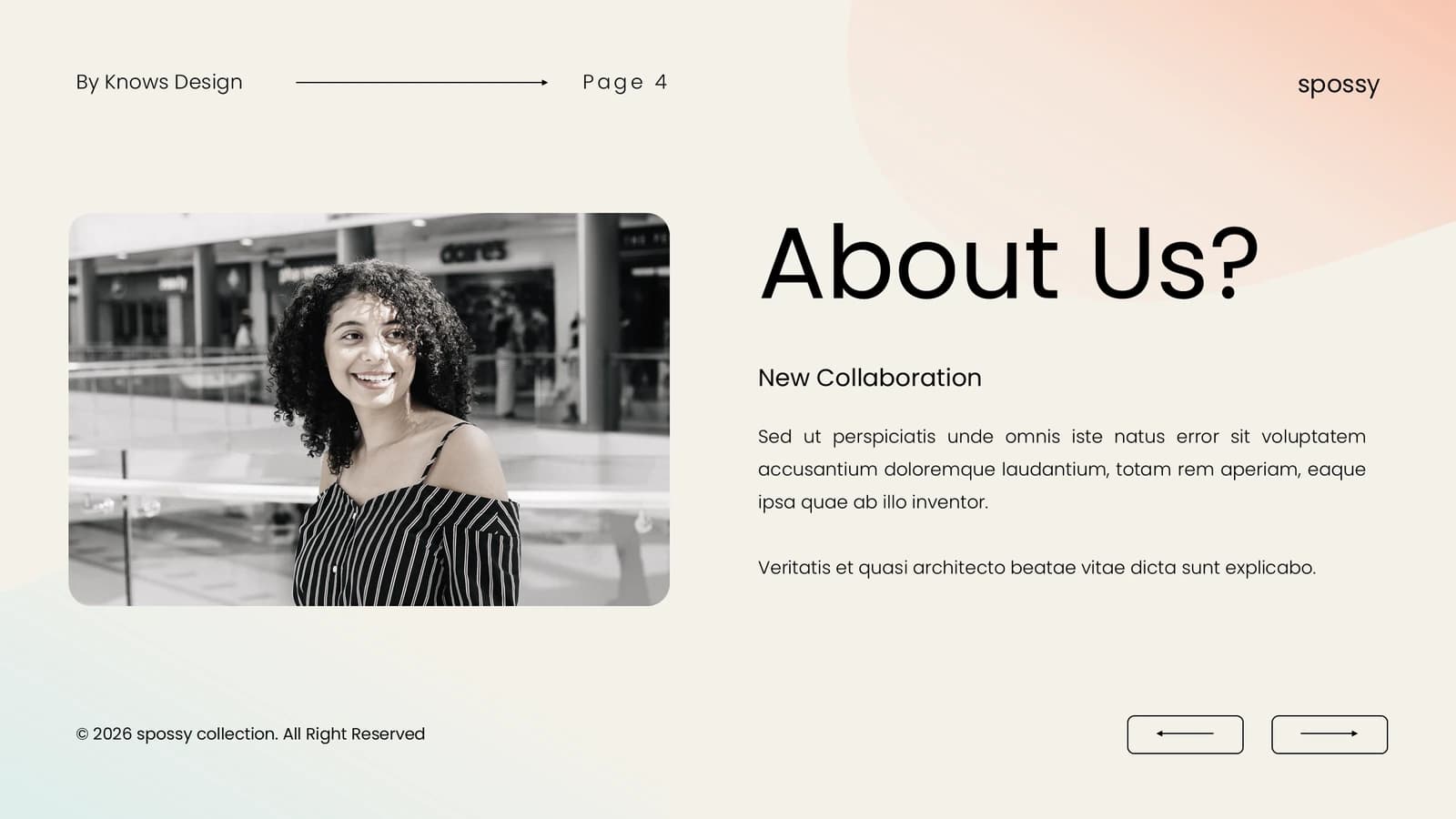
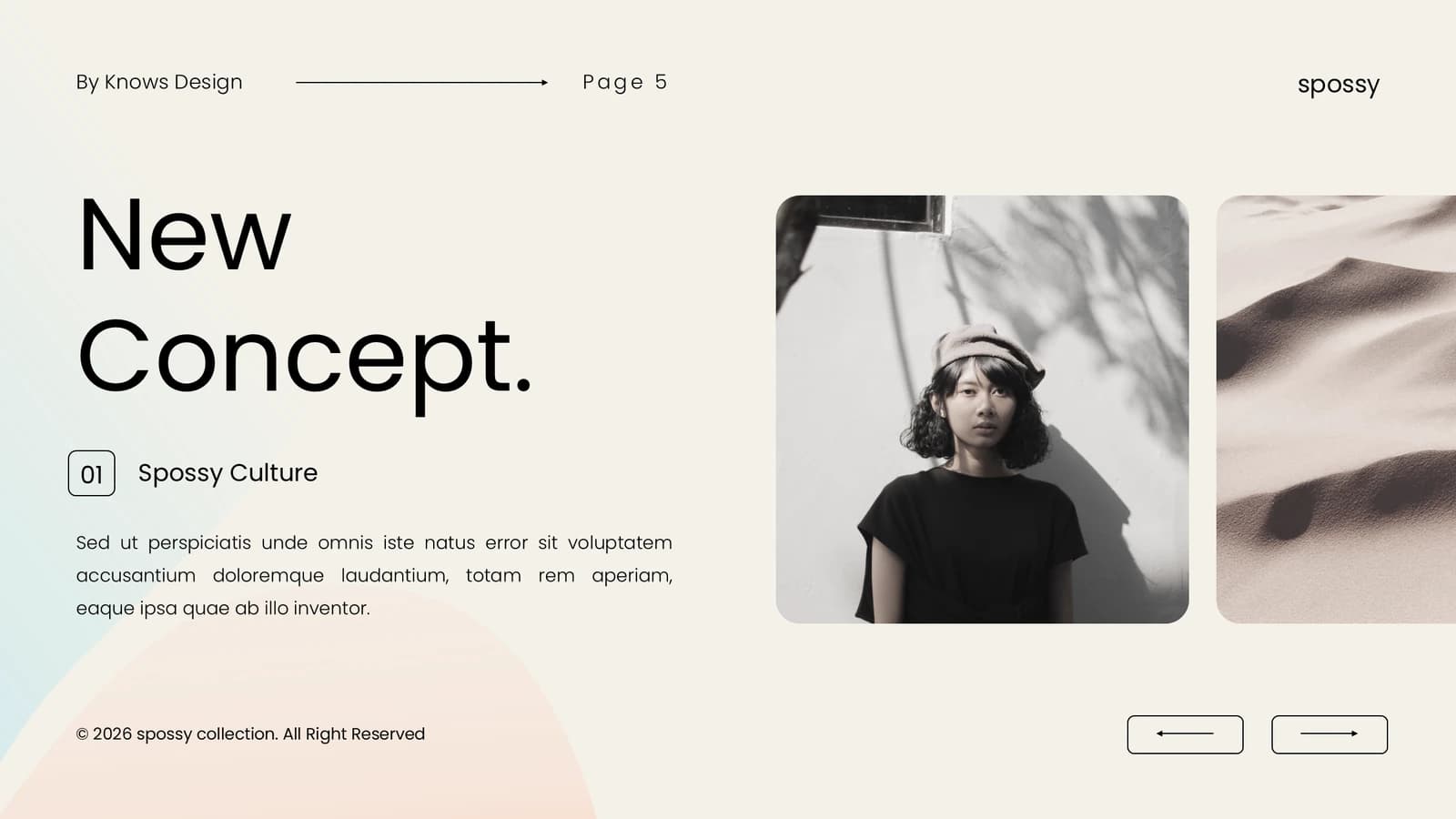
Photo-led slides on where the work began, who it serves and its vision, one idea each.
 4
 5
 6
 7
The outcome or tool
8–92 min
A large image introduces the outcome; three captioned cards list materials, data or components.
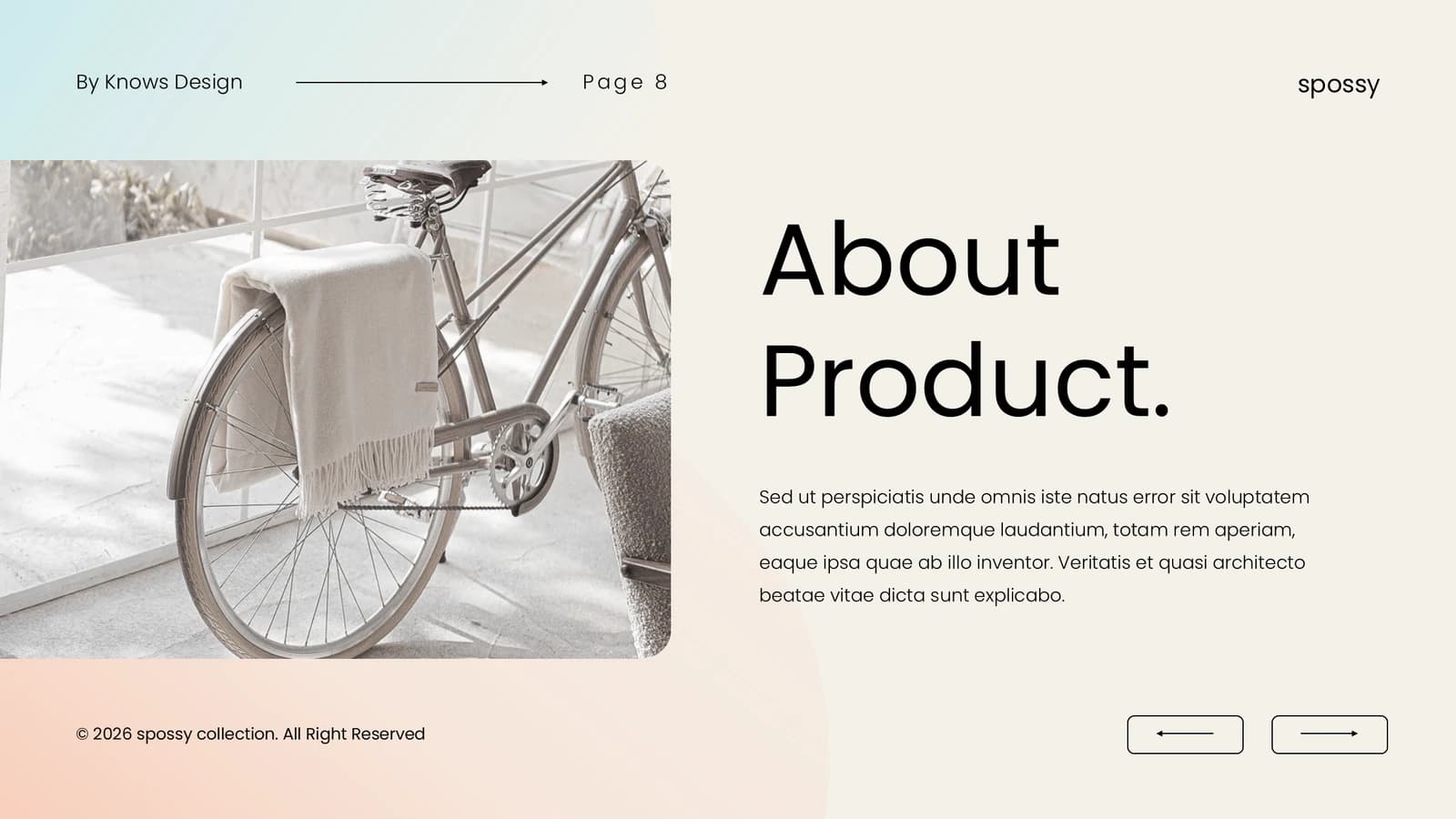 8
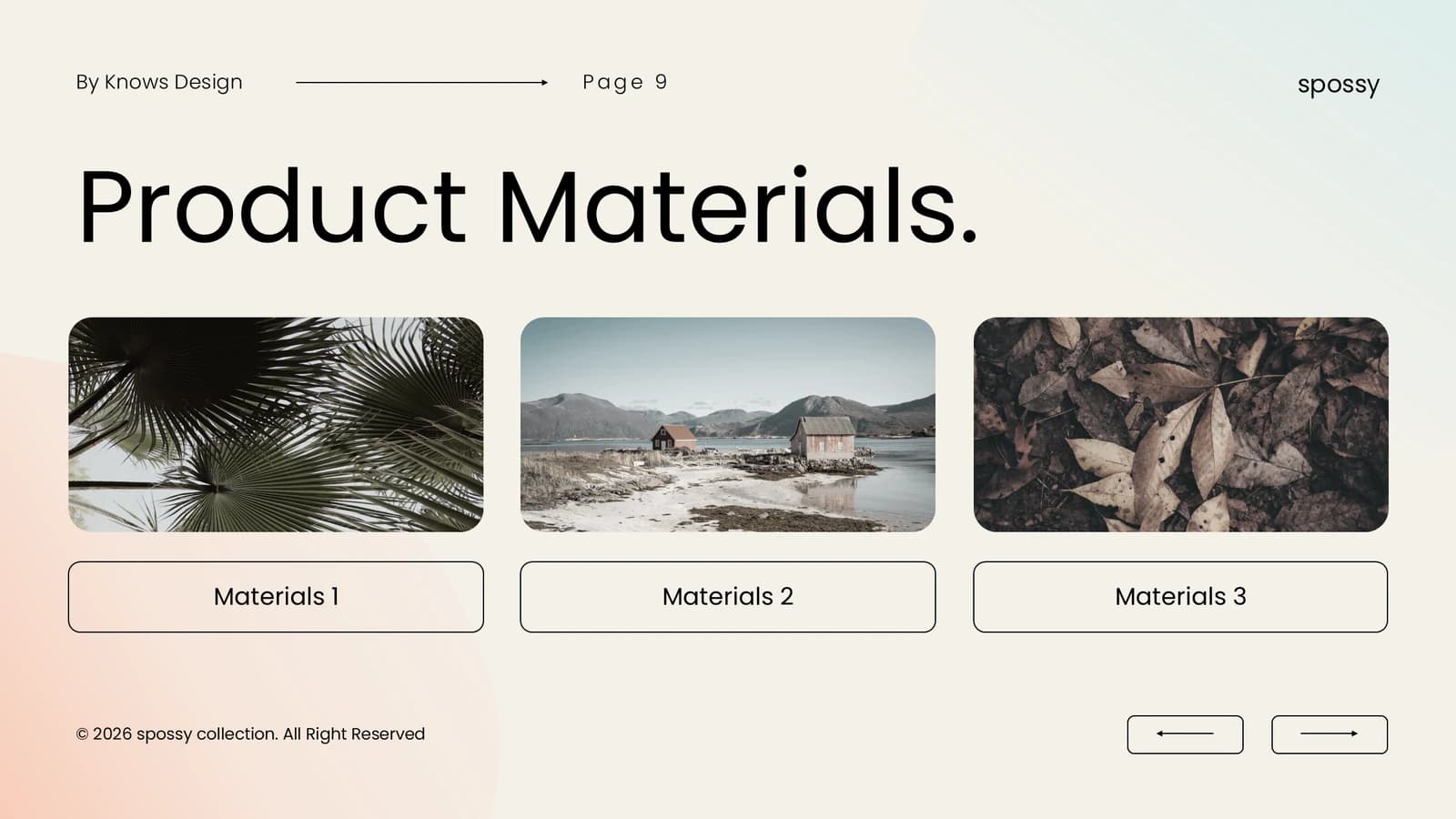 9
Method
10–113 min
Two rows of three outlined step cards trace the work from concept to checked result.
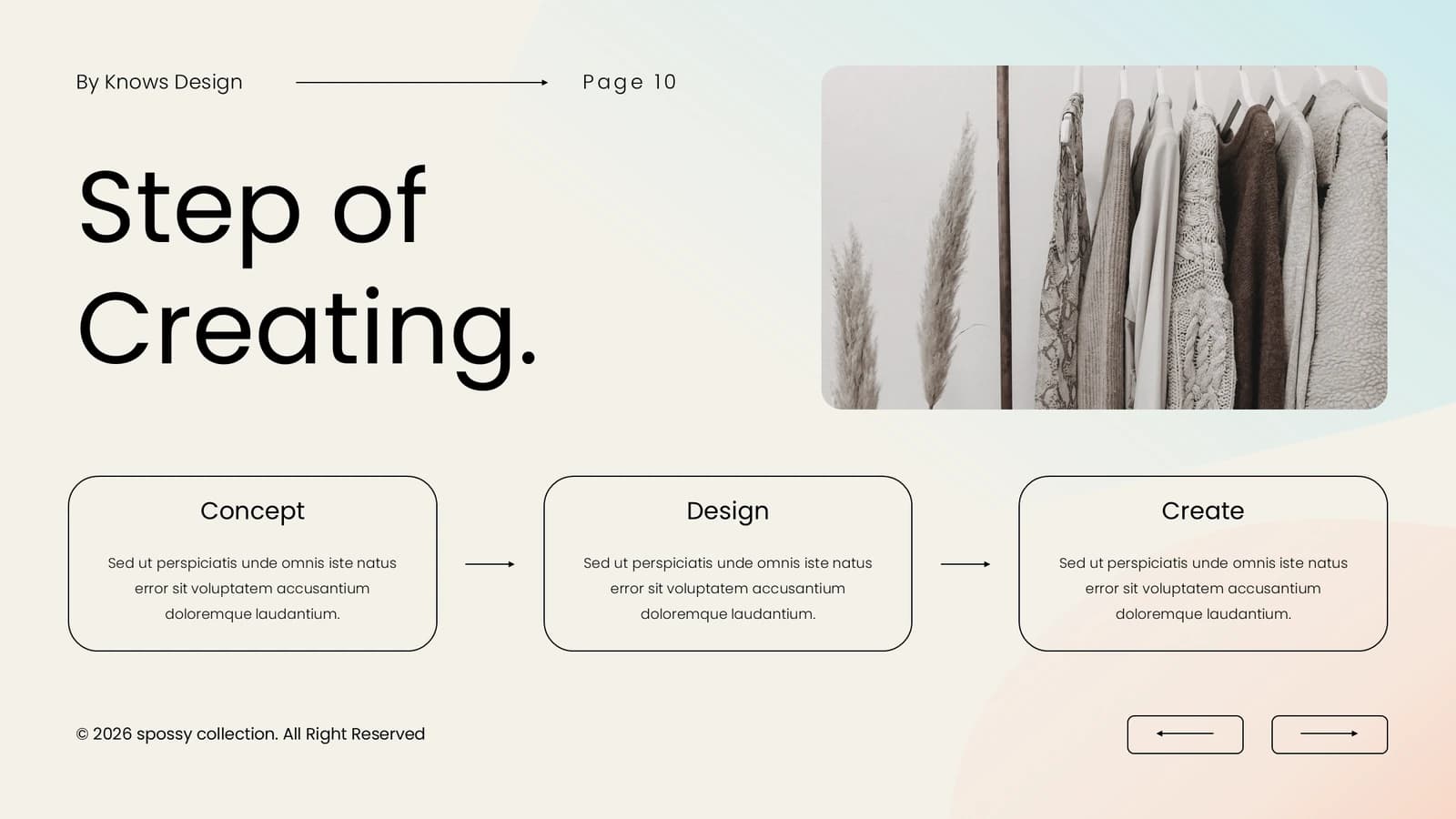 10
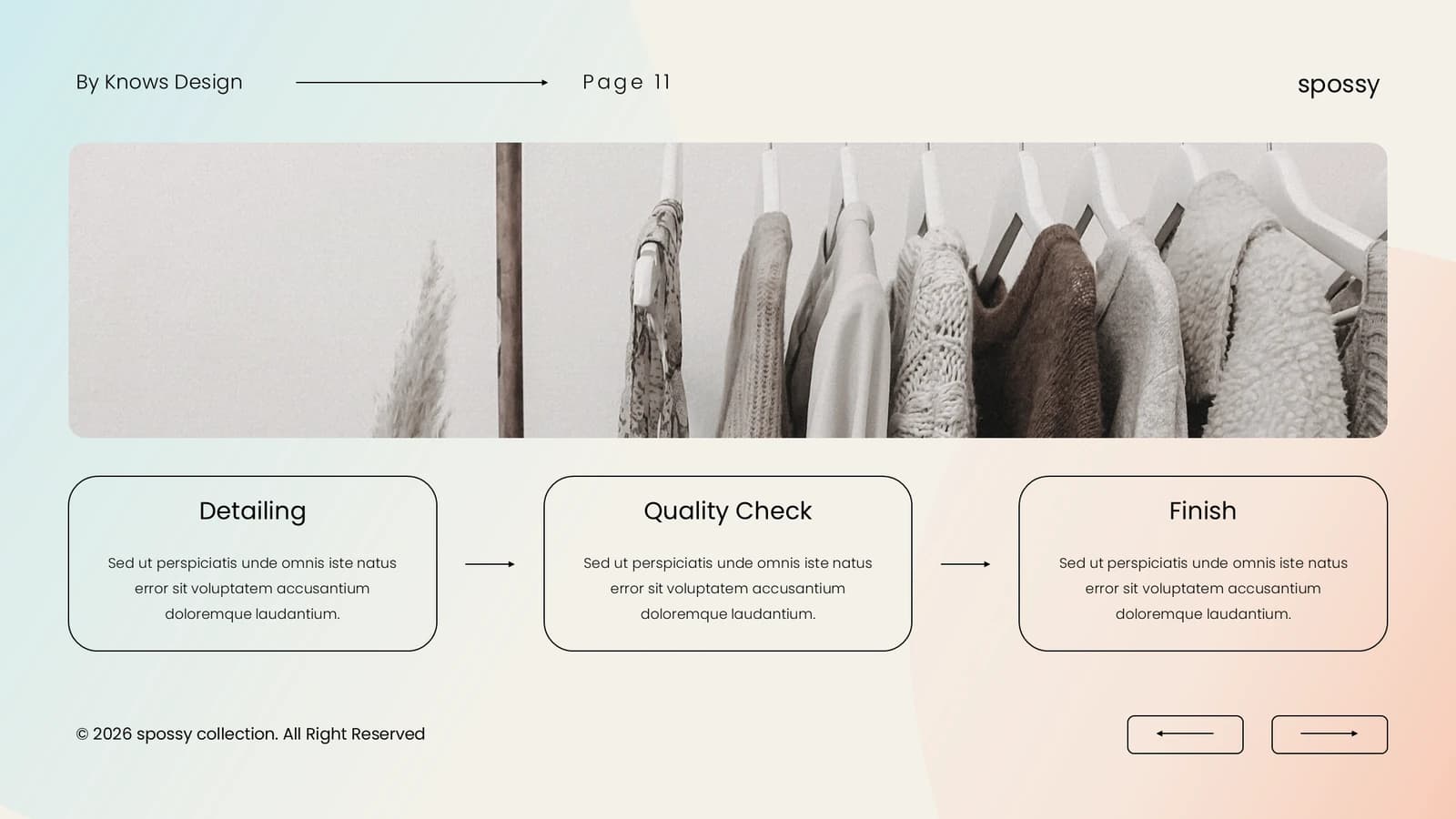 11
Evidence and applications
12–173 min
Collages and full-width images show samples, field use or feedback from early users.
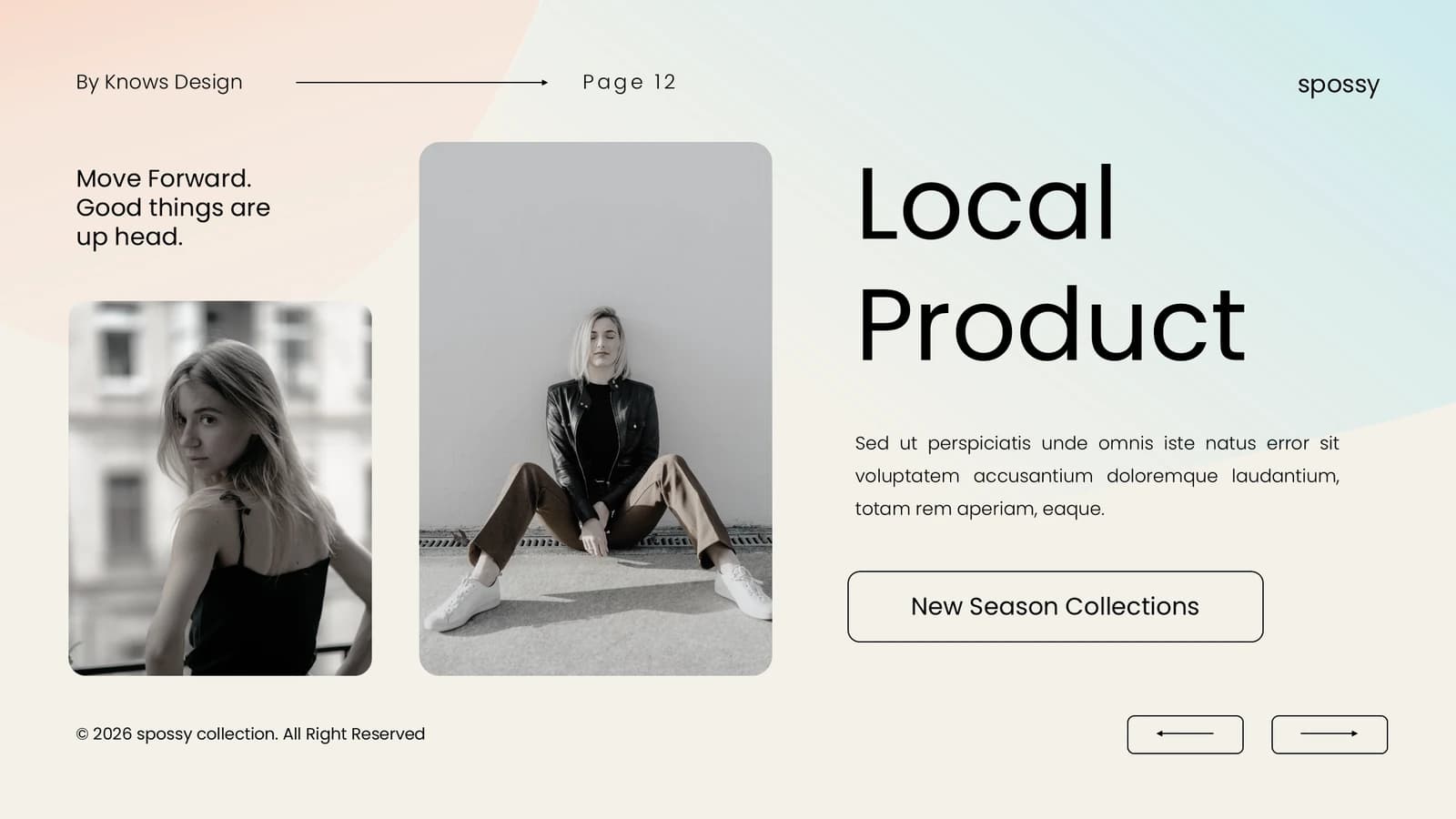 12
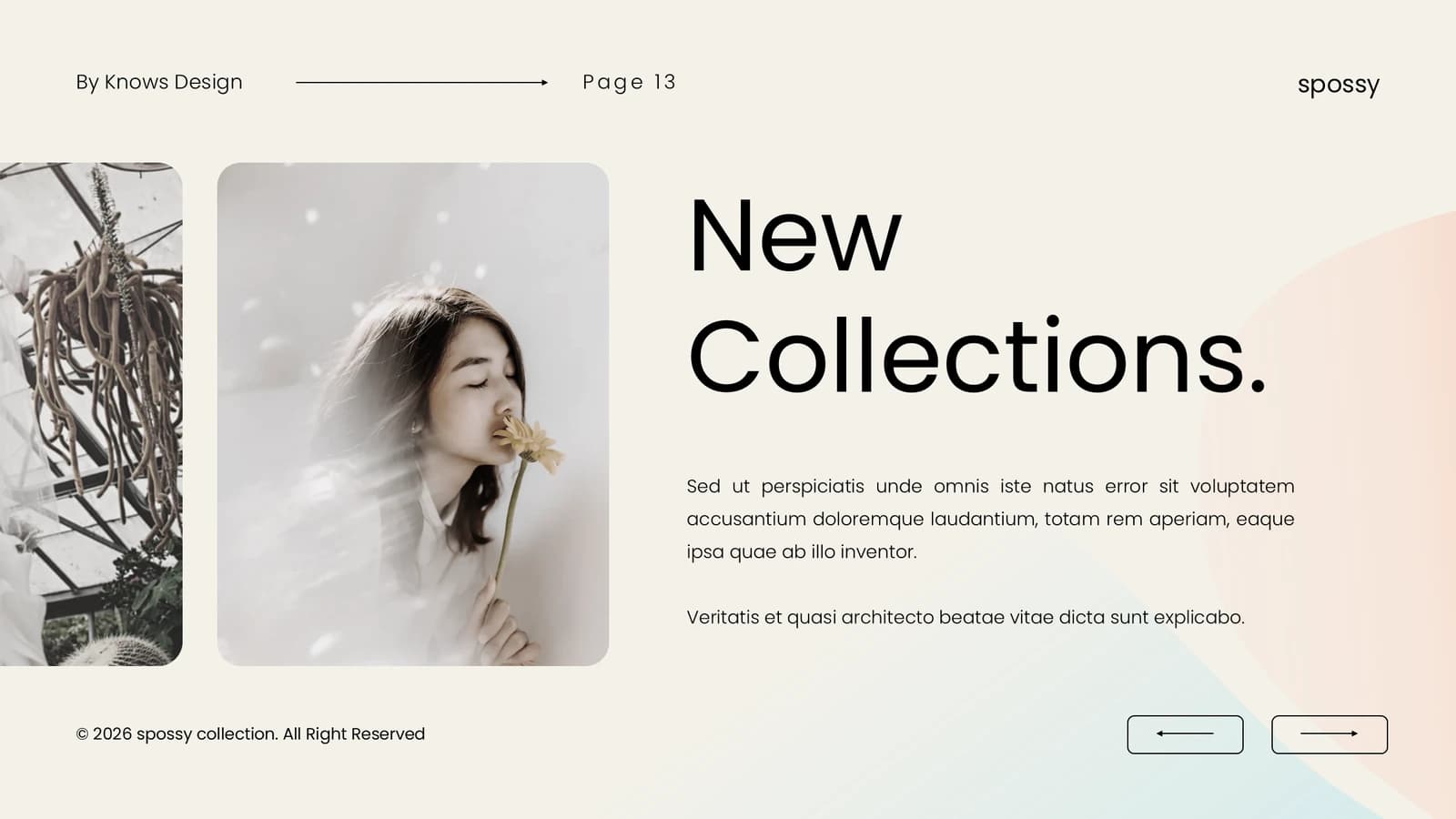 13
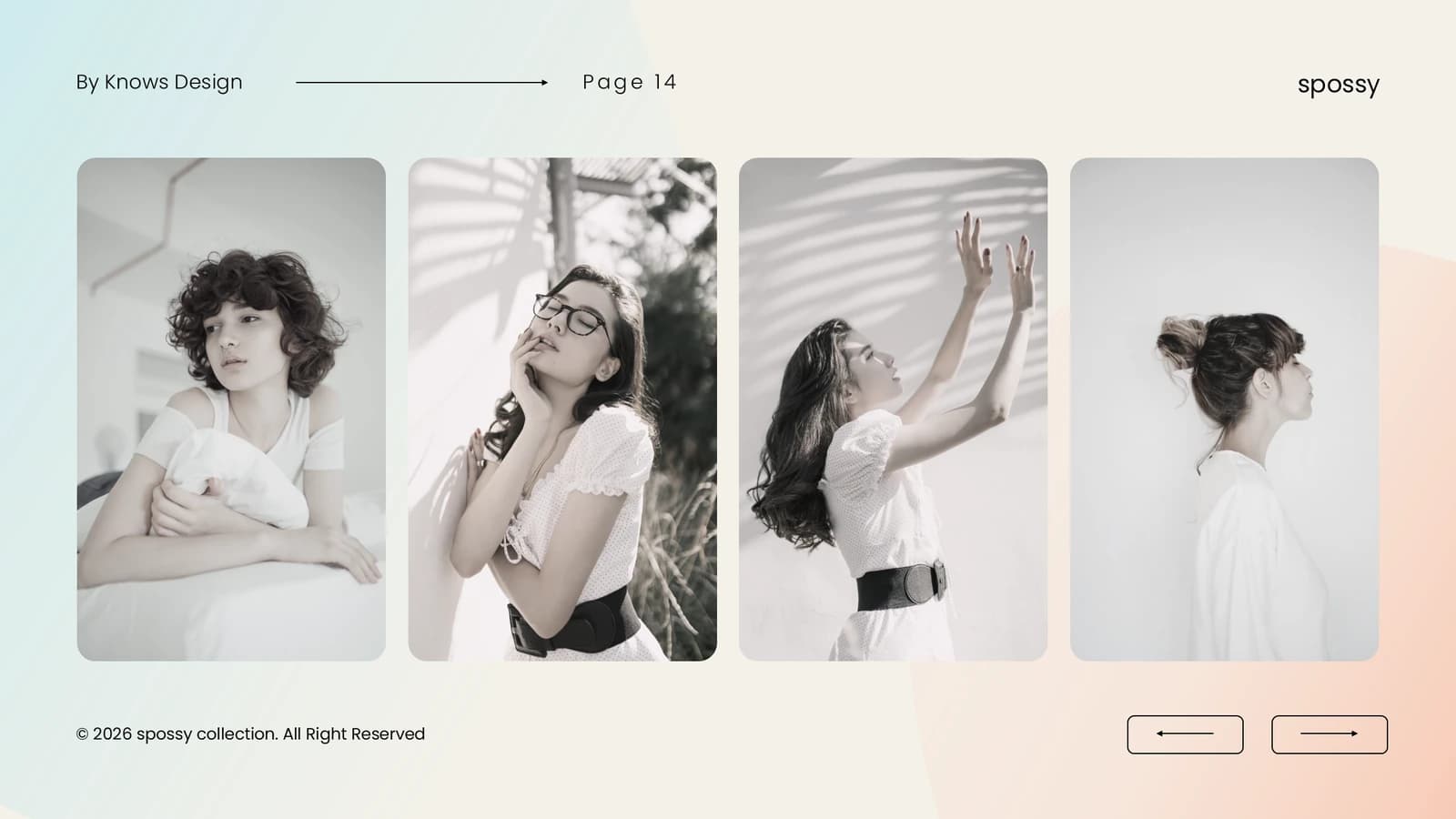 14
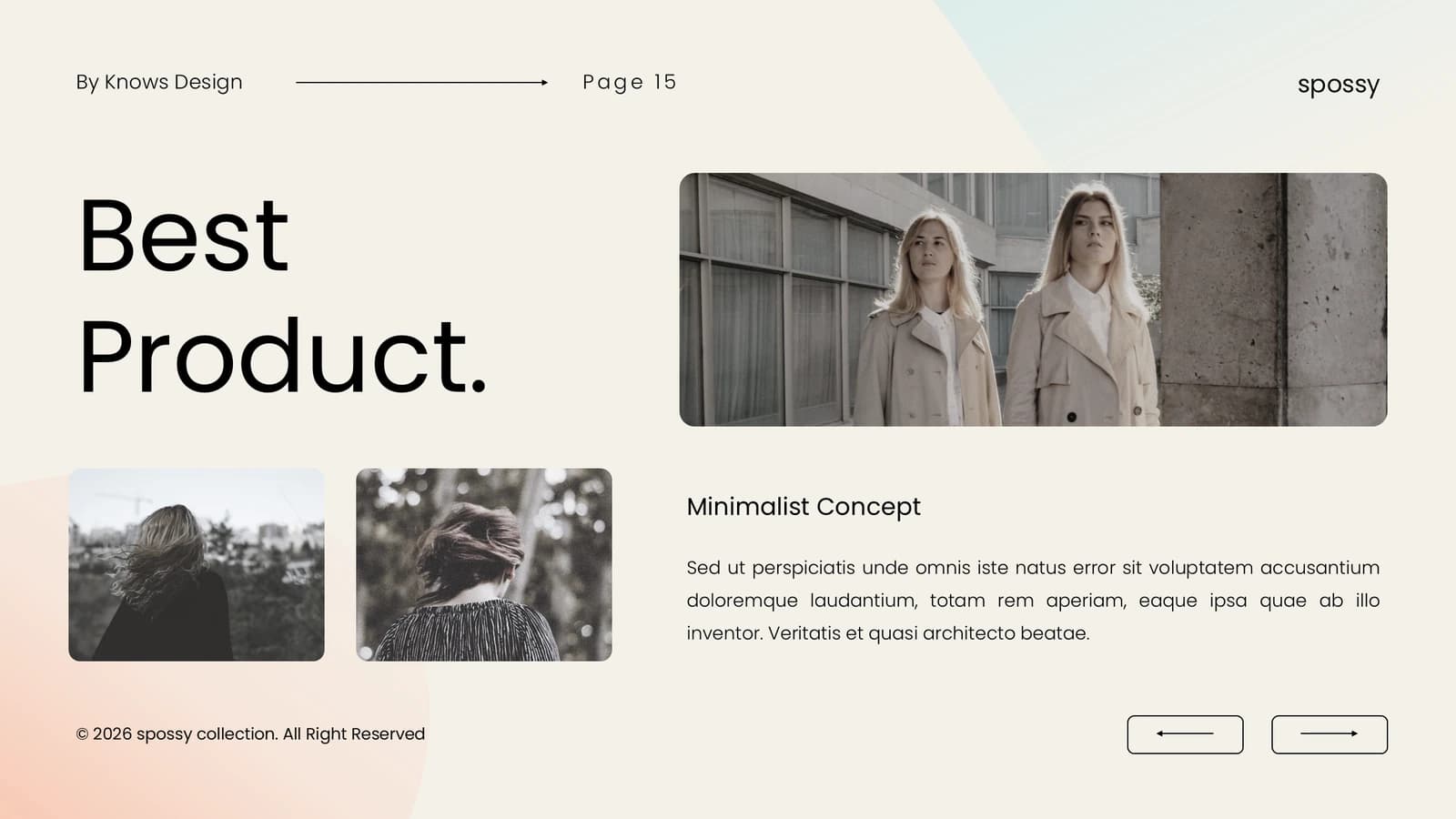 15
- +2
Team
18–212 min
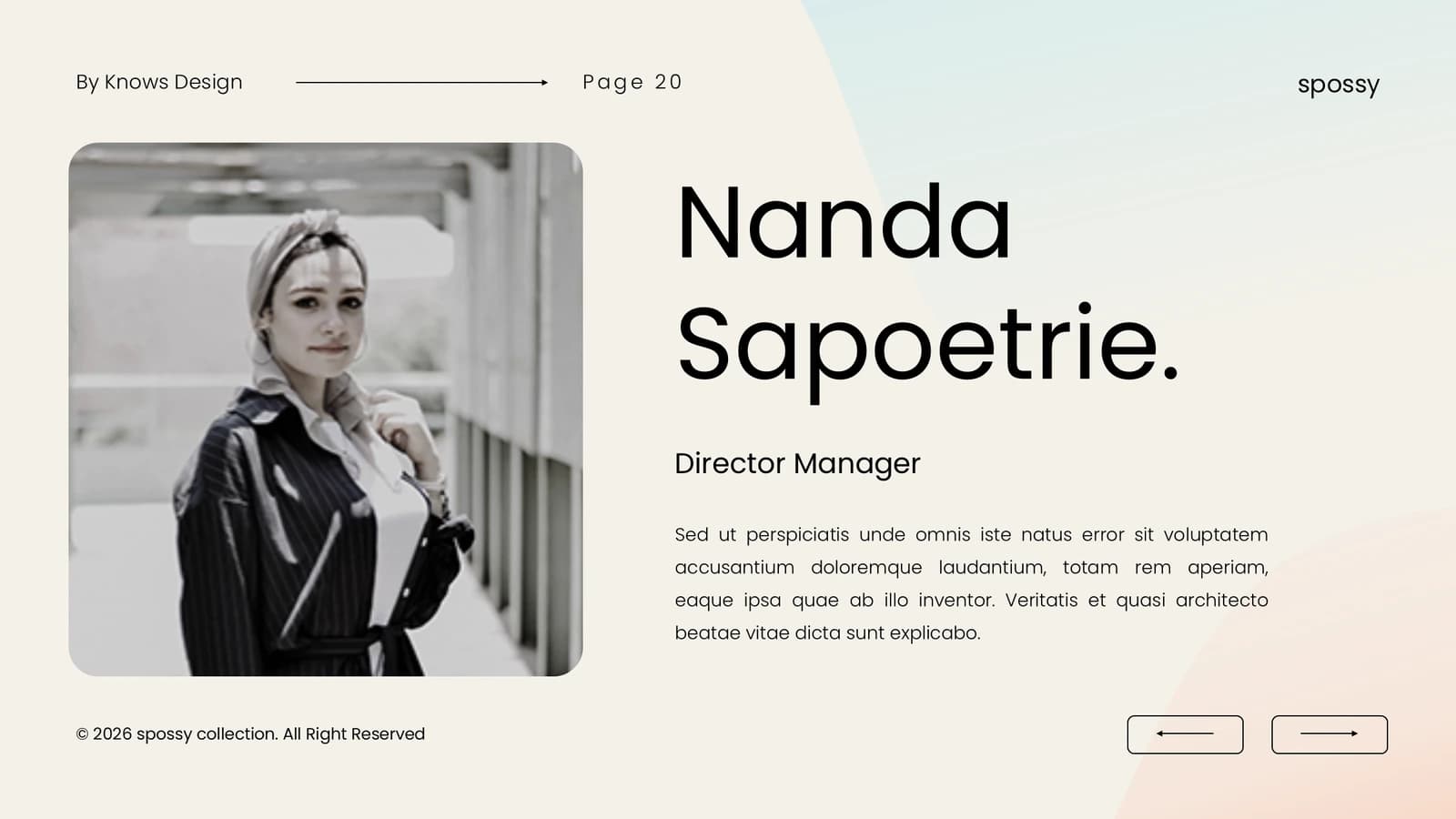
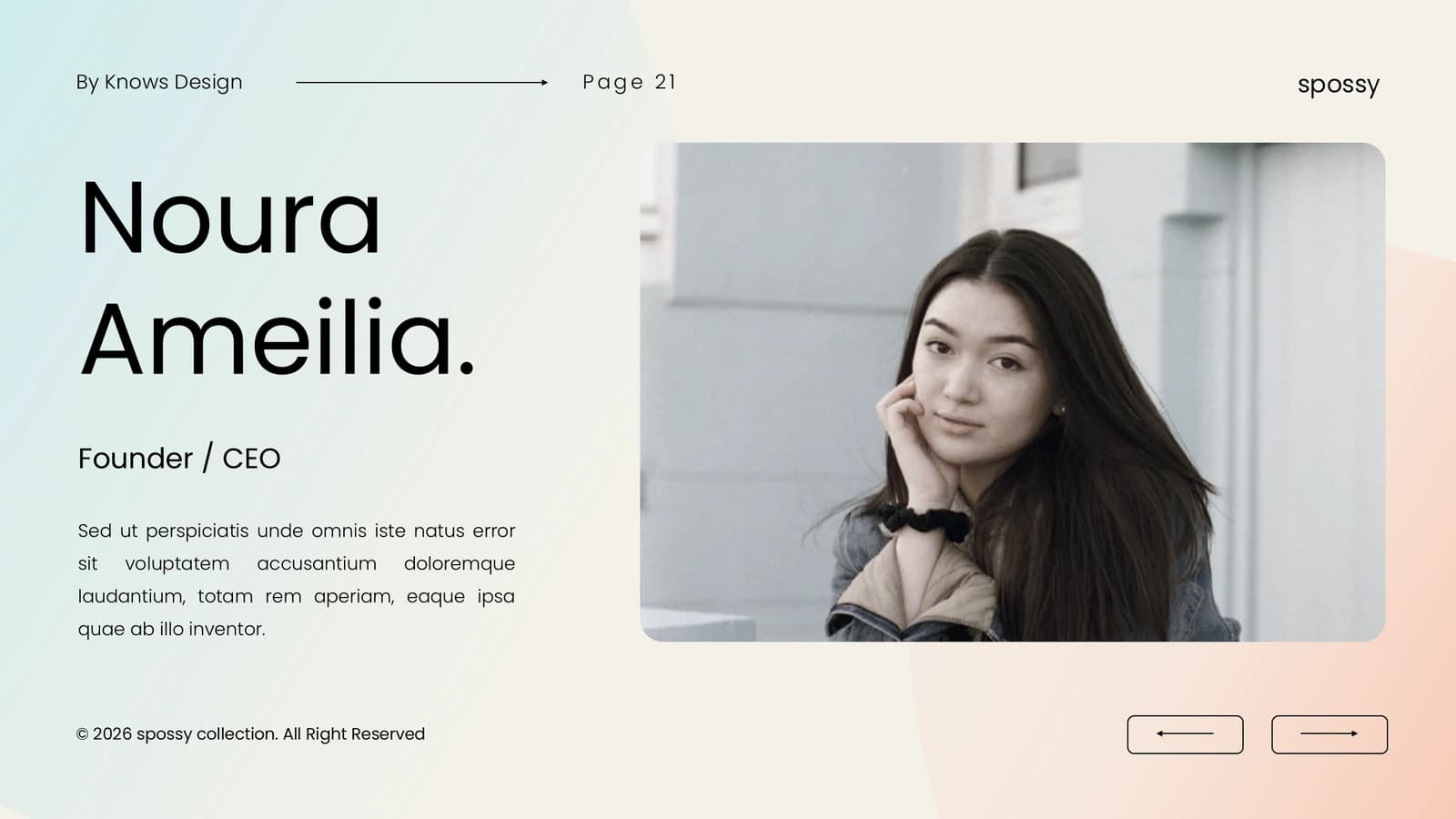
Portraits with name plates introduce the lead and members, with one slide per key person.
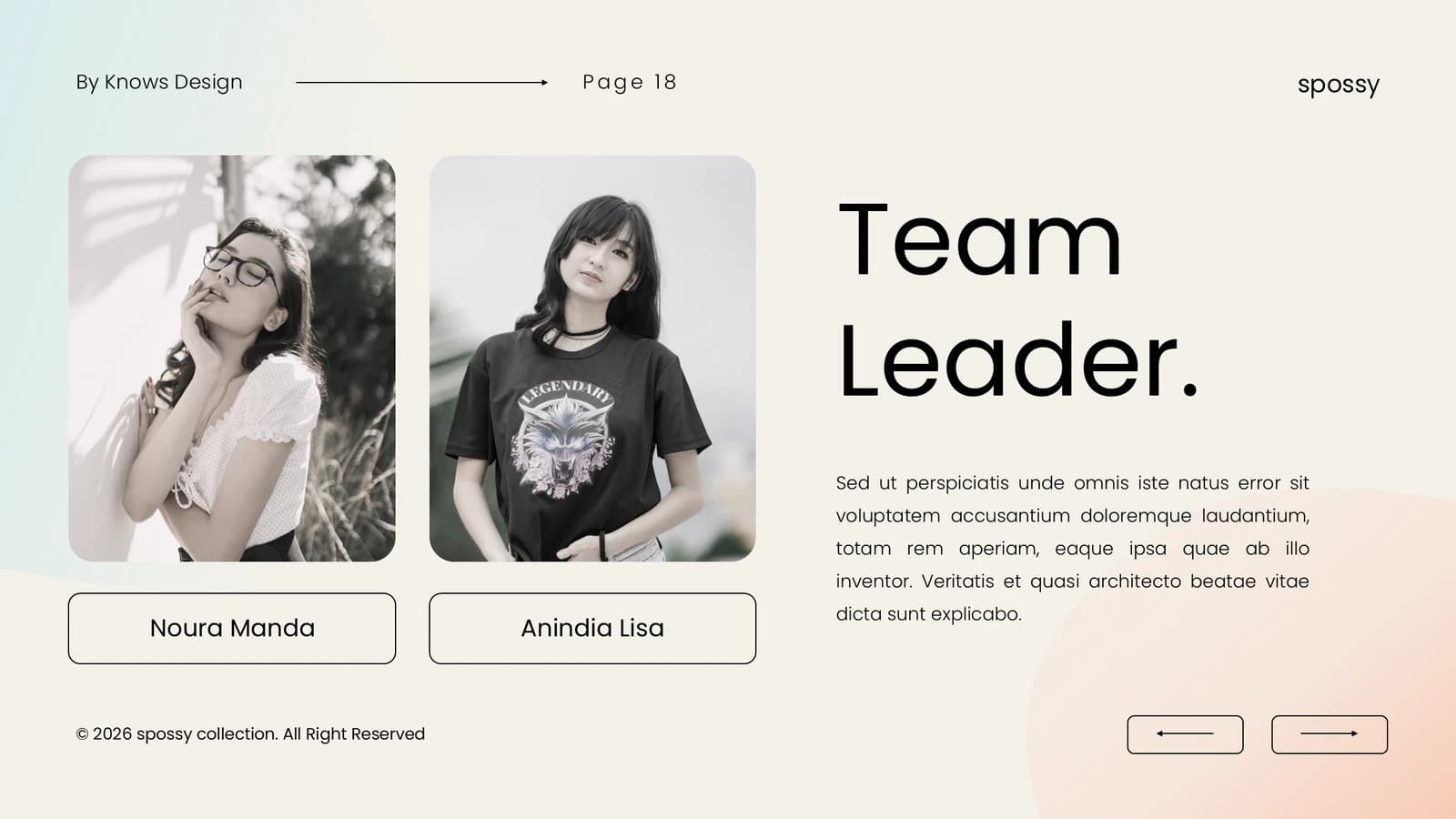 18
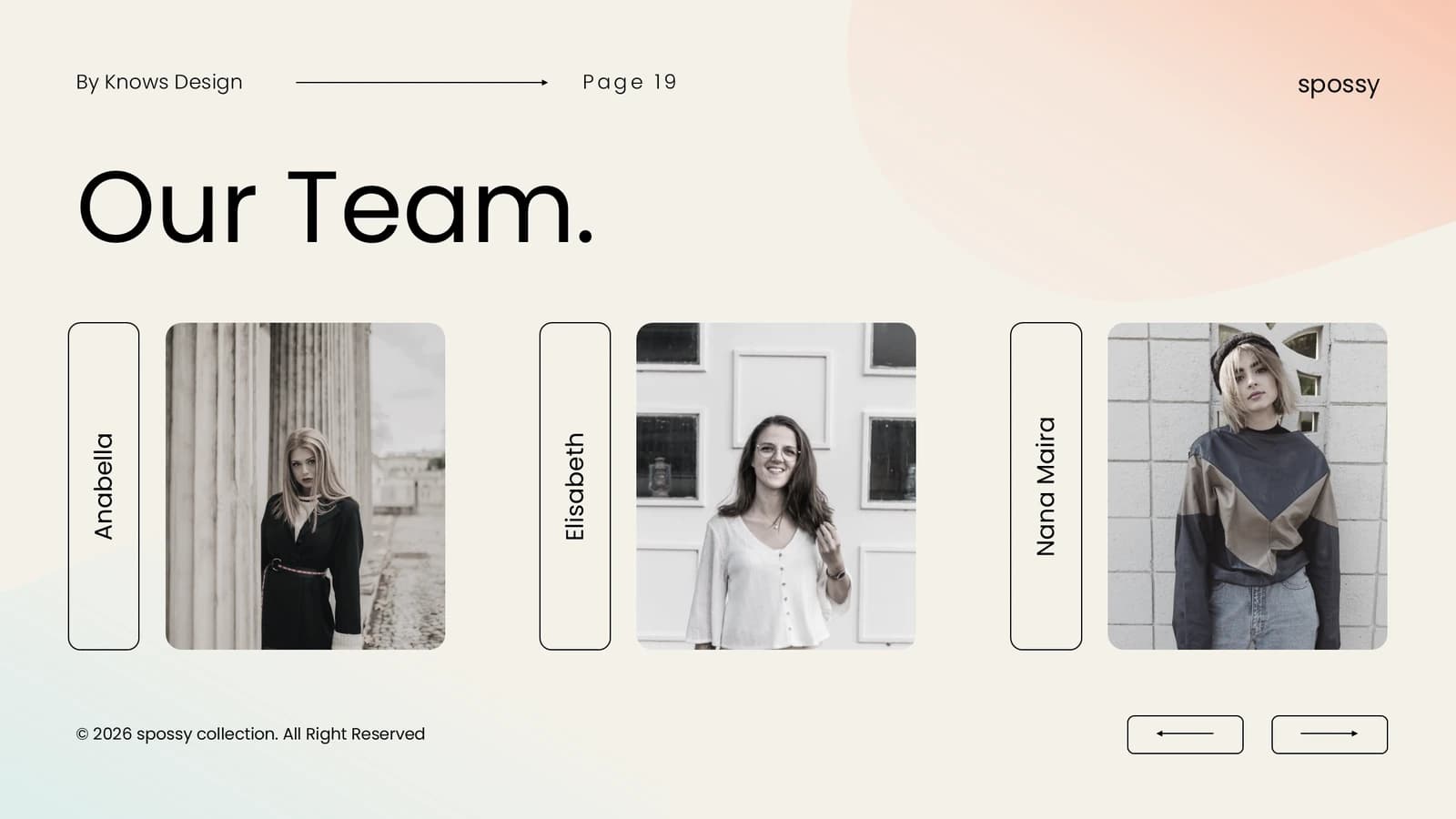 19
 20
 21
Portfolio and contact
22–252 min
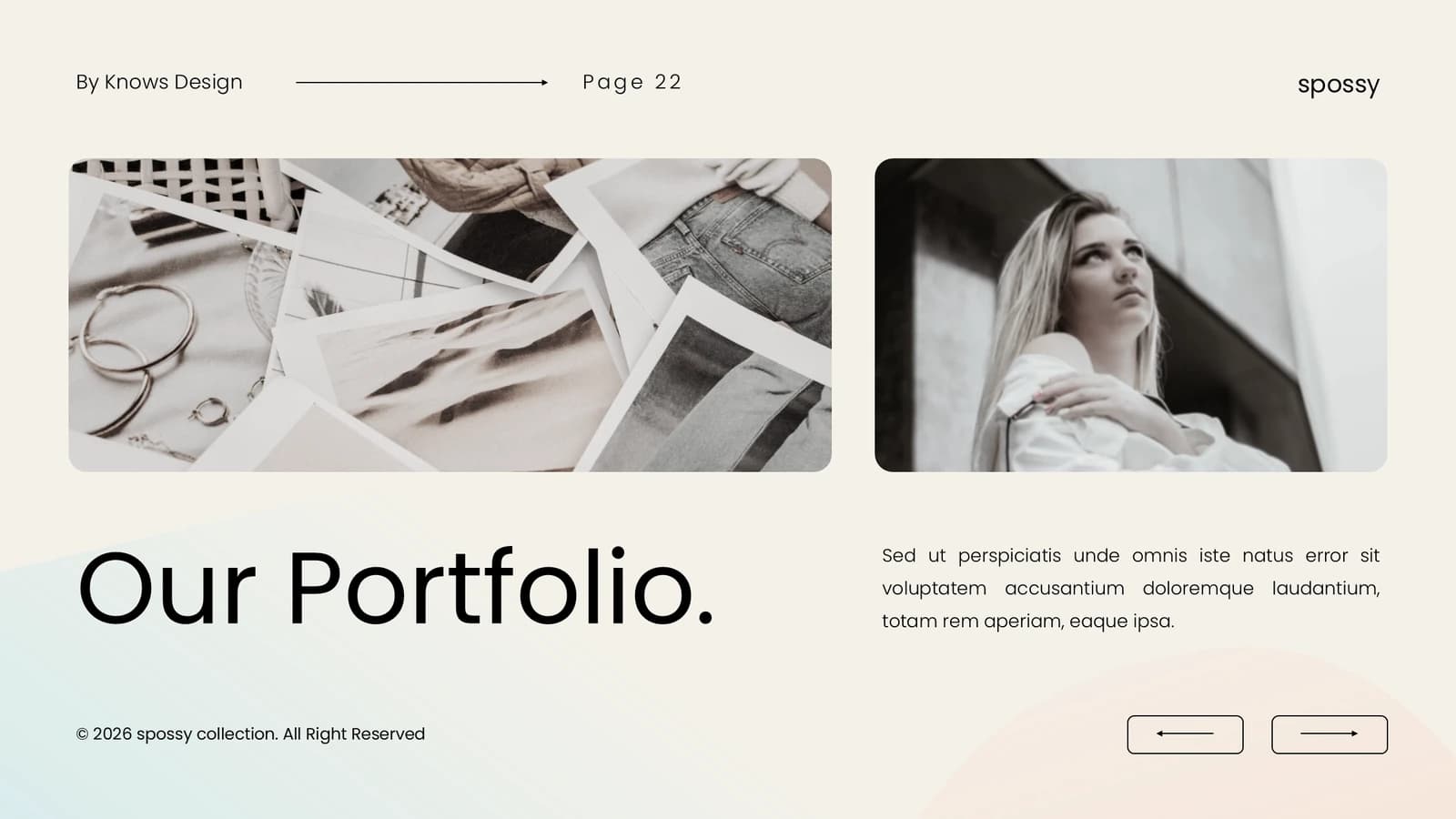
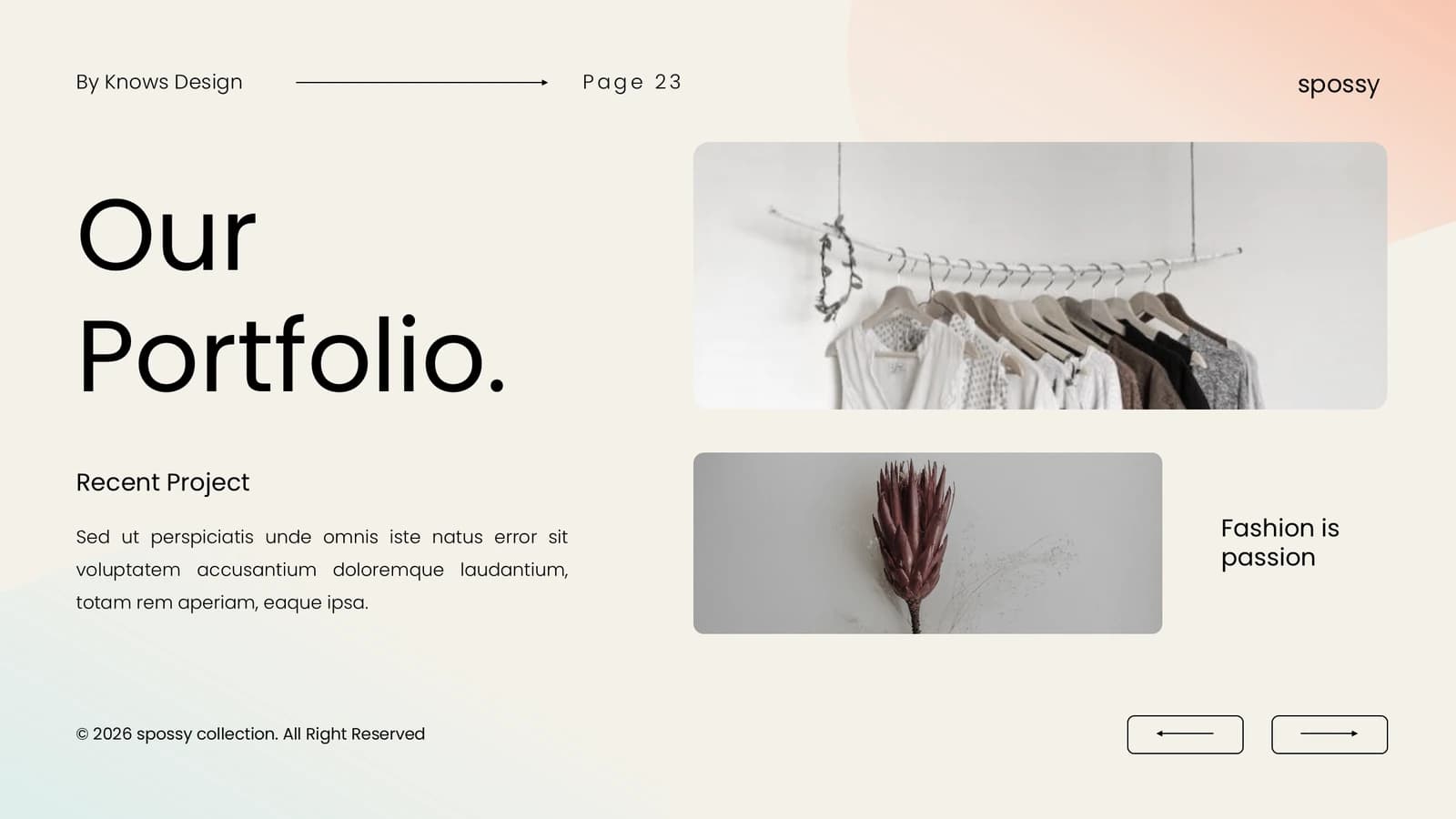
Earlier outputs, four outlined contact boxes, then an oversized thank-you.
 22
 23
 24
 25
What's in the file
The sample has 25 slides at 16:9 with 181 editable text boxes and 40 pictures, no speaker notes, Calibri Light and Calibri as theme fonts, and an 82.4 MB download, most of it photographs. Headlines, body text, outlined labels and the contact boxes edit as text; every image is a placed picture you replace.
- Slides
- 25
- Aspect ratio
- 16:9
- Editable text boxes
- 181
- Pictures
- 40
- Speaker notes
- No
- Theme fonts
- Calibri Light / Calibri
- File size
- 82.4 MB
Good for
Launching a lab outcome or research tool
Introduce the outcome with the large image on slide 8, give its core modules the three cards on slide 9, and walk through development on the six step cards across slides 10 and 11.
8–11
Project showcase at a conference
Open with a single claim over the wide photo on slide 2, use the six outlined boxes on slide 3 as your talk map, and save the full-width image on slide 16 for your most telling experiment.
2–3, 16
Introducing a group and inviting collaborators
Present the lead and members with the portraits and name plates on slides 18 to 21, then fill the four outlined boxes on slide 24 with email, lab page and other ways to reach you.
18–21, 24
How to use it in Yila
- 1Pick a template
- 2Upload your paper or describe your talk
- 3Yila builds an editable PPTX
Tips
Do
- Keep one oversized thin headline per slide and body copy to three or four lines, leaving the gradient fields open.
- Tone portraits and sample photos down to muted colour or black and white so they sit well on pink and mint.
- Give every main image a one-line caption naming its source or experimental conditions; the editorial look still needs evidence.
Avoid
- Do not shrink headlines toward body size; the large black type carries each slide's authority.
- Avoid running the same image-left, text-right split on several slides in a row; alternate image-led and text-led pages.
Questions
The sample is a fashion brand deck. Does it work for academic talks?
The sample began as a brand product presentation, with Latin placeholder copy and lifestyle stock photos. The layout itself is a general editorial system; when Yila generates it, every slide is rewritten from your paper or project notes, running from the research question through method and evidence to impact and next steps.
Can I get rid of the pink and mint?
The pink and mint gradients are what make this template recognisable, and Yila generates it in that palette. In the downloaded PPTX you can recolour text and outlines in PowerPoint, but the gradients come from background plates laid under each slide, so changing them means replacing the whole plate.
Can slides be added or removed?
Yes. At 25 slides the sample runs long, mostly on photo showcase pages. Yila rewrites the deck from your material and sets the count to fit, so a short conference talk works too, and after generation you can duplicate or delete individual slides as usual.
Will it open in PowerPoint and Keynote?
Yes. It is a PPTX that opens in PowerPoint, Keynote and WPS with editable text. The sample weighs 82.4 MB because of its photos, so the first open can be slow and emailing it may hit attachment limits; its Calibri theme fonts are replaced on machines that lack them.
Is it free?
Browsing this page and downloading the sample deck cost nothing. Having Yila generate a version from your material consumes credits; new accounts receive 2,500 credits on sign-up, which lets you try the template on one real project before deciding.
Can I keep the portraits and names from the sample?
No. The sample deck is not a blank template: its portraits, names, wordmark, web address and phone number are demonstration content from the original design and must be removed or replaced. Yila rewrites every slide from your own material when it generates the deck.