Slide template · 16:9 · 15 slides
Violet Band Project Review Slides Template
A full-width violet band crowns every slide with an oversized section number, card titles open with small violet knock-out tags, and a gray strip at the foot credits the source. Built for project reviews and defenses.
What this template is
Distilled from a project-completion defense template, it is recognised by its violet header band. The section number sits at 40–44 pt in white at partial opacity, the title at 28–32 pt in solid white, and the band grows when a title wraps. Below it, rounded cards on a violet tint carry the content. Parallel items open with a knock-out tag of 2–4 characters, steps that hand off to each other are joined by chevrons, and a pale gray attribution strip closes the slide with who did the work or where the data came from. It suits a review narrative: problem, contribution, method, validation, application, limits.
What goes in each section
Cover
11 min
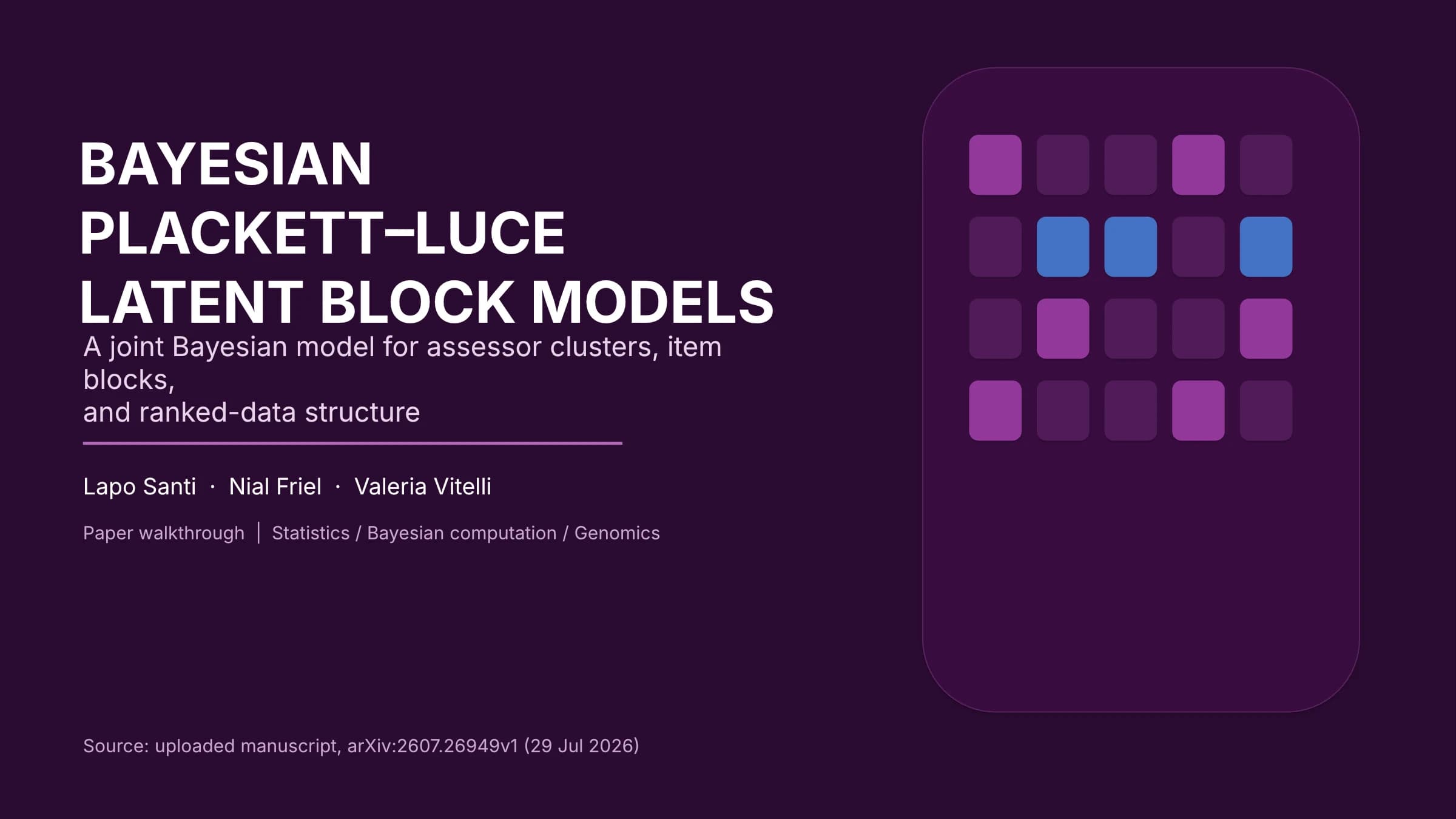
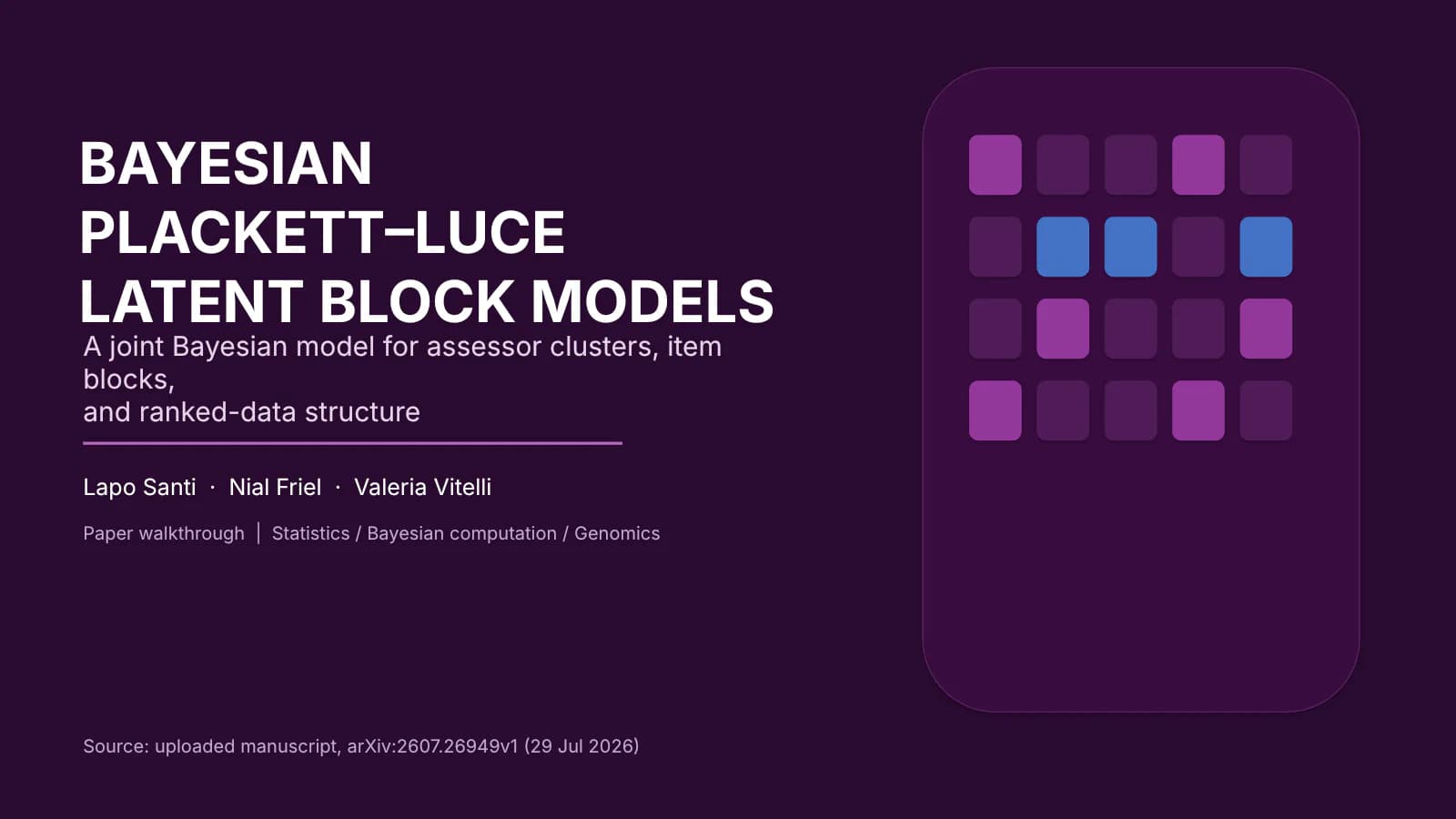
An uppercase title, subtitle and authors on a dark ground, with a rounded panel of tiles on the right.
 1
Problem and contribution
2–32 min
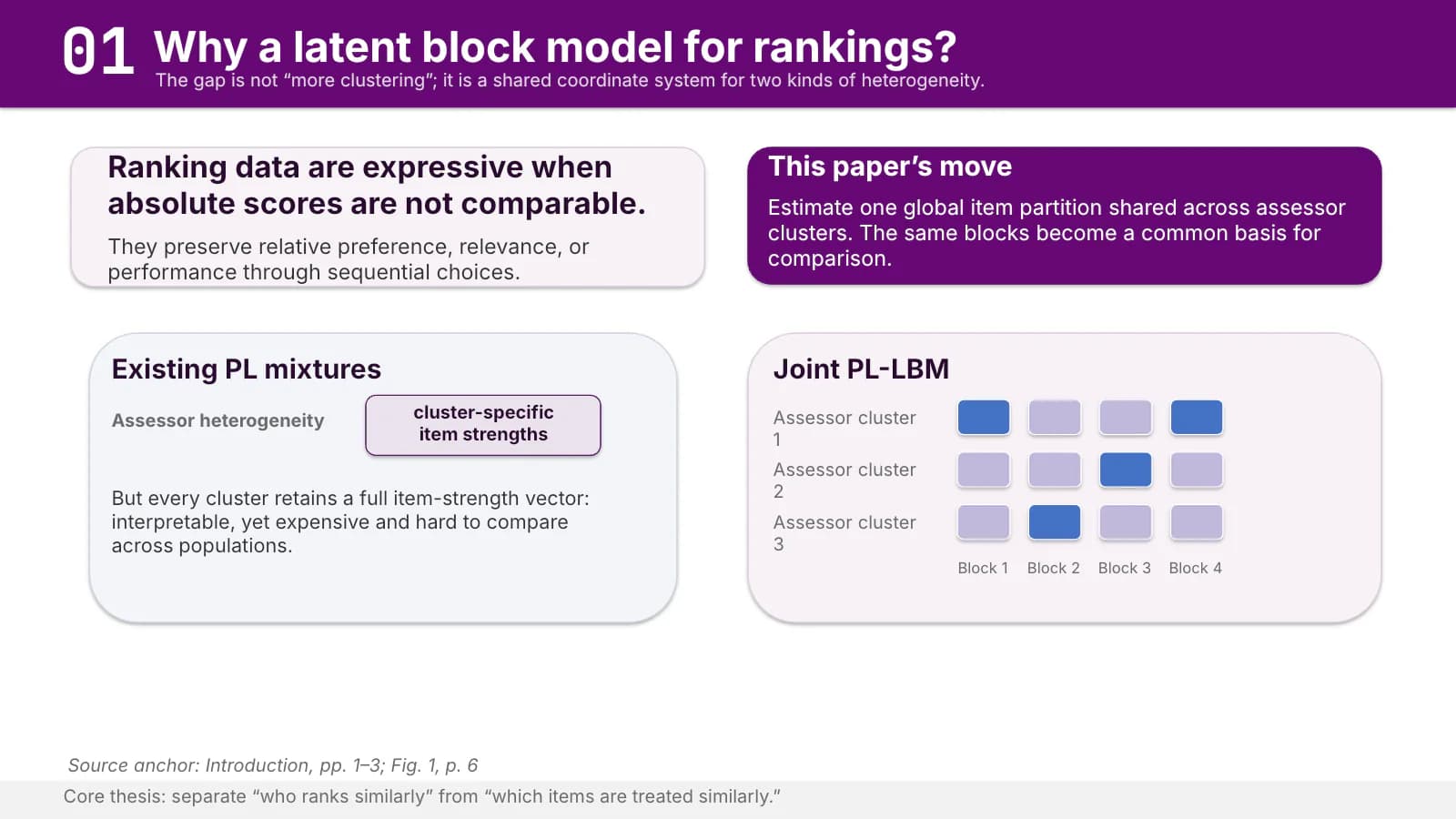
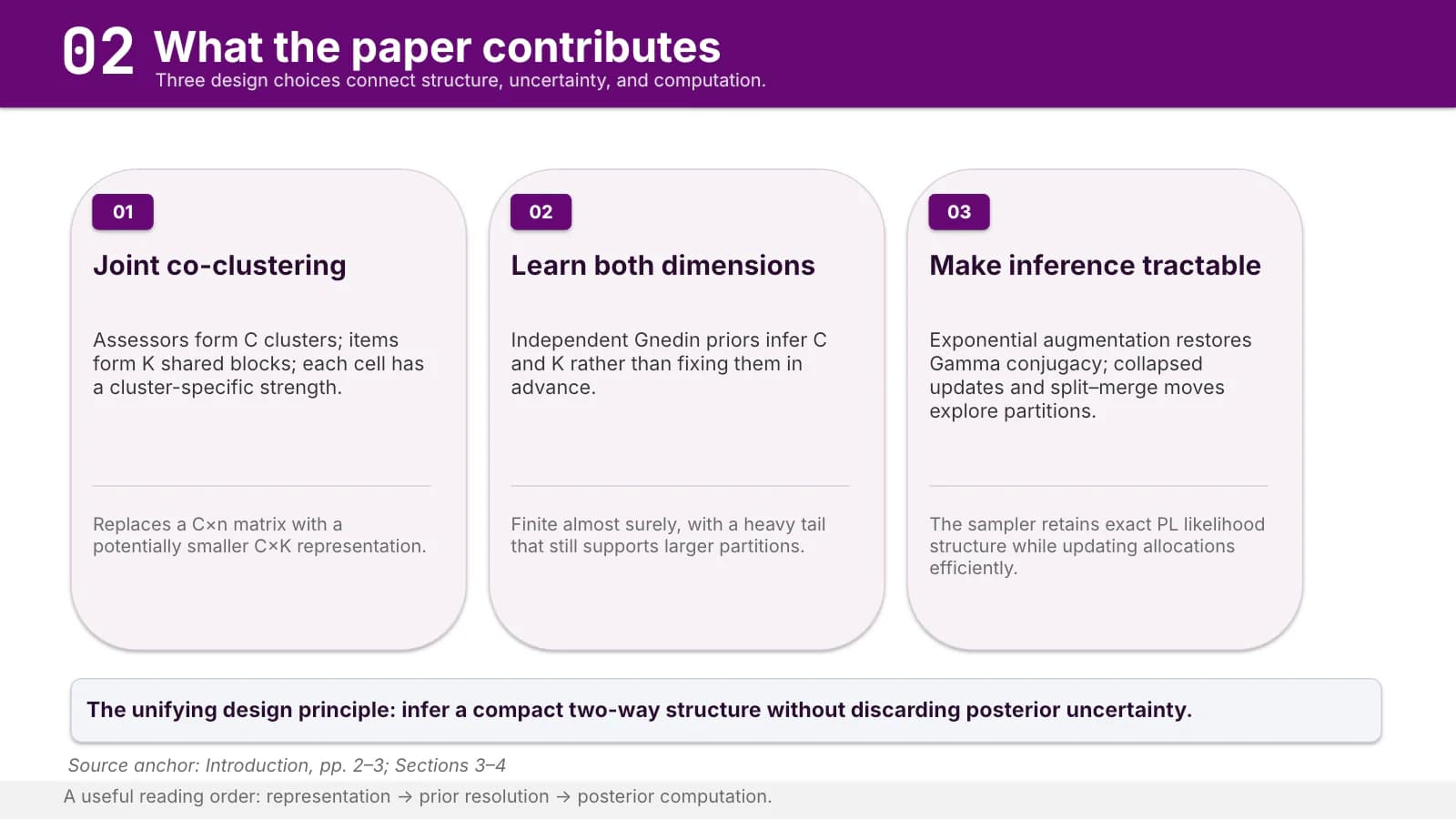
Contrasting cards on what current methods miss, then three tagged cards listing the contributions.
 2
 3
Model and computation
4–74 min
One overview slide, then chevron-linked step cards for the prior, the sampler and the posterior summary.
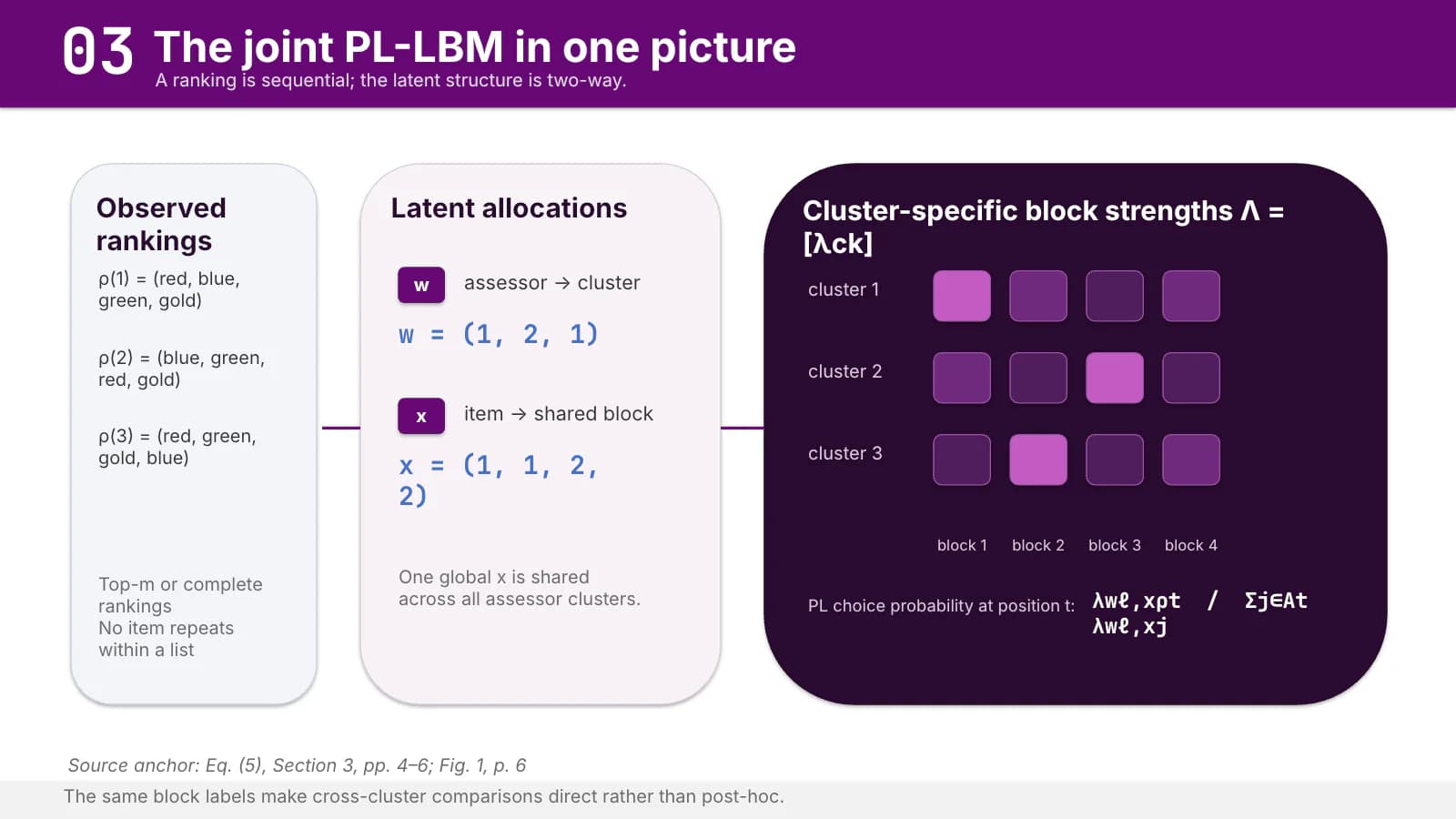 4
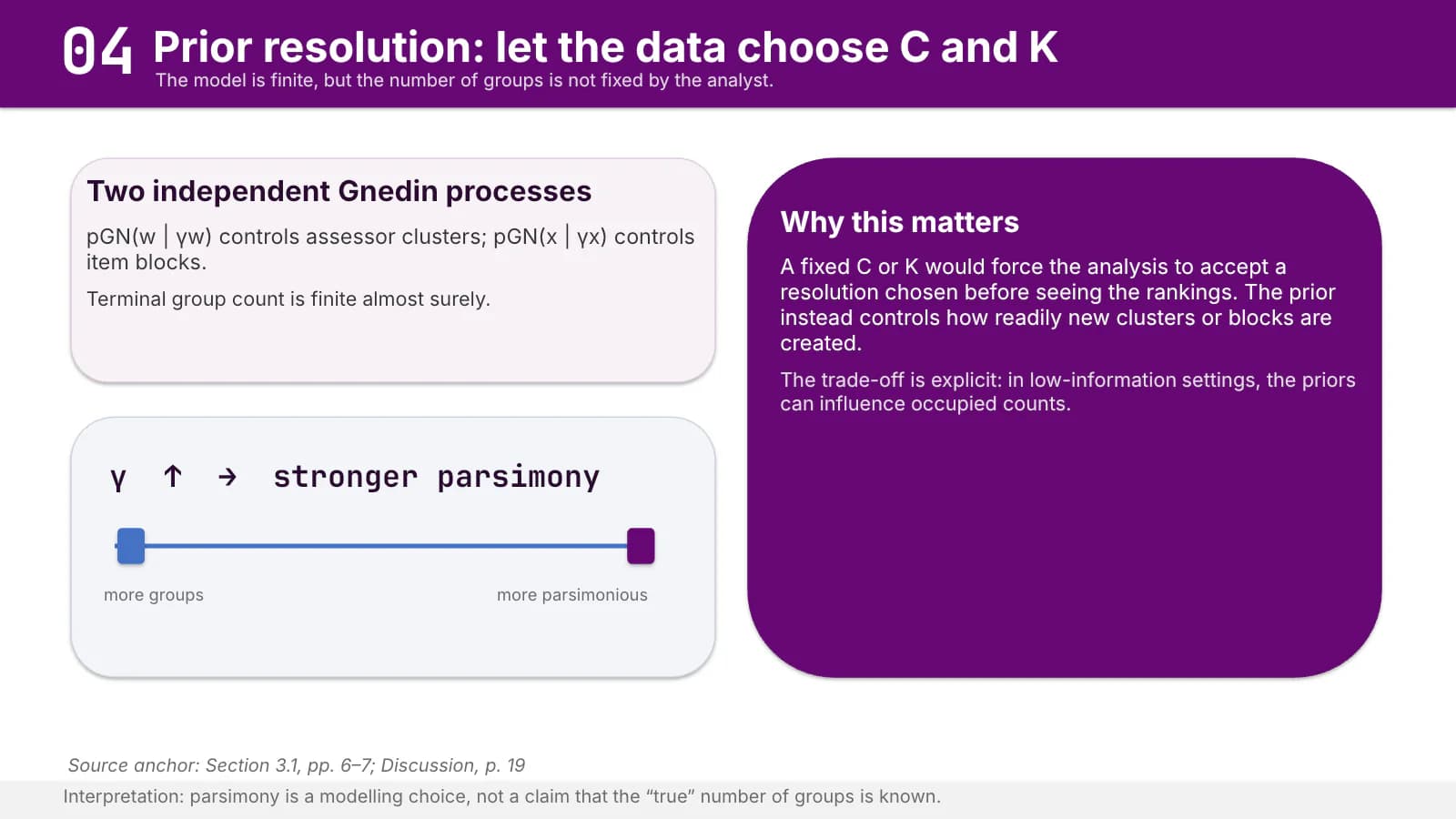 5
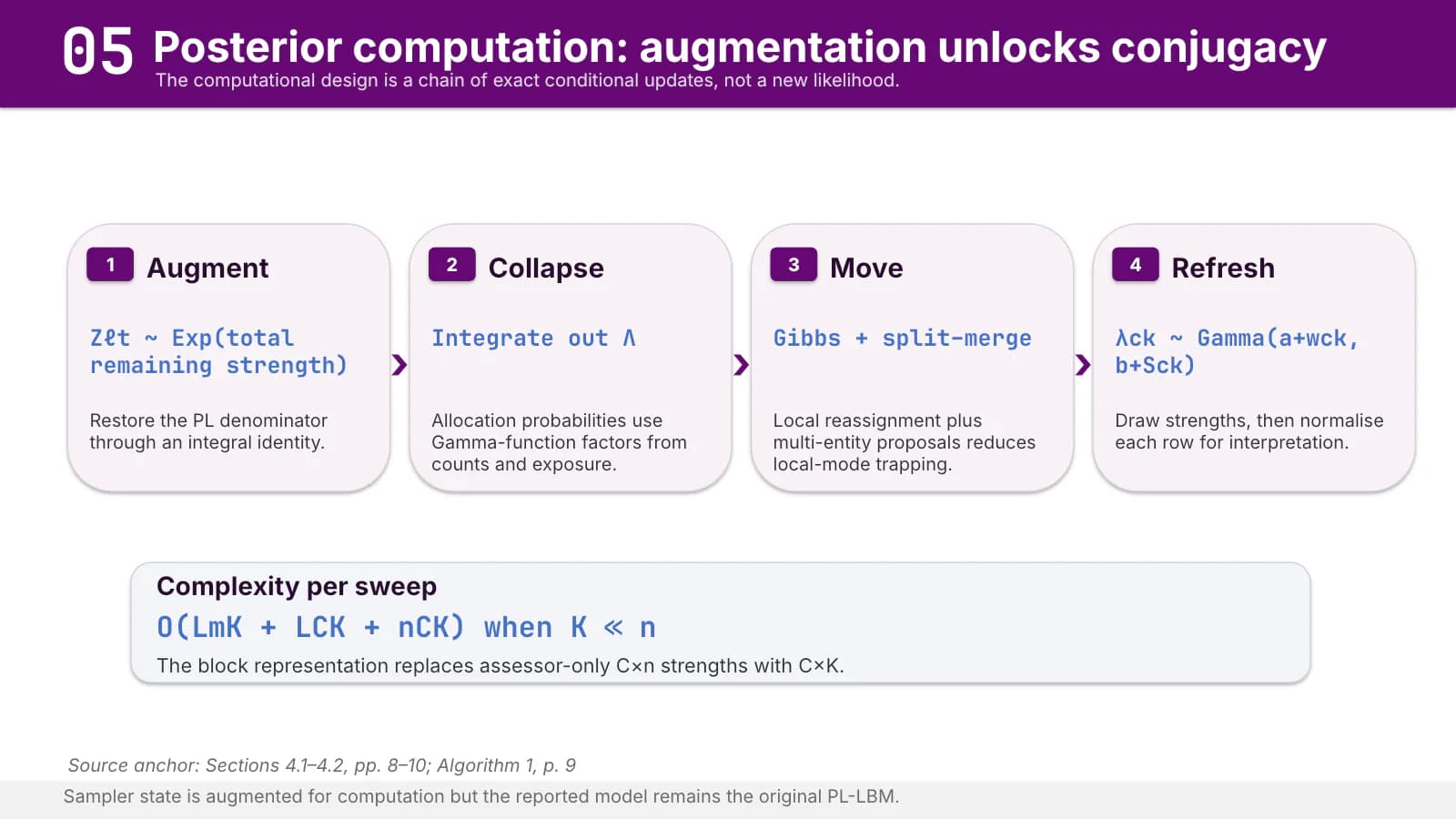 6
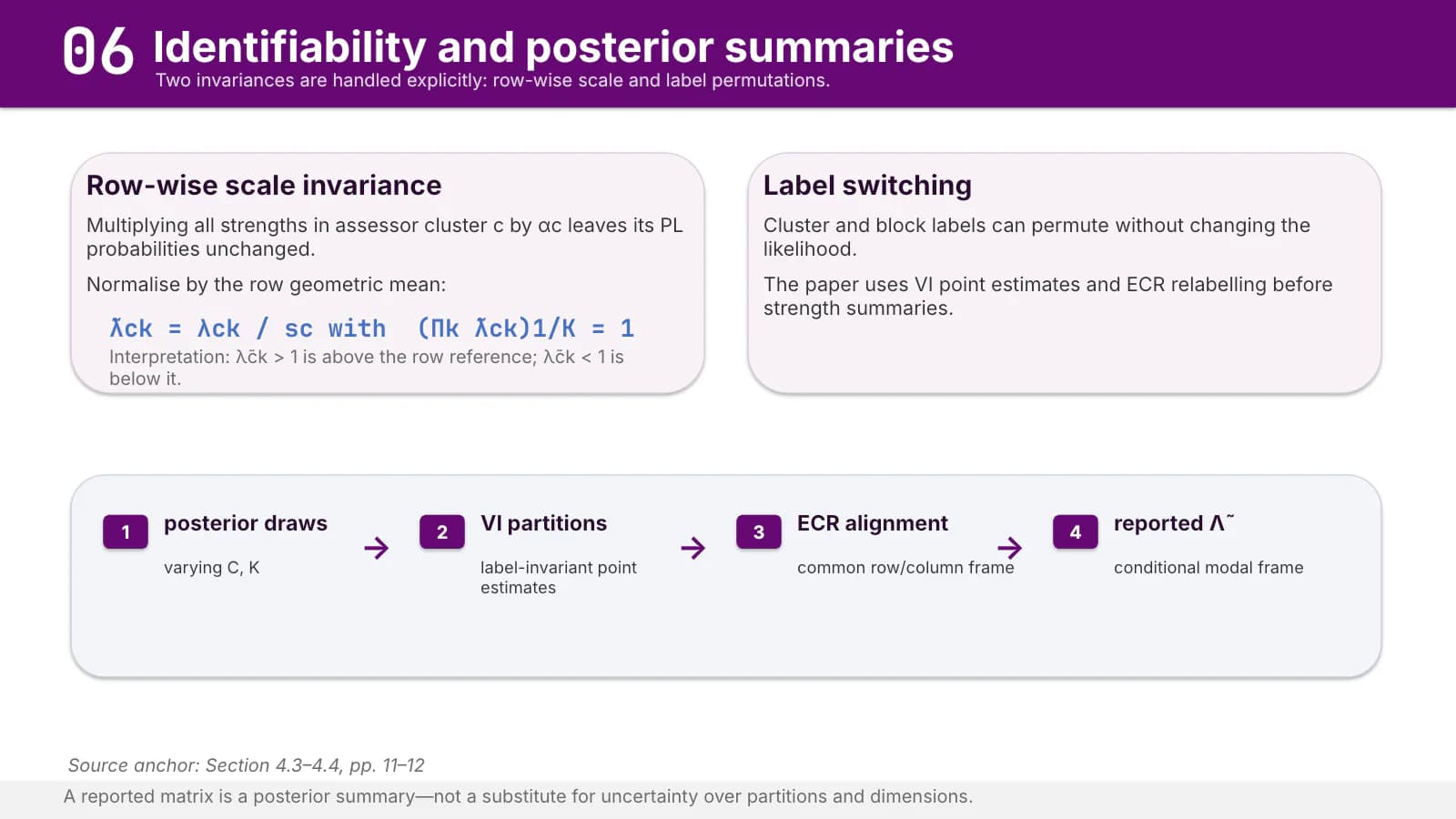 7
Simulation
8–92 min
Number cards set out the design, then one plot and a key contrast show what is recovered.
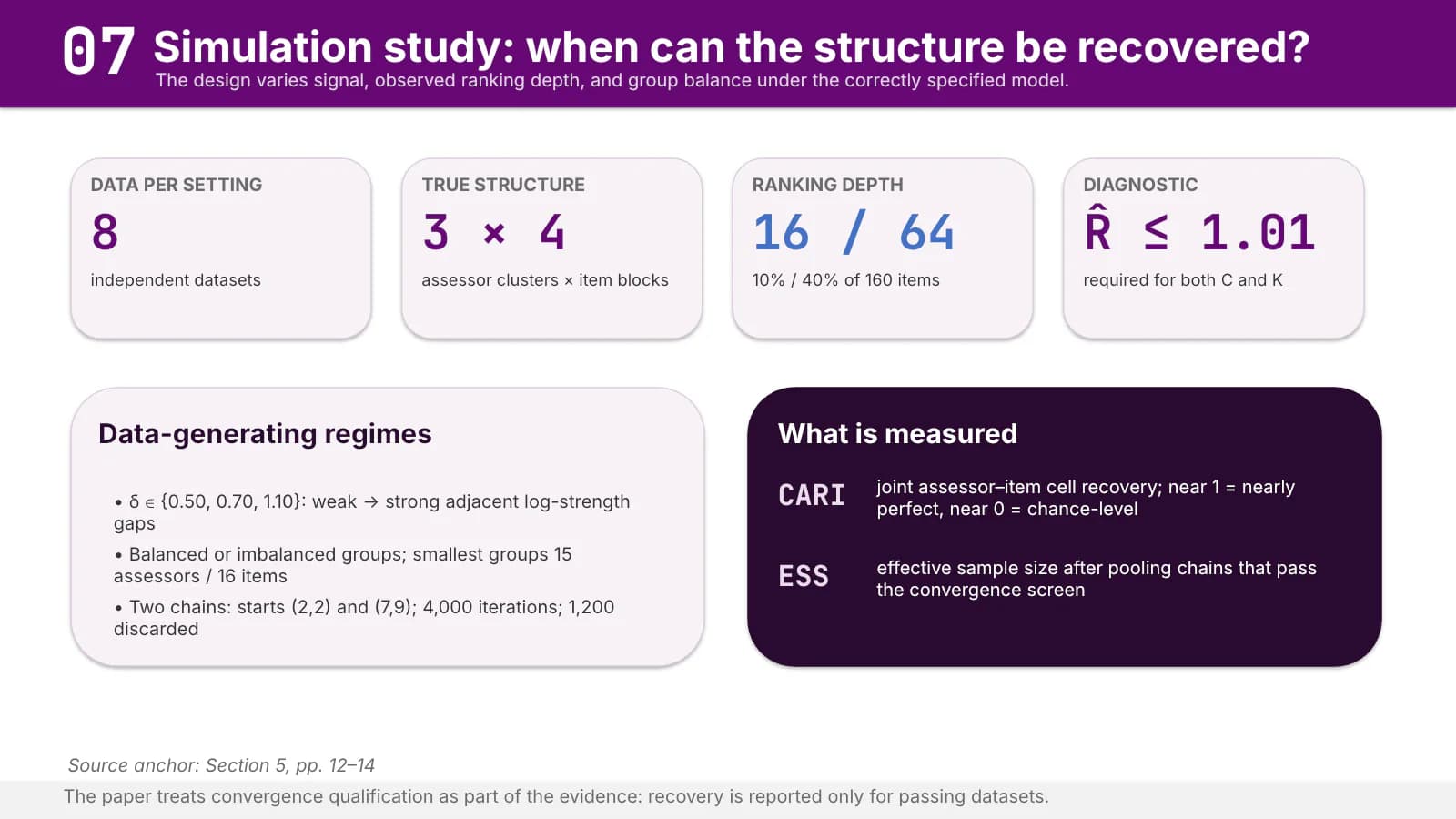 8
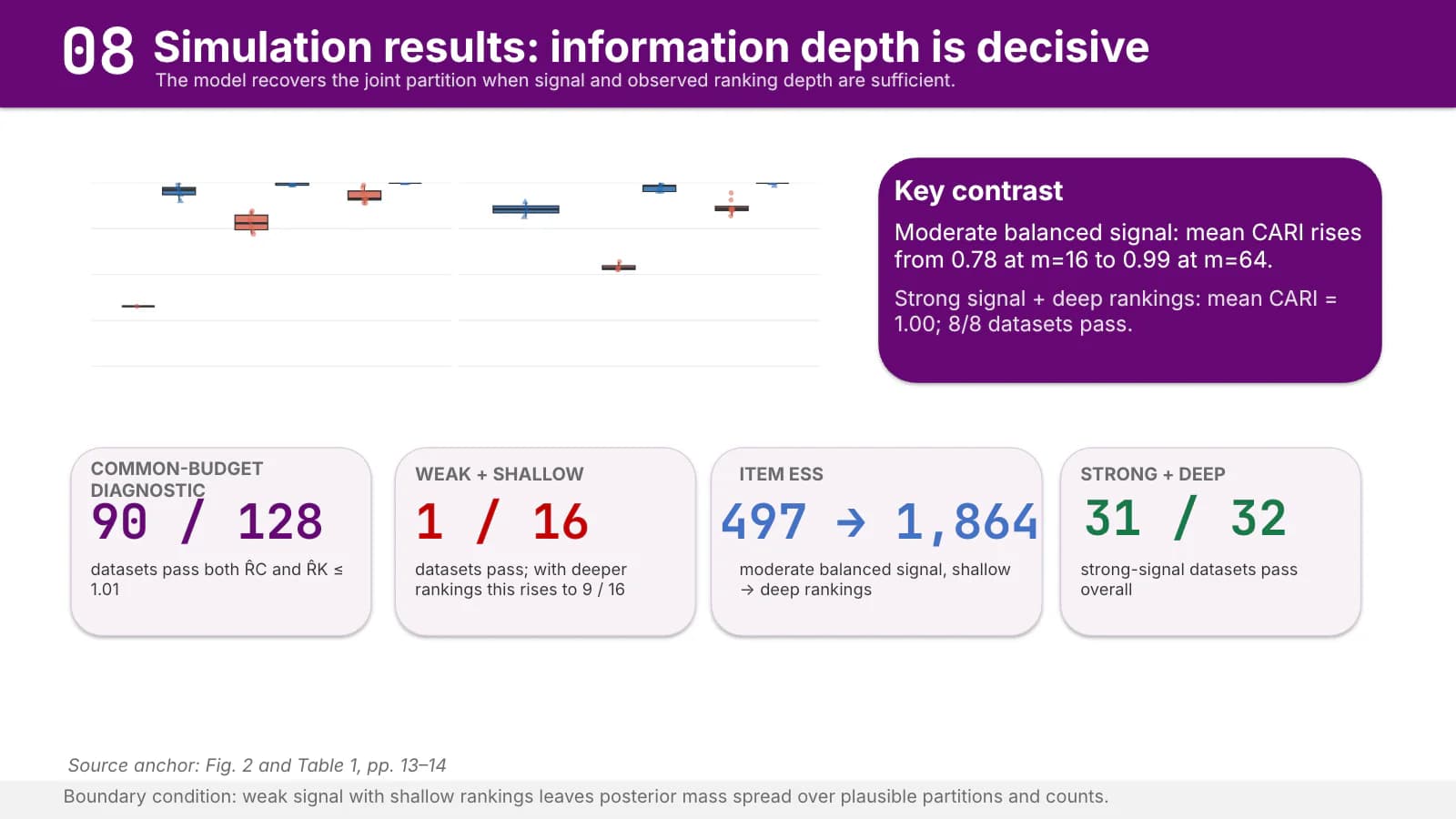 9
Application
10–134 min
Data-scale cards, a model comparison table and result figures unfold the empirical findings.
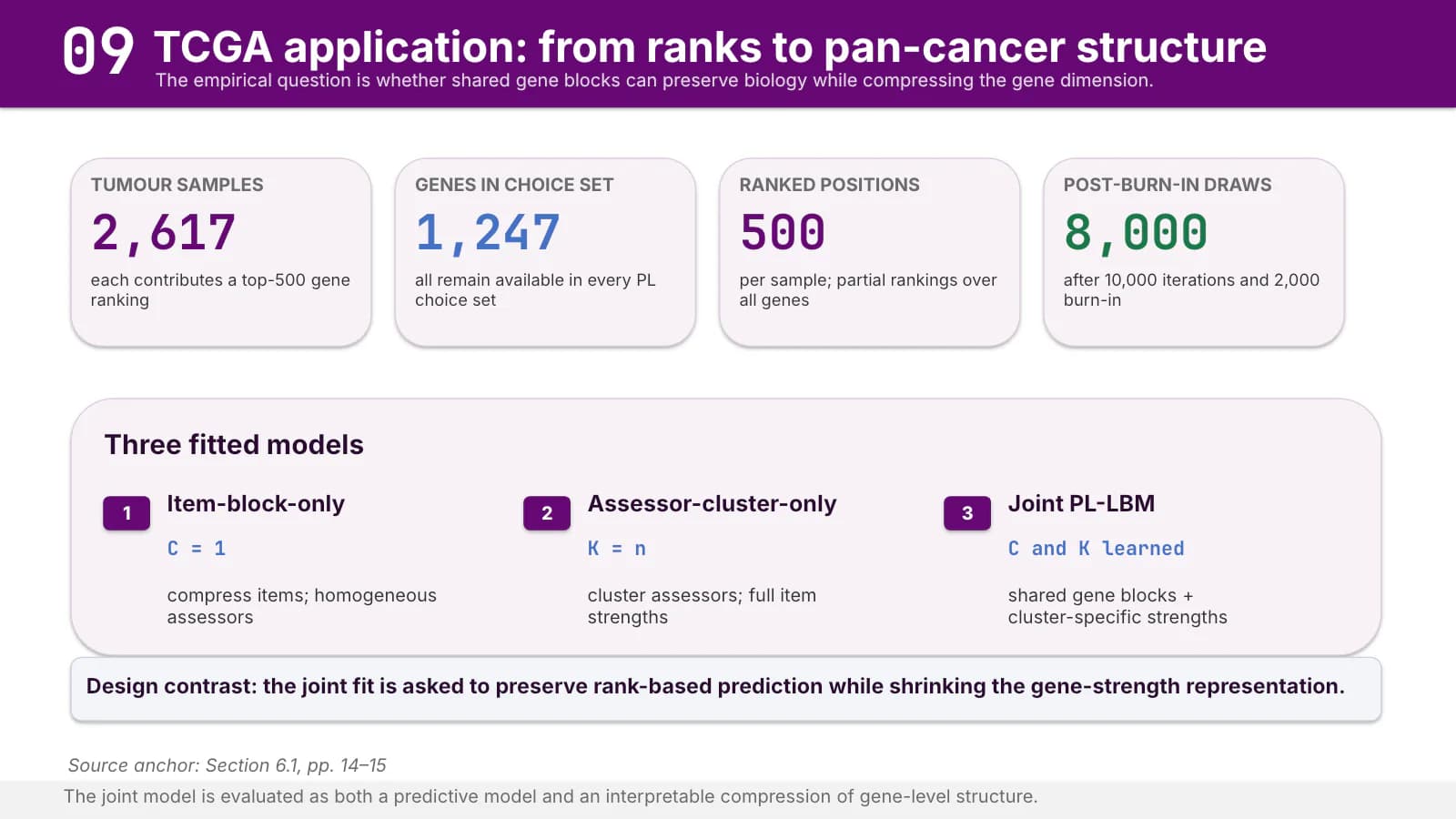 10
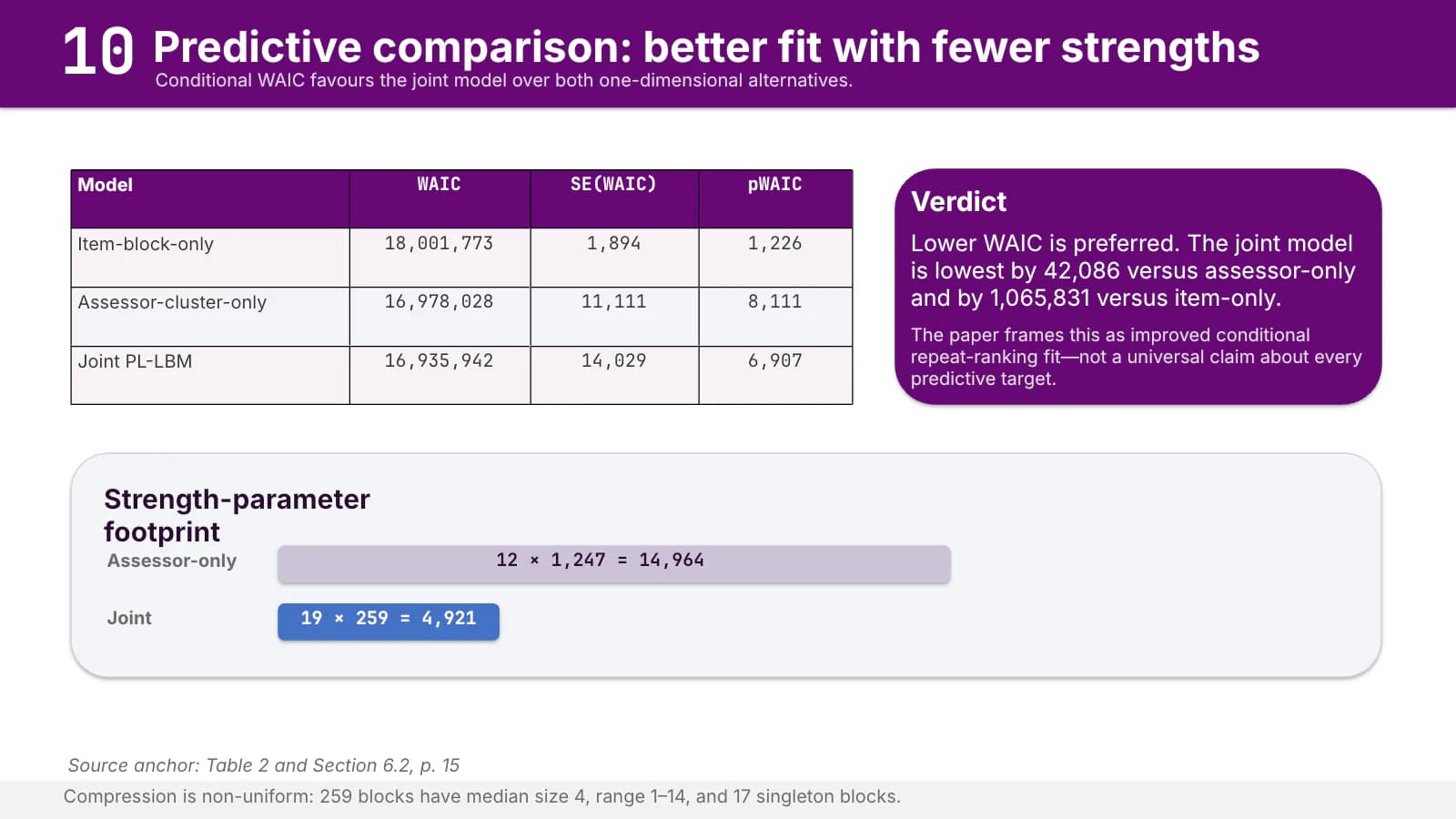 11
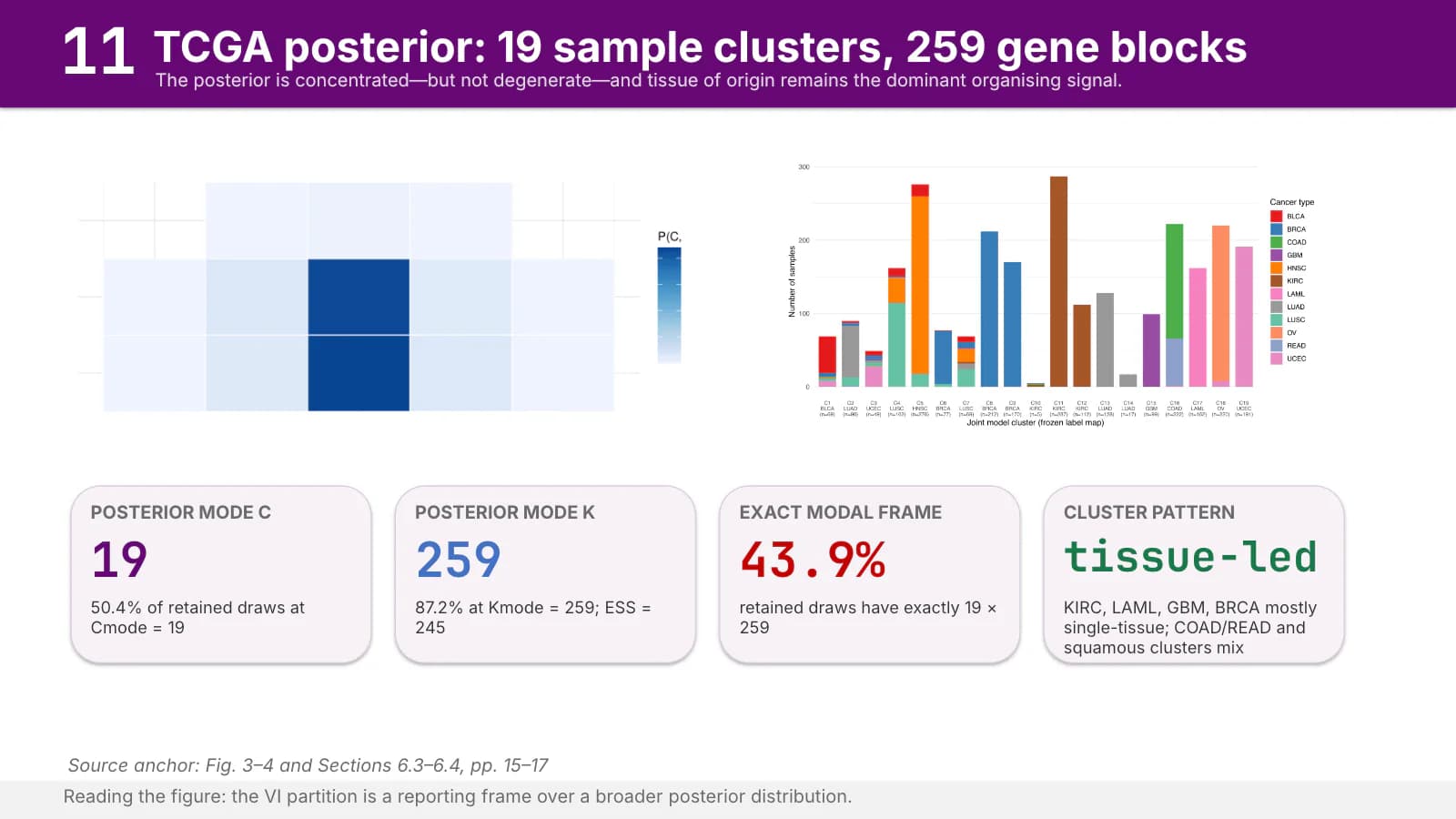 12
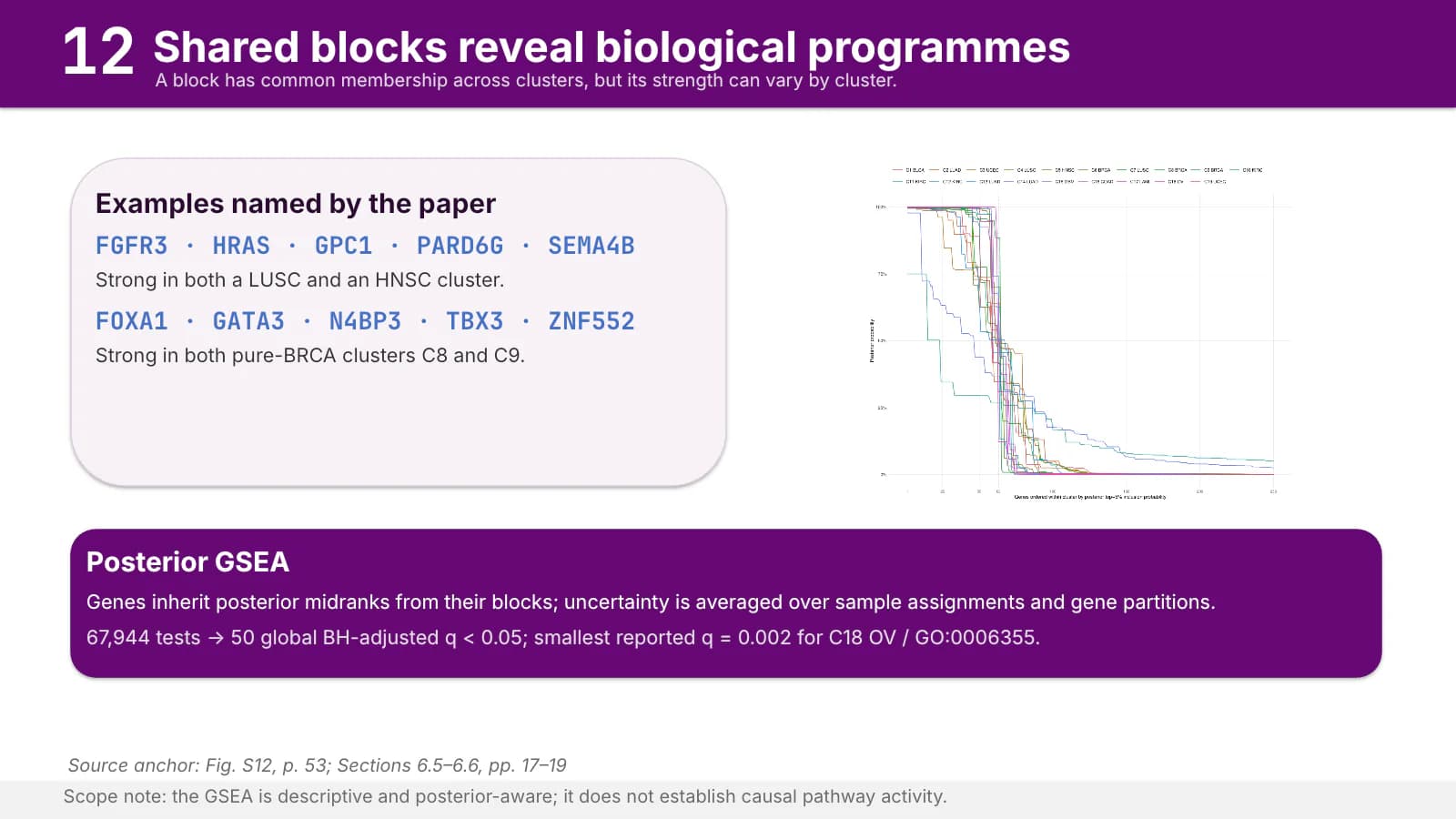 13
Limits
141 min
A solid violet card for what is established, a pale card for what remains open.
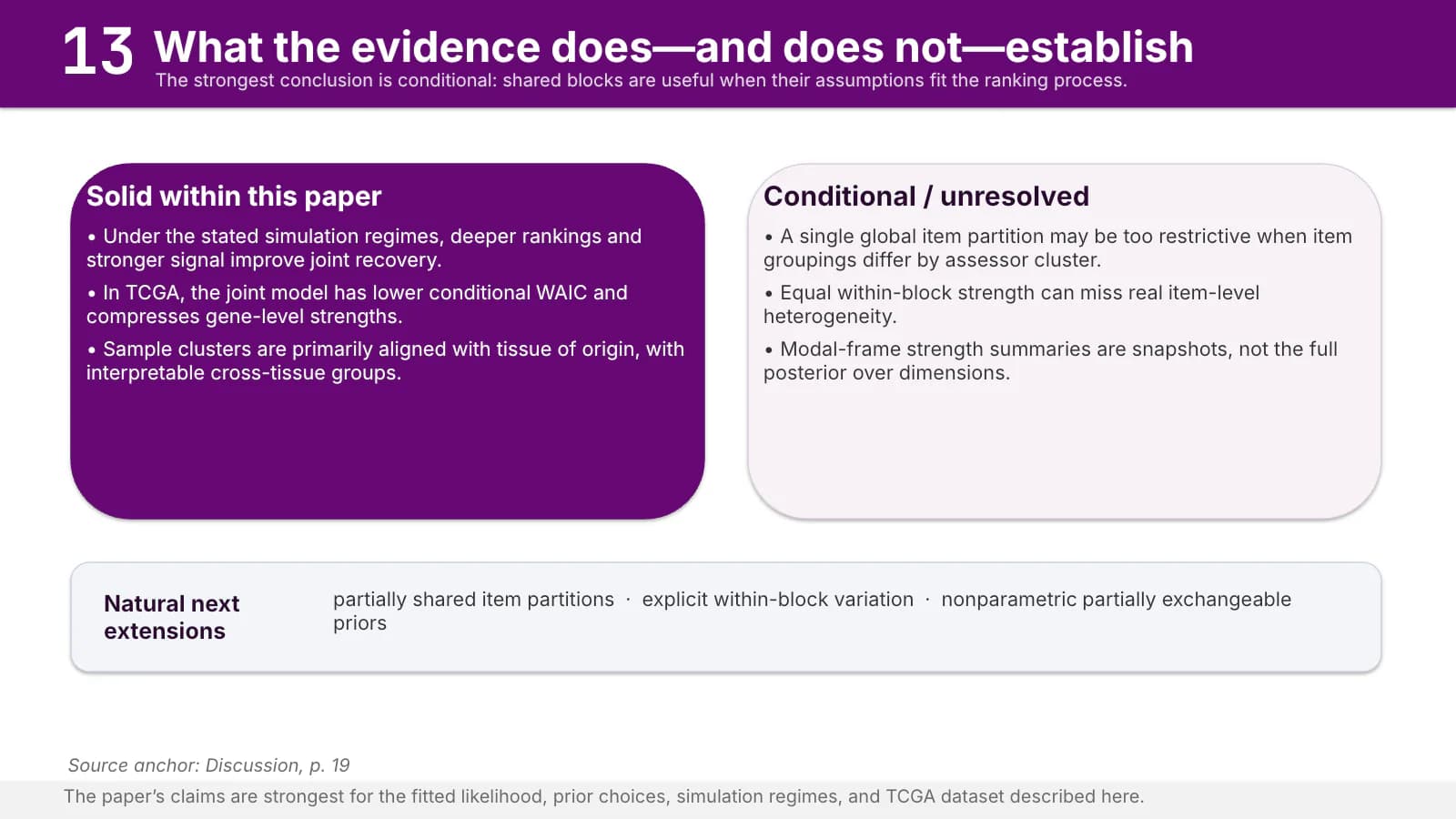 14
Take-home message
151 min
Three numbered conclusions on a dark ground, then time for questions.
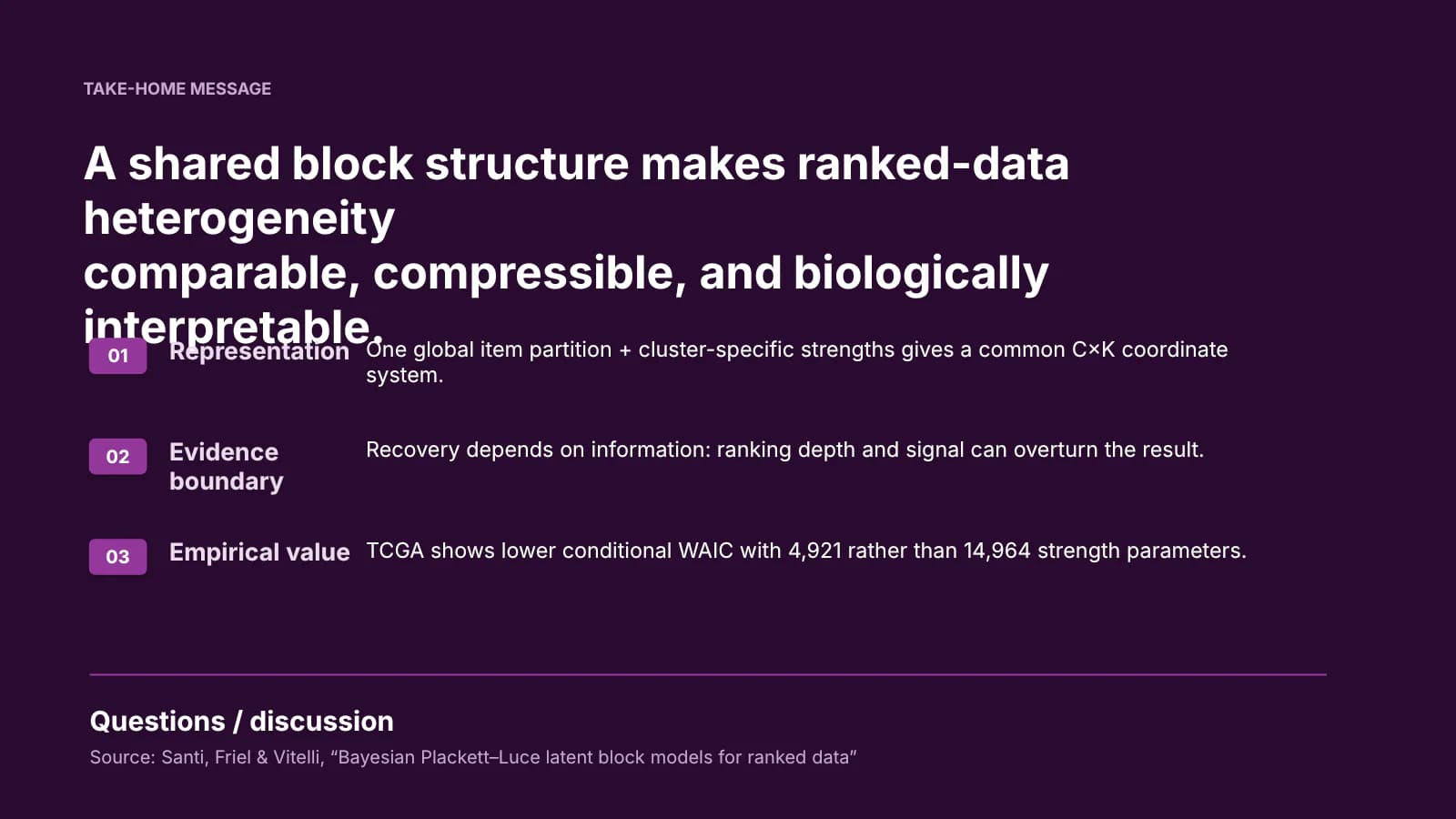 15
What's in the file
The sample file has 15 slides at 16:9 with 259 text boxes and 4 pictures, the statistical plots on the simulation and application slides. There are no speaker notes. Text is set in Calibri and the file is a compact 374 KB. The statistics content is example material and needs replacing with your own project.
- Slides
- 15
- Aspect ratio
- 16:9
- Editable text boxes
- 259
- Pictures
- 4
- Speaker notes
- No
- Theme fonts
- Calibri
- File size
- 374 KB
Good for
Final or mid-term project review
The numbered band tells the panel at a glance which part you have reached. Three tagged cards list the work packages, and the attribution strip at the foot names who did each piece or where its data came from.
Slides 3, 10–11
Proposal defense
Turn the chevron step cards into the three or four stages of your plan, two lines each on what happens and what comes out. The limits slide then holds your hypotheses and risks.
Slides 6–7, 14
Computational methods talk
Number cards in a monospaced face suit complexity, sample sizes and convergence checks, and the comparison table with its verdict card weighs models, a good fit for engineering and computing papers.
Slides 8–9, 11
How to use it in Yila
- 1Pick a template
- 2Upload your paper or describe your talk
- 3Yila builds an editable PPTX
Tips
Do
- Use knock-out tags only to label parallel items such as Topic 1 and Topic 2, never as decoration.
- When a chain runs past four steps, wrap to a second row or a new slide instead of shrinking the type.
- Mark the one number that matters most in the theme's dark red and keep every other value violet or blue.
Avoid
- Do not pin the violet band at a fixed height; when a title wraps to two lines, the band must grow with it.
- Do not draw an empty placeholder square at the right end of the band when no institution mark is supplied.
- Do not let the closing headline run long; on slide 15 of the sample it runs into the first conclusion.
Questions
Can I swap the violet for my institution's colour?
Violet is this theme's palette, and Yila uses it for the band, the tags and the chevrons. For another colour, the simplest route is to pick a template with a different palette from the library and generate again. The text in the resulting PPTX can still be edited in PowerPoint, Keynote or WPS.
The sample runs to 15 slides. Can I shorten or extend it?
Yes. The sample's length is only a demonstration. Yila rewrites every slide from your project material, so the page count follows your content and the section numbers in the band follow your structure. You can also delete or duplicate slides in PowerPoint afterwards.
Will it open in PowerPoint and Keynote?
Yes. The download is a PPTX that opens in PowerPoint, Keynote and WPS, where the text can be edited. The sample uses Calibri; on a computer without that font the application substitutes another, which can change where a band title wraps.
Is it free?
Viewing this page and downloading the sample deck cost nothing. Generating a deck from your own material with Yila consumes credits, and every new account receives 2,500 credits, enough to try a first review deck.
Can I put a logo at the right end of the band?
You can place a mark you supply yourself. The theme reserves the right end of the band for an institution mark; when none is given, that space stays empty rather than holding a placeholder square, which would read as a rendering error rather than a reserved slot.
What do I need to provide?
Upload a project report or paper as a PDF or DOCX, or write out what you want to present. The statistics deck is only a sample, not a blank template; generation replaces its content with yours throughout.