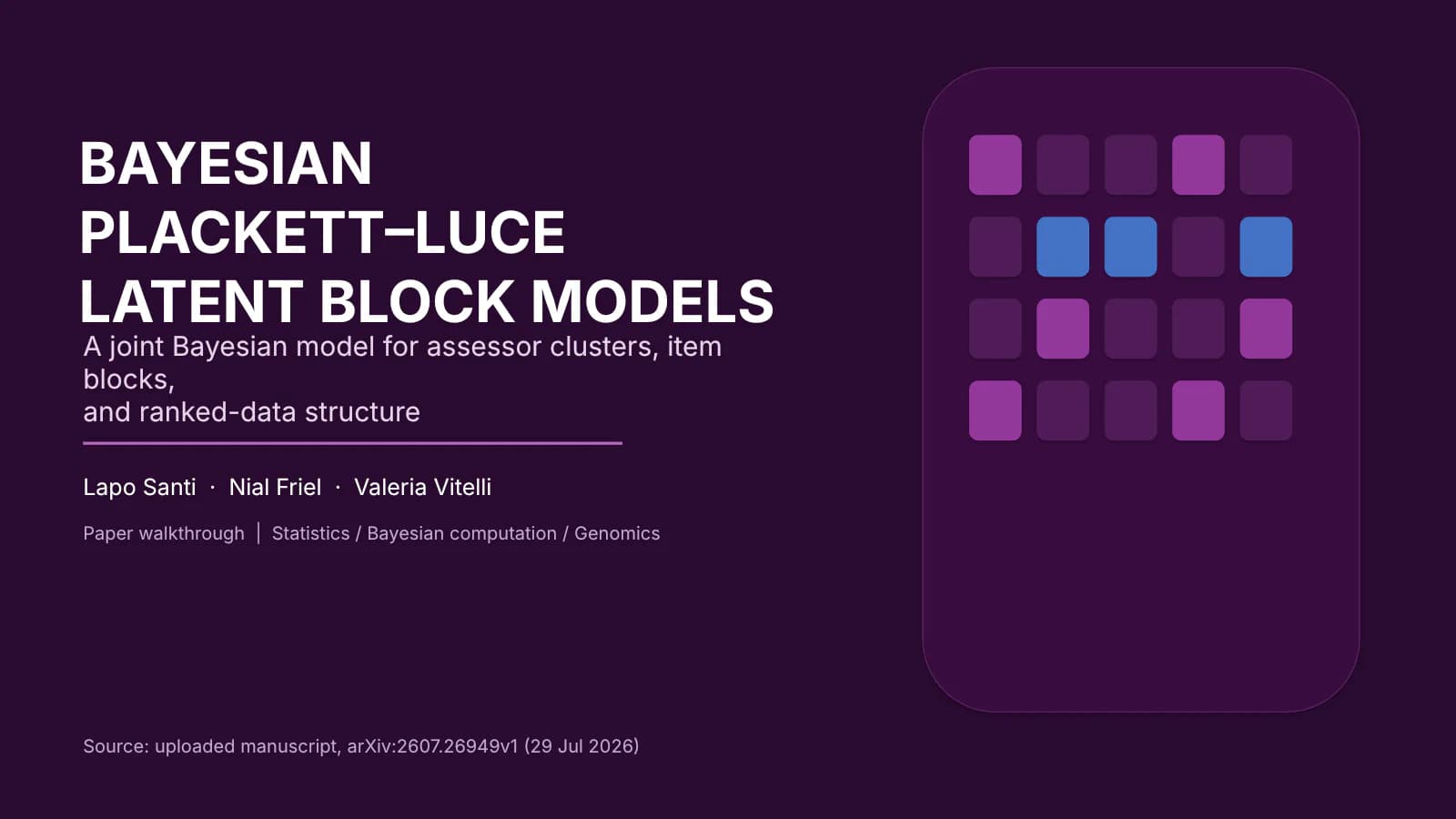
Slide template · 16:9 · 12 slides
Bright Azure Figure-First Defense Slides Template
An azure band runs across the top of every slide with a large monospaced section number; below it, most slides pair one large figure with a rounded pale blue panel that explains how to read it. Built for figure-led defenses.
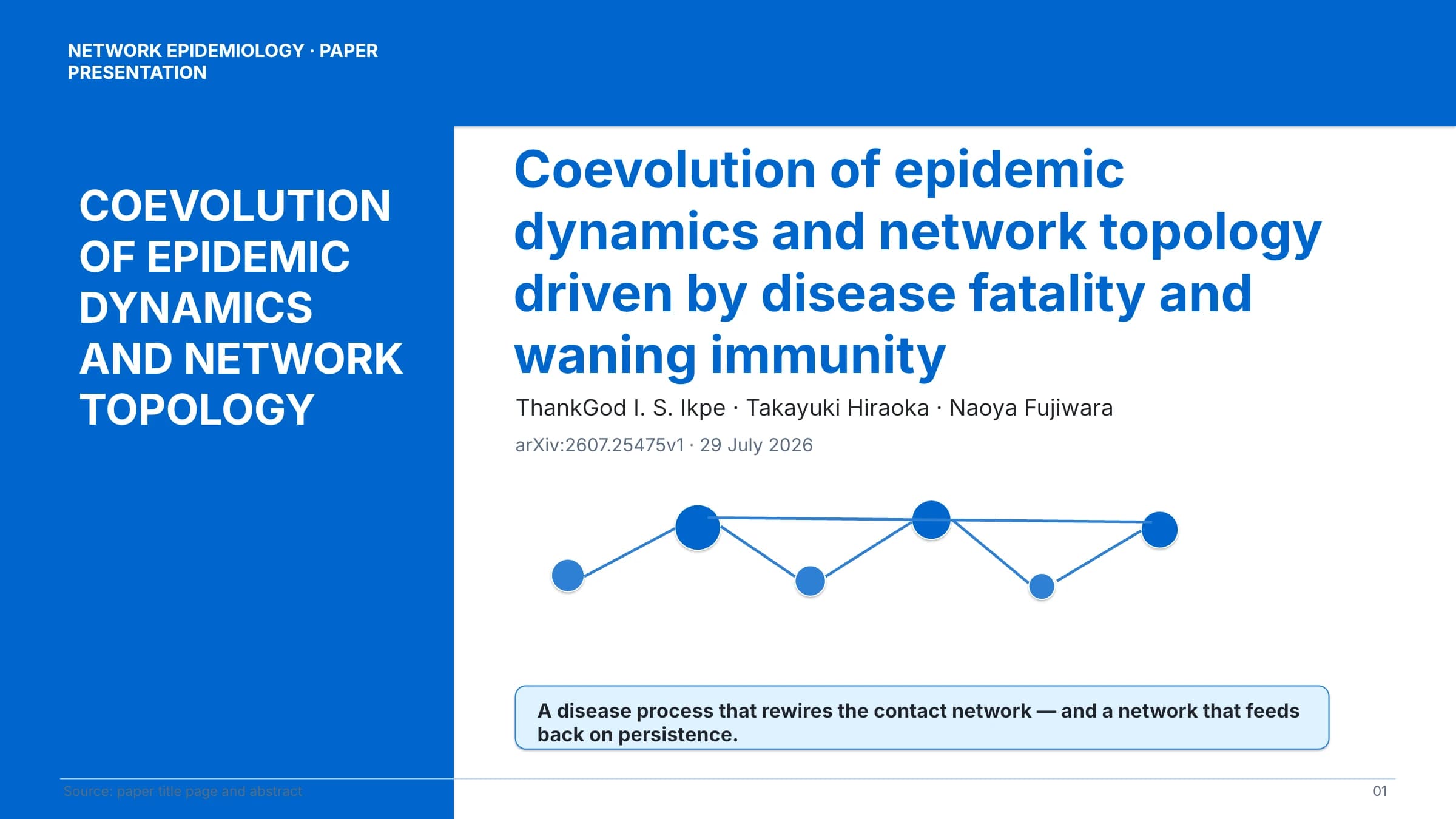
What this template is
Distilled from a grant application and completion template, this design argues with figures rather than text columns. The header band takes a little over a tenth of the slide height for the number, title and a one-line subtitle, and a thin rule sits beneath it. Most content slides split in two: the paper's own figure on one side, a generously rounded pale blue panel on the other that tells the audience what to look at. Red is kept for the research question and the limits. It suits a talk that walks through pictures: problem, model, workflow, results, validation, conclusion.
What goes in each section
Cover
11 min
A short capitalised title in the left column, full title, authors and one-line summary right.
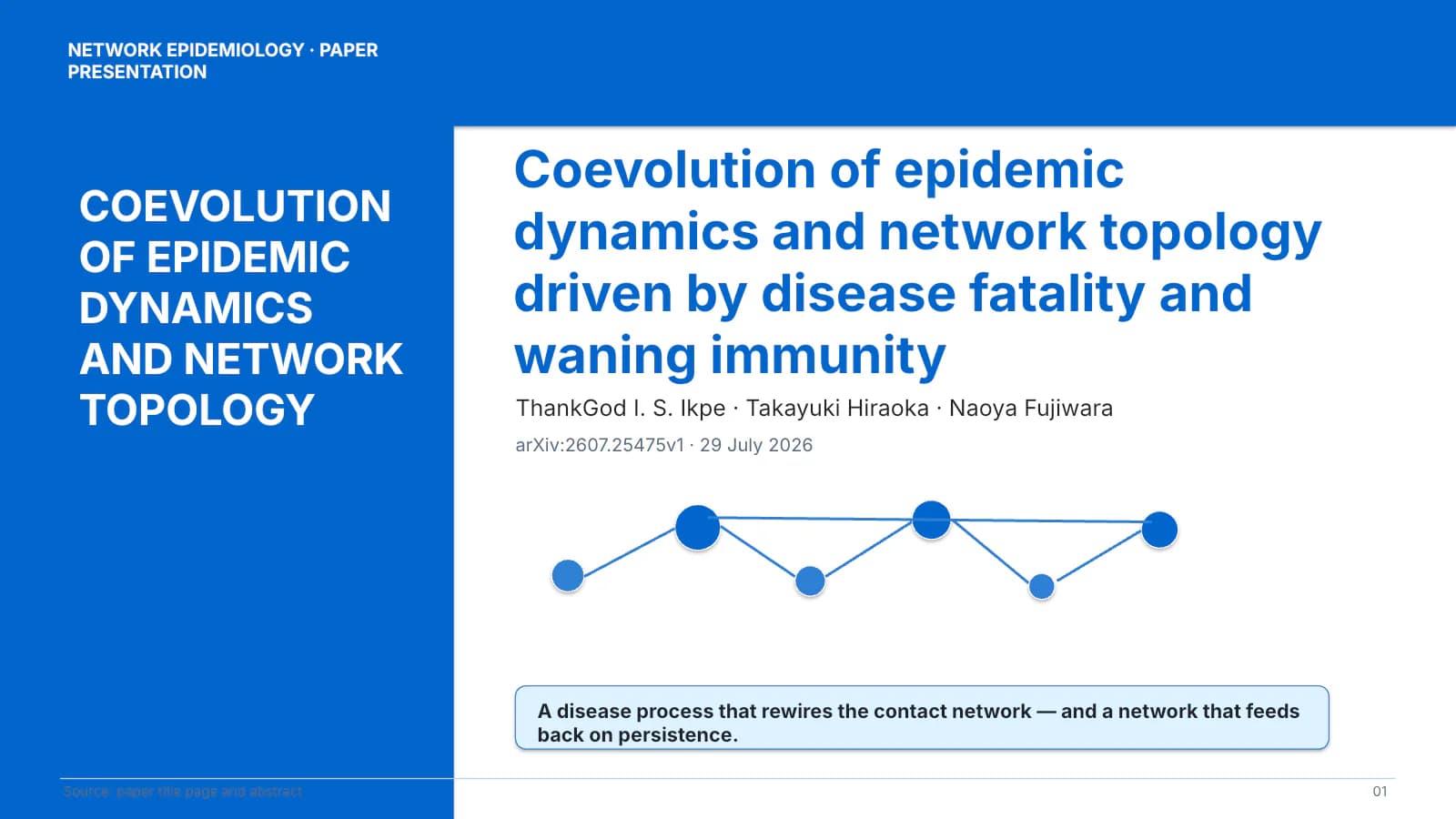 1
Problem, model, workflow
2–44 min
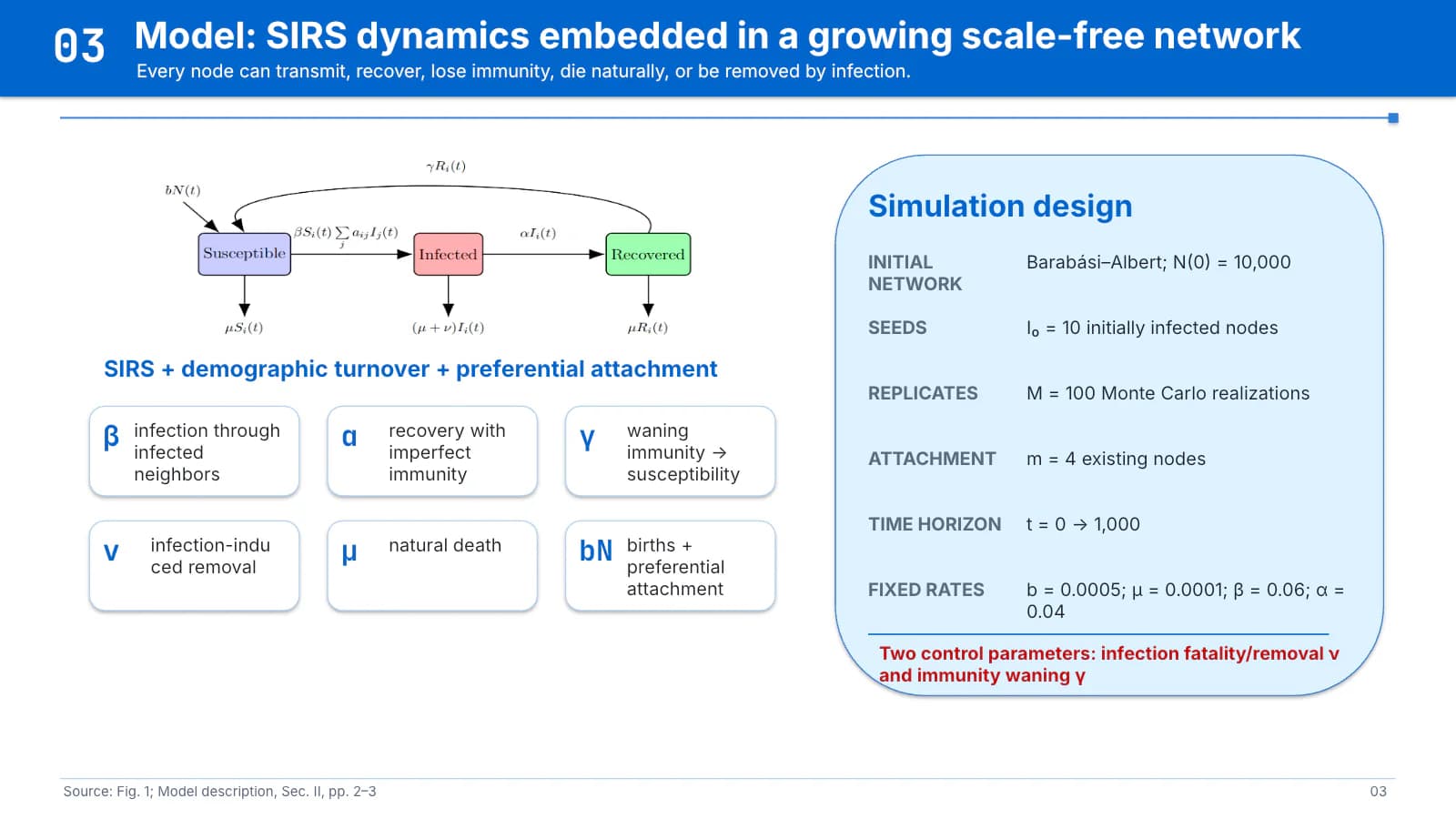
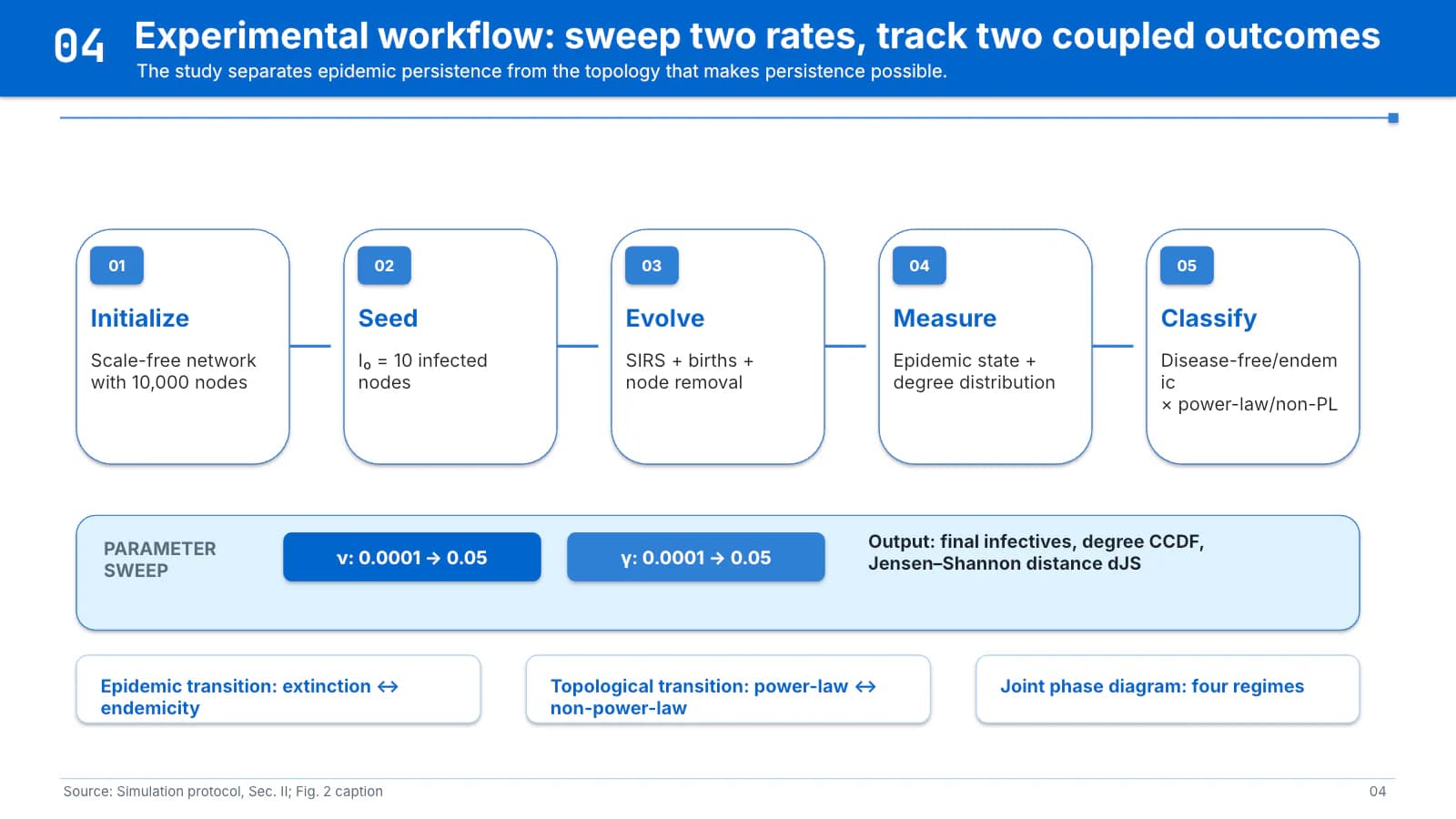
Two panels frame the gap, a model diagram with settings, then five step cards.
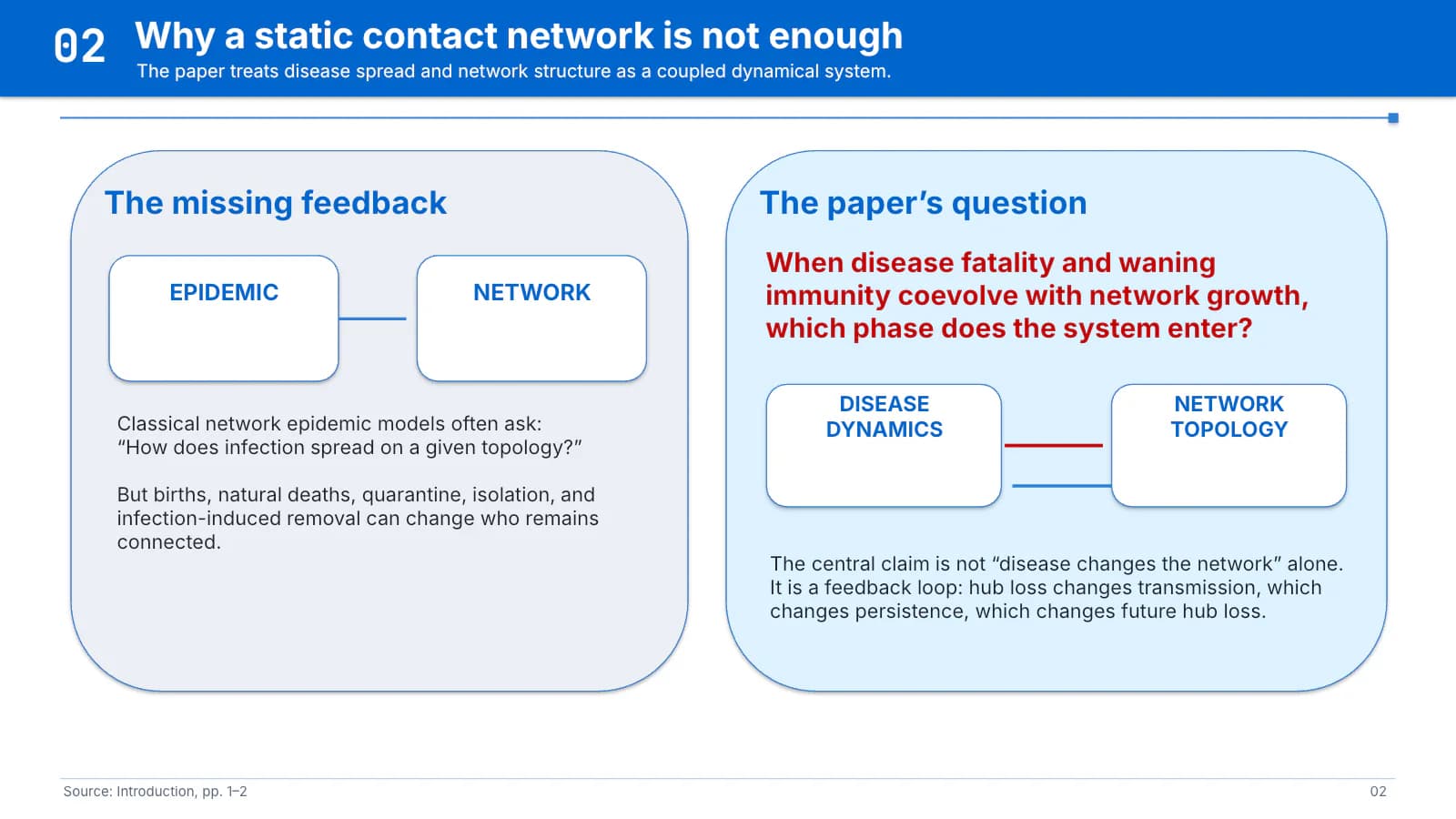 2
 3
 4
Results
5–85 min
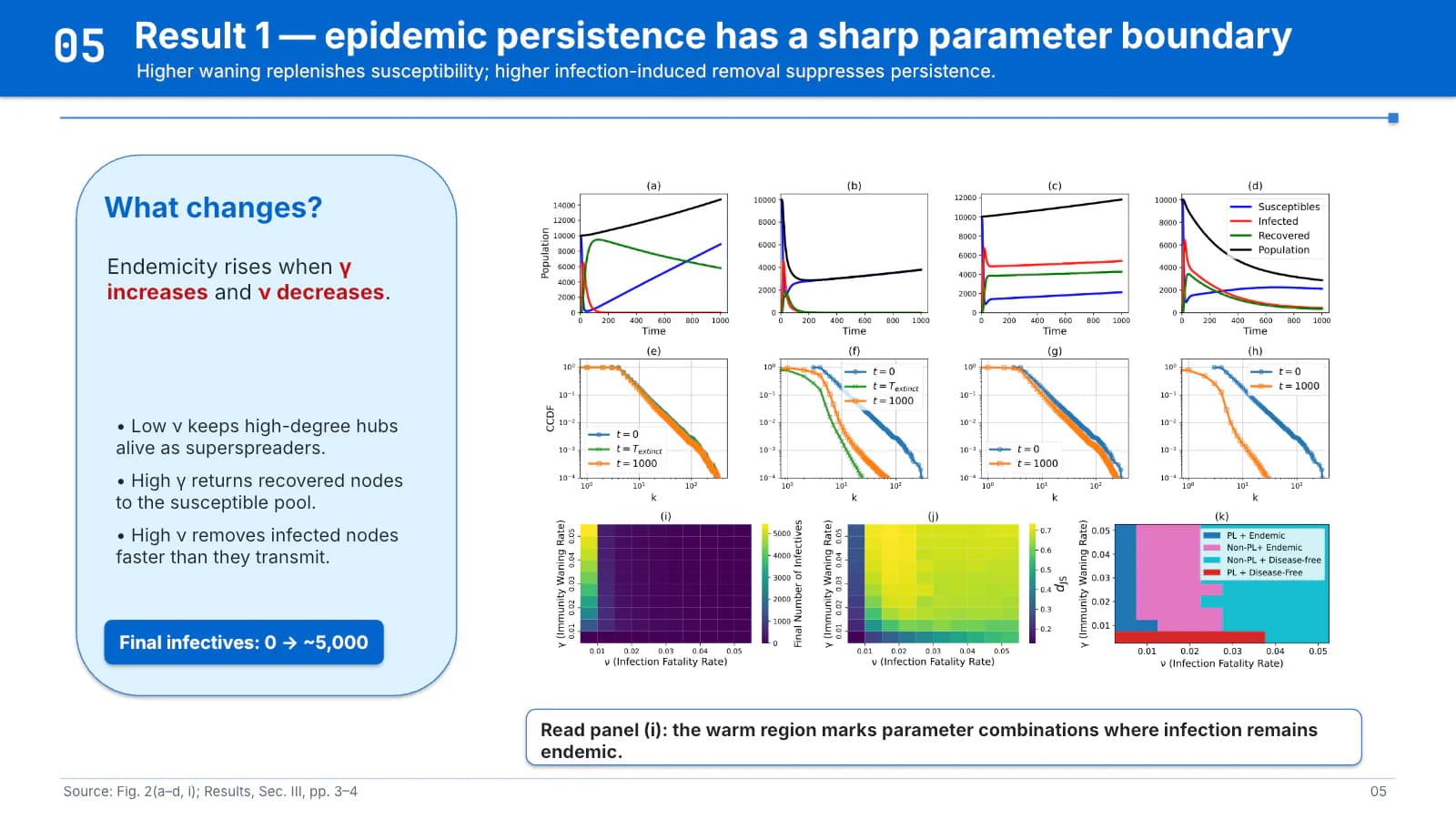
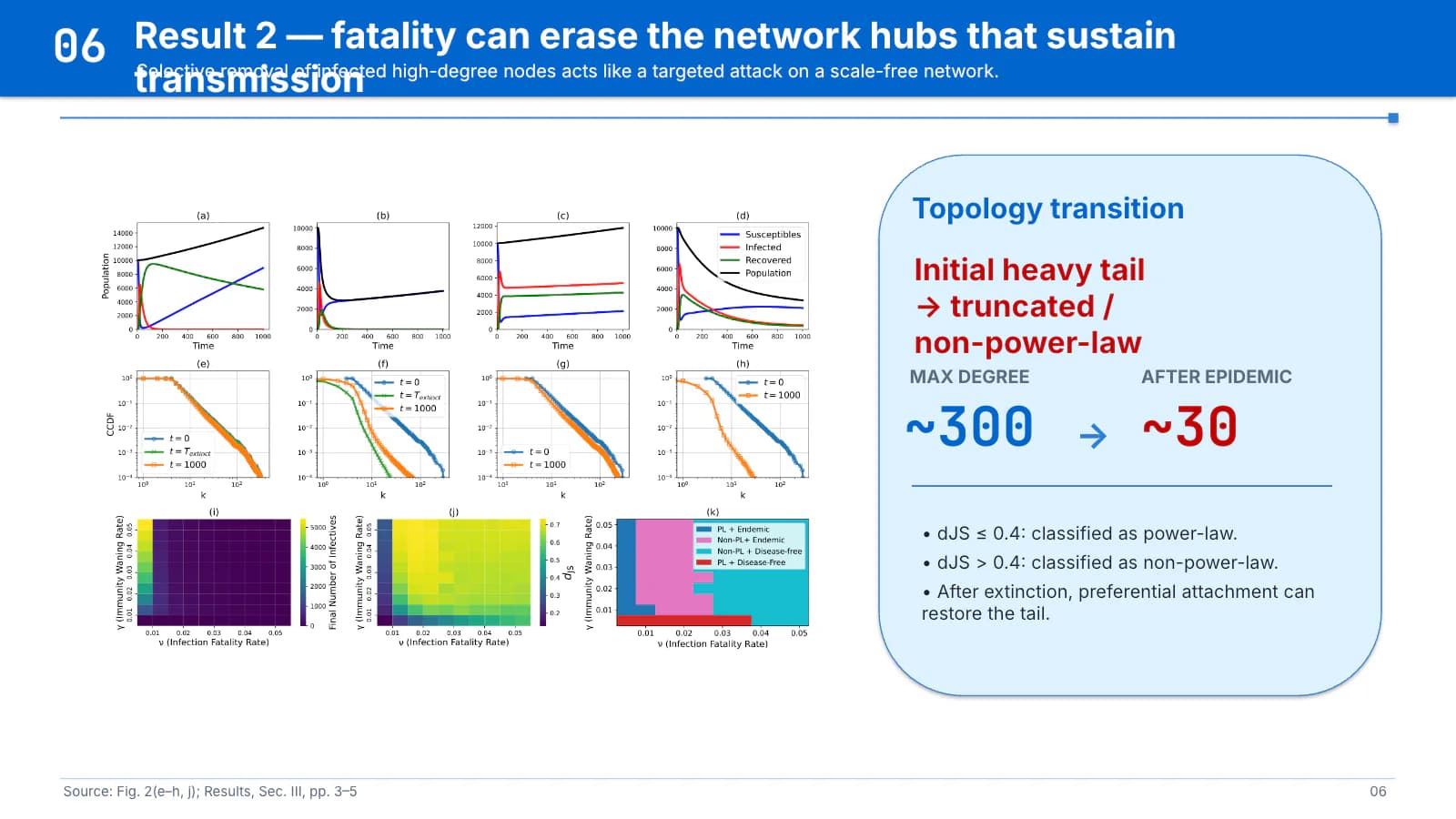
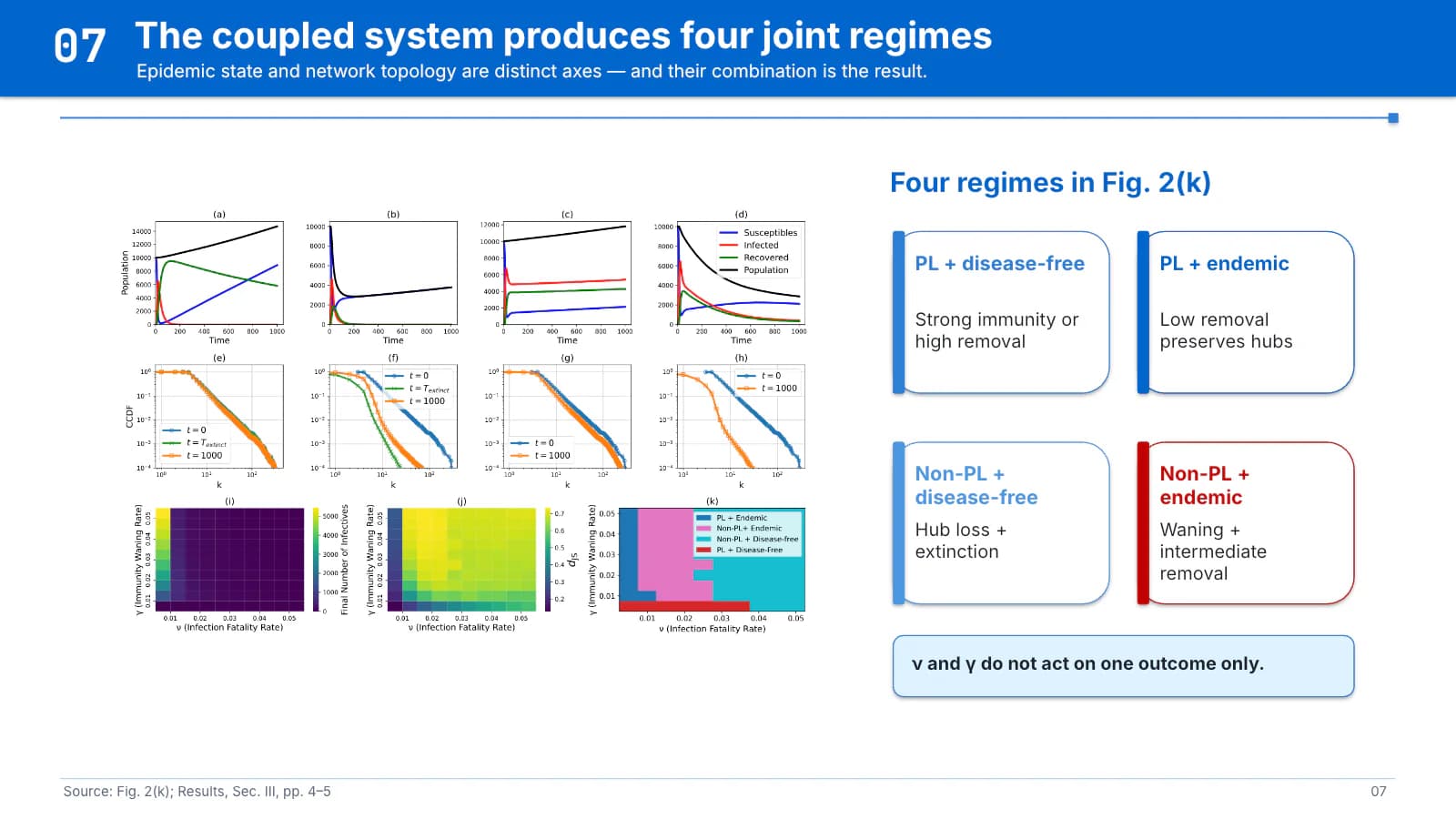
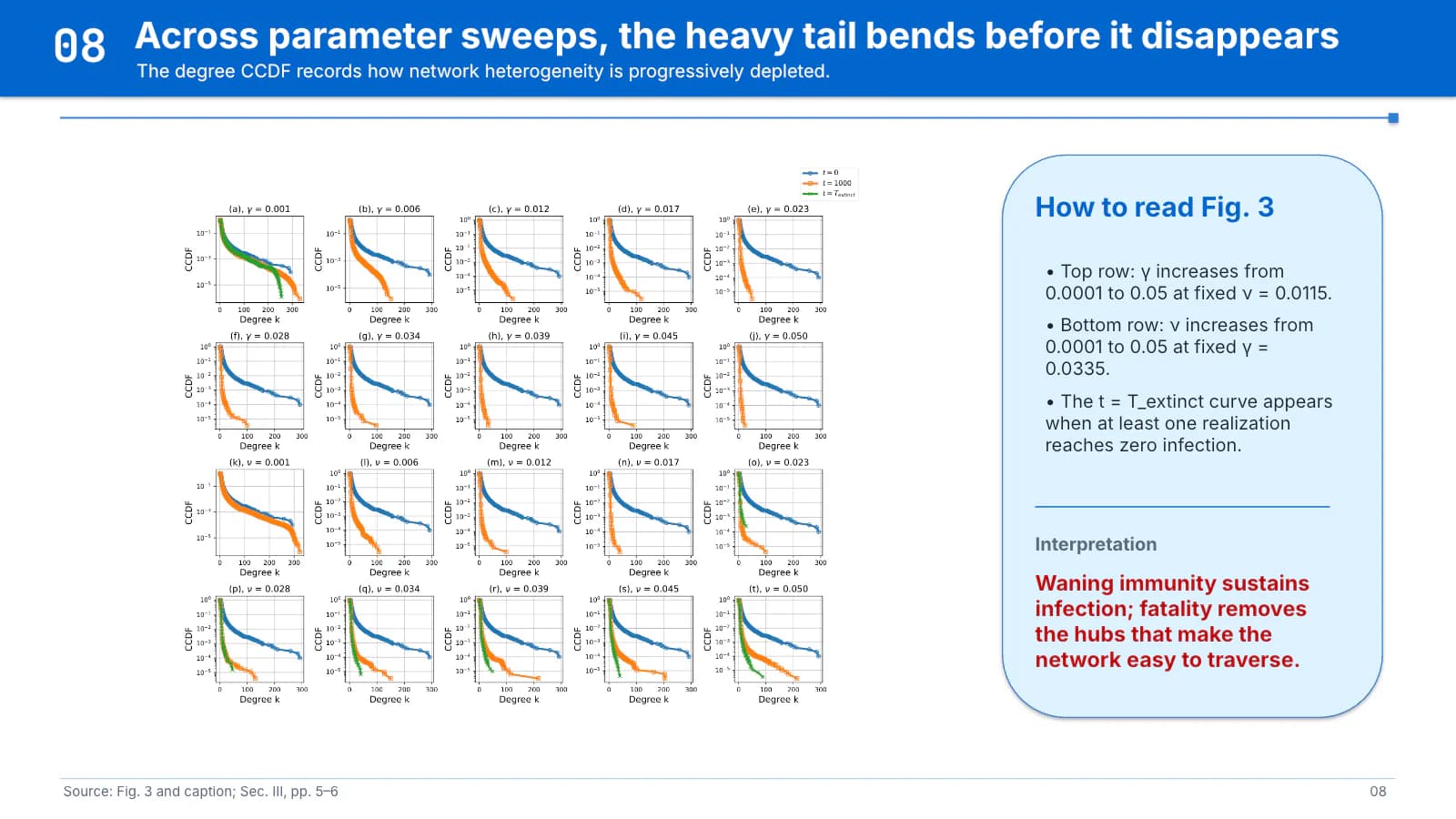
Large figures with reading panels, then four regime cards that sum up the combinations.
 5
 6
 7
 8
Approximation and validation
9–114 min
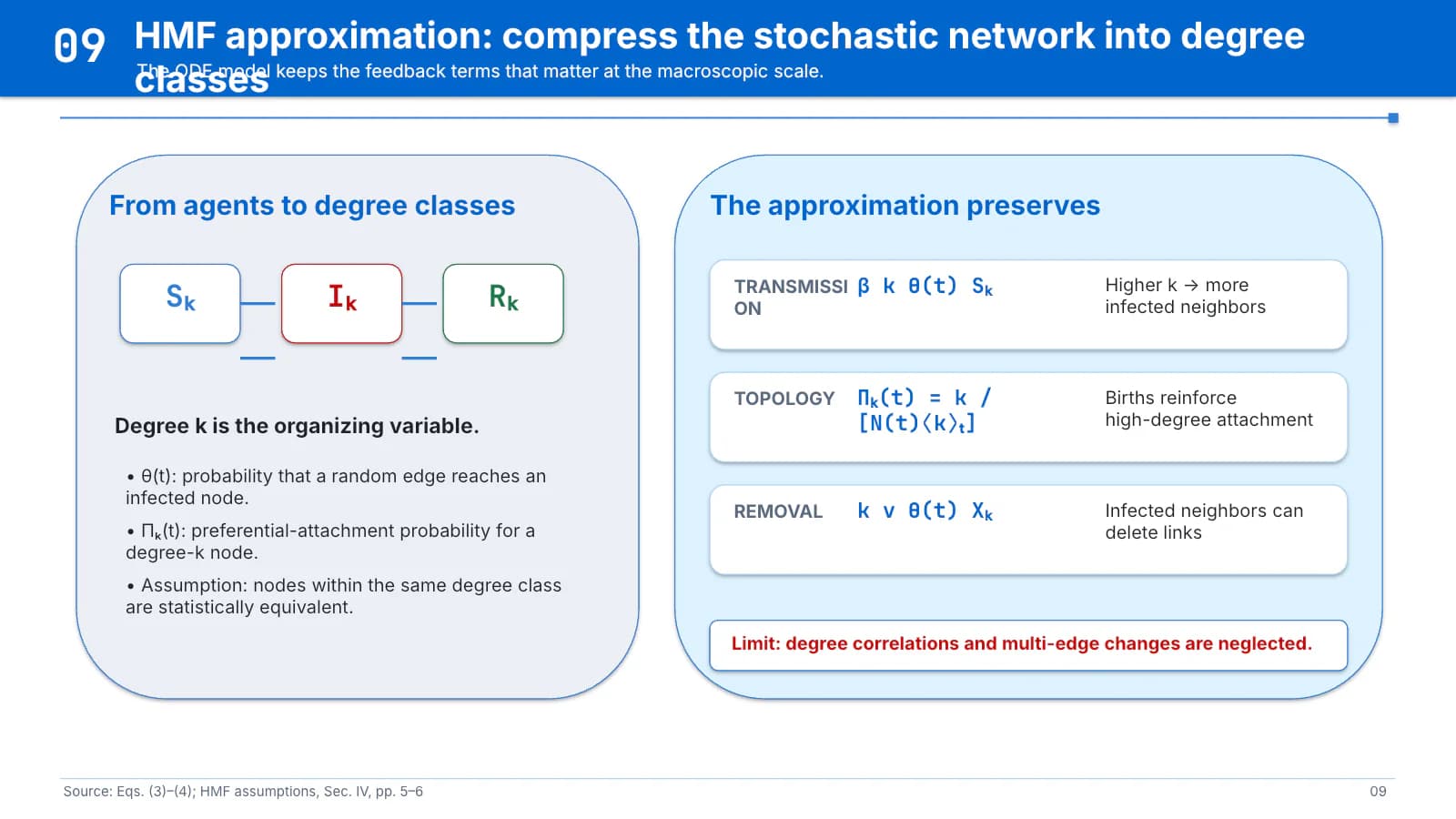
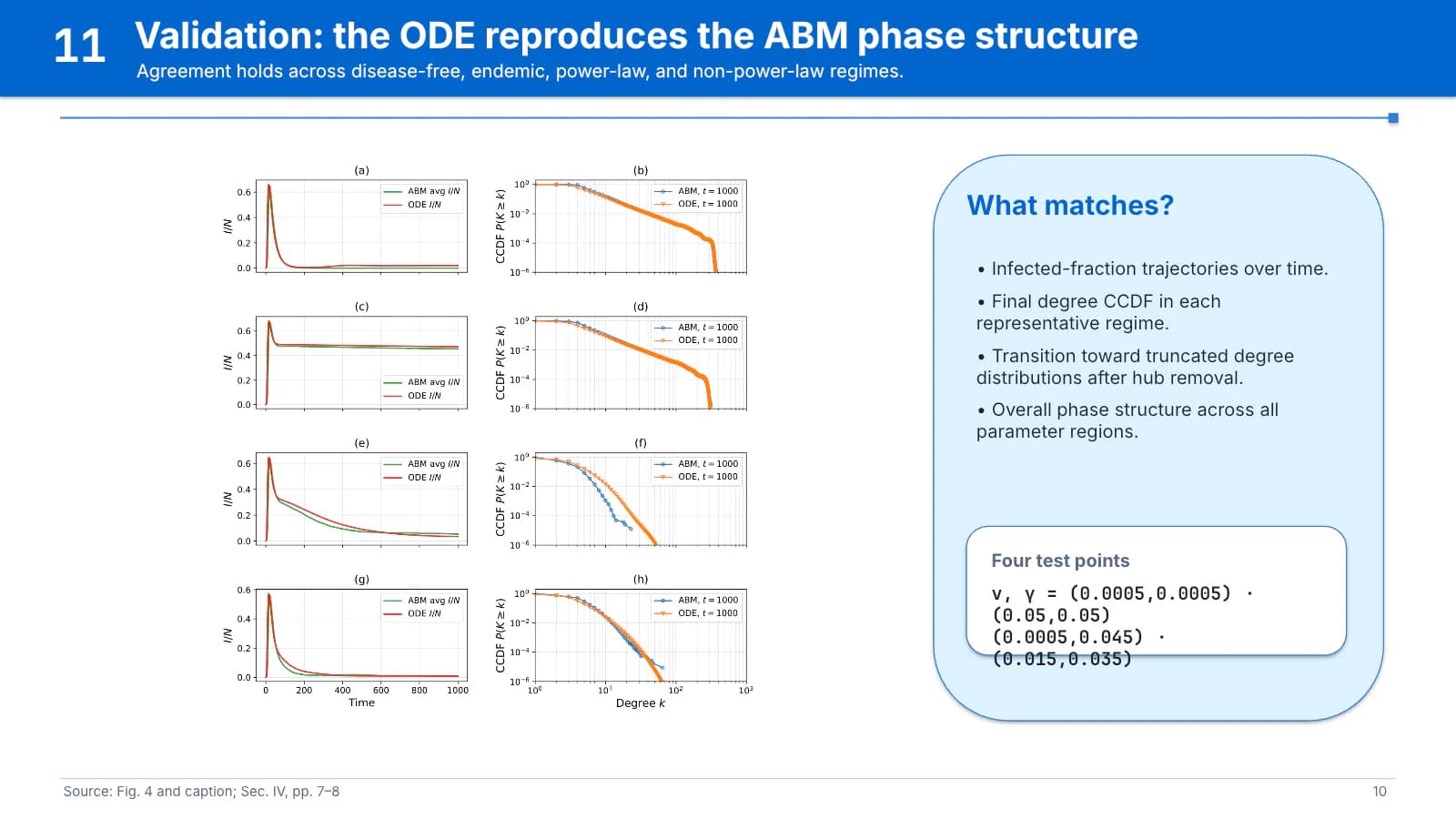
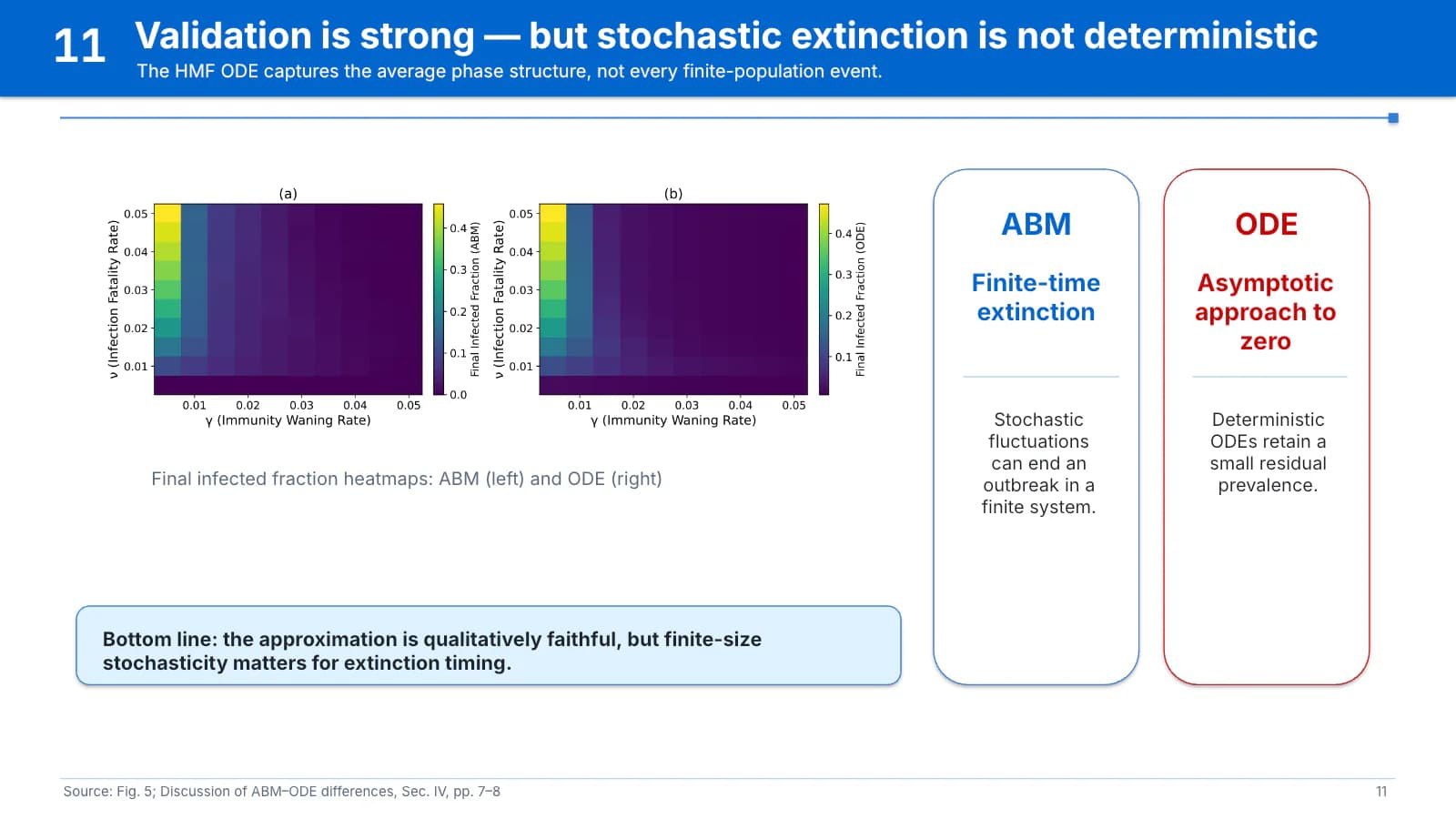
Formula rows show what is kept; comparison plots and contrast cards mark agreement and limits.
 9
 10
 11
Conclusion
121 min
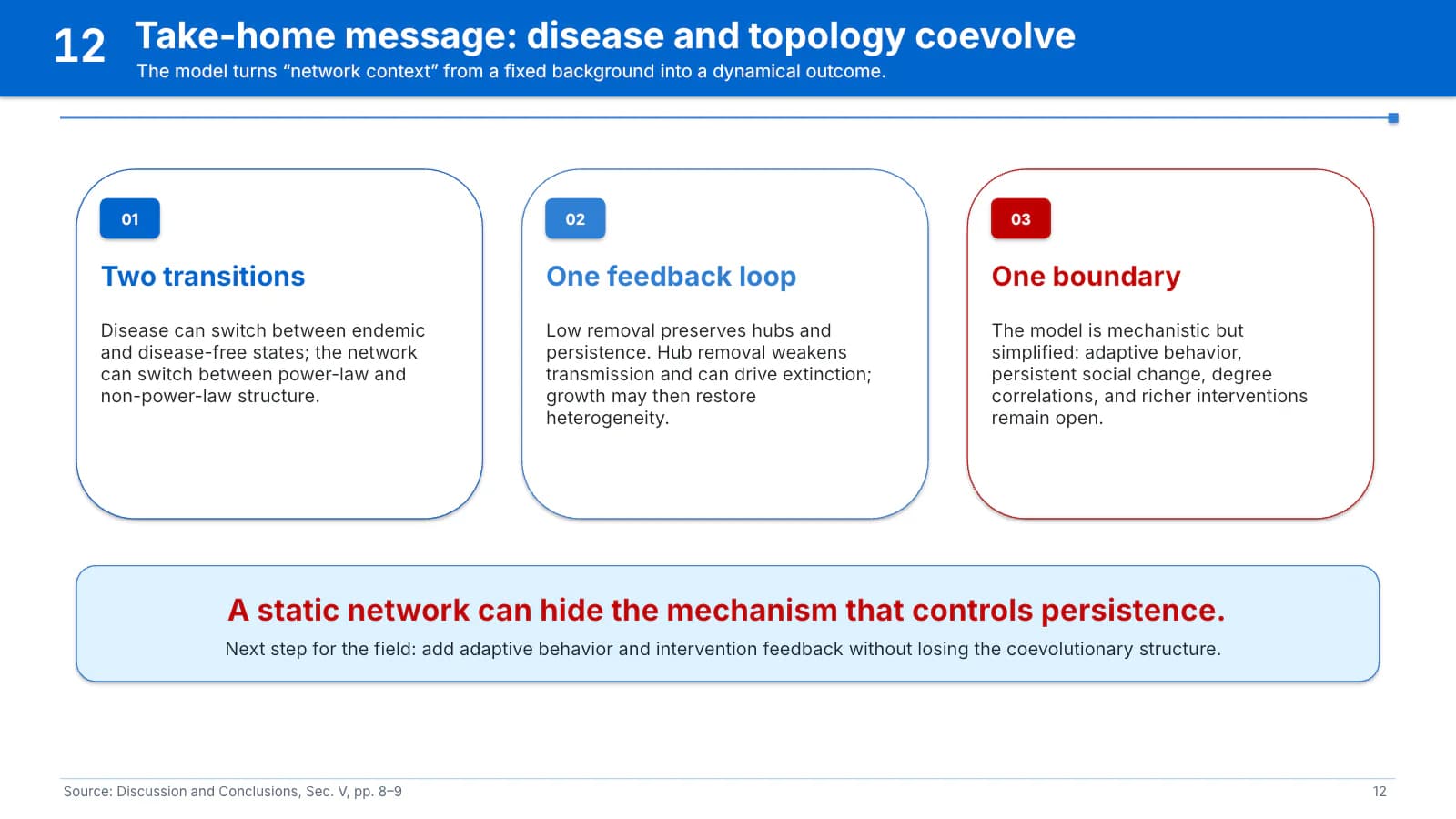
Three numbered cards for findings, mechanism and boundary, closed by one red sentence.
 12
What's in the file
The sample file has 12 slides at 16:9 with 188 editable text boxes and 7 pictures, no speaker notes, Calibri throughout, and a 921 KB download. The model diagram, composite figures, plot grid and heatmaps are placed as pictures; band titles, reading panels and card text can be edited directly. Every content slide carries a source line and page number along its foot.
- Slides
- 12
- Aspect ratio
- 16:9
- Editable text boxes
- 188
- Pictures
- 7
- Speaker notes
- No
- Theme fonts
- Calibri
- File size
- 921 KB
Good for
Master's or PhD defense
Use the two rounded panels on slide 2 for the research gap and your question, turn the five step cards on slide 4 into the thesis workflow, and give each card on slide 12 one chapter's finding.
2, 4, 12
Simulation or modelling conference talk
Put your model diagram on slide 3 with parameters and sample sizes in the settings list, then give slides 5 to 7 each their own sub-figure, keeping the panel to reading cues.
3, 5–7
Engineering or machine learning method talk
The two panels on slide 9 fit an architecture and the terms it keeps; the comparison plots and blue and red contrast cards on slides 10 and 11 become a baseline comparison.
9–11
How to use it in Yila
- 1Pick a template
- 2Upload your paper or describe your talk
- 3Yila builds an editable PPTX
Tips
Do
- Keep each reading panel to three or four cues, leaving the conclusion for its last line in red, as sample slide 8 does.
- Use red once per slide, for the research question, the core claim or a limit that must be stated out loud.
- Give each slide the sub-figure it actually discusses and keep the figure's aspect ratio; letterbox it inside the frame rather than stretch it.
Avoid
- Repeating one composite figure across several slides, as sample slides 5 to 7 do; the audience loses track of the panel that matters on each.
- Headlines long enough to wrap: on sample slides 6 and 9 the second line runs into the band's subtitle.
Questions
Can the azure be changed to my institution's colour?
Yila builds this template with the azure band and pale blue panels. In the PPTX you can recolour the band, panels and card outlines by hand in PowerPoint or similar software; keep the band dark enough that the white headline and section number stay legible. Leave red as the only second colour.
Can I change the number of slides?
Yes. The 12 slides follow one network epidemiology paper; Yila rewrites every slide from your paper and notes, so a figure-rich paper gets more result slides. In the file you can duplicate a figure-and-panel slide to extend it, or delete the slides you do not need.
Will PowerPoint and Keynote open it?
Yes. The PPTX opens in PowerPoint, Keynote and WPS, and the text is editable. The sample is set in Calibri; on a computer without it the font is substituted and band headlines may grow longer, so check line breaks on the presentation machine before your defense.
Do I have to pay for this template?
Viewing this page and downloading the sample deck cost nothing. Generating a new deck from your paper with Yila consumes credits; each new account receives 2,500 credits, so you can try it with one paper and see how your own figures sit beside the reading panels before committing to the layout.
Can I keep the sample's figures?
No. The sample is not a blank template: its cover lists the original paper's authors and preprint, and its large figures come from that paper, so all of them need replacing with your own figures and data. Yila rewrites every slide, including the source line at the foot, from the paper or description you upload.
My paper has few figures. Is this still a good fit?
Probably not. More than half the content slides here rest on one large figure, and with little to show the reading panels look thin. If your evidence is mostly numbers and text comparisons, a column- or card-based theme in the library will serve you better.