Slide template · 16:9 · 35 slides
Yellow Interactive Classroom Lecture Slides Template
A painted yellow stage with a cream teaching board laid over it, deep navy rounded titles, orange and blue brush strokes and flat cartoon figures. Meant for interactive lessons, intro courses and teaching built on questions, activities and answer reveals.

What this template is
Every slide sits on a yellow stage textured with deeper and paler brush marks, and the content lives on a cream board with ragged painted edges, so navy on yellow is the main contrast pair. Round orange and blue badges hold icons, small illustrated characters stand at the board edge, and tables are divided by dotted lines. The sample is an English placeholder template for running an elementary class: timetables, an attendance sheet, a birthday board and similar pages, filled with planet facts and invented names. It is not a lecture on a research topic, and all of it needs replacing.
What goes in each section
Opening
1–42 min
Cover, a short self-introduction, a quotation, then a large numbered slide that opens lesson one.
 1
 2
 3
 4
Activity and concepts
5–93 min
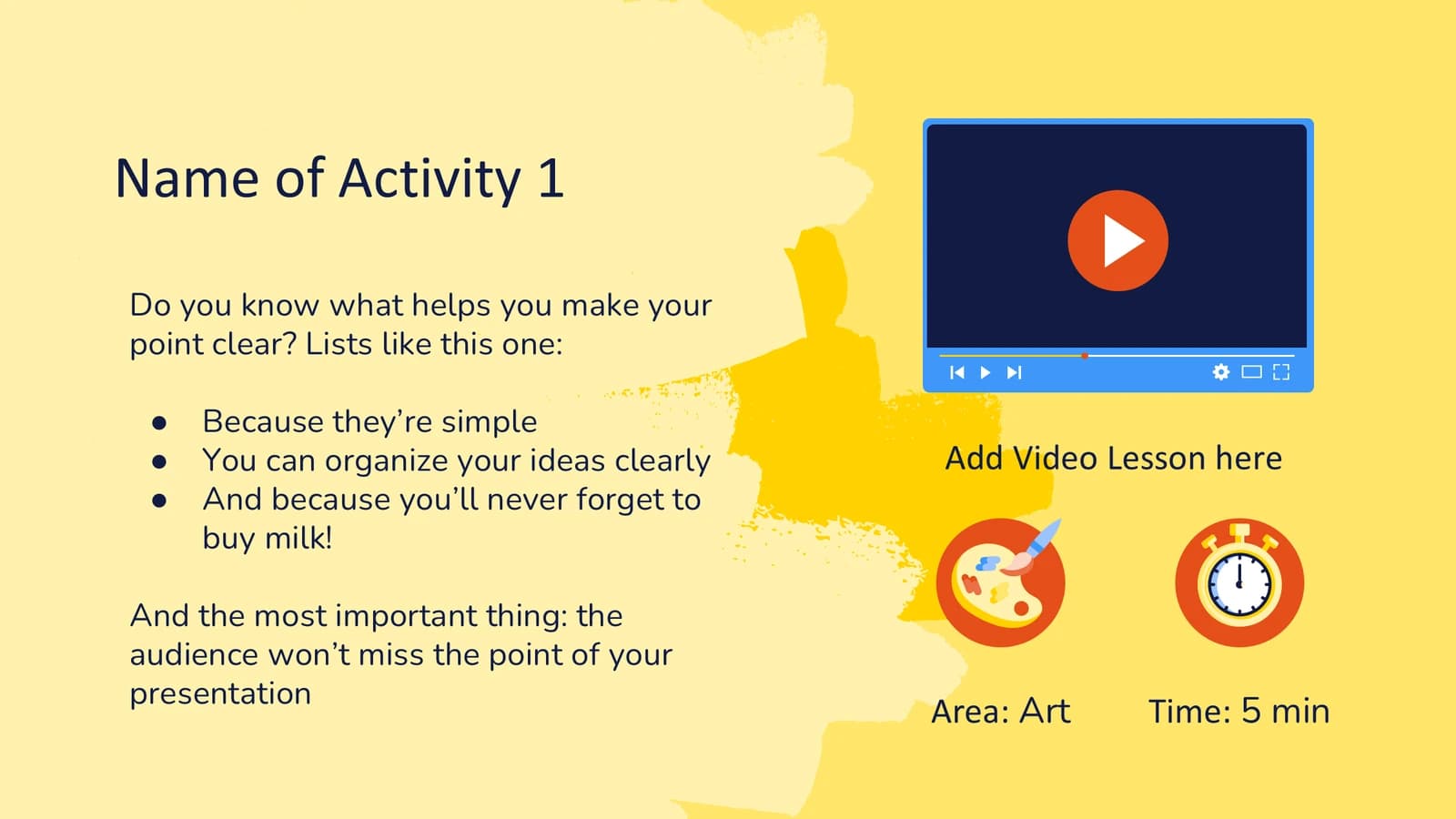
An activity slide with a video slot, then notes, concepts, a photo slide and one big number.
 5
 6
 7
 8
- +1
Class overview
10–163 min
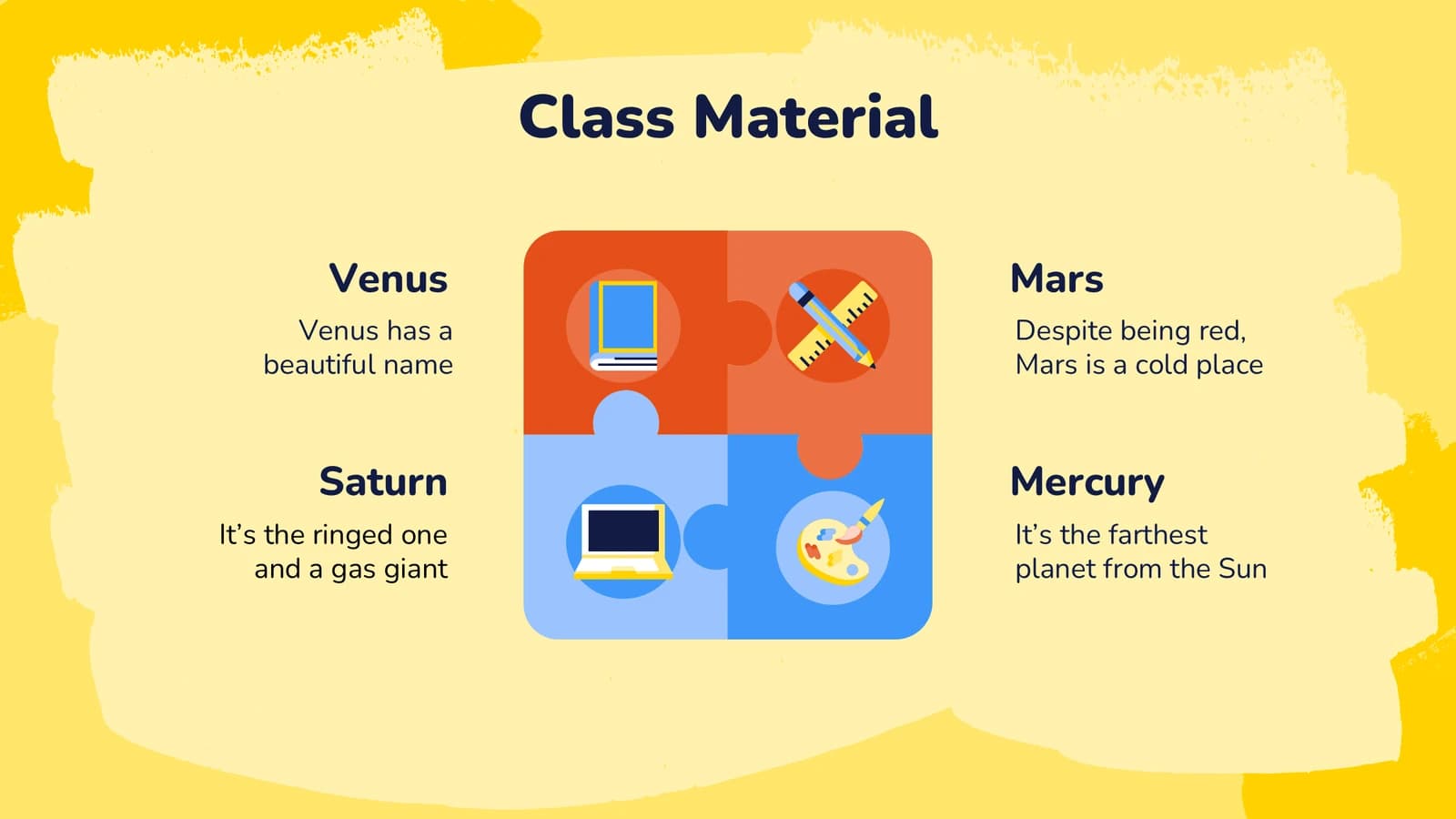
Lesson plans, a materials puzzle, a world map, a unit overview and a stacked grade chart.
 10
 11
 12
 13
- +3
Resources and calendar
17–243 min
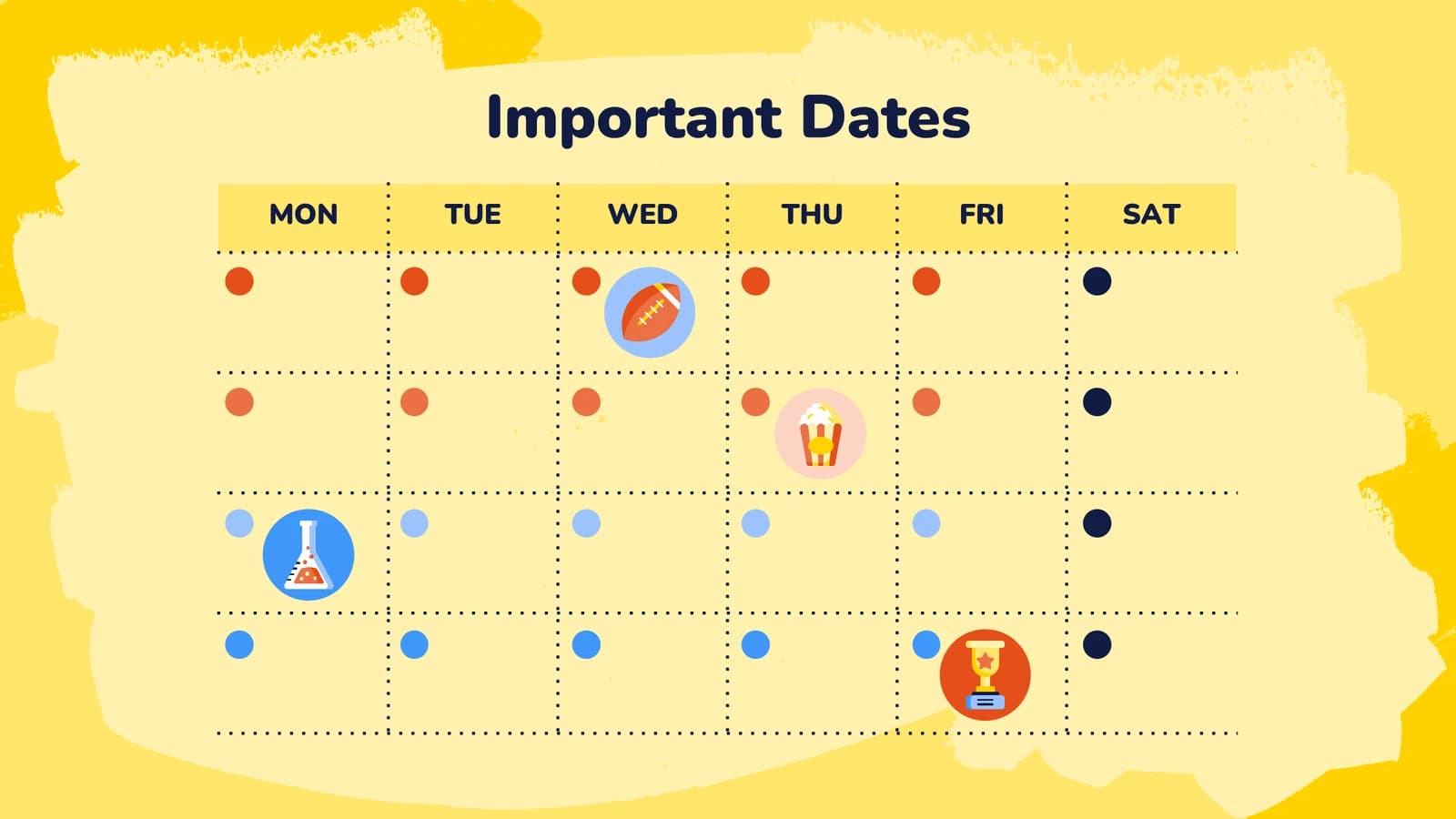
Media placeholders, a calendar, to-do lists, an attendance grid, groups and a weekly timetable.
 17
 18
 19
 20
- +4
Progress and team
25–282 min
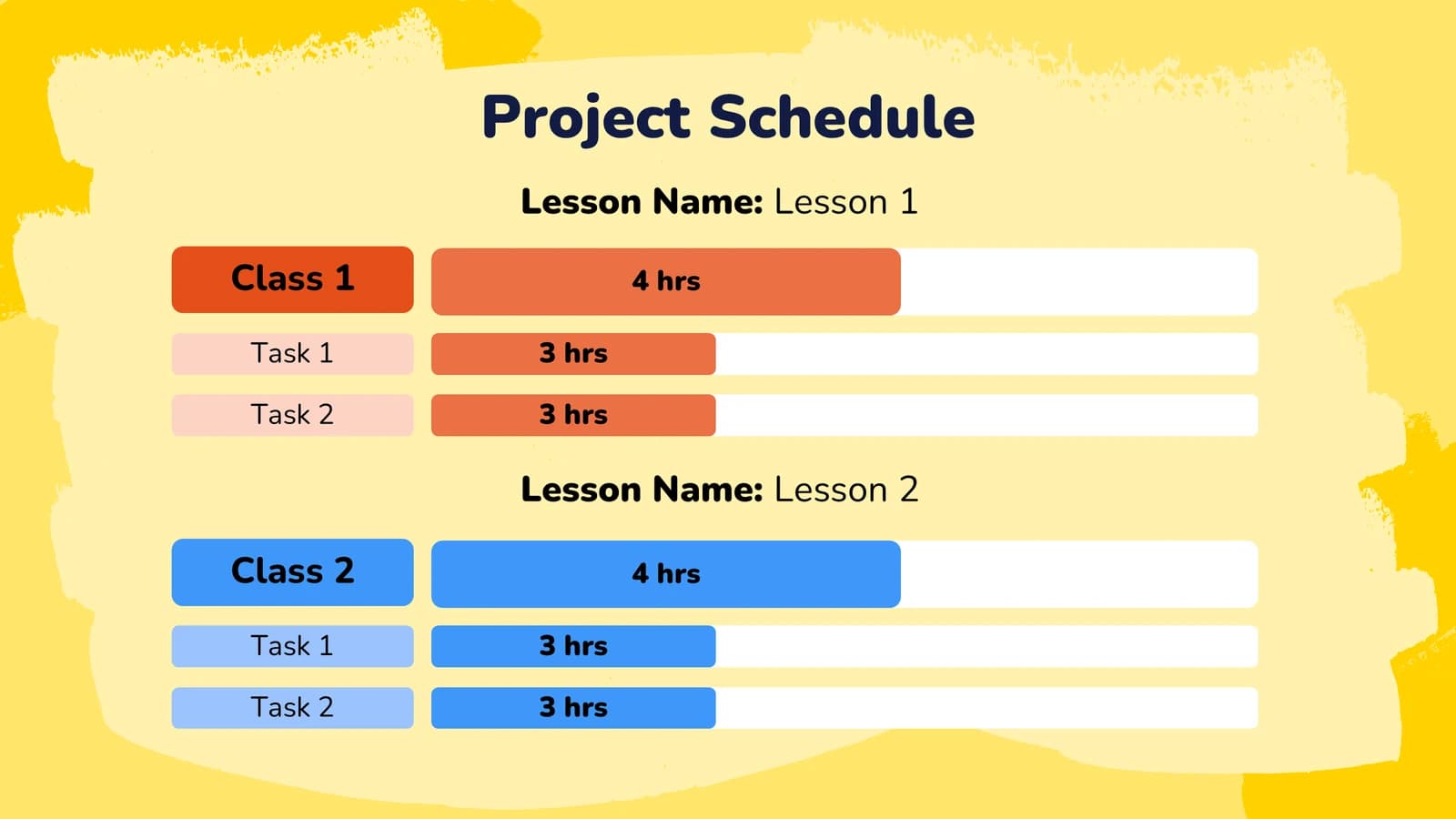
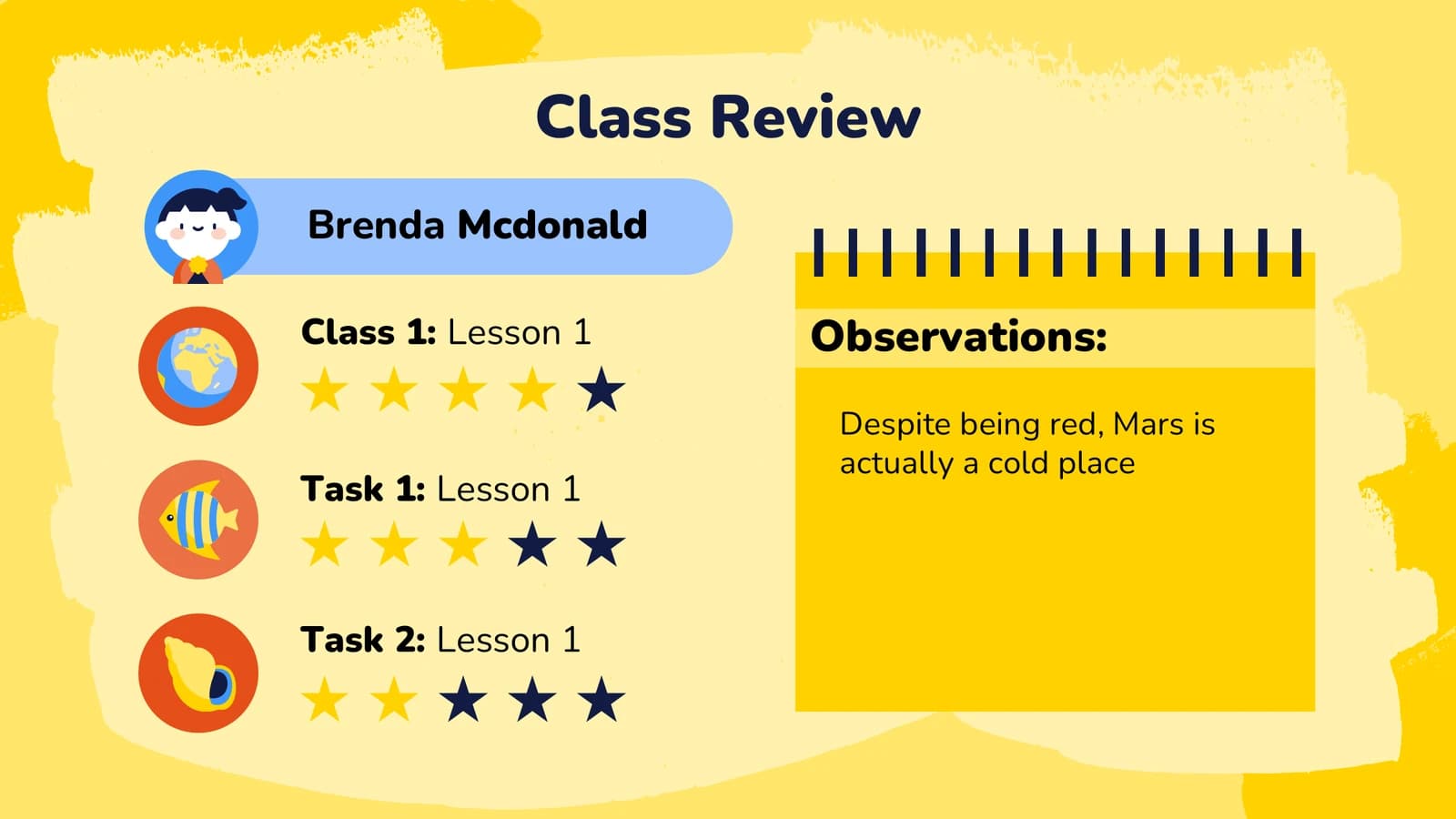
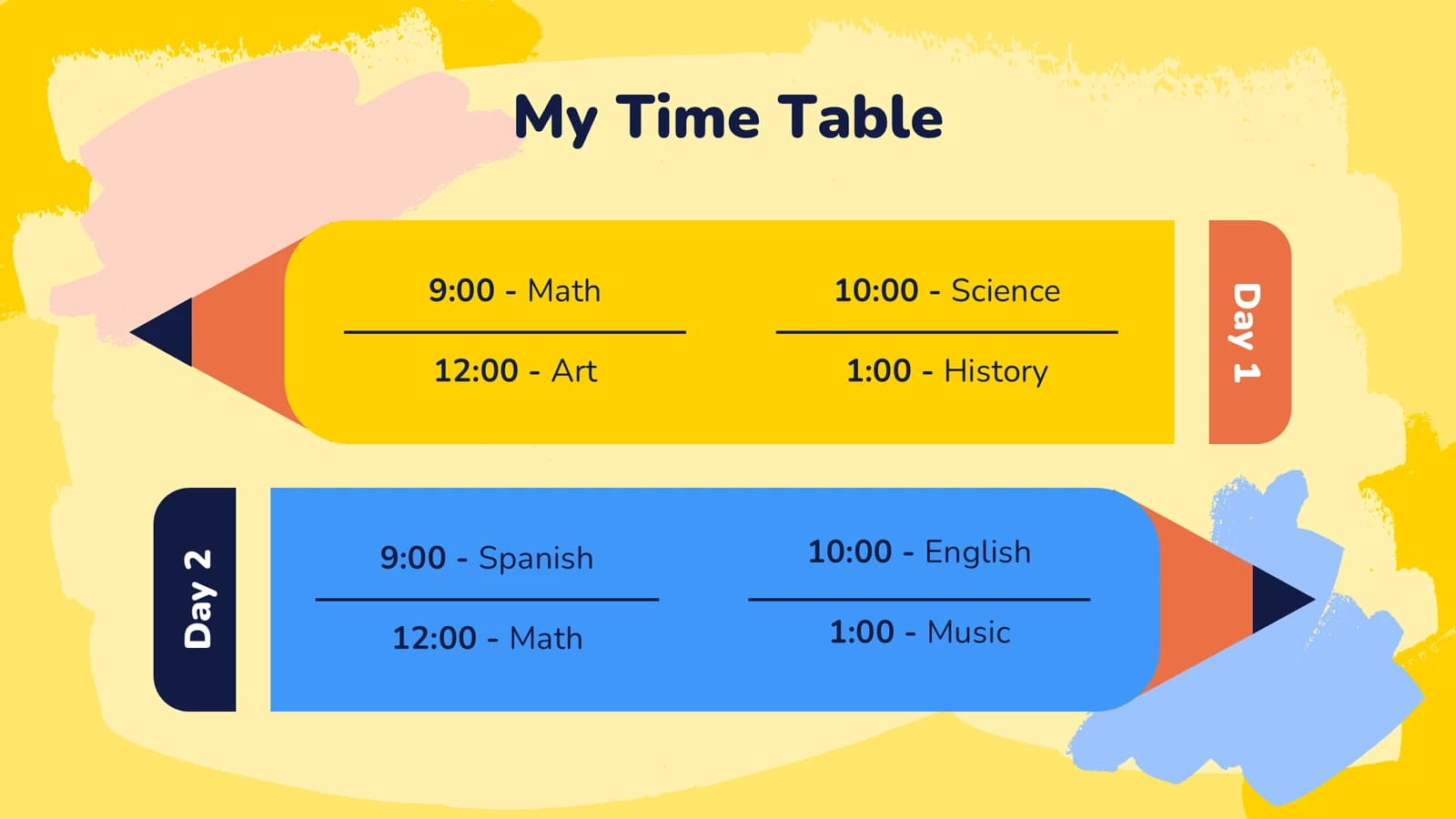
Bar-style schedules, star ratings, a pencil-shaped timetable and a teacher introduction.
 25
 26
 27
 28
Devices and thanks
29–321 min
Desktop, tablet and phone screen placeholders, then a thank-you slide.
 29
 30
 31
 32
Extras
33–351 min
Character avatars, school icons and spare illustrations, kept as assets rather than presented.
 33
 34
 35
What's in the file
The sample runs to 35 slides at 16:9, with 163 text boxes and 4 pictures; the many characters and icons are not among those 4. There are no speaker notes, so add your own prompts and timing cues. Arial is registered as the theme font and the file is 15 MB. All slide text is English placeholder copy to be replaced.
- Slides
- 35
- Aspect ratio
- 16:9
- Editable text boxes
- 163
- Pictures
- 4
- Speaker notes
- No
- Theme fonts
- Arial
- File size
- 15 MB
Good for
Interactive lesson
The big numbered slide announces the lesson, the activity slide pairs steps on the left with a video slot on the right, and the notes and concept slides unfold one badge at a time. Rename the lesson and the activity first.
Slides 4–7
Course logistics and teaching assistants
The attendance grid, weekly timetable and bar-style schedule are ready-made tables, useful for a teaching assistant explaining attendance, timing and assignment rhythm at the first session of a course.
Slides 22, 24–25
Quiz and review
The big-number slides invite the class to guess before you reveal, and the star-rating slide sums up how each task went, with a notebook panel for observations you want students to take away.
Slides 9, 15, 26
How to use it in Yila
- 1Pick a template
- 2Upload your paper or describe your talk
- 3Yila builds an editable PPTX
Tips
Do
- Give each slide one teaching beat: one question, one concept or one activity. Three exercises on one page become three separate slides.
- Put body copy on the cream board or a card, never straight onto the yellow stage.
- The names on the attendance and review slides are invented; replace them with student numbers or group names.
Avoid
- Do not keep the template-source credit, placeholder email and phone number on slide 32.
- Do not copy the sample's slips, such as the impossible date on slide 4 and the misspelt timetable entry on slide 24.
- Do not move decorative characters into the centre of the board, where they compete with the teaching content.
Questions
The yellow is very bright. Can I change it?
A bright yellow stage, deep navy type and orange and blue accents make up this theme's palette, and Yila keeps them. If you want something calmer, choose another theme in the library and generate again. The PPTX you get keeps its text editable in PowerPoint, Keynote or WPS.
Thirty-five slides is a lot. Can I use only some of them?
Yes. The sample lays out every available layout at once, but Yila rewrites each slide from the notes you upload or the lesson you describe and builds only the slides your content needs. You can also delete or duplicate slides in PowerPoint afterwards, for example to repeat an activity slide.
Will it open in PowerPoint and Keynote?
Yes. The download is a PPTX file that PowerPoint, Keynote and WPS can open, with editable text. The file registers Arial as its theme font; if the rounded face used for titles is not installed on your computer, a substitute is shown instead.
Is this template free?
Viewing this page and downloading the sample deck cost nothing. Generating slides from your course material with Yila consumes credits, and new accounts receive 2,500 credits, so you can build one lesson first, try it with a class and see how it works before planning a whole course.
Is it for teaching or for managing a class?
The sample reads more like a class organiser, with timetables, attendance and a birthday board taking up many slides. When you generate with it, Yila rewrites around the course content you provide and keeps teaching pages such as prompts, activities and answer reveals.
What should I prepare?
Upload lecture notes or a lesson plan as a PDF or DOCX, or write down what the lesson covers and which activities it includes. The planet facts and invented names in the sample are replaced throughout; this is not a blank template.