Slide template · 16:9 · 23 slides
Apricot Watercolor Workshop Slides Template
Off-white paper with translucent apricot washes and vivid orange hand-drawn lines scattered at the edges, a quiet open centre and orange uppercase titles. Built for workshops, orientation sessions and courses that should feel informal without turning childish.

What this template is
Washes and linework stay at the margins, so the centre of each slide is plain paper holding a single activity, concept, quotation, diagram or result. Titles are orange uppercase, often alternating a darker and a lighter orange word by word; body copy is short, centred and charcoal, paired with orange line icons. Photographs of people appear in black and white, mostly in circular crops. Be aware that the sample is not a research talk: it is a Portuguese-language workshop template filled with placeholder text, much of it describing planets, and every page needs replacing.
What goes in each section
Opening
1–32 min
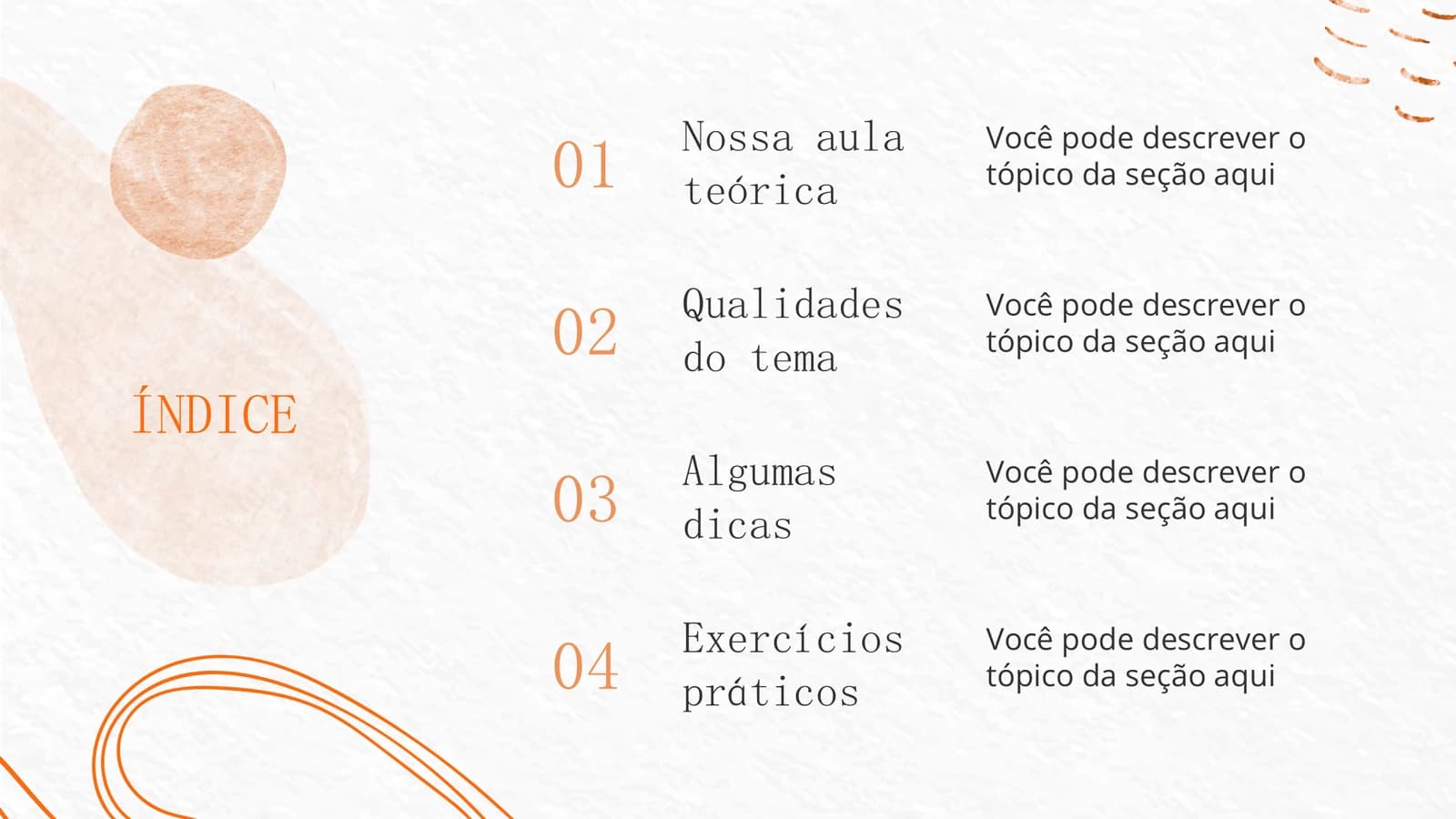
The workshop name and a one-line welcome, a four-part index, then one paragraph introducing the topic.
 1
 2
 3
Topic and examples
4–104 min
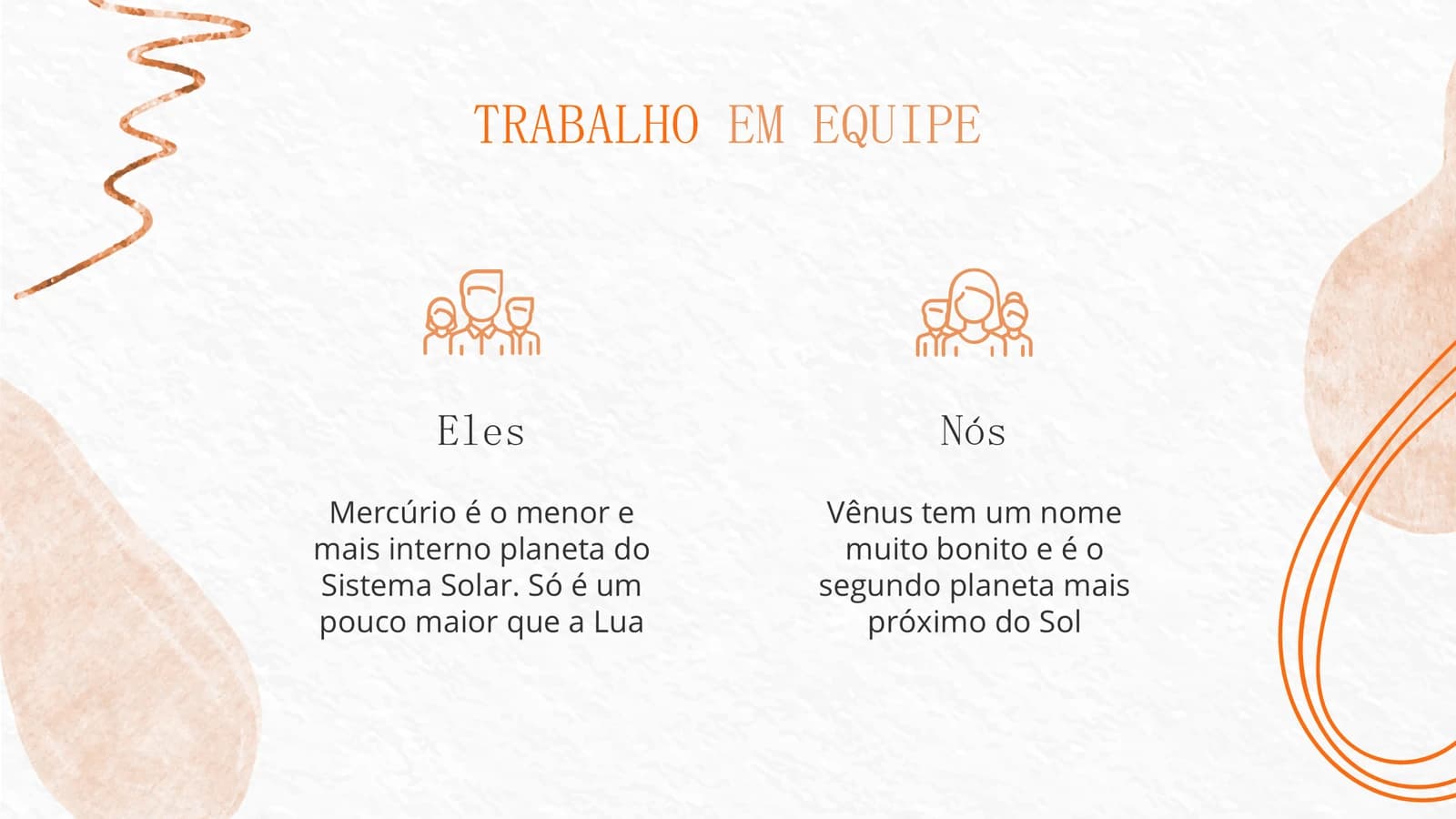
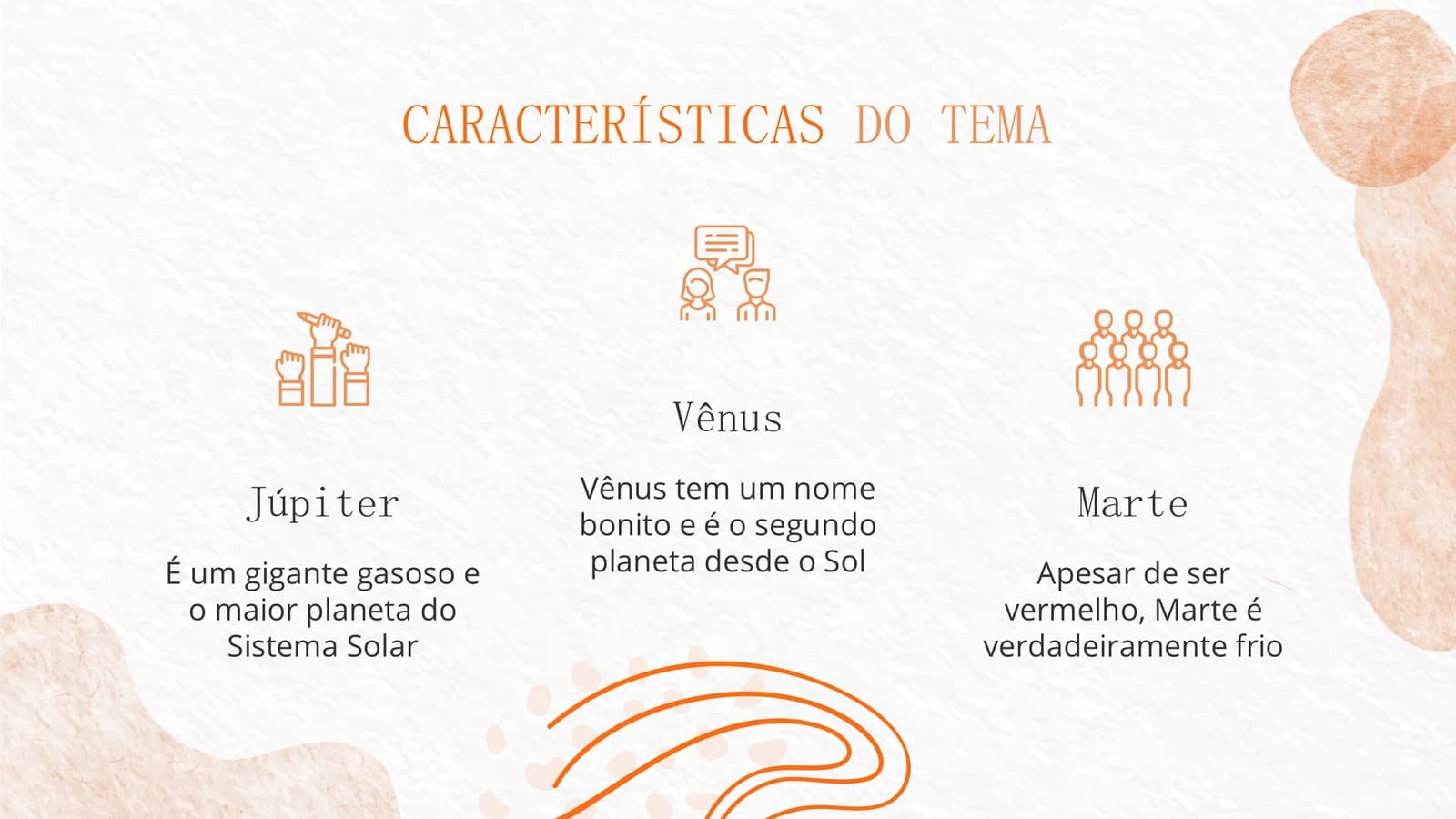
Icon pairs, a quotation, three features, a mind map and a six-cell grid build up the concept.
 4
 5
 6
 7
- +3
Exercises
11–154 min
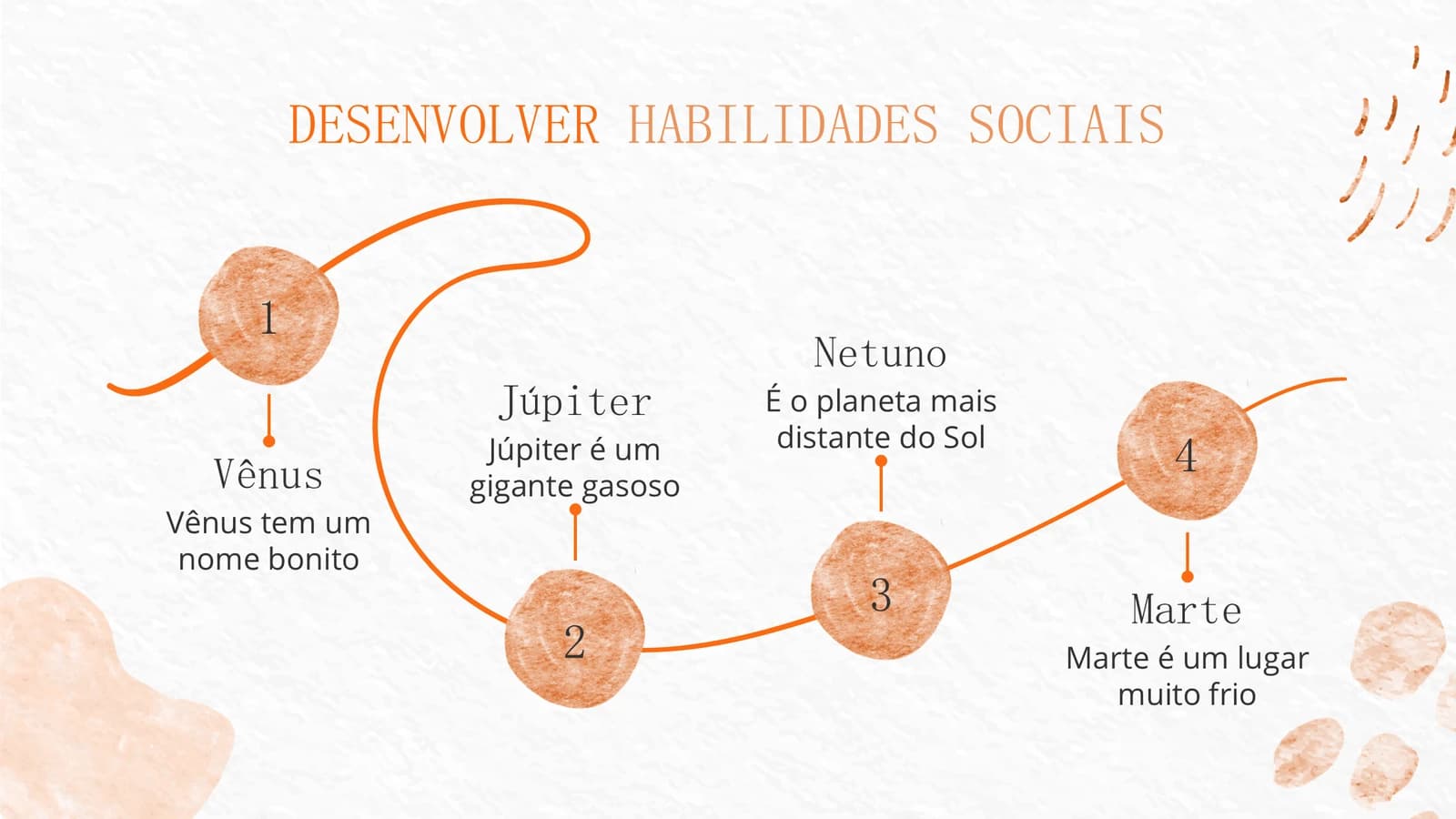
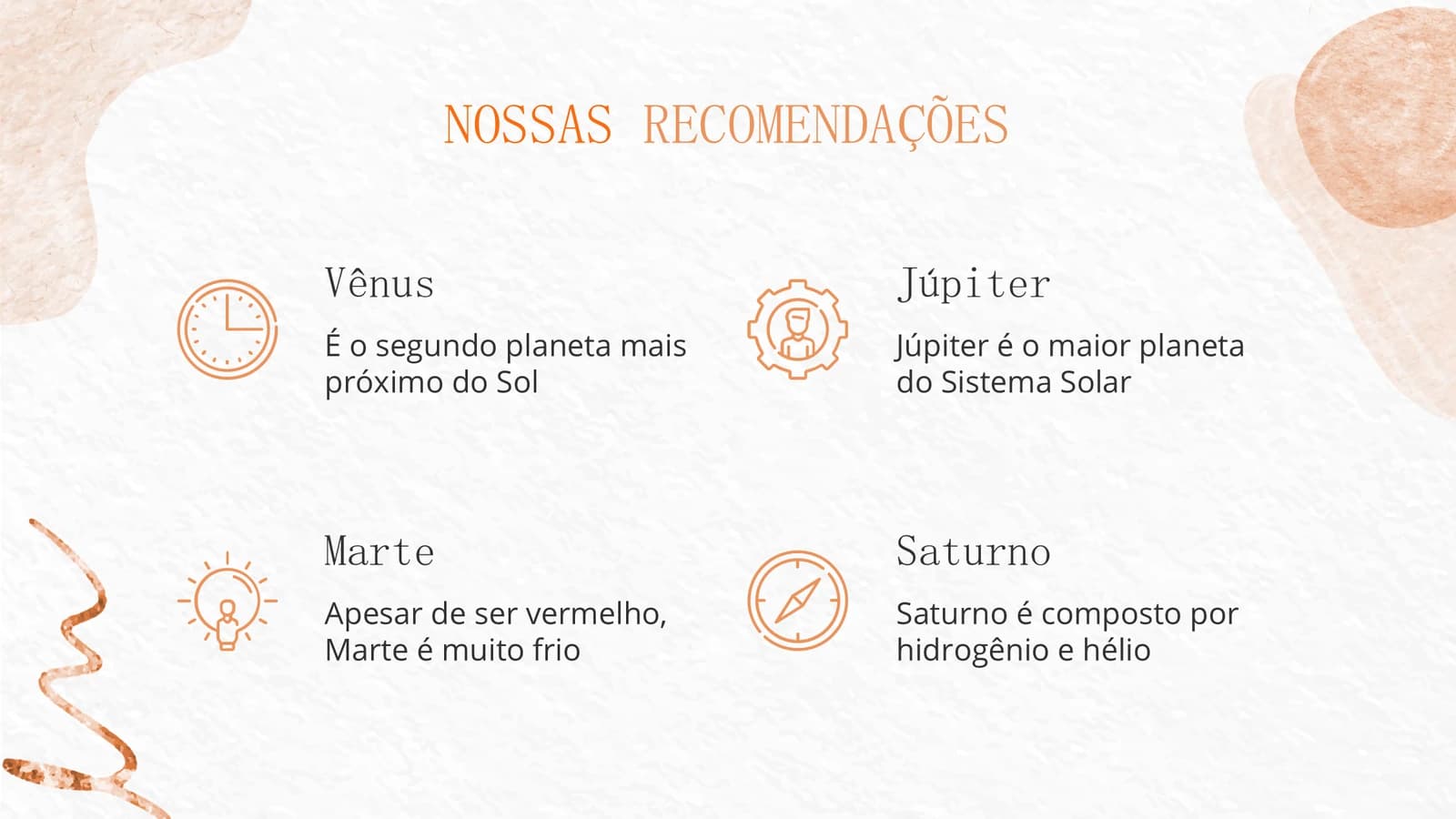
A divider, a four-step path, a recommendations list and three ring percentages plan the hands-on part.
 11
 12
 13
 14
- +1
Reach and schedule
16–214 min
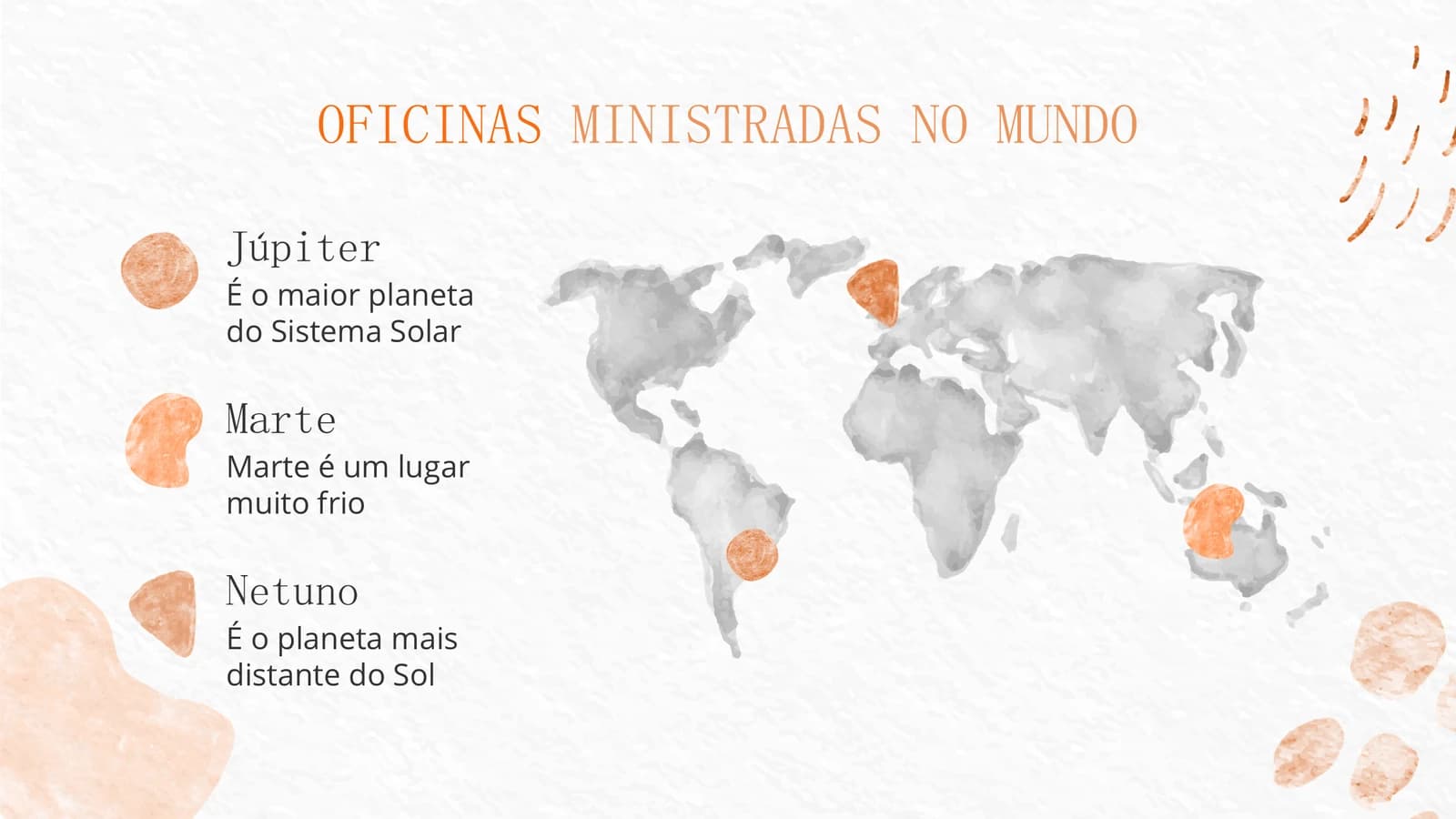
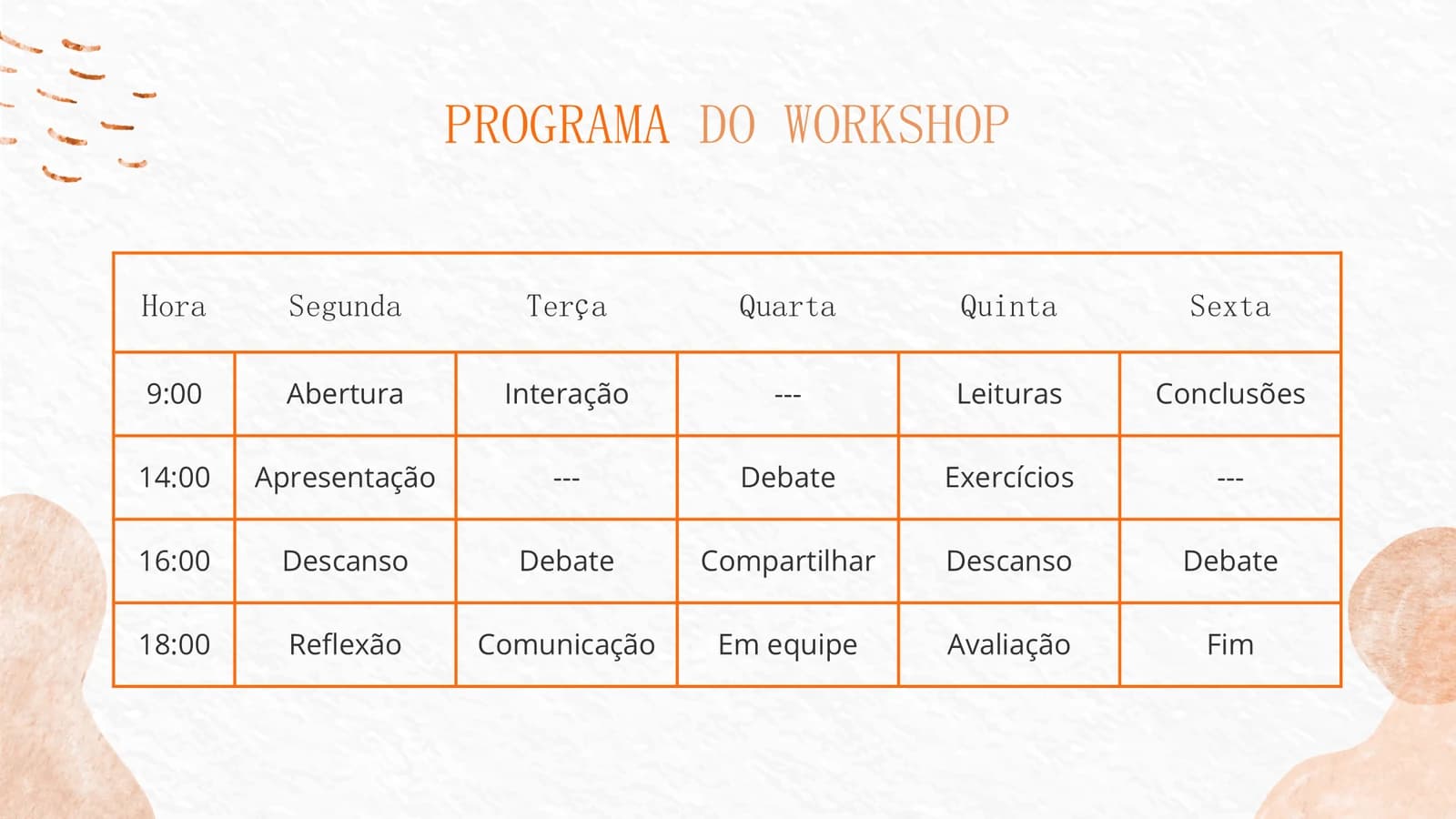
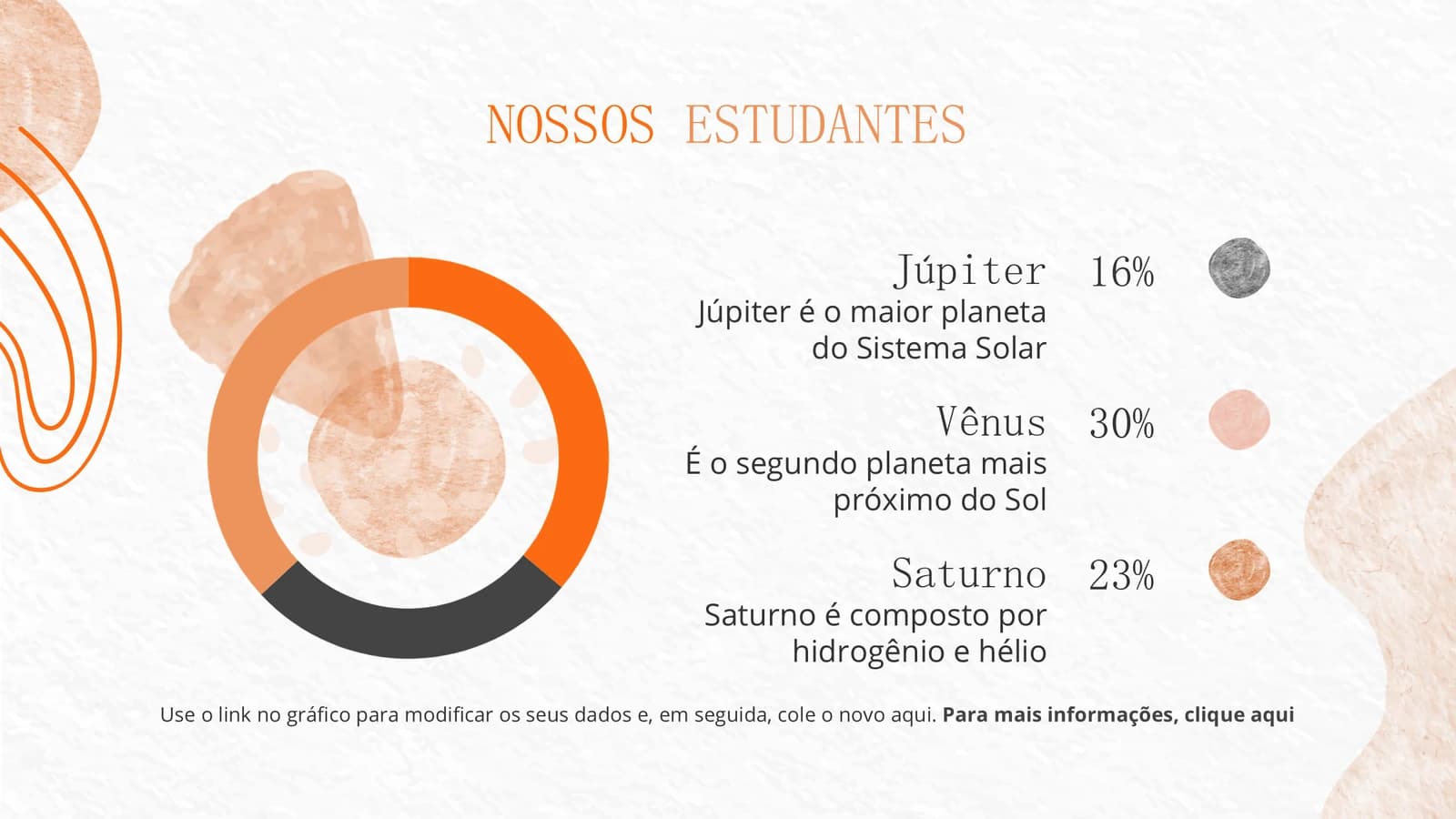
A world map, a weekly timetable, a donut chart and one big number cover scale and logistics.
 16
 17
 18
 19
- +2
Close
22–231 min
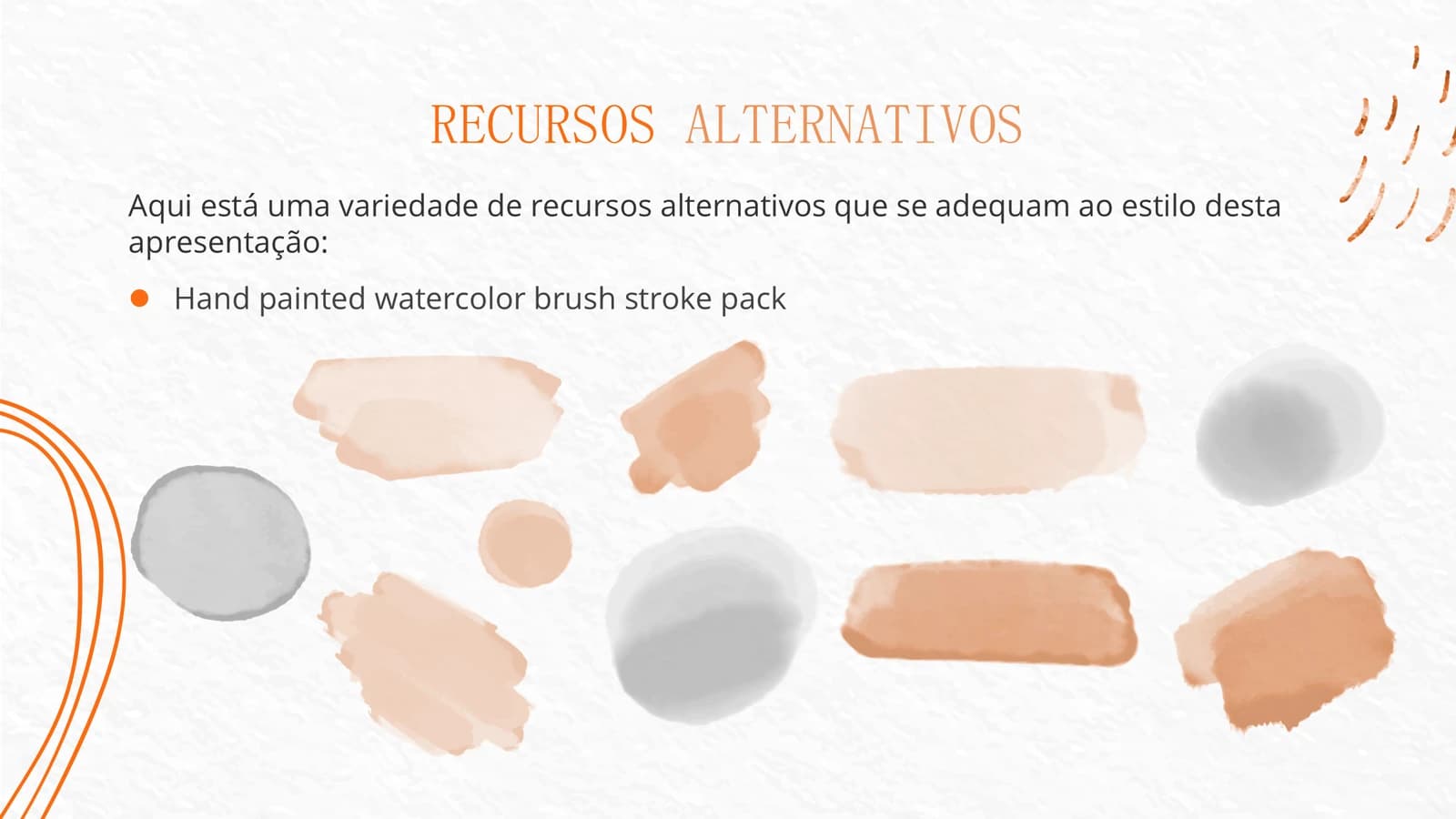
A thank-you slide to fill with your own contact line, then a sheet of spare watercolour brush strokes.
 22
 23
What's in the file
The sample has 23 slides at 16:9, with 122 text boxes and 66 pictures: watercolour washes, hand-drawn lines, line icons and a few black-and-white photographs of people. There are no speaker notes, so add your own facilitation cues. Arial is registered as the theme font and the file is 17.1 MB. All on-slide text is Portuguese placeholder copy.
- Slides
- 23
- Aspect ratio
- 16:9
- Editable text boxes
- 122
- Pictures
- 66
- Speaker notes
- No
- Theme fonts
- Arial
- File size
- 17.1 MB
Good for
Workshop or short course
The four-step path lays out an exercise sequence, and the weekly timetable shows five days of morning and afternoon sessions at a glance. Rewrite the four index items first, then put your own times and activities into the timetable.
Slides 2, 12, 18
Orientation or onboarding
Use the three-column icon slide to introduce the team, resources and ground rules, and the quotation slide for a line from a supervisor or senior member. The tone stays warm without becoming juvenile, which suits a first day.
Slides 4, 6, 7
Social science methods workshop
The mind-map slide puts one method at the centre with four points around it, and the donut chart slide shows the make-up of participants or the split of survey answers in proportions anyone can read.
Slides 8, 19
How to use it in Yila
- 1Pick a template
- 2Upload your paper or describe your talk
- 3Yila builds an editable PPTX
Tips
Do
- Keep body text on the plain paper in the centre of the slide, and let the washes stay at the edges.
- Keep titles orange; it is the theme's clearest signature, and black titles make it read as a different deck.
- Reuse the time-by-weekday table for your programme, filling empty slots with a dash as the sample does rather than leaving cells blank.
Avoid
- Do not run a watercolour wash behind body text; the uneven tone makes words hard to read.
- Do not keep the placeholder email, phone number, social icons and attribution request from slide 22; use your own details or delete it.
- Do not build a dashboard of cards on one slide; this theme works best as one flowing composition.
Questions
Can I use different colours?
Apricot washes, vivid orange linework and orange titles are this theme's palette, and Yila keeps them on every slide it builds. To change colours, pick another theme in the library and generate again. The PPTX you receive lets you edit the text in PowerPoint, Keynote or WPS, so wording can still be adjusted after generation.
Can I drop some of the 23 slides or add more?
Yes. The sample shows many layouts at once, but Yila rewrites every slide from the notes you upload or the outline you write, so unused layouts simply do not appear and the slide count follows your content. You can also delete or duplicate slides in PowerPoint later.
Does it open in PowerPoint and Keynote?
Yes. The PPTX opens in PowerPoint, Keynote and WPS, with editable text in each. Arial is registered as the theme font; if the display face used for titles is missing on your computer, a substitute is used and line widths may change, so check the long titles before the session.
Does this template cost anything?
Viewing this page and downloading the sample deck cost nothing. Generating a deck with Yila consumes credits, and a new account receives 2,500 credits, so you can try it on one set of workshop notes or a course outline before committing to it.
Why is the sample in Portuguese?
It comes from a Portuguese-language workshop layout whose text is entirely placeholder, with planet descriptions standing in for real content; the title on slide 5 even slips into Spanish. It is there only to show the layouts, and Yila rewrites every slide in your language from your material.
Can I use it for an academic talk?
It is aimed at workshops, courses and orientation sessions. Yila will still rebuild the slides around a paper, but the hand-painted mood is relaxed and the layouts favour activities over dense figures; for a formal conference talk, a more restrained template from the library is probably the better fit.