
Slide template · 16:9 · 15 slides
Black and Pink Portfolio Slides Template
Cover, section and closing slides set dusty pink display type on near-black; ordinary content slides flip to black type on pink. One dominant image and a few thin rules per slide make it a frame for art, design and architecture portfolios.
What this template is
The deck is organised by reversal: dark pages open the talk and announce each chapter, pink pages carry the content. Layouts read like magazine spreads, with one large image on one side, often held by a heavy black frame or pink corner brackets, and a title with two or three short paragraphs on the other. There are no card grids, shadows or ornamental shapes. The sample itself is a general-interest English presentation on art in business, technology, education and daily life, not a research talk, so treat its text and pictures as layout demonstration only.
What goes in each section
Cover and agenda
1–22 min
A dark cover with one key visual, then four diamond-numbered chapter names beside an artwork.
 1
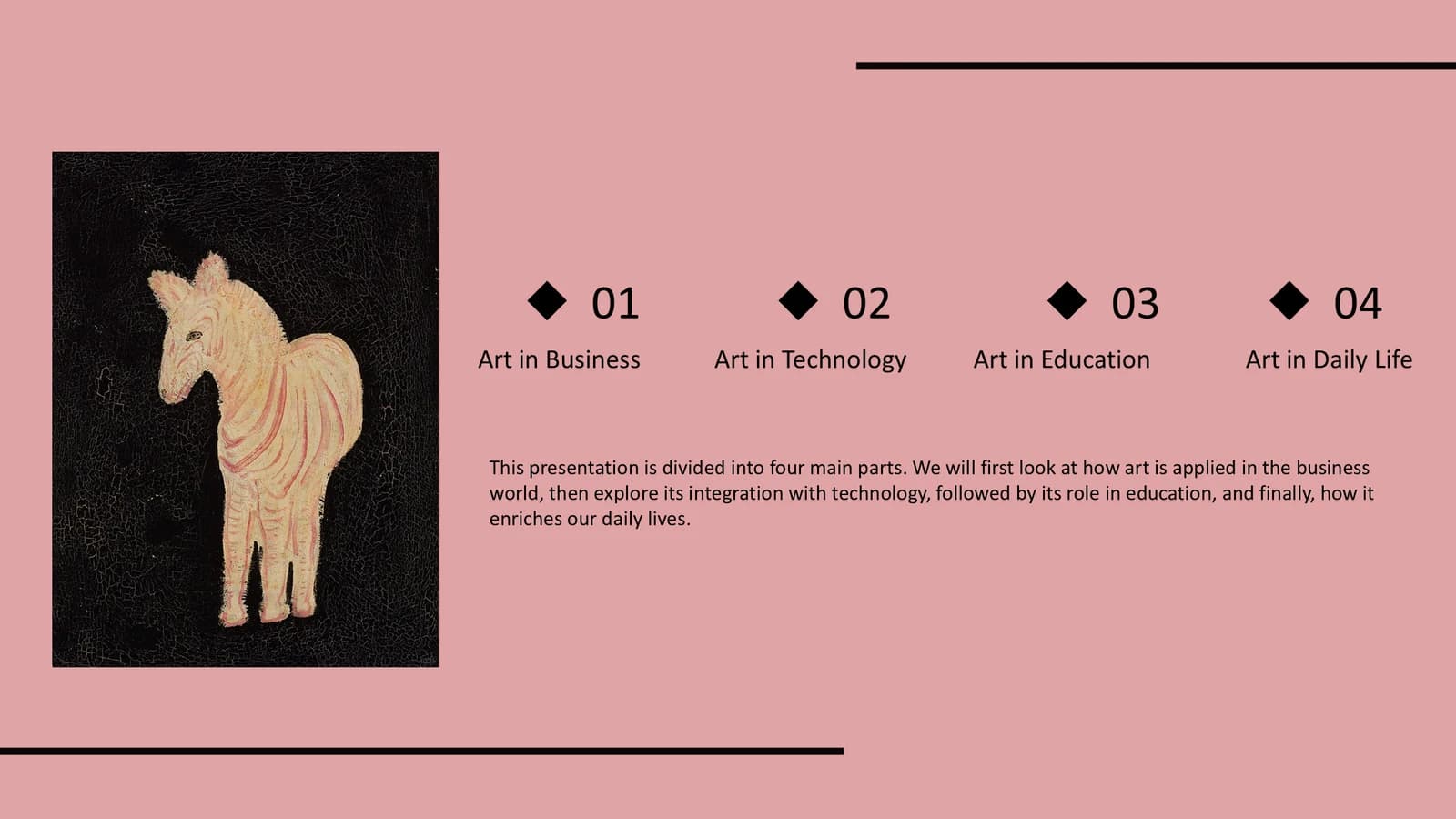 2
Chapter 1
3–53 min
A large-type divider, then two image-led slides, each pairing one case with a short explanation.
 3
 4
 5
Chapter 2
6–83 min
A black divider, an image slide with three bolded points, and a line illustration beside a quotation.
 6
 7
 8
Chapter 3
9–113 min
A circular image crop on the divider, a portrait painting with examples, then three diamond-marked points.
 9
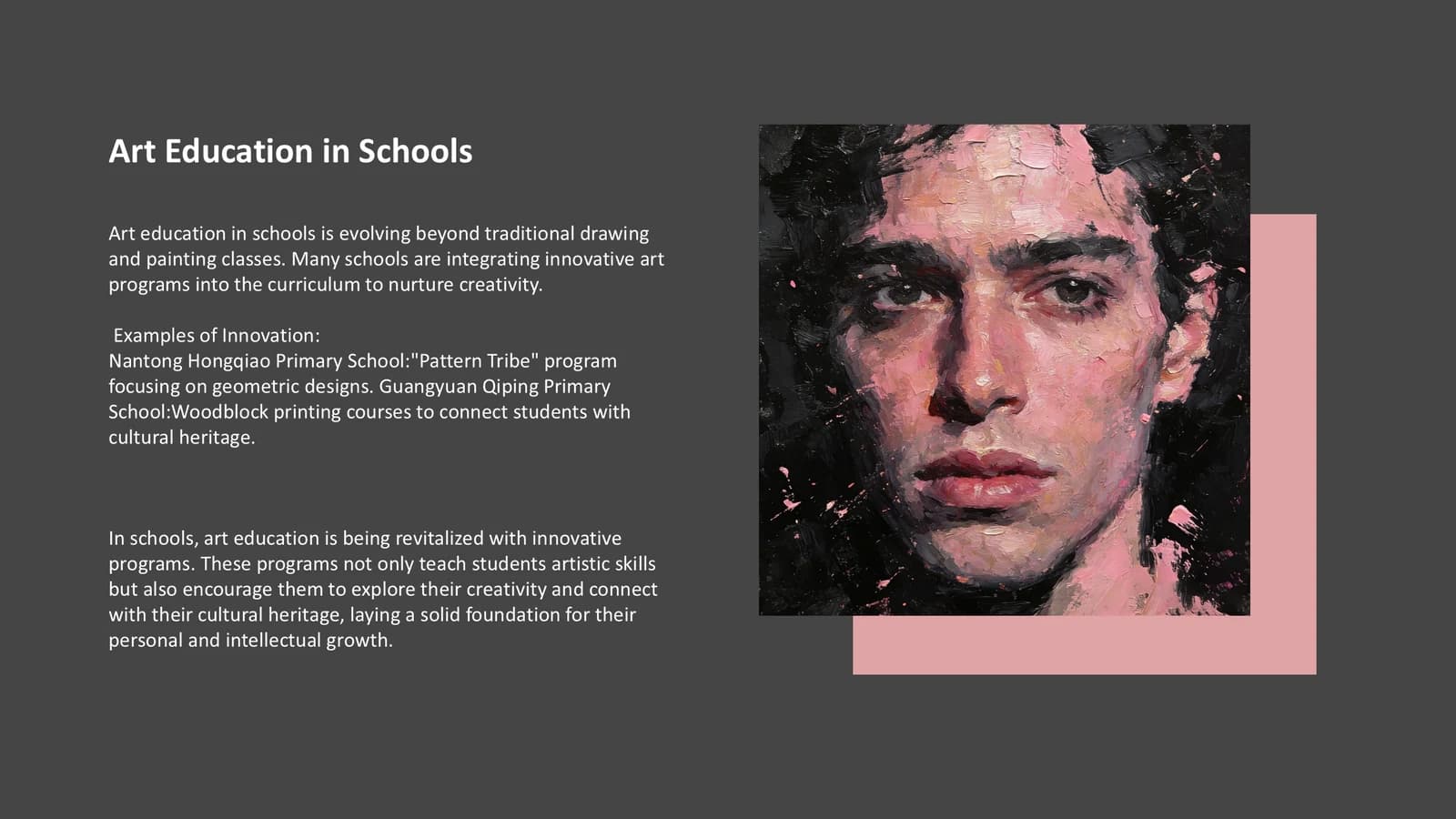 10
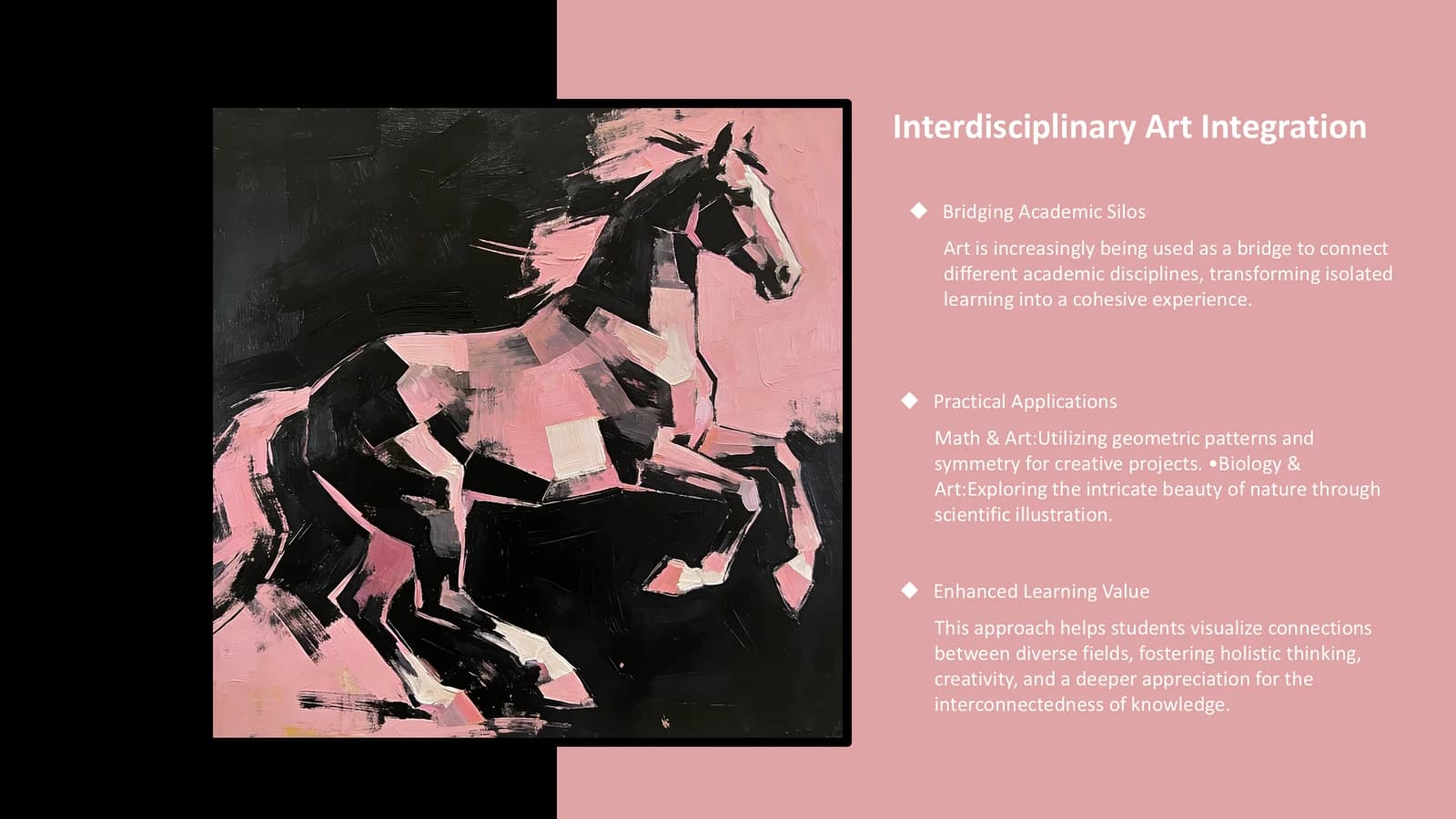 11
Chapter 4
12–143 min
A photographic divider, then two painting-led slides that each walk through one concrete example.
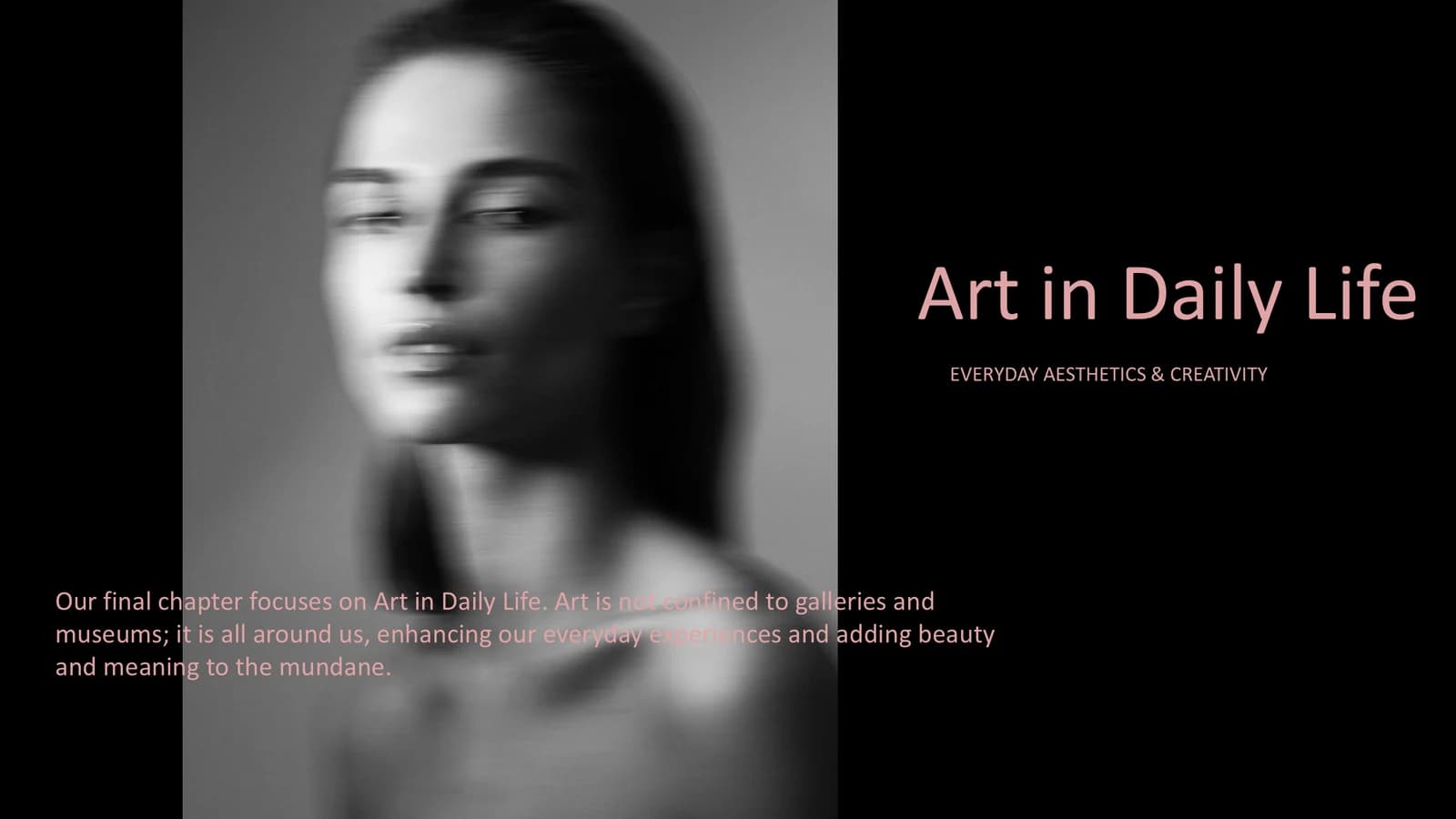 12
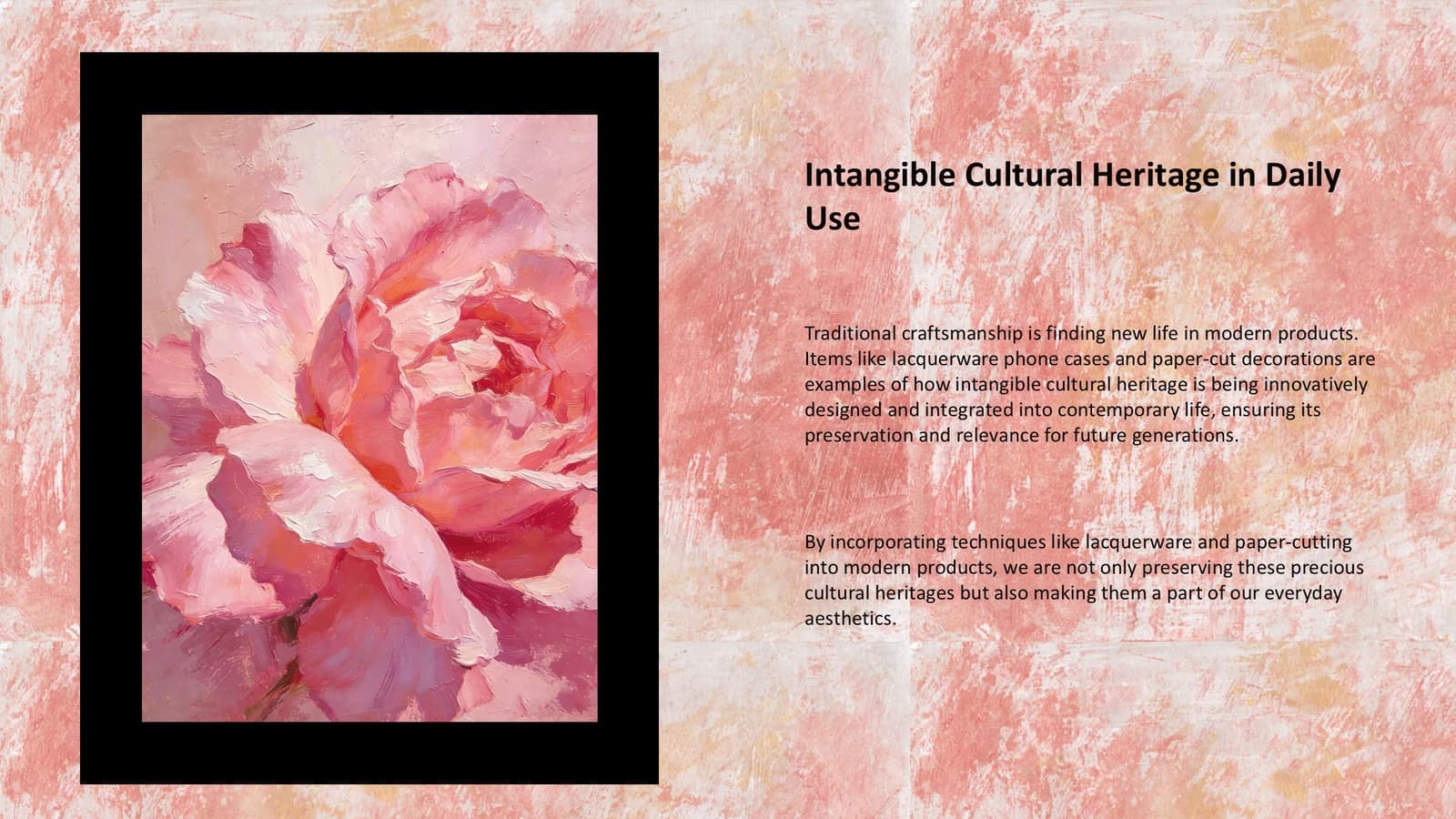 13
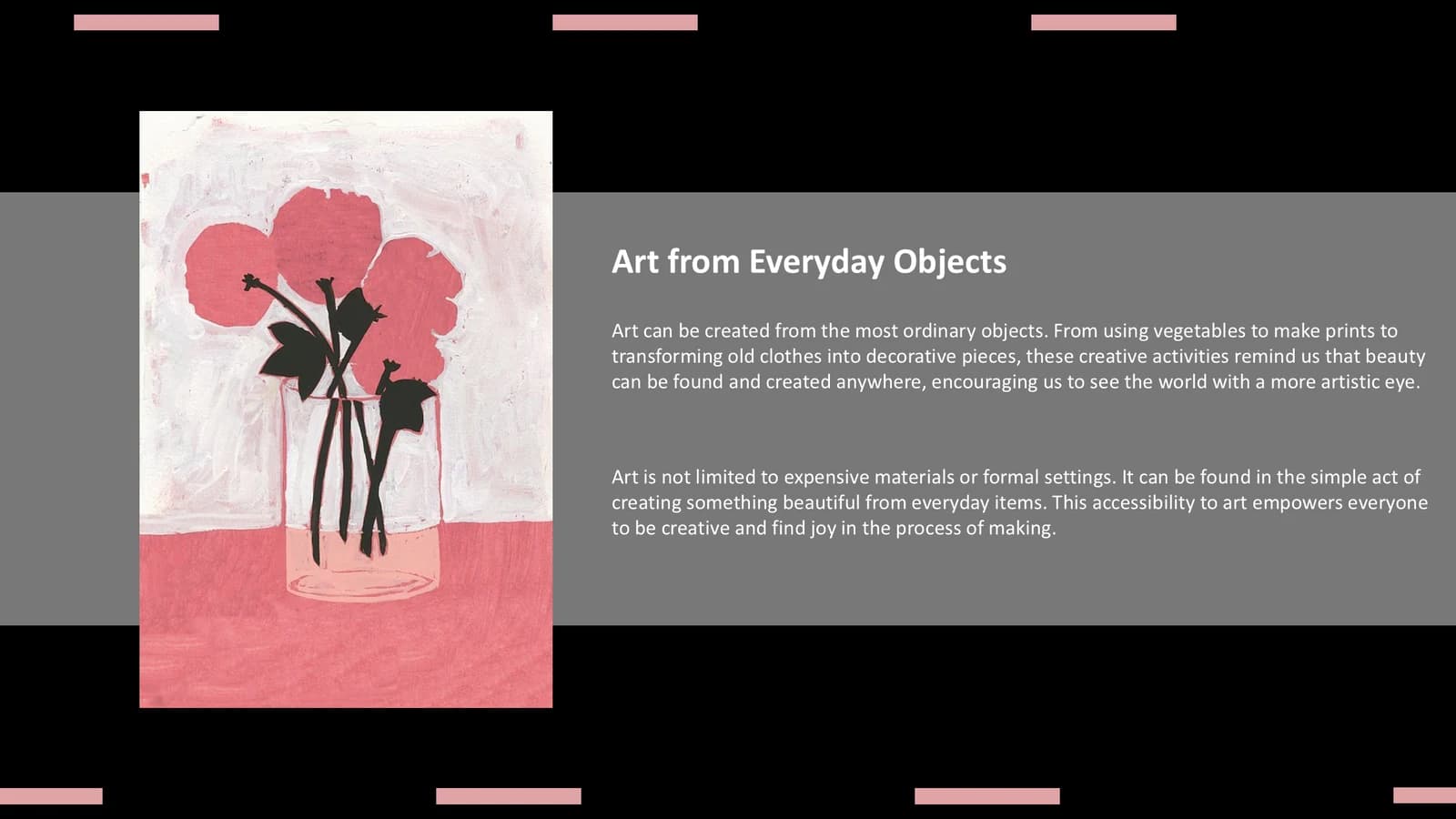 14
Closing
151 min
A large thank-you on textured pink, with a portrait painting in a tall strip at left.
 15
What's in the file
The sample holds 15 slides at 16:9, with 56 text boxes and 15 pictures, roughly one dominant image per slide. There are no speaker notes. Text is set in Arial and the file is 9.1 MB. Both the English copy and the pictures are there to show the layout and need replacing with your own work before you present.
- Slides
- 15
- Aspect ratio
- 16:9
- Editable text boxes
- 56
- Pictures
- 15
- Speaker notes
- No
- Theme fonts
- Arial
- File size
- 9.1 MB
Good for
Design or architecture portfolio
The one-big-image rhythm suits showing projects one at a time, and the black frames and corner brackets work like gallery mounts. Rename the four chapter words on the agenda first, then replace each project image and write a caption of two or three lines.
Slides 2, 5, 7
Humanities lecture
Four chapters with four dark dividers let you teach by movement, period or theme. The three-point slide holds a definition or two and a question to put to the class before moving on.
Slides 3, 6, 11
Art project report
The large pink title and the vertical word on the black cover give an exhibition, workshop or residency report a confident opening. The closing slide needs only a thank-you and a contact line, so keep the texture and drop the rest.
Slides 1, 15
How to use it in Yila
- 1Pick a template
- 2Upload your paper or describe your talk
- 3Yila builds an editable PPTX
Tips
Do
- Keep cover, dividers and closing dark with pink type, and content pages pink with black type; flipping them inverts the theme.
- Give each slide one dominant image and split the material across more slides rather than building a grid of works.
- The sample cites real brands, shopping venues and schools as cases; confirm every one has been replaced by your own projects.
- If a title needs a rule, use only the short thin black line of about 1 in that the theme specifies.
Avoid
- Do not set body text over a photograph; on slide 12 of the sample the paragraph sits on a face and is hard to read.
- Do not put gray paragraphs on the black pages; pink carries the type there.
Questions
Can I change the black and pink?
The black-and-pink reversal is what defines this theme, and Yila lays out dark pages for openings and chapters and pink pages for content. For another palette, pick a different template and generate again. The resulting PPTX keeps its text editable in PowerPoint, Keynote or WPS.
Can I add or remove slides?
Yes. The 15 sample slides are only a demonstration. Yila rewrites every slide from the material you upload or describe, so a larger body of work simply gets more image slides. You can also delete or duplicate slides in PowerPoint after generating.
Will it open in PowerPoint and Keynote?
Yes. The download is a PPTX, so PowerPoint, Keynote and WPS open it and let you edit the text. The sample uses Arial, which displays correctly on most computers without any font substitution.
Is this template free?
Looking at this page and downloading the sample deck cost nothing. Generating a deck with Yila consumes credits, and a new account receives 2,500 credits, so you can generate one deck to see how your own work looks in it.
Is this an academic talk template?
Not in its sample. The example is a general-interest presentation about art, not a paper report, and the theme is aimed at portfolios, design project reports and humanities teaching. Yila can still rebuild it around a paper or a project you describe, but the layout always leads with one large image per slide.
Can I reuse the images in the sample?
The sample images only demonstrate the layout. When you present, use your own work or images you have the right to use, and credit them where needed. Each slide already reserves a place for one main image; keep its crop proportions when you swap pictures.


