Slide template · 16:9 · 17 slides
White and Blue Tech-Texture Grant Defense Slides Template
A full-width blue banner carries every slide title over a frosted silver texture, with points set in dashed blue boxes. The 17-slide sample opens with the applicant's profile, suiting NSFC defenses and final reports where the presenter matters.

What this template is
Structural blue does the work here. The cover puts the project name in a blue tab on the top edge, a two-line title in large blue type across the middle, and a rounded presenter pill above the affiliation. Content slides share one header: a solid blue band with a white numbered title such as 2.1, laid over a pale frosted texture. Below it sit white cards with blue header bars and dashed bullet boxes, with one red phrase marking the claim reviewers should keep. The agenda runs applicant, achievements, plan, support, so the person comes before the project.
What goes in each section
Cover and agenda
1–21 min
Project title and presenter on the cover, then four numbered bars preview the talk.
 1
 2
Applicant profile
3–42 min
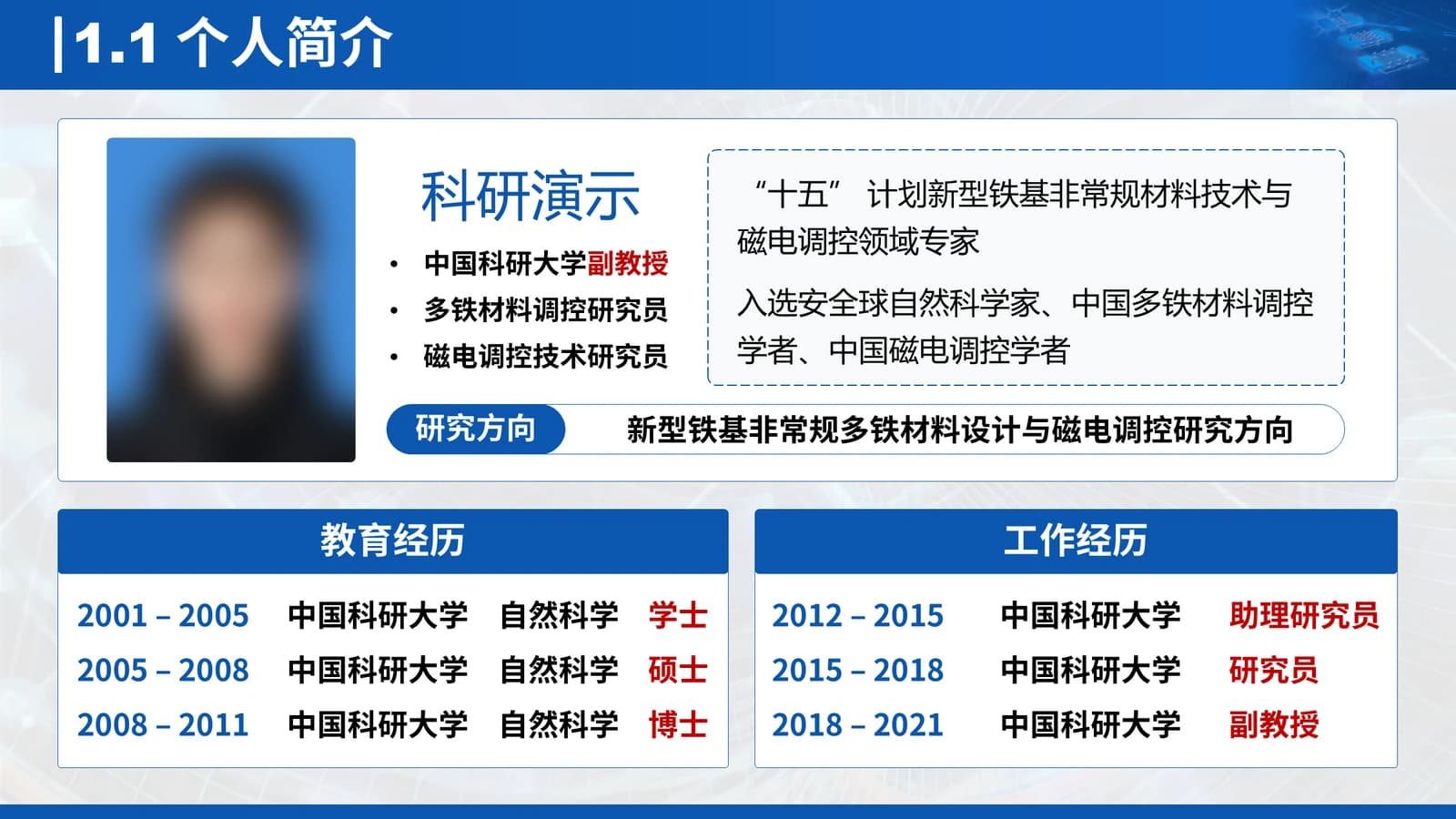
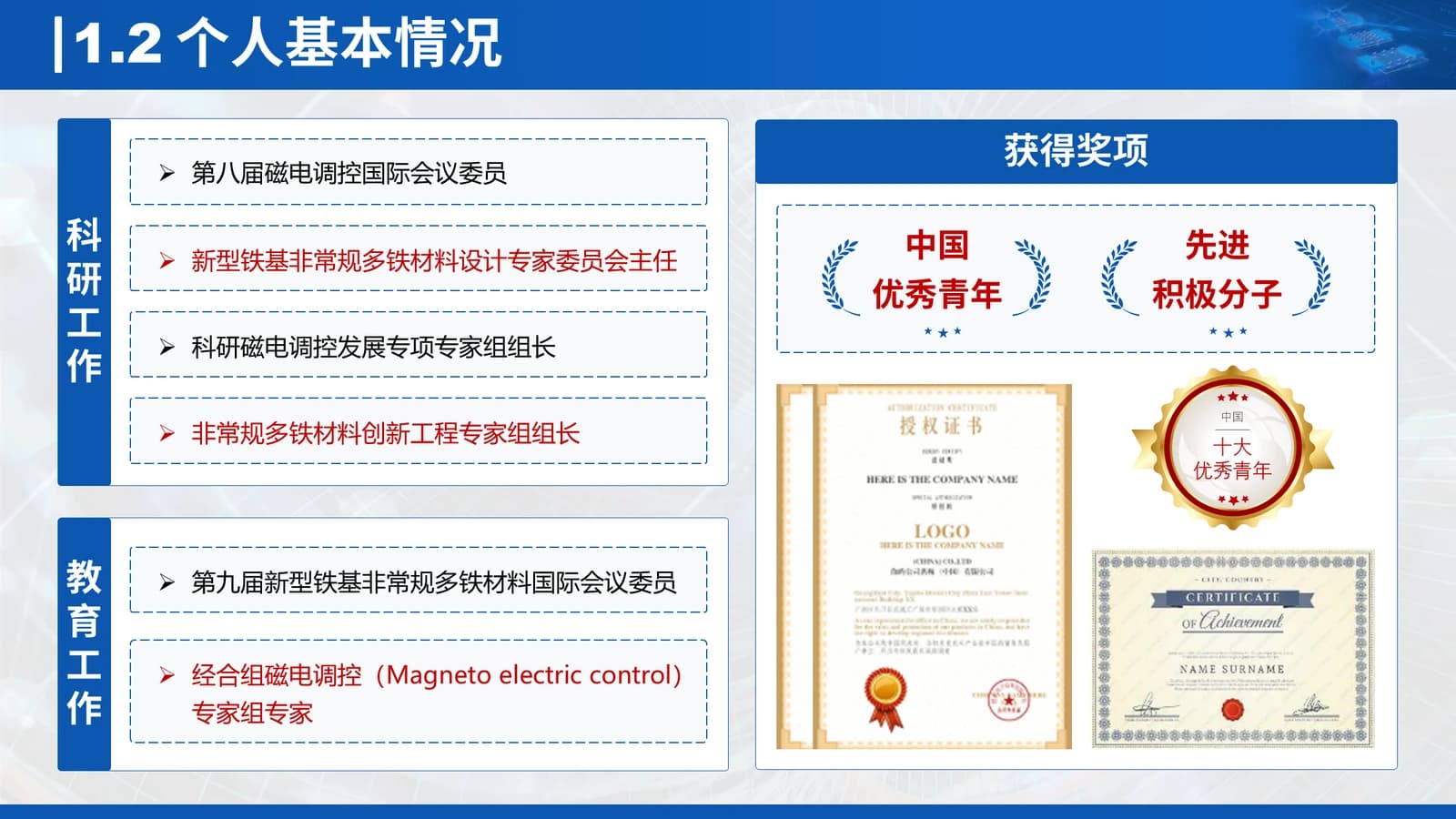
Photo and short bio, education and career tables, then service roles and award certificates.
 3
 4
Background and significance
5–84 min
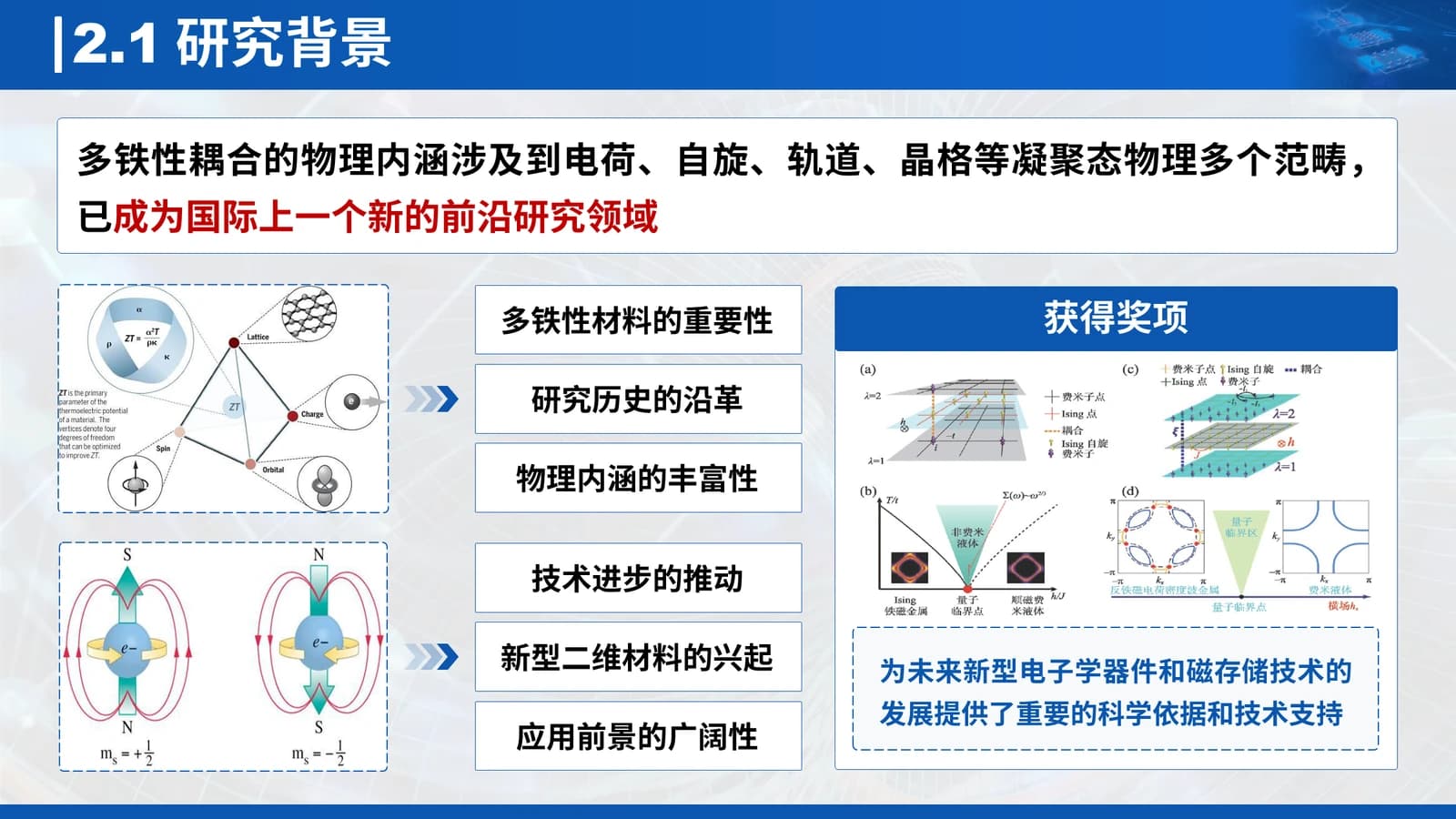
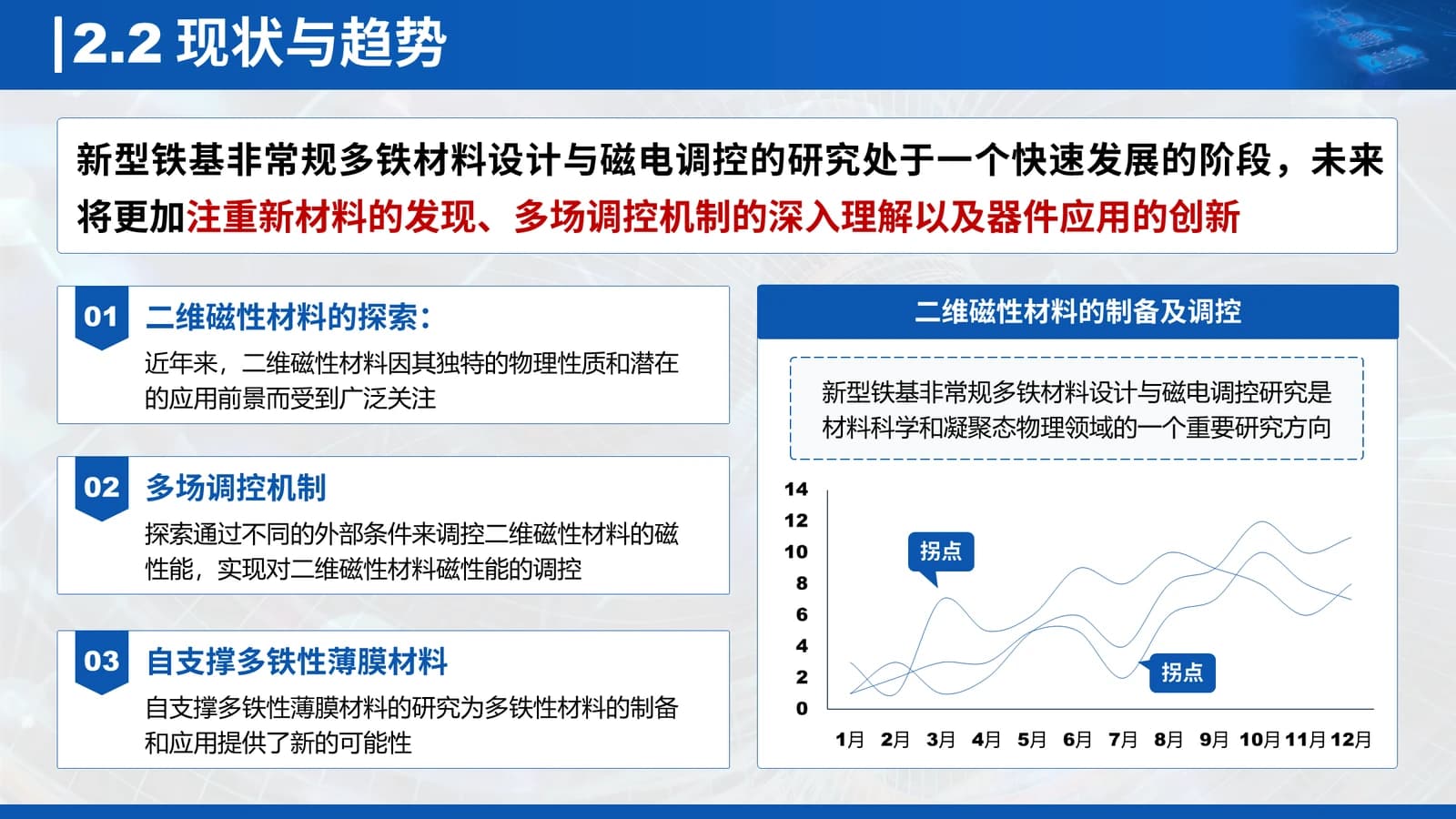
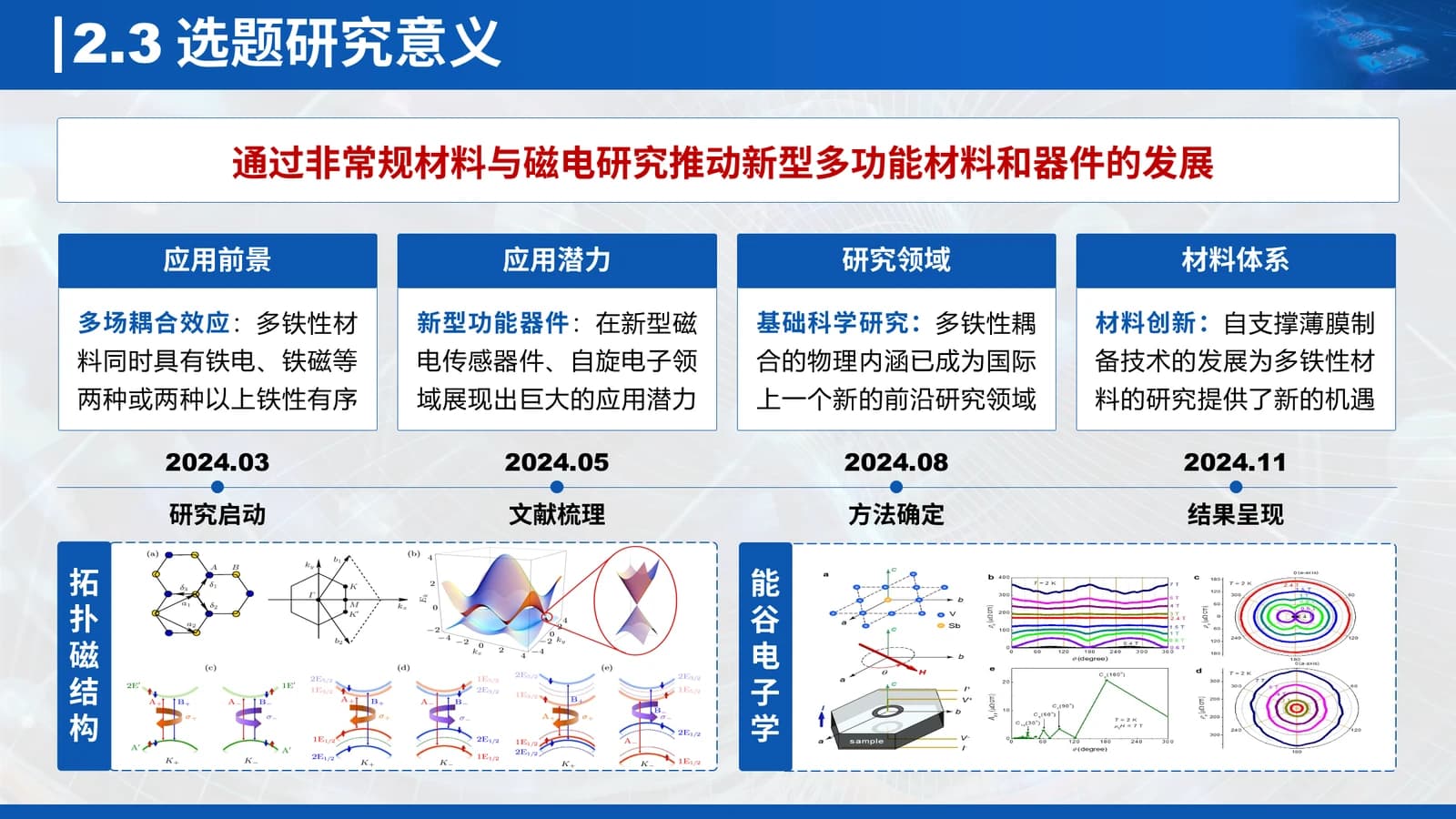
One red-flagged sentence on the field, then trends, a dated timeline and why the topic matters.
 5
 6
 7
 8
Representative results
9–113 min
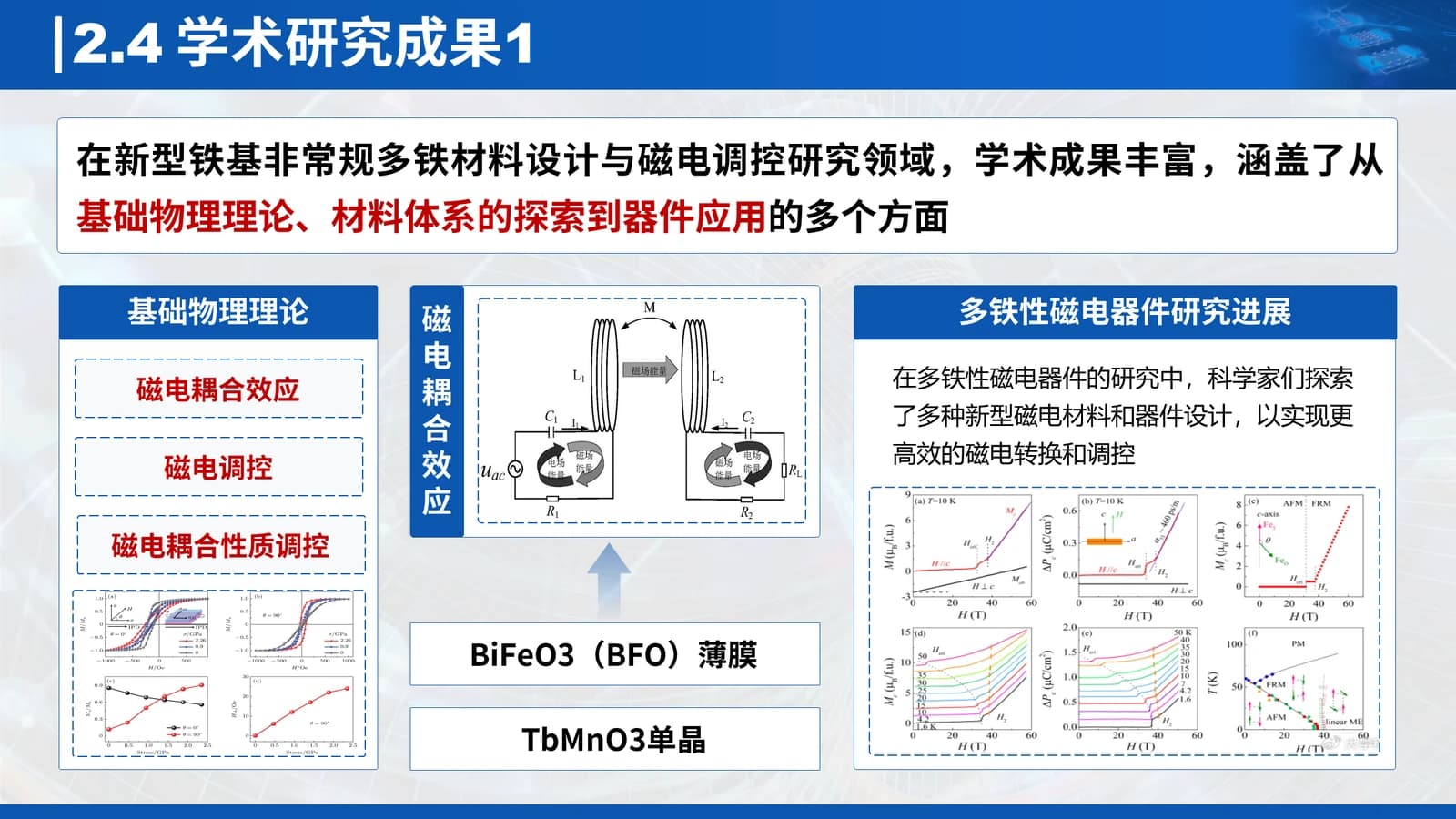
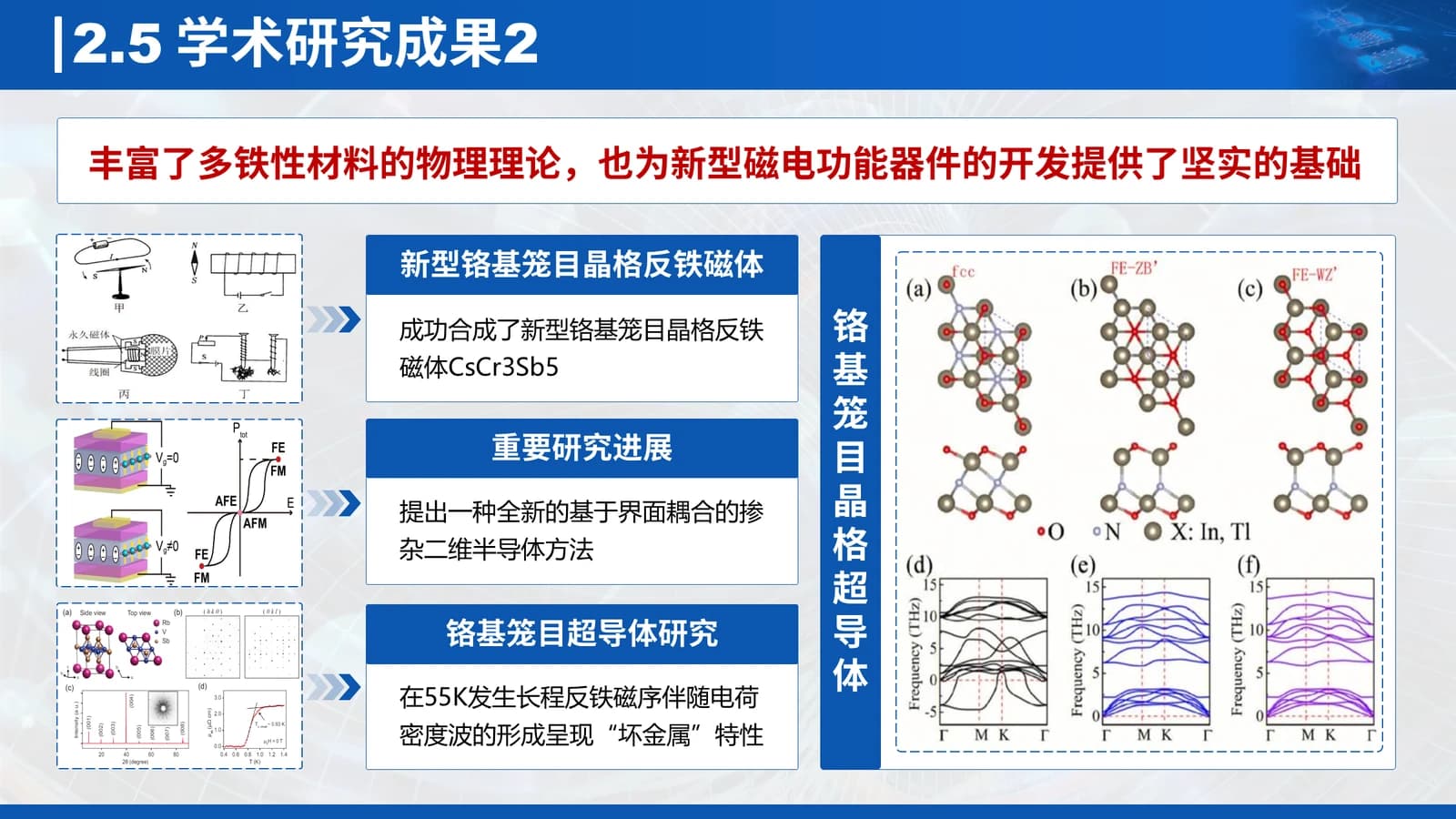
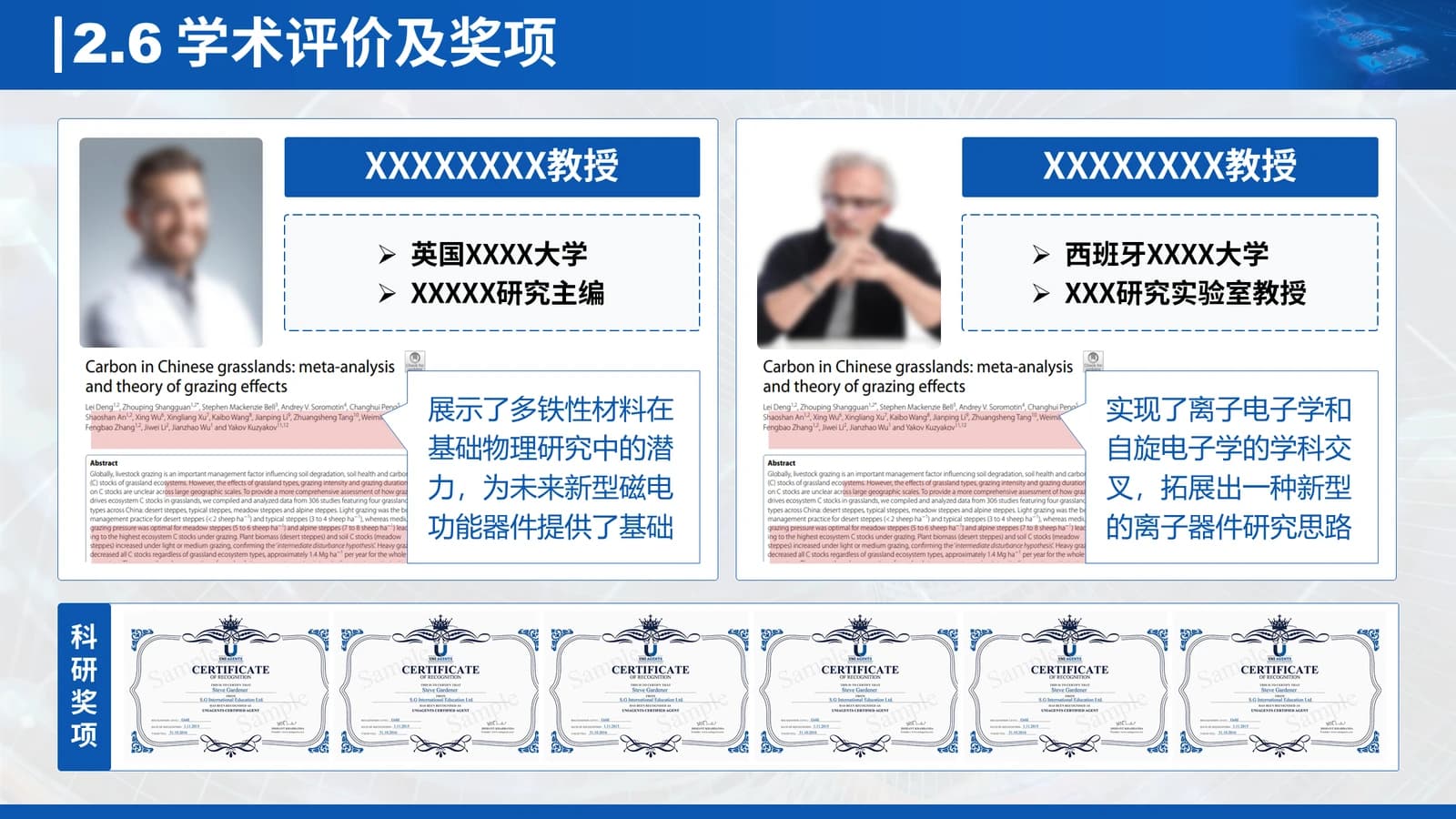
Two slides of result figures with mechanism sketches, then peer evaluation and awards.
 9
 10
 11
Future work plan
12–143 min
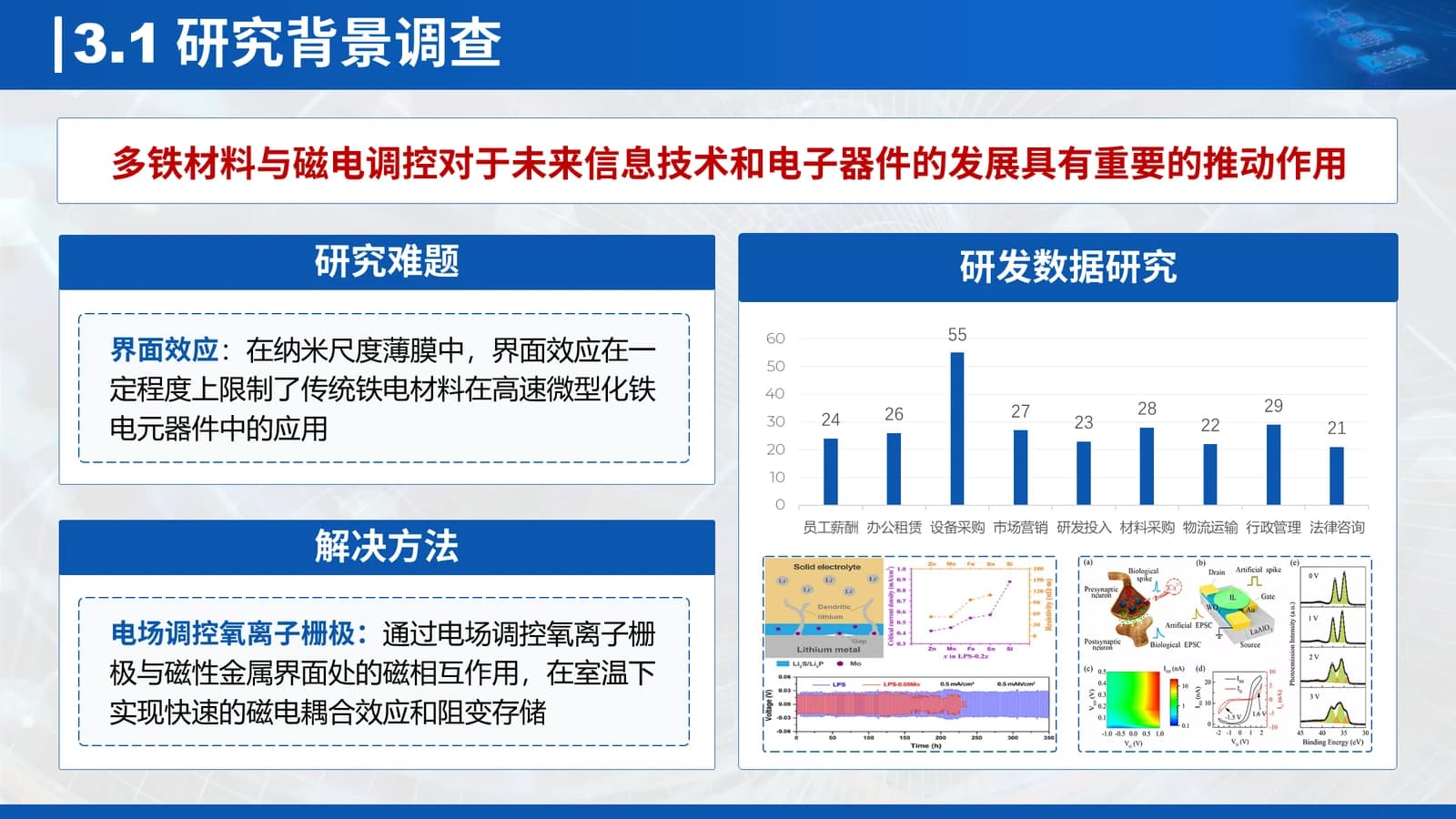
Open problem beside its solution, then completed, planned and proposed questions in three columns.
 12
 13
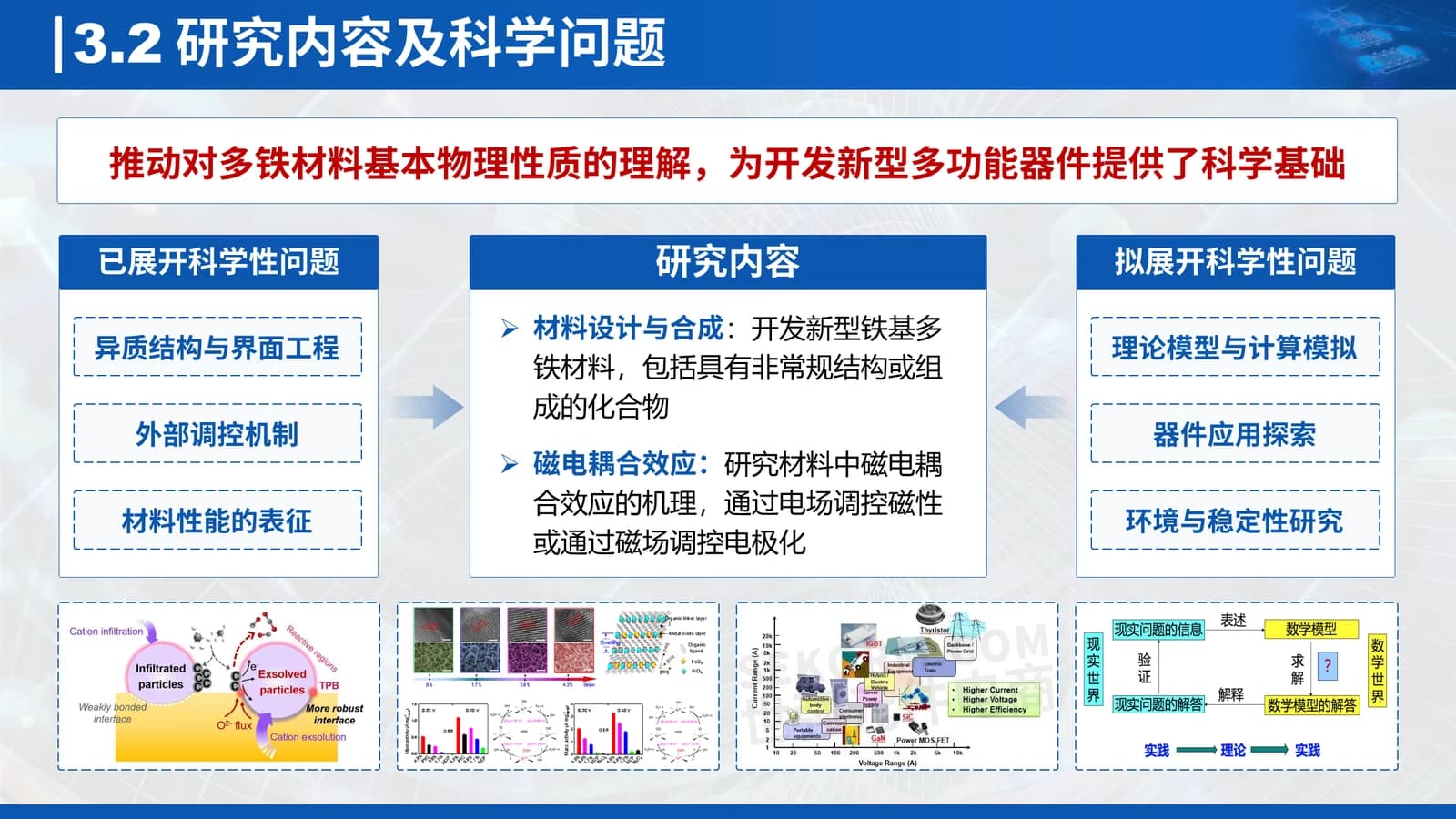 14
Support and thanks
15–172 min
Team size, host platform and equipment photos, then a closing slide that mirrors the cover.
 15
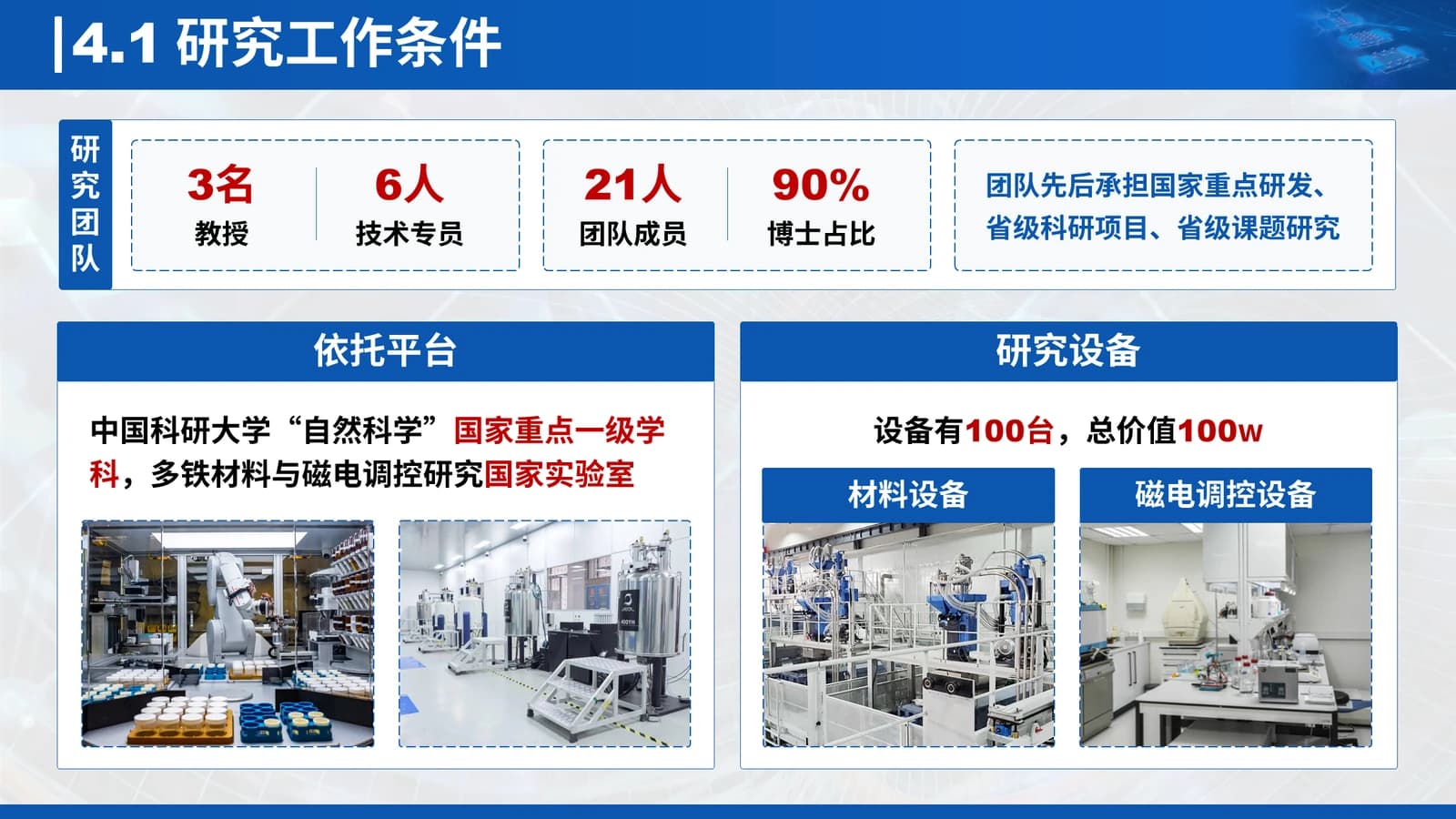 16
 17
What's in the file
The sample has 17 slides at 16:9 with 208 editable text boxes and 51 pictures, no speaker notes, DengXian Light and DengXian as theme fonts, and a 6.8 MB download. Mechanism sketches, charts, certificates and lab photos are placed pictures, so new data means swapping images; banner titles, dashed boxes and table cells edit as ordinary text.
- Slides
- 17
- Aspect ratio
- 16:9
- Editable text boxes
- 208
- Pictures
- 51
- Speaker notes
- No
- Theme fonts
- 等线 Light / 等线
- File size
- 6.8 MB
Good for
Young investigator application defense
Slides 3 and 4 put the photo, career history, service roles and awards up front so the panel meets the applicant first; slides 9 and 10 each hold one flagship result, with its main figure replacing the sample images.
3–4, 9–10
Final report on a funded project
Turn the peer cards on slide 11 into evidence of uptake, list follow-up questions on slide 14, and let the team, platform and equipment blocks on slide 16 cover support conditions.
11, 14, 16
Annual progress review for a lab
Rename the four agenda bars as this year's tasks, use the problem-and-solution pair on slide 13 for setbacks and fixes, and mark milestones on the timeline of slide 8.
2, 8, 13
How to use it in Yila
- 1Pick a template
- 2Upload your paper or describe your talk
- 3Yila builds an editable PPTX
Tips
Do
- Keep each agenda bar label about as short as the sample's, so it stays on one line inside the bar.
- Flag one phrase per slide in red, the claim the panel must not miss, and keep other emphasis in bold blue.
- Replace the blurred photo on slide 3 with a portrait of the same upright proportions so it is not stretched.
Avoid
- Do not let a title wrap inside the blue banner; the section number plus a short phrase already fills it.
- Avoid three-line sentences in the dashed boxes, which push neighbouring boxes into each other and crowd the card.
Questions
Can I switch the blue to another colour?
Yila builds this template in its white-and-blue palette. The same fund-report family also comes in green, red and violet with a matching structure, so choosing one of those is quicker than recolouring every banner. You can still restyle banners and header bars by hand in PowerPoint after download.
Can I add or remove slides?
Yes. The 17 sample slides show how one materials project was laid out; Yila rewrites every slide from your paper or notes, so the count follows your content rather than the sample's. After download you can duplicate a bannered content slide to add more, add a fifth agenda bar, or delete a section you do not need.
Will it open in PowerPoint and Keynote?
Yes. You receive a PPTX that opens in PowerPoint, Keynote and WPS with editable text. The theme fonts are DengXian; on a machine without them another face is substituted and line breaks may move, so run the whole deck on the venue computer beforehand.
Is it free?
Viewing this page and downloading the sample deck cost nothing, and you can open the sample to check the layout before deciding. Generating your own version with Yila consumes credits, and every new account starts with 2,500 credits that you can spend trying the template on a real project.
Can I reuse the photos and certificates in the sample?
No. The sample deck is not a blank template: portraits are blurred, and the certificates, institutions, awards and charts are demonstration material that must all be replaced. When Yila generates the deck it writes each slide from your own paper and notes, and you supply your real photo and certificate scans afterwards.
Which kind of NSFC defense does it suit best?
It leads with the applicant, then moves through achievements, future plans and support, so it fits defenses where reviewers judge the person as much as the project, as well as final reports on completed grants. For a project shared by several groups, turn slides 3 and 4 into a team introduction and keep the rest.