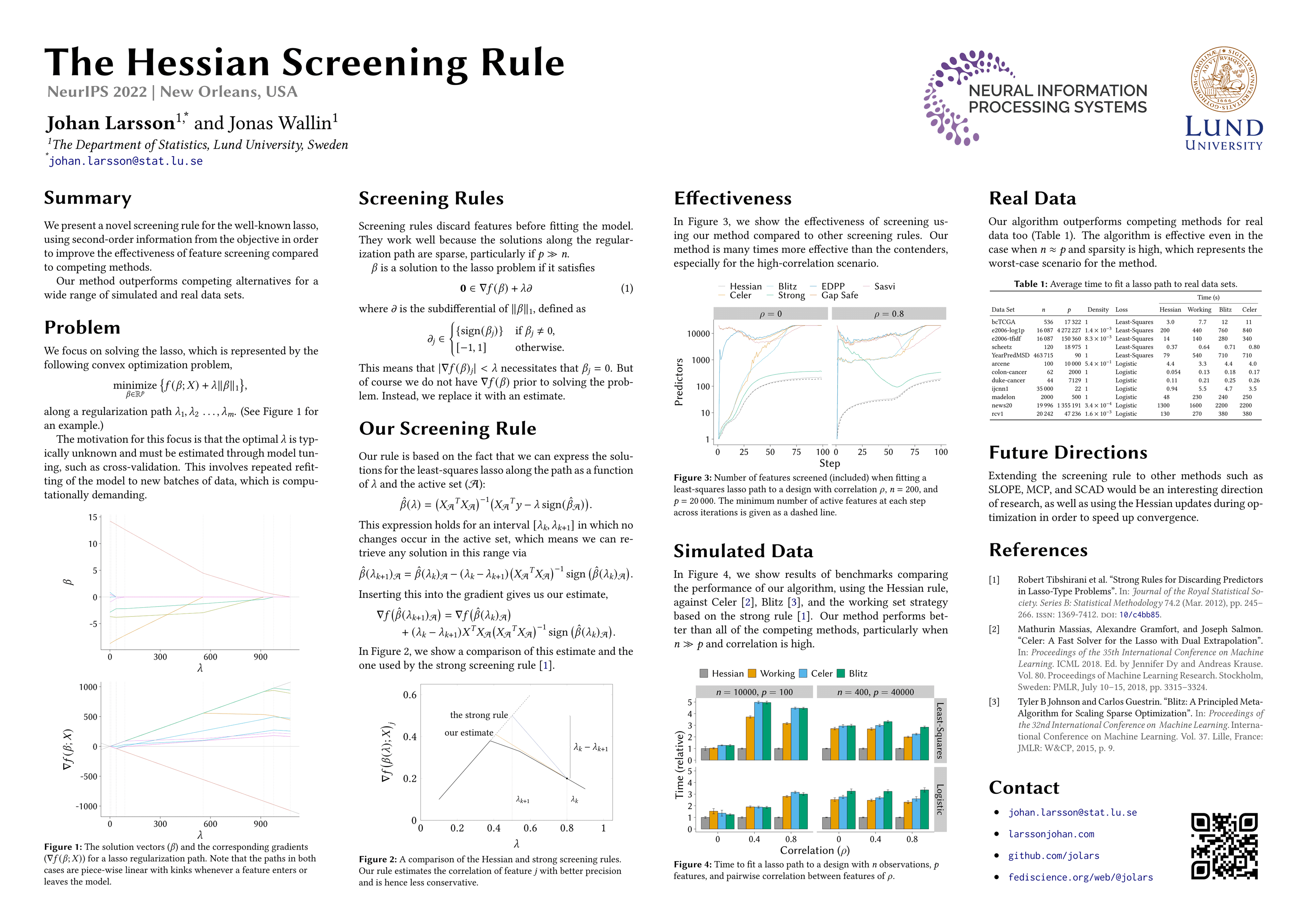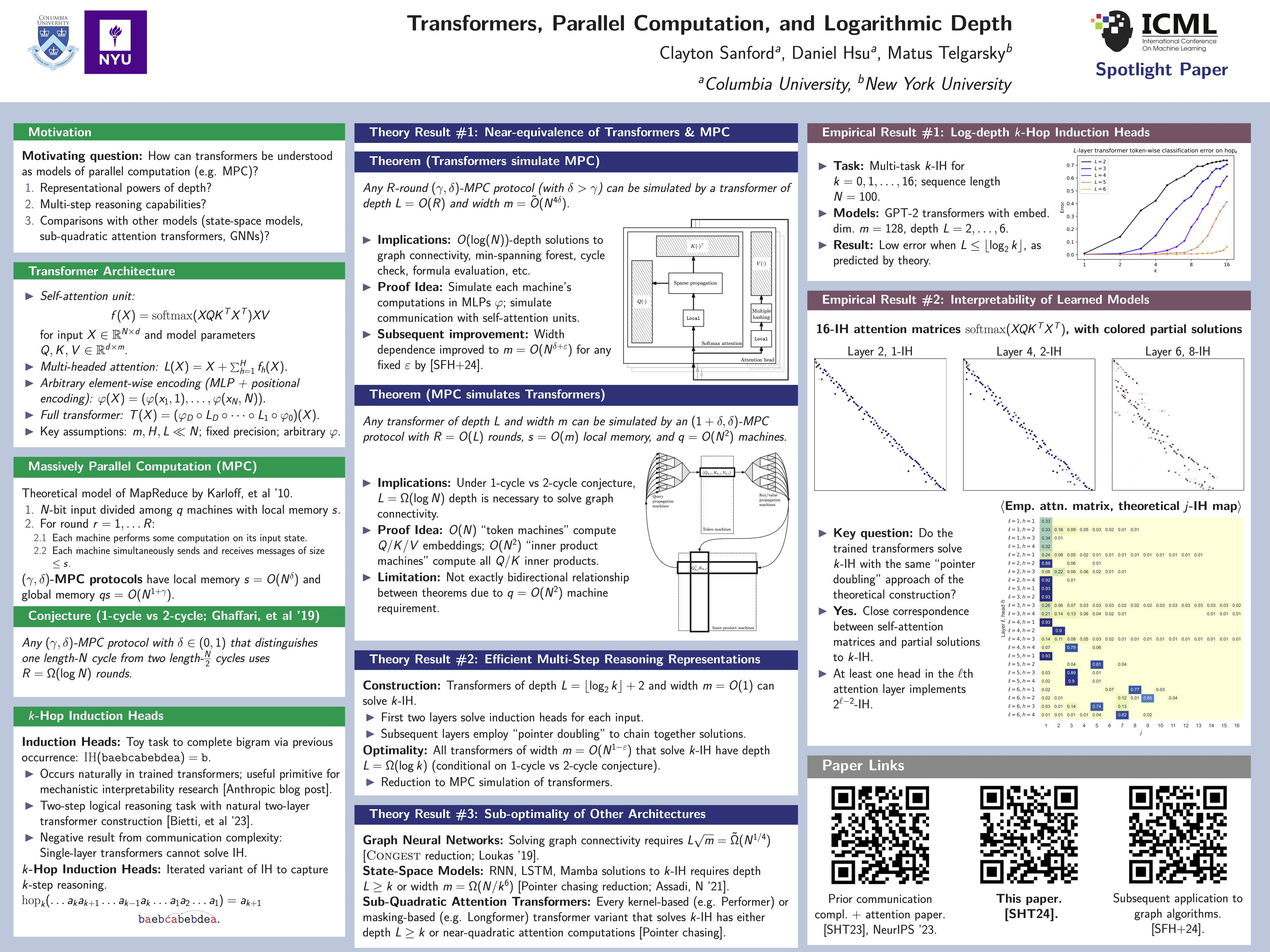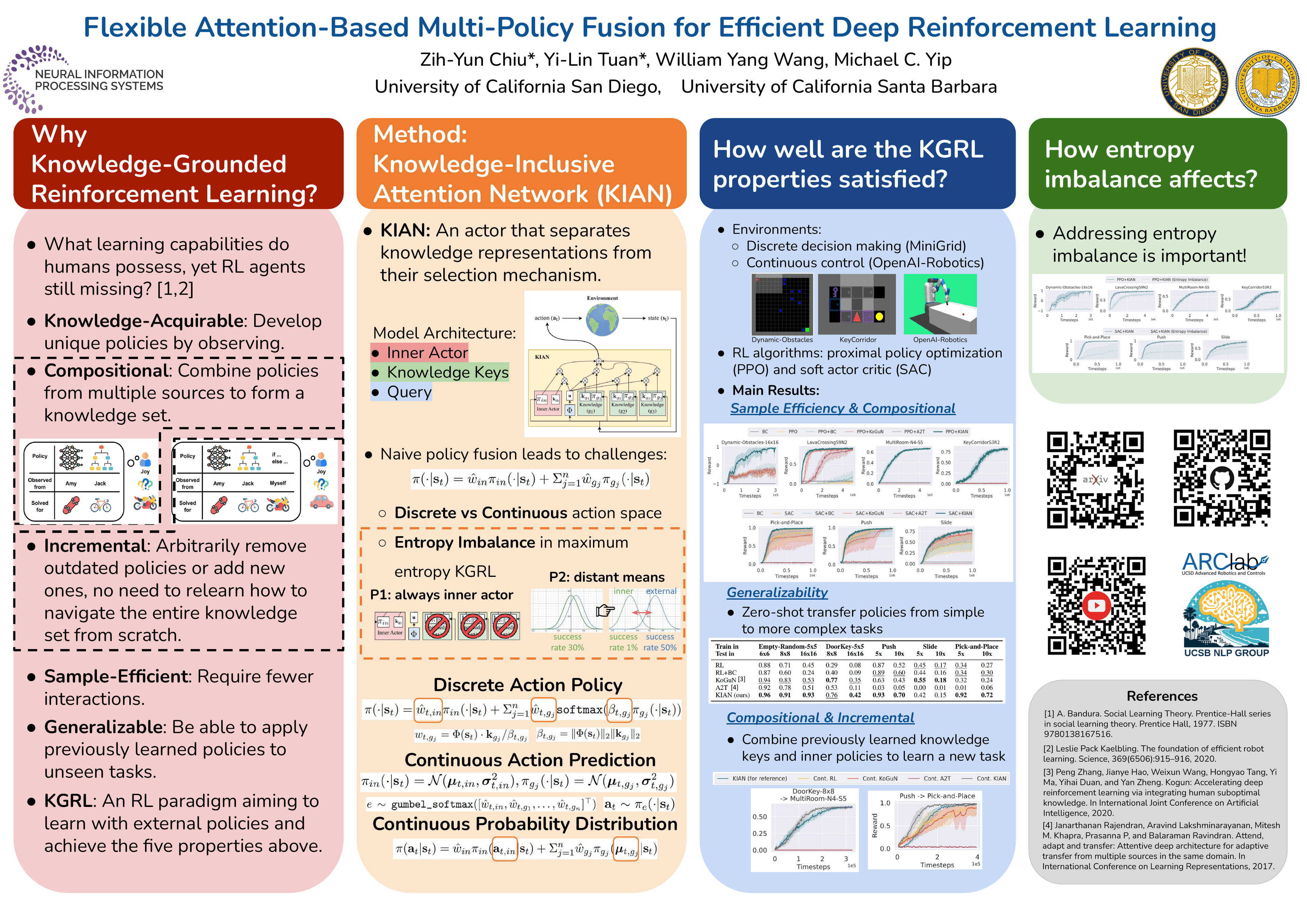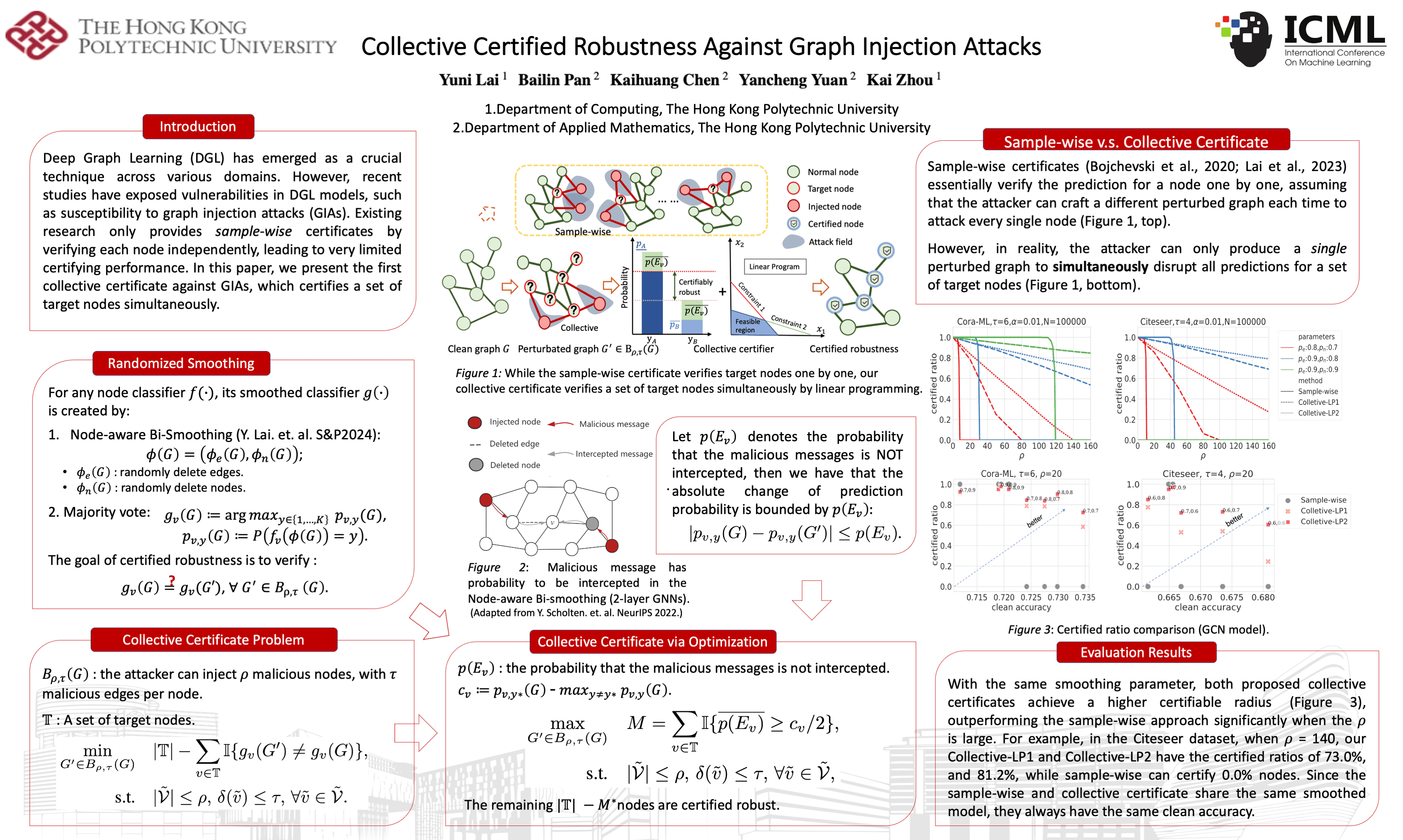
Poster template · Landscape 4:3 · 3 columns
Theory and Equations Academic Poster Template
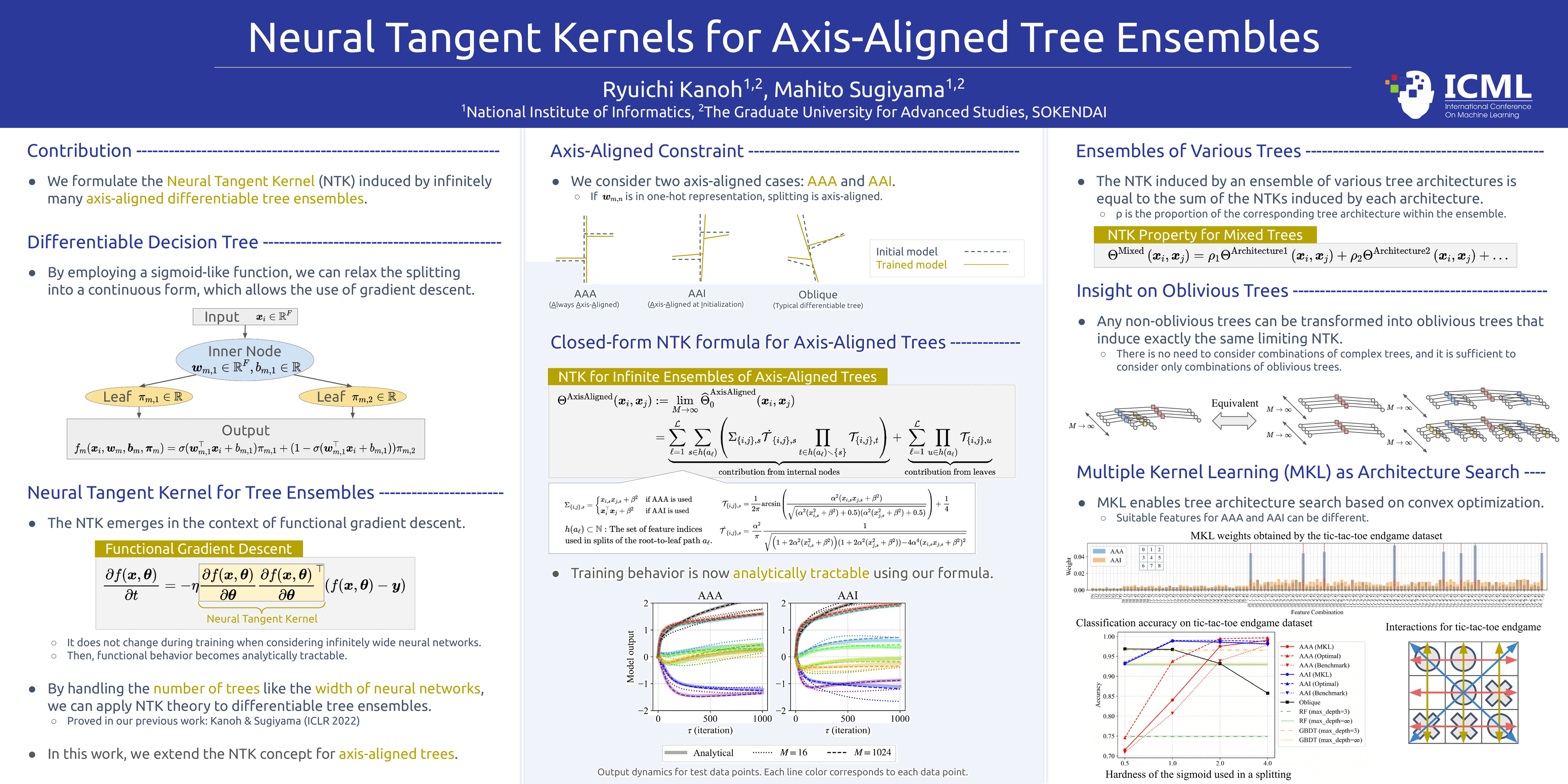
Three equal columns under a royal blue title banner, separated by thin grey rules: definitions on the left, the core formulas in the centre, results on the right. It suits theory-led papers where equations carry the argument.
What this template is
A 4:3 landscape layout in three equal columns. A royal blue banner across the top carries the title, authors and affiliations. The body is white, and thin grey rules separate the columns. Each heading is set in blue and followed by a dashed line running to the column edge, which keeps a formula-dense page orderly. In the example, key terms are picked out in gold and the main formulas sit in pale grey boxes. Readers go left to right: contribution and definitions, then the core formulas, then results and analysis. It fits theoretical machine-learning and research-methods papers.
Layout
Contribution and definitions
Left columnOpen with one sentence on the contribution, then the model definitions and a small diagram from the paper.
100–140 words
Core formulas
Centre column, the visual focusName the main theorem in a heading, give its closed form, and explain each symbol in a plain sentence.
80–120 words
Results and analysis
Right column, references at its footCorollaries drawn from the formula first, then the paper's curves showing whether theory and data agree.
100–140 words
Can it be printed large?
Yila builds this layout as one PowerPoint page 48 inches wide and 36 inches tall, the 4:3 shape. Headings, definitions and explanatory text are real text, so they print sharply at any size, and the body never goes below 20 pt. Plots and diagrams are your paper's original images, cropped or scaled but never redrawn, so their sharpness depends on those files. Before printing, check every formula and symbol against the paper, zoom into each plot in the PDF and confirm the venue's board size.
How to use it in Yila
- 1Pick a layout
- 2Upload your paper
- 3Yila builds an editable PPTX poster and a PDF
Tips
Do
- Introduce every symbol in the left-column definitions before it appears in a centre formula, so nobody has to look back.
- Directly under the main formula, add one plain sentence saying what the equation tells the reader.
- Keep the left-column diagram simple so the main formula in the centre column stays the visual focus of the page.
Avoid
- Avoid putting every derivation step on the poster; too many equations dilute the main theorem, so leave minor steps to the paper.
- Avoid long section headings; the dashed rule after each heading needs room, and a long heading squeezes it almost out of sight.
- Avoid a centre column far longer than the side columns; the tallest column sets one shared type size for the whole poster.
Questions
Will an equation-heavy poster stay readable when printed large?
Yes. The poster is a 48 × 36 inch PowerPoint page whose headings and explanations are real text, with body type of 20 pt or more, so they print crisply at board size. Plots are your paper's original images and print only as sharply as those files, so check them in the PDF and print it at the size your venue requires.
Can I change the royal blue or the number of columns?
Yila builds the poster with this layout's royal blue banner and three equal columns. The PPTX is editable, so afterwards you can recolour the banner, headings or text yourself in PowerPoint, Keynote or WPS. For four columns, choose the Classic Four-Column Landscape or the Color Block Story layout in the library and build again from the same paper; the formulas and results still come from your paper.
What format is the poster, and can I edit it?
You get a one-page PPTX poster and a PDF exported from it. The PPTX opens in PowerPoint, Keynote or WPS, so you can correct a definition, rename a symbol in the text or shorten a corollary without rebuilding. Plots and diagrams are your paper's original images. Read every formula against the paper, then re-export the PDF after any edit.
Does using this template cost credits?
Yes. Viewing this page is free, but building a poster in this layout with Yila consumes credits. New accounts receive 2,500 credits at sign-up, so you can try one paper and see whether its definitions, main theorem and results split cleanly into the three columns before preparing the final version.
Was the example poster produced with Yila?
No. It is a published poster by other authors in this layout, shown with permission so you can see the blue banner, dashed headings and column structure. Your poster is built from your own paper, given as PDF, Word, PowerPoint or text, and takes its title, formulas, figures and references from it.
Does it suit a paper that is nearly all derivation, with few experiments?
Yes, this is the layout for it. Let the right column carry corollaries, special cases and a short discussion of what the result means, and add a figure only if the paper has one. Keep the derivation to its decisive steps: a poster is usually read in a few seconds, so the main theorem should stand out clearly from the page.