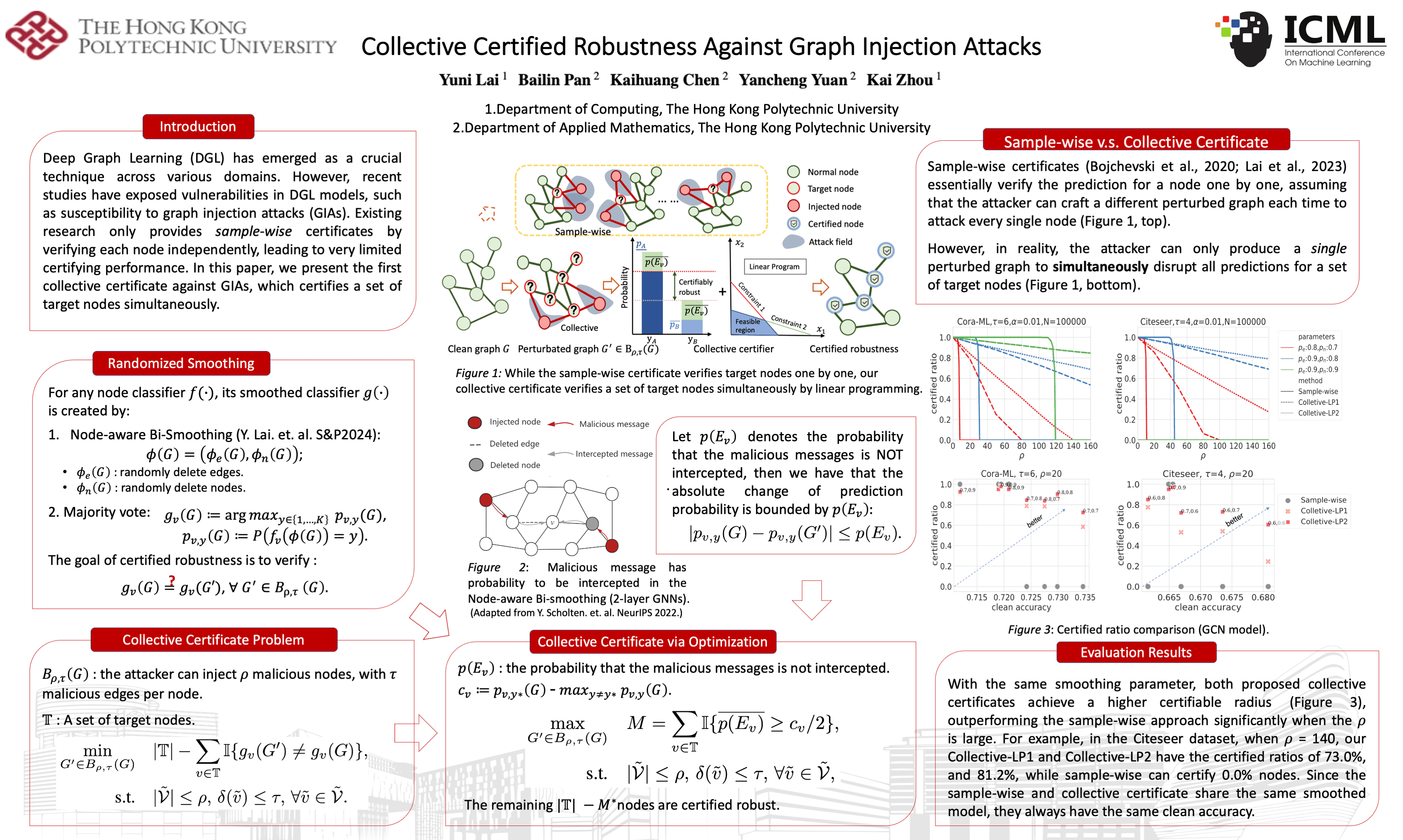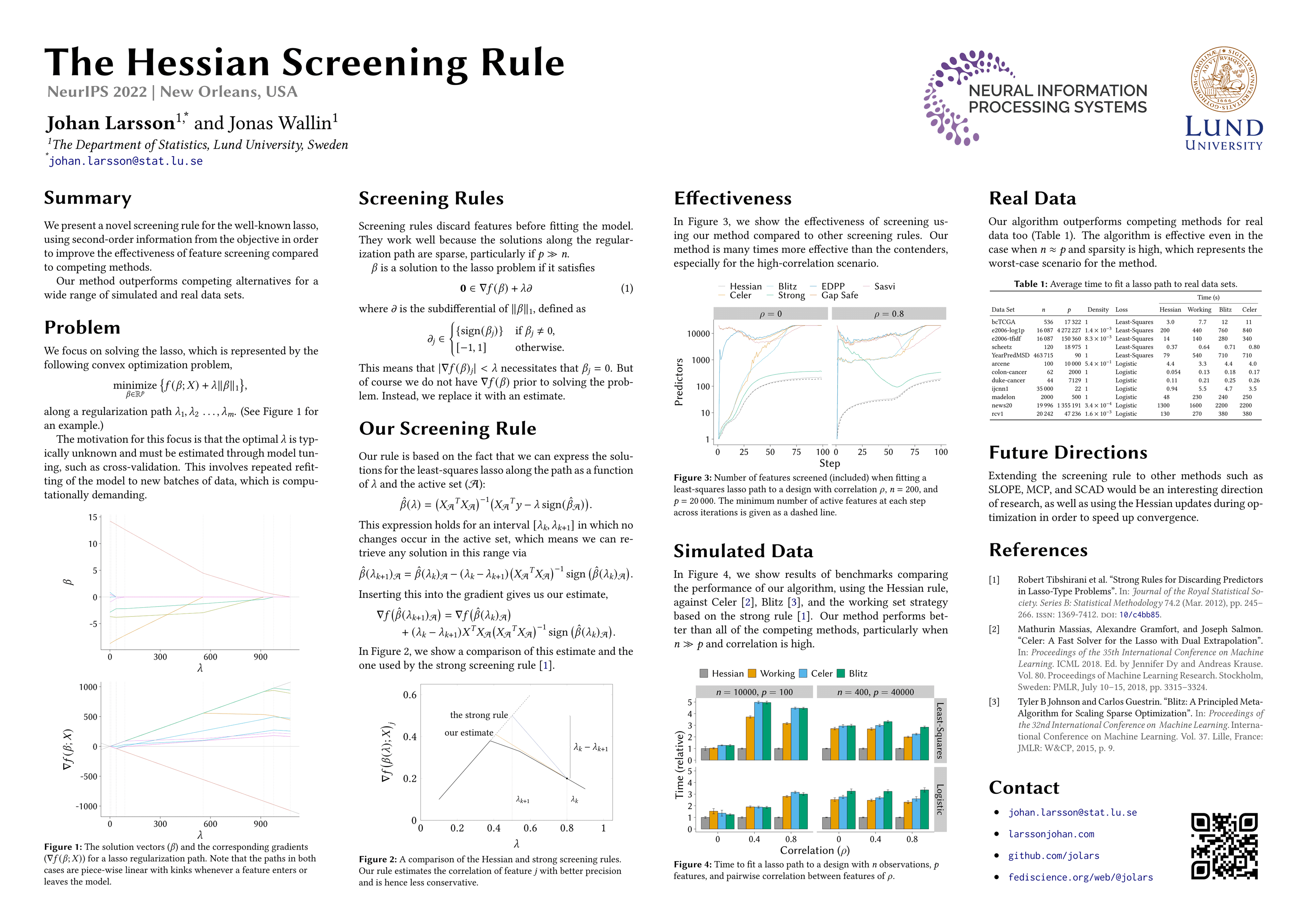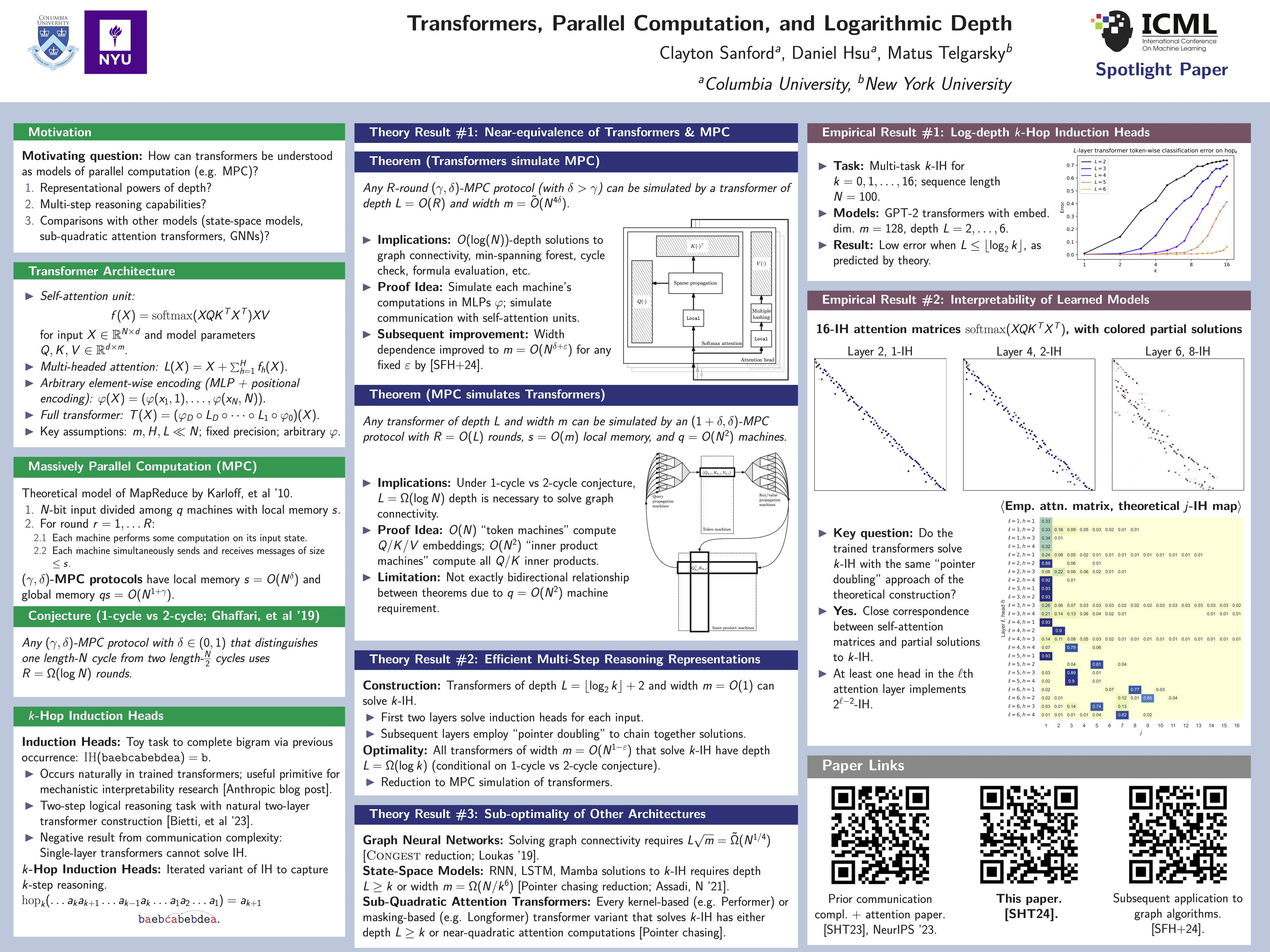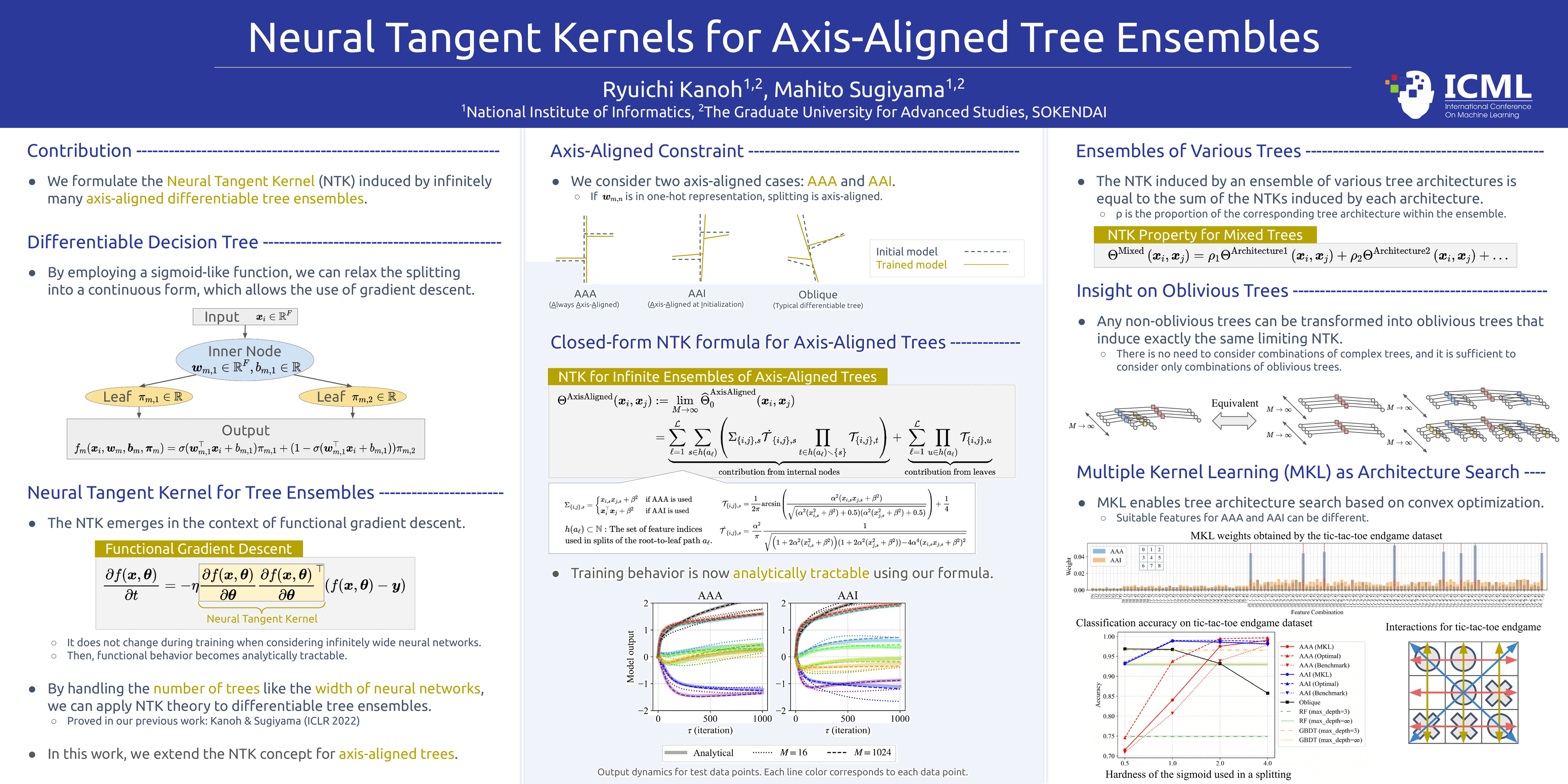
Poster template · Portrait 3:4 · 2 columns
Portrait Method-to-Results Academic Poster Template
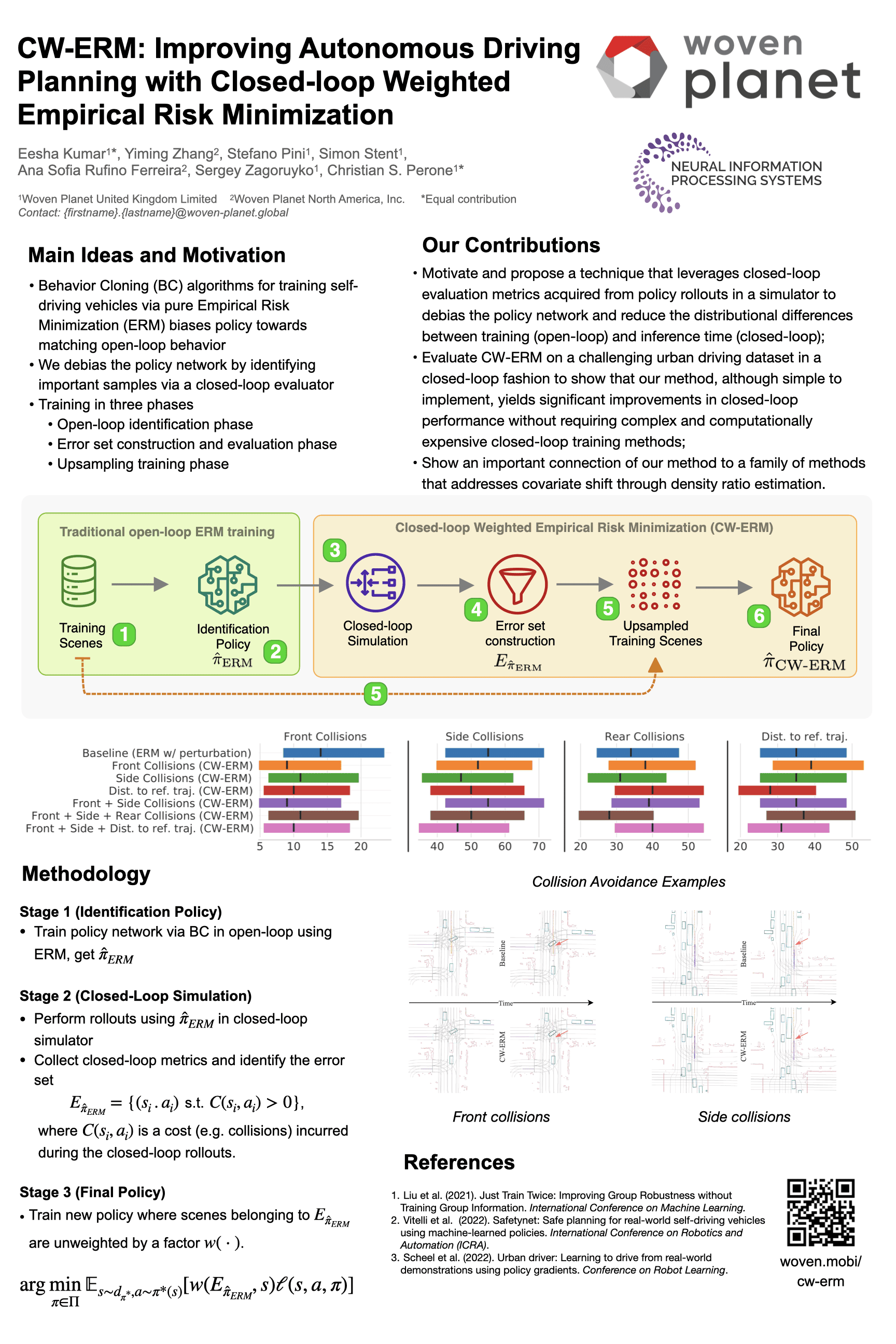
A 3:4 portrait layout built around one figure: the method pipeline runs full width under the title, and two columns below carry motivation and contributions on the left, results and references on the right.
What this template is
A 3:4 portrait layout with a full-width lead and two columns. A bold multi-line title fills the top, with authors and affiliations beneath it. Directly below, a full-width band carries the paper's main pipeline figure with its numbered steps, so the method is the first thing a passer-by sees. Two columns follow: motivation, contributions and method details on the left, result charts and example images on the right, with references closing the right column. It works on portrait boards and e-poster screens, and suits applied and engineering papers with one dominant pipeline figure.
Layout
Motivation and contributions
Left column, below the full-width pipeline leadMotivation in three or four bullets, then the contributions, one sentence each on what was done.
140–180 words
Method pipeline
Full-width lead band directly under the titleThe paper's pipeline figure with numbered steps from input to final output, plus a one-line caption.
caption 20–40 words
Results
Right column, below the leadThe paper's result charts sharing one legend, followed by example images showing where the improvement appears.
60–100 words
References
Foot of the right columnThree to five numbered references cited on the poster, taken exactly from the paper's reference list.
40–80 words
Can it be printed large?
In this layout Yila builds a single portrait PowerPoint page 36 inches wide and 48 inches tall, the 3:4 shape. Every heading, bullet and reference is real text, so it stays sharp at any enlargement, with body type no smaller than 20 pt. The full-width pipeline figure and the charts are your paper's originals, only cropped or scaled; stretched across the whole width, the pipeline needs a high-resolution source most of all. Zoom in on it in the PDF and match the venue's portrait board size before printing.
How to use it in Yila
- 1Pick a layout
- 2Upload your paper
- 3Yila builds an editable PPTX poster and a PDF
Tips
Do
- Pick the paper's clearest pipeline figure for the lead band; at full poster width it is the first thing visitors read.
- Give the right-column charts matching axes and colours in the paper; at half the page width they compare well only when matched.
- Let the title run to two or three lines, keeping the key terms on the first, since it is the largest text on the page.
Avoid
- Avoid long paragraphs in the motivation and contributions; the left column also holds method details, and a crowded column shrinks the shared type size.
- Avoid a pipeline figure with tiny step labels; it is embedded unchanged, so labels too small in the paper stay too small on the board.
- Avoid listing references the poster never cites; the foot of the right column is short, so keep only entries you use.
Questions
Can this portrait poster be printed and hung on a board?
Yes. Yila builds it as a 36 × 48 inch portrait PowerPoint page with real text and body type of at least 20 pt, so the writing prints sharply. The pipeline and chart images are your paper's originals, never redrawn, so check them enlarged in the PDF. Then print the PDF at your venue's portrait board size; it also works on an e-poster screen.
Can I make it landscape, add columns or change the colours?
Yila keeps this layout's portrait page, full-width lead and two columns when it builds. The PPTX is editable, so you can recolour headings and text yourself in PowerPoint, Keynote or WPS. For landscape, the library has several layouts, including the Classic Four-Column Landscape and the Three-Column Evidence Grid, and you can build again from the same paper.
Which files will I receive?
A one-page PPTX poster and a PDF exported from it. The PPTX opens in PowerPoint, Keynote or WPS, so you can rename a pipeline caption, trim a bullet or reorder references without rebuilding. The pipeline figure itself is your paper's original image, so step names inside it stay as they are in the paper. Re-export the PDF after editing.
Is the portrait template free?
Browsing this page does not cost anything. Building a poster in this portrait layout with Yila consumes credits, and new accounts get 2,500 credits at sign-up, so you can test one paper and see whether its pipeline figure explains the method clearly at full width before making the final version.
Will the company and conference logos from the example stay on my poster?
No. The example is a published poster by other authors, shown with permission only to illustrate this kind of portrait layout. Note that the example places motivation and contributions above its pipeline band, while Yila puts the pipeline first. Your poster uses the title, authors, figures and references from your own paper, uploaded as PDF, Word, PowerPoint or text.
My method has many steps. Will they fit?
The lead band spans the full width, so a long chain of steps has room, but Yila places your paper's figure as it is rather than redrawing it. If the figure crams many small steps together, prepare a cleaner version in the paper first. If the method has no single pipeline figure, a landscape layout with more columns may suit it better.