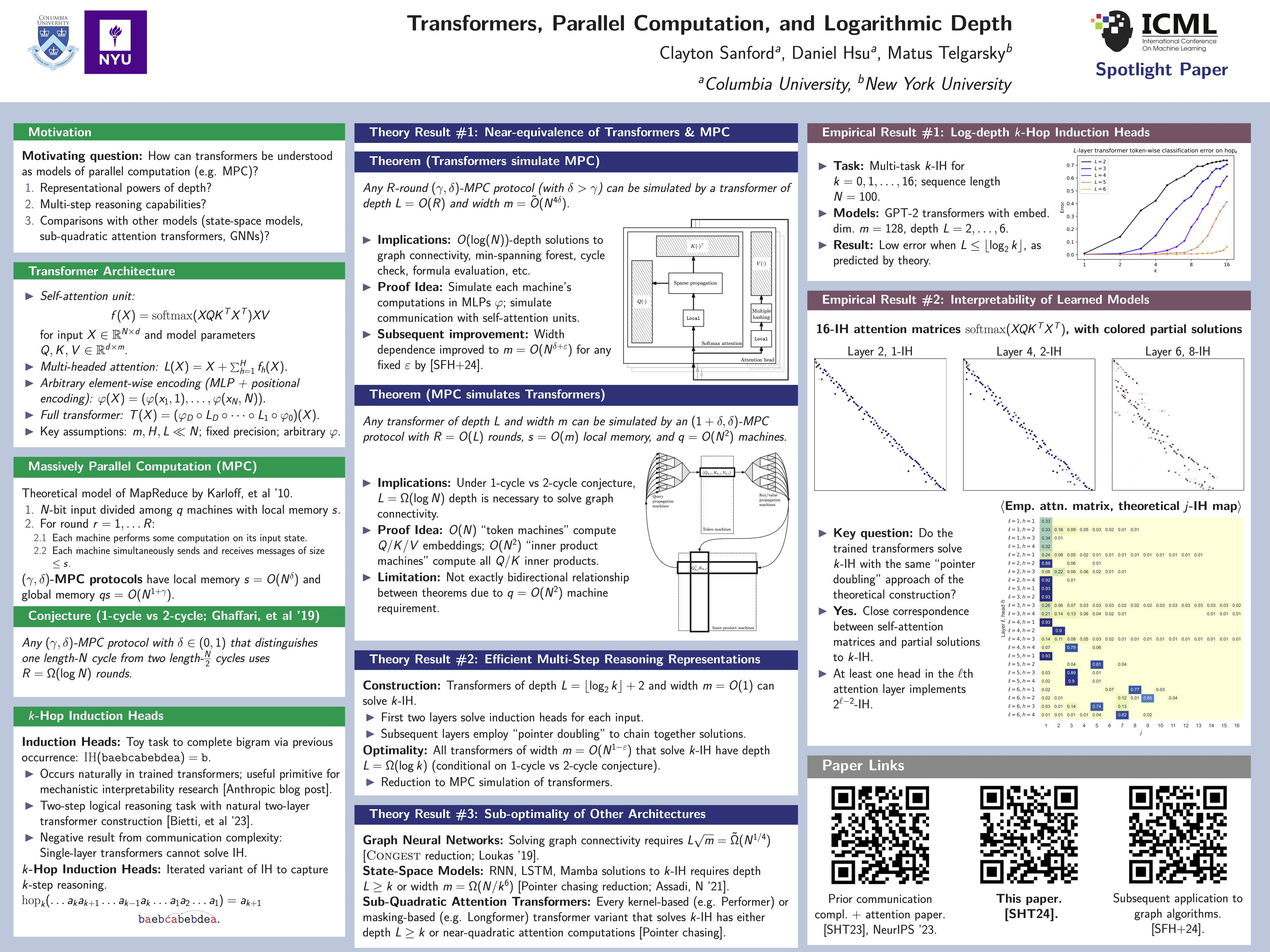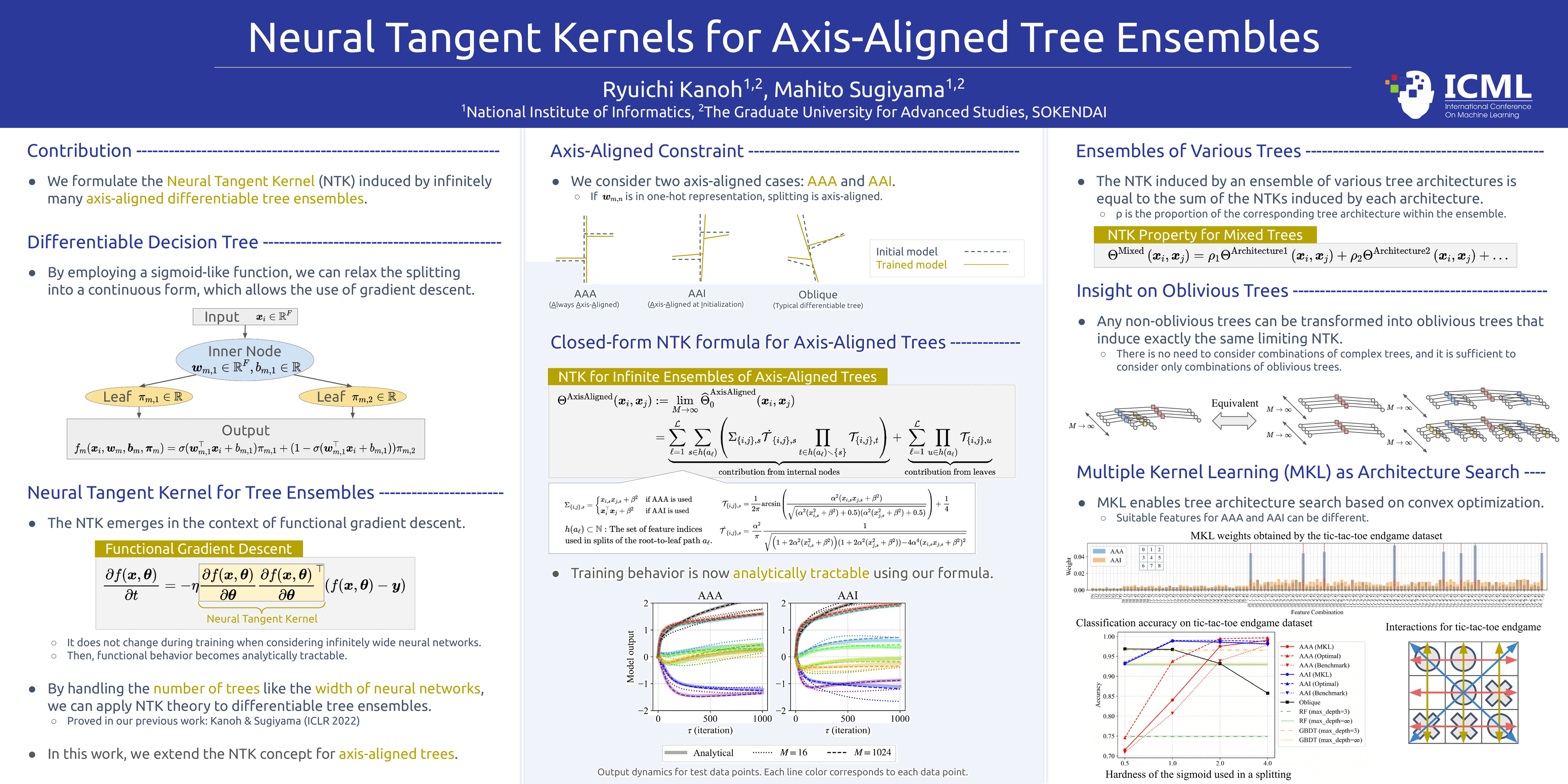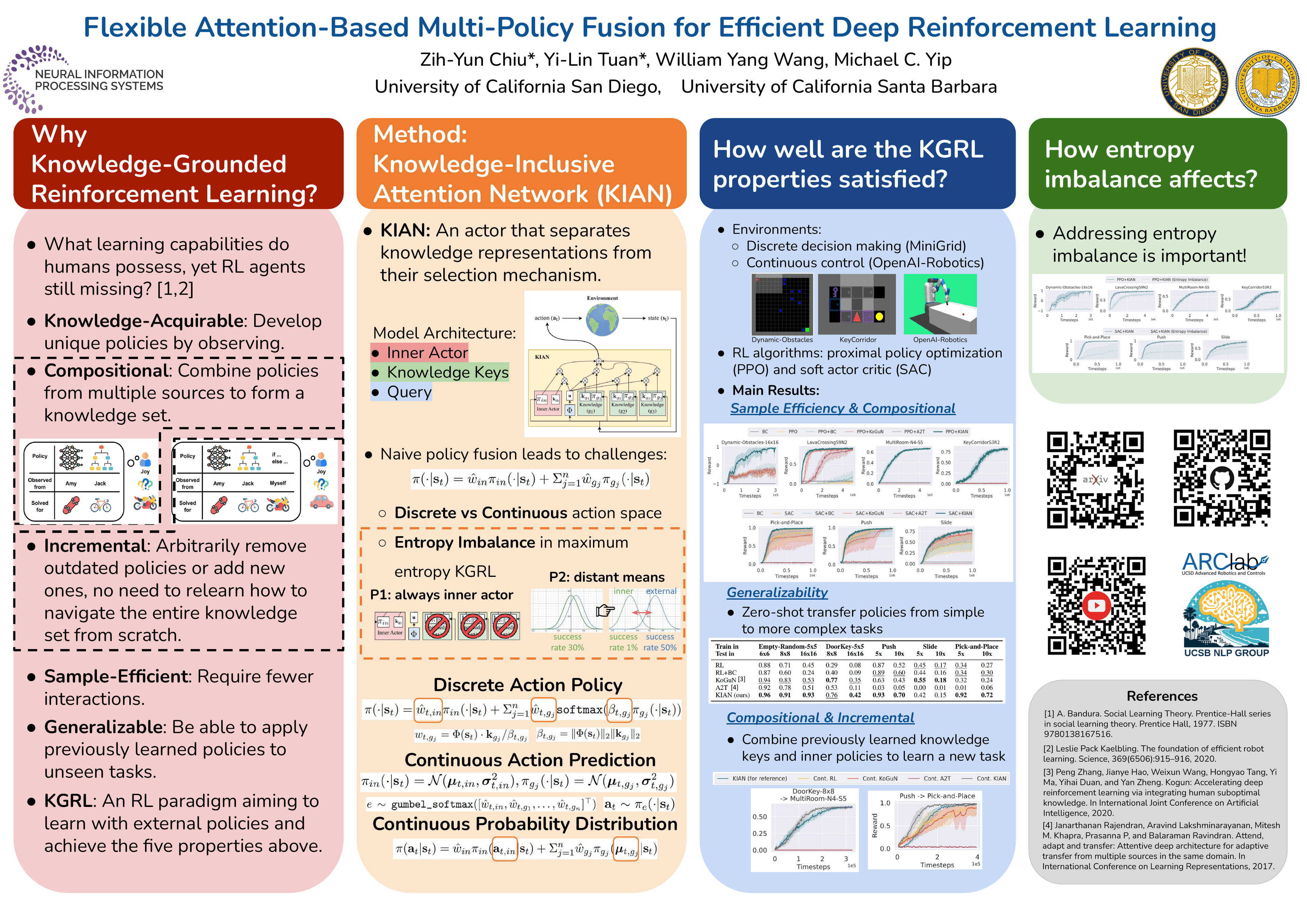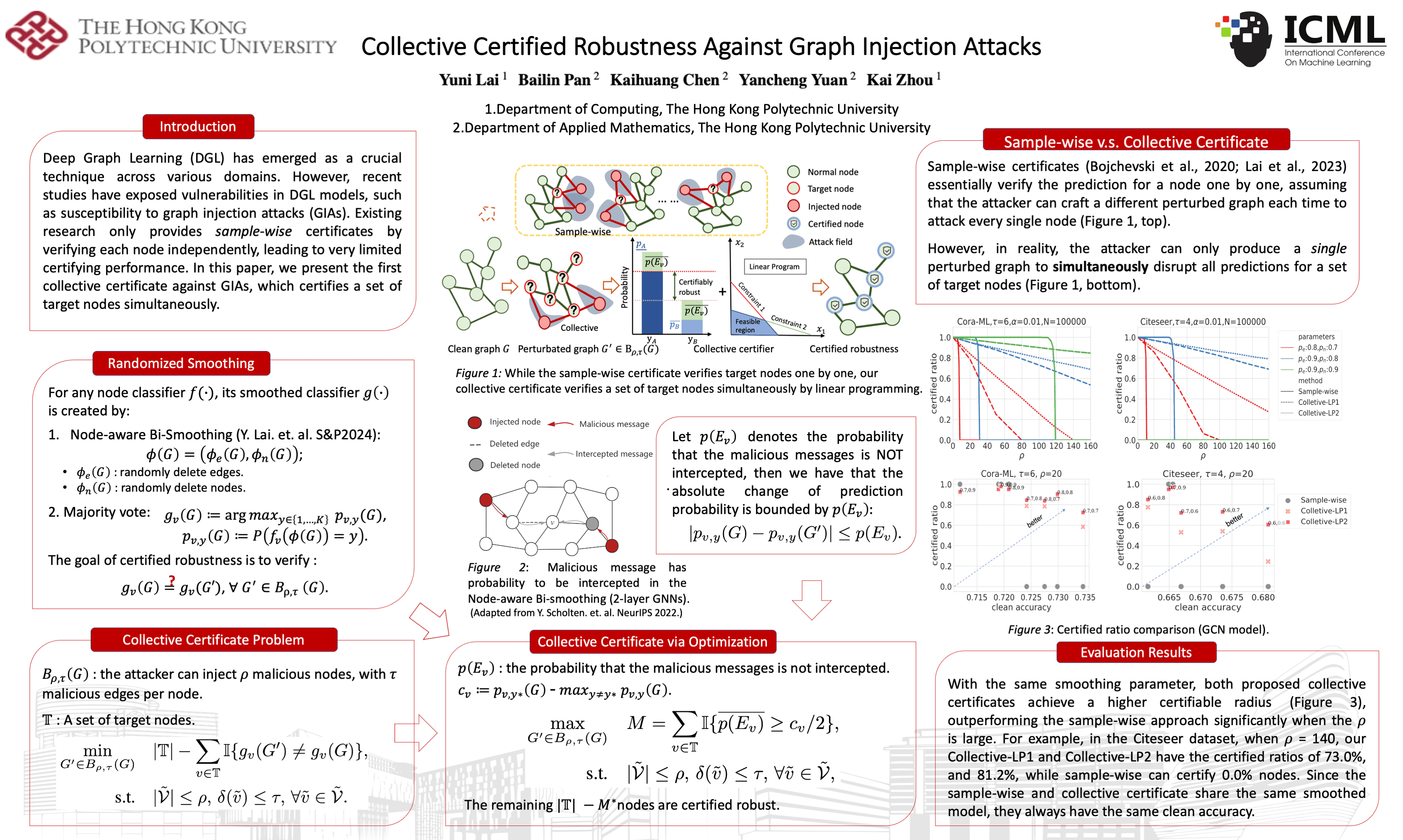
Poster template · Landscape 16:9 · 4 columns
Classic Four-Column Landscape Academic Poster Template
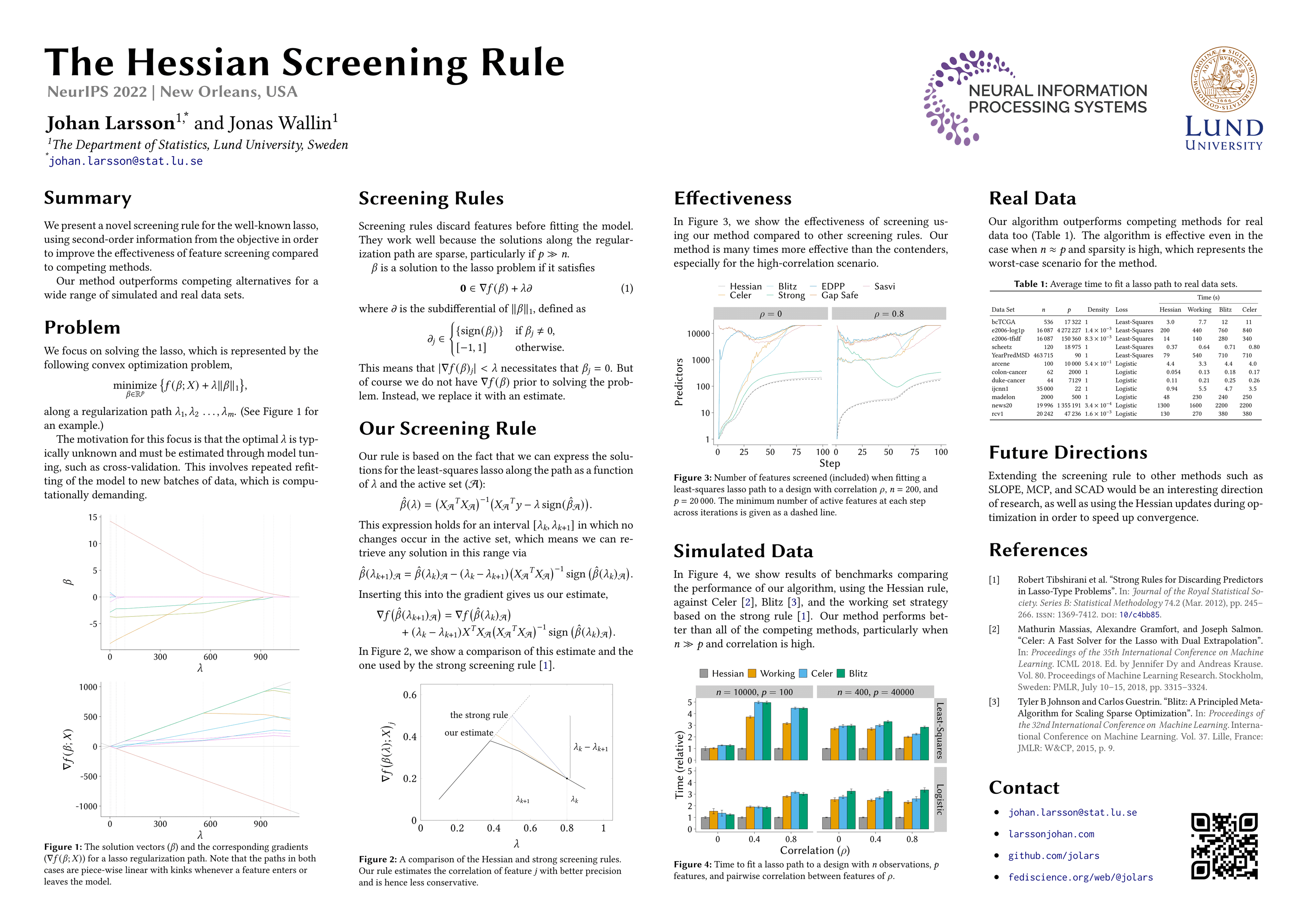
Four equal columns on a plain white ground, read strictly left to right: the problem opens the first column and the references close the fourth. It suits method papers that balance equations, plots and a results table.
What this template is
A 16:9 landscape layout divided into four columns of equal width. The paper title runs large across the top, with authors and affiliations beneath it. There are no coloured panels: black headings and thin rules alone separate the sections, so text, equations and figures carry the page. Readers move left to right, top to bottom within each column: the problem first, then the method, then the experimental plots, and finally conclusions and references. It fits computing and research-methods papers with a moderate number of figures, supplied as PDF, Word, PowerPoint or text.
Layout
Summary and problem
Column one, directly under the titleTwo short paragraphs on the contribution, then the problem stated as one formula, with a small plot at the foot.
120–160 words
Method
Column twoMethod steps in derivation order, each tied to its key equation, closing on a schematic figure from the paper.
140–180 words
Results
Column threeOne or two groups of the paper's experimental plots, each introduced by a sentence stating what it shows.
80–120 words
Conclusion and references
Column four, top to bottomAn optional summary table, then conclusions and future directions, with the cited references at the foot of the column.
100–140 words
Can it be printed large?
Yila builds this layout as one PowerPoint page of 48 × 27 inches, the 16:9 shape at full poster scale. The title, headings and body are real text, so they stay sharp however far the page is enlarged, and body type is never set below 20 pt. The plots and tables are your paper's original image files, cropped or scaled but never redrawn, so each is only as sharp as its source. Zoom into every figure in the PDF, then print it at the board size your venue gives.
How to use it in Yila
- 1Pick a layout
- 2Upload your paper
- 3Yila builds an editable PPTX poster and a PDF
Tips
Do
- Keep the title to one line; the top band is wide, but a second line pushes the author block down towards the column headings.
- Give the plots in column three matching colours and legends in the paper itself, since they are placed exactly as the originals.
- Make the headline result the first sentence of column three, so visitors who read only that column still leave with it.
Avoid
- Avoid columns of very different lengths; the tallest column sets the common type size, so one overfull column shrinks every column's text.
- Avoid copying the full derivation into column two; keep the one or two decisive equations and leave the rest to the paper.
- Avoid relying on low-resolution screenshots as figures; the poster embeds them unchanged, and a blurry original stays blurry at print size.
Questions
Can I print this four-column poster at full conference size?
Yes. The poster is a single 48 × 27 inch PowerPoint page with real text, and body type stays at 20 pt or larger, so the words print crisply at board size. Figures are your paper's originals, placed without redrawing, so check their resolution in the PDF first. Then confirm your venue's board size and orientation and print the PDF scaled to fit it.
Can I switch to coloured panels or use three columns instead of four?
Yila keeps this layout's four columns and black-and-white style when it builds your poster. Because the result is an editable PPTX, you can recolour headings and text yourself in PowerPoint, Keynote or WPS afterwards. For a different column count or colour-coded panels, pick another layout, such as the Three-Column Evidence Grid or the Color Block Story poster, and build again from the same paper.
Which file formats will I get?
Two files: a one-page PPTX poster and a PDF exported from it. The PPTX opens in PowerPoint, Keynote or WPS, where you can fix a typo, shorten a bullet or move a block without rebuilding. Figures inside it are the original images from your paper, so their content cannot be edited as text. After changing the PPTX, export a fresh PDF for printing.
Is this template free?
Looking at this page costs nothing. Building a poster in this layout with Yila consumes credits, and each new account starts with 2,500 of them. You can spend some trying the layout on one of your own papers to see how the four columns divide its content before you settle on the final version.
Was the example poster made by Yila?
No. It is a published poster by other authors that uses this layout, shown with permission so you can see where the title band, columns, plots and table sit. Your poster is built from your own paper, with its own text, figures and references, and shares nothing else with the example.
What do I need to prepare?
Just your paper, as a PDF, Word file, PowerPoint file or plain text. Yila reads it, takes the summary, method, experimental figures and references, and places them across the four columns in reading order. Figures come from the file itself, so a Word or PDF version with the original high-resolution plots gives a sharper poster than a pasted text version.