
Research Poster Templates
Layouts for conference posters and e-posters. Pick a layout, upload your paper, and Yila builds a one-page editable PPTX poster plus a PDF, with your paper’s original figures placed unchanged.
6 templates
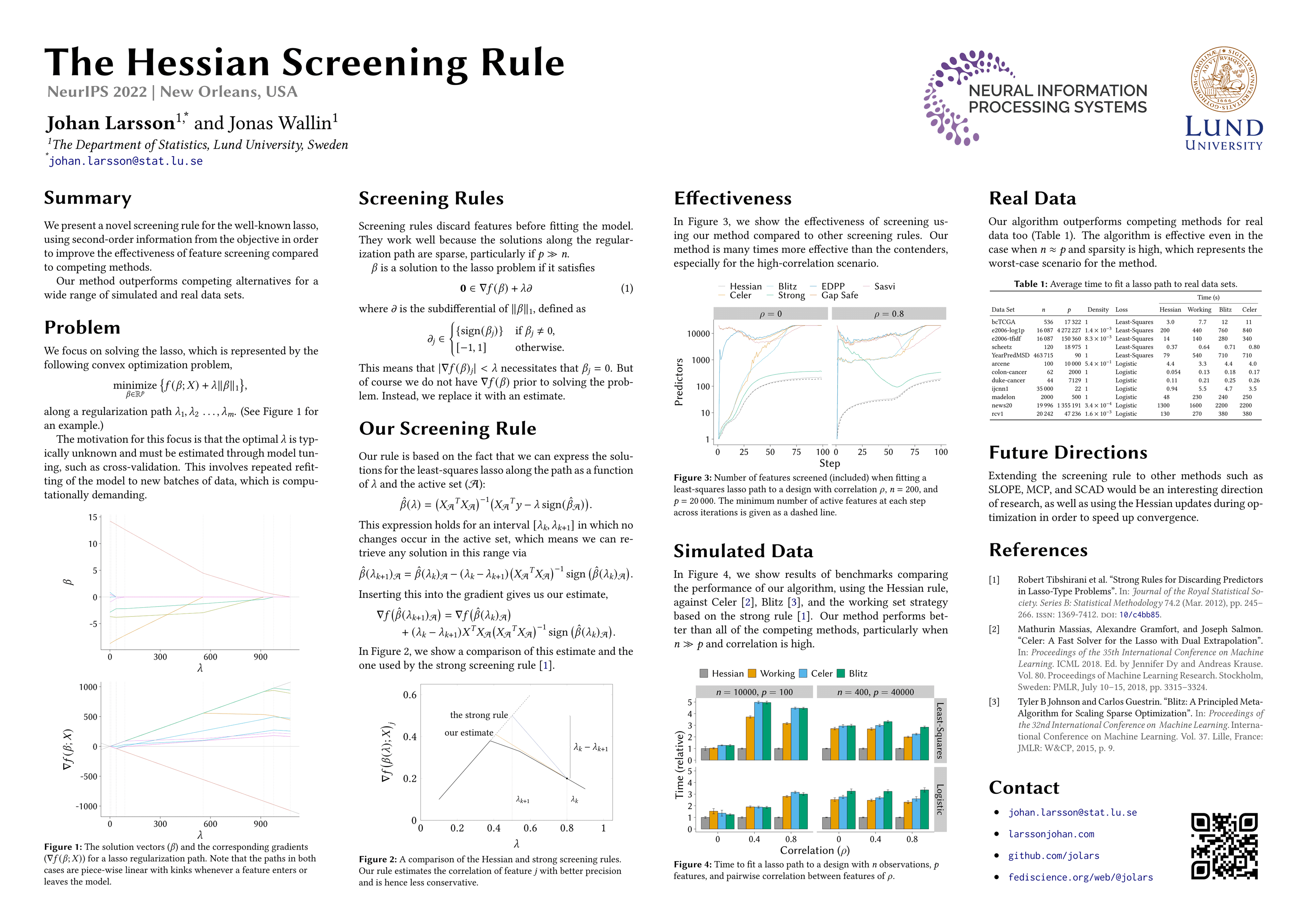
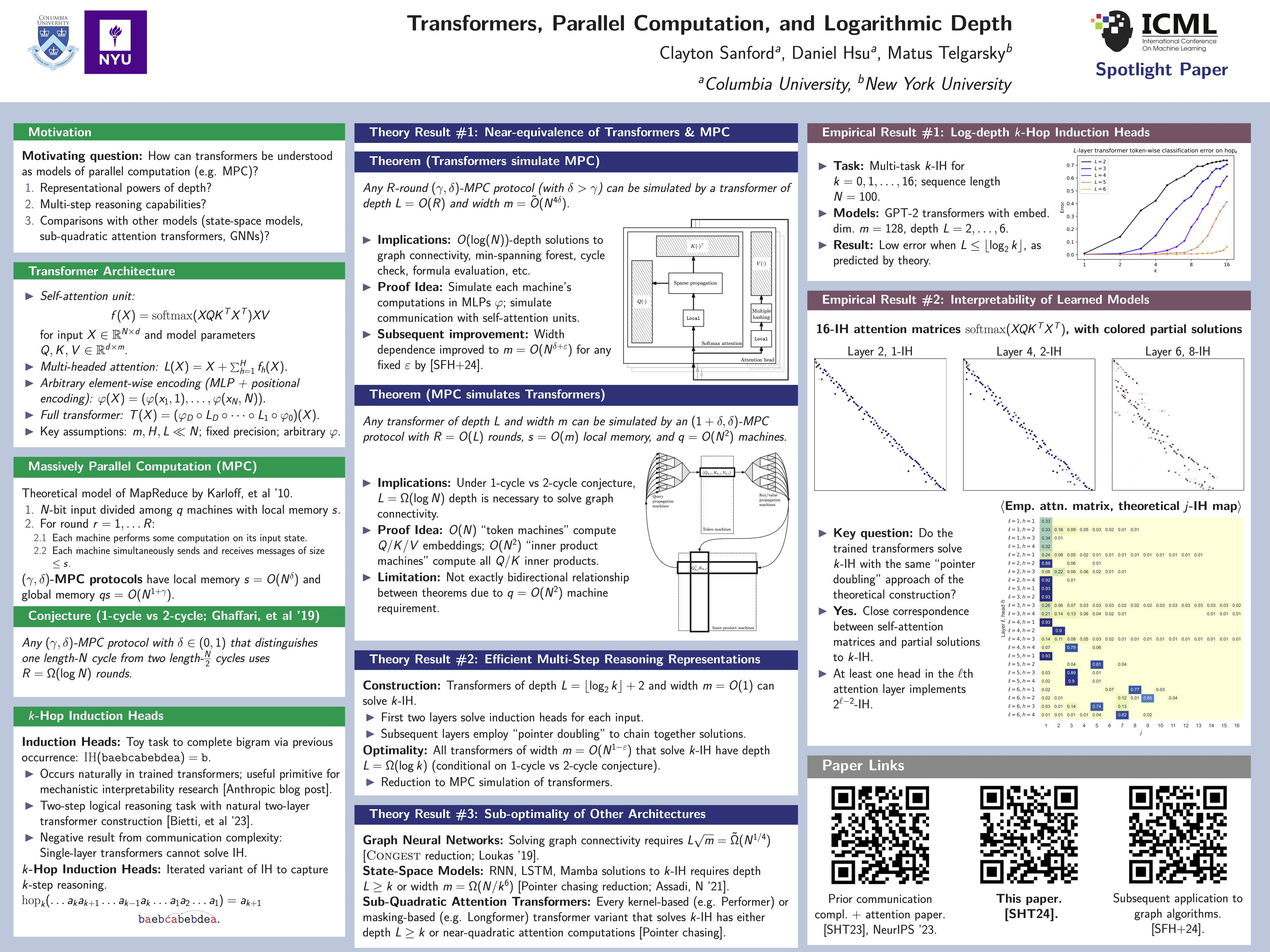
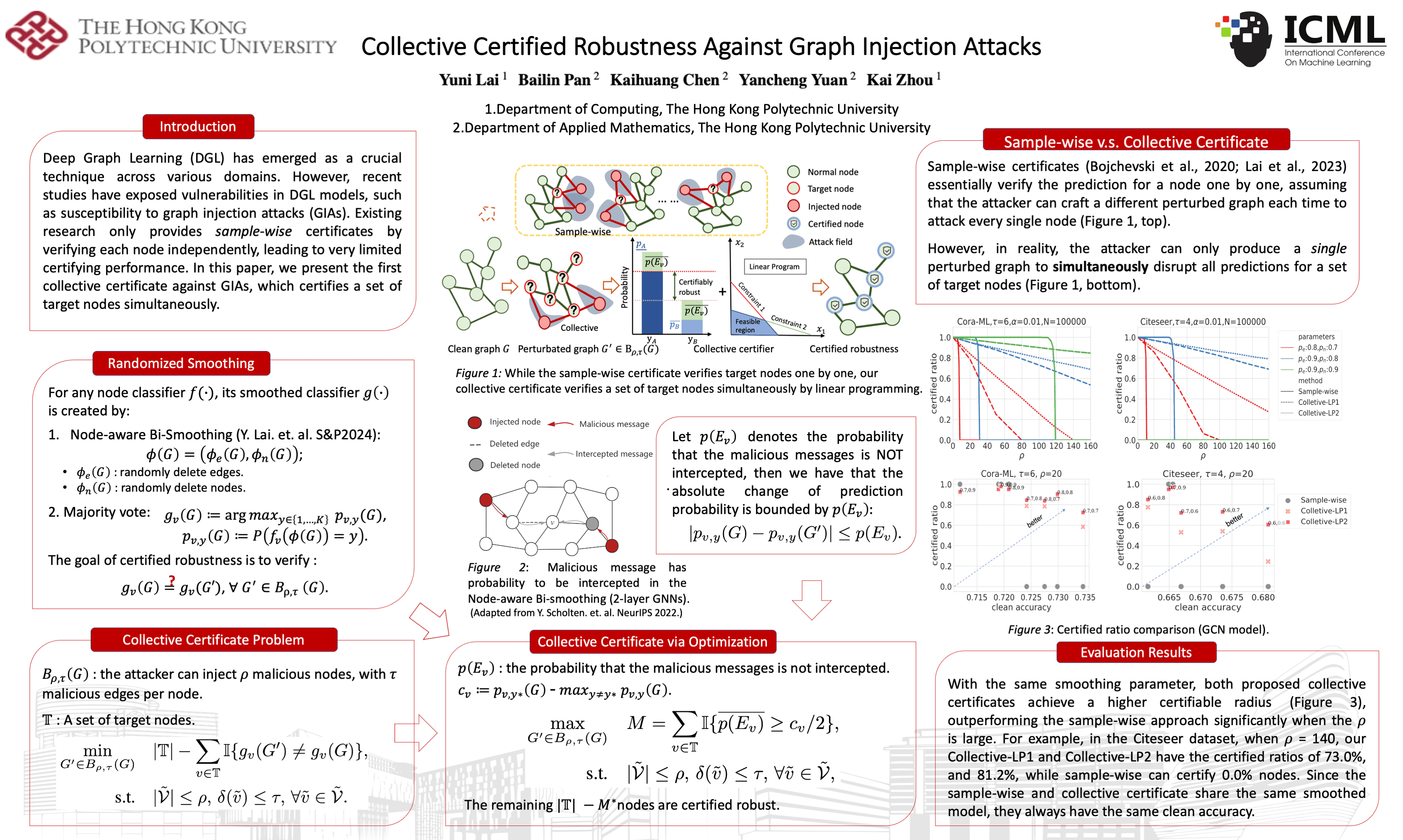
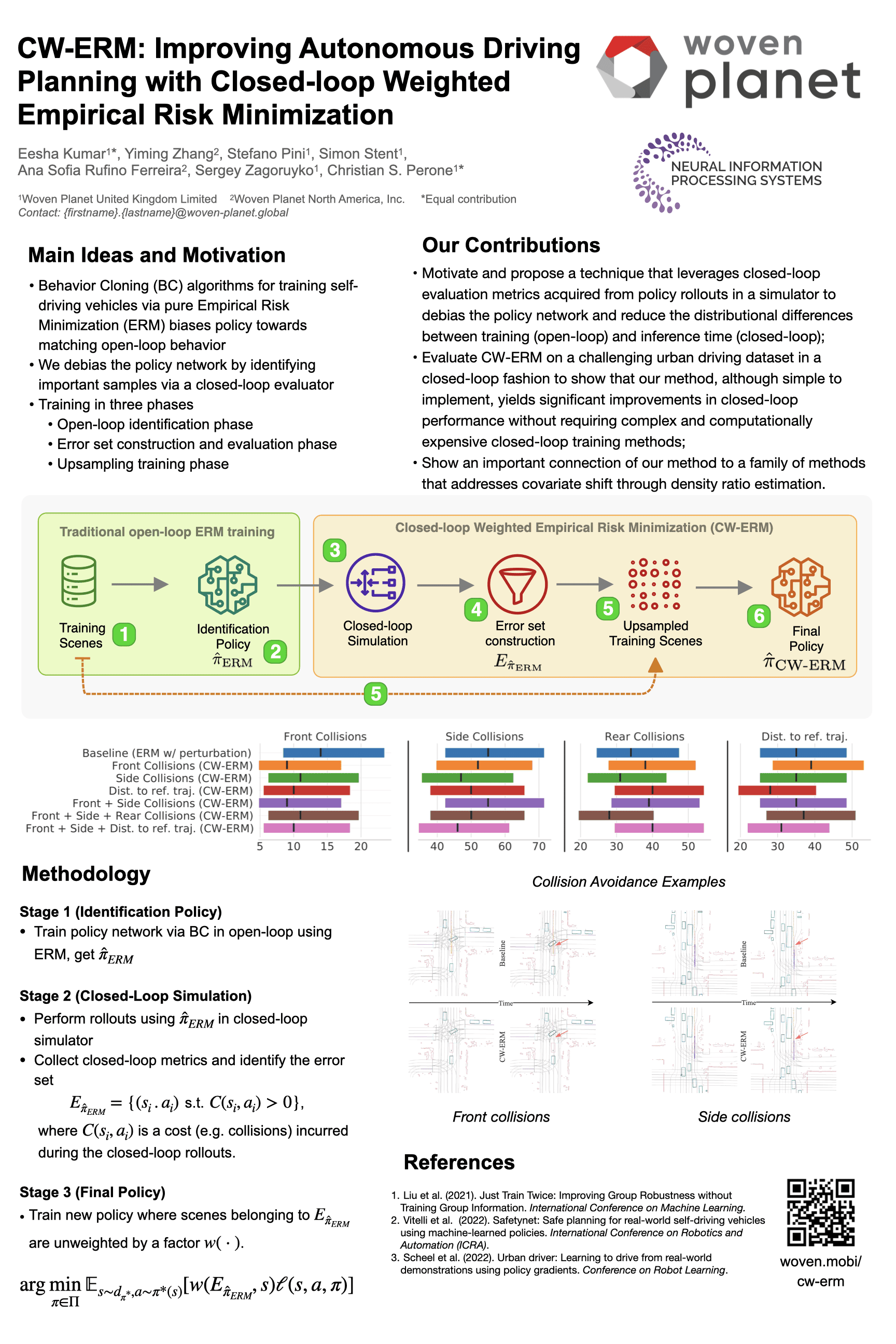
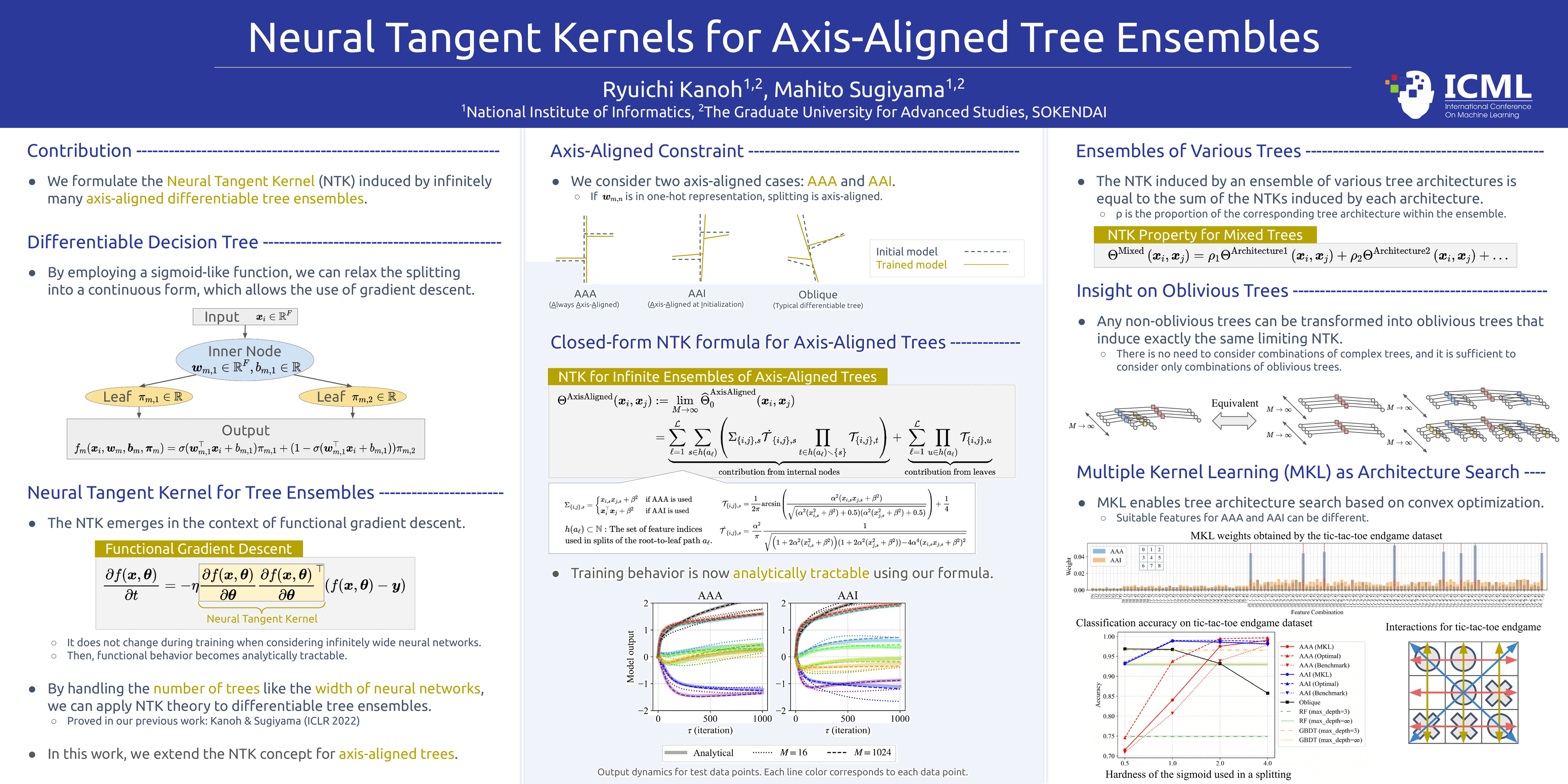
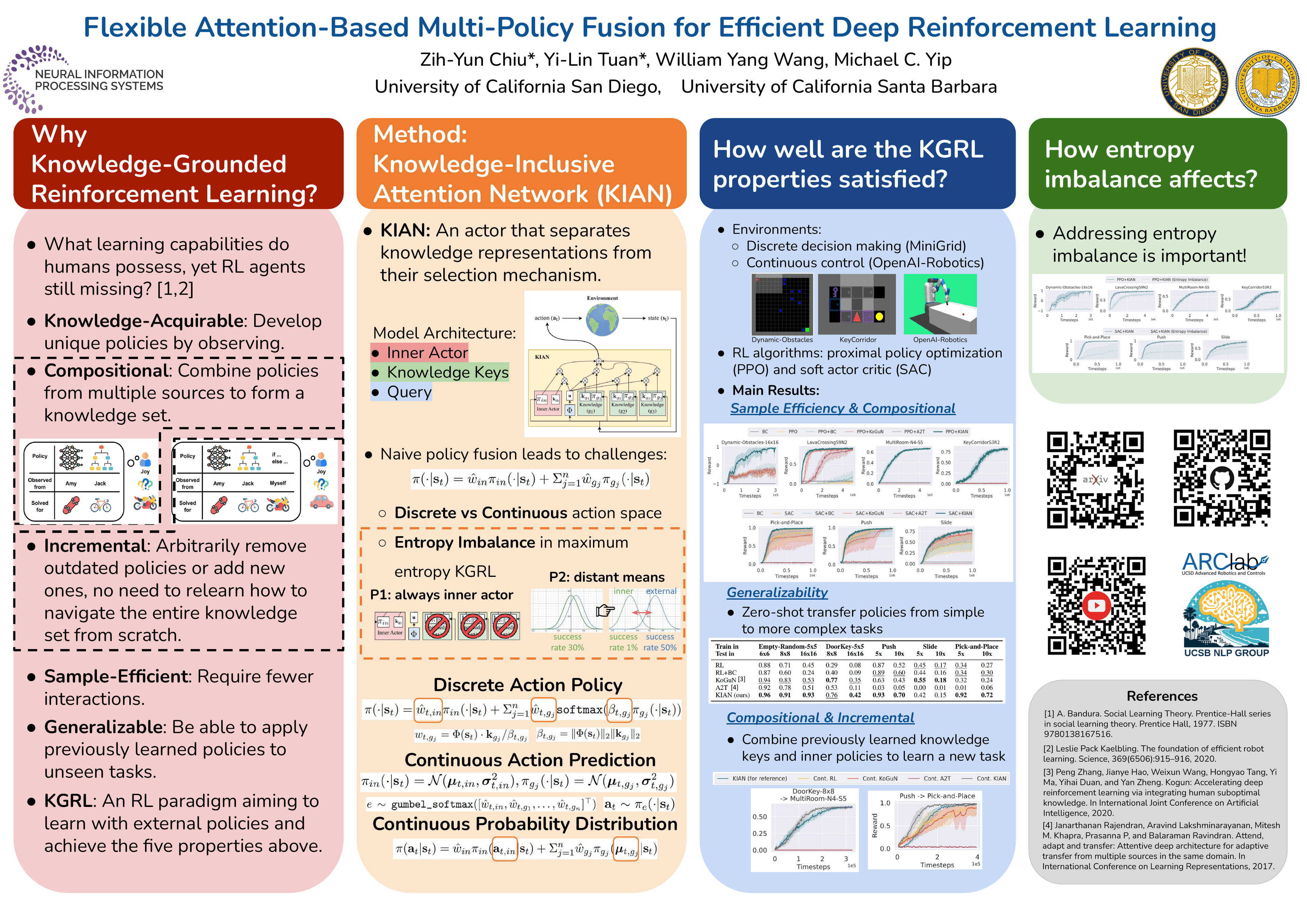
Using a template in Yila
- 1Pick a layout
- 2Upload your paper
- 3Yila builds an editable PPTX poster and a PDF
How to choose a research poster template
Start with the conference rules. Most venues set the orientation and size: landscape suits introduction, methods, results and conclusions read left to right, portrait suits a story told from top to bottom. Each template states its aspect ratio.
Then count your key figures. With two or three central results, choose a layout that keeps a large figure area in the middle; with evidence spread over many experiments, choose a grid or multi-column layout with one block per experiment; theory papers need a layout with room for equations.
The poster is one PPTX page with real text you can edit in PowerPoint, Keynote or WPS; the paper’s figures are placed as they are, never redrawn, so their sharpness depends on the originals.
What goes on a research poster
A poster is not your paper shrunk onto one sheet. Visitors usually stop for a minute or two and should grasp the question and the answer within seconds: make the title the finding or the question, open with two or three sentences on why it matters, give the middle to the figure that makes the point, and list the conclusions as numbered take-aways.
Keep text short, keep only the methods needed to read the results, and cite the few references that matter most. After you upload your paper, Yila picks these parts out and places them in the chosen layout for you to adjust.
Questions
Can the poster be printed at full size?
Yes. The poster is a large-format PPTX page whose text stays sharp at any size; the figures are your paper’s originals, so check their resolution and export the PDF at the size your venue asks for.
Can I change the colours or the number of columns?
The result is a PPTX, so text and colours can be changed in PowerPoint. The column count comes with the layout; for a different one, picking another layout and generating again is quicker.
What formats do I get?
A one-page editable PPTX poster and an exported PDF. The text can be edited in PowerPoint, Keynote or WPS.
Are the poster templates free?
Browsing templates costs nothing; generating a poster from your paper consumes credits, and new accounts get 2,500 credits.
Did Yila make the sample posters?
No. Each example is a published poster in that layout, shown with permission to illustrate the layout; Yila lays out a new poster from your paper.