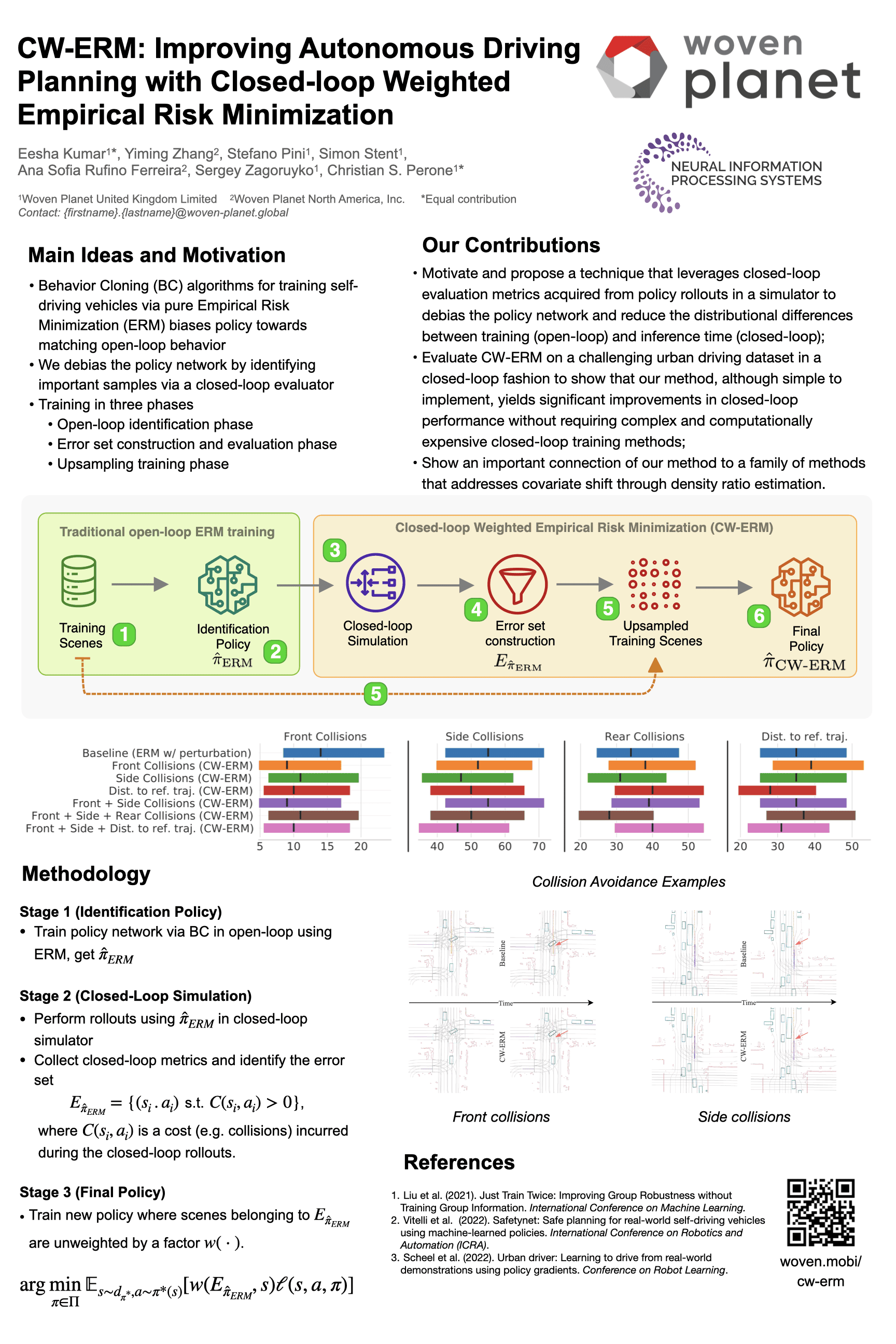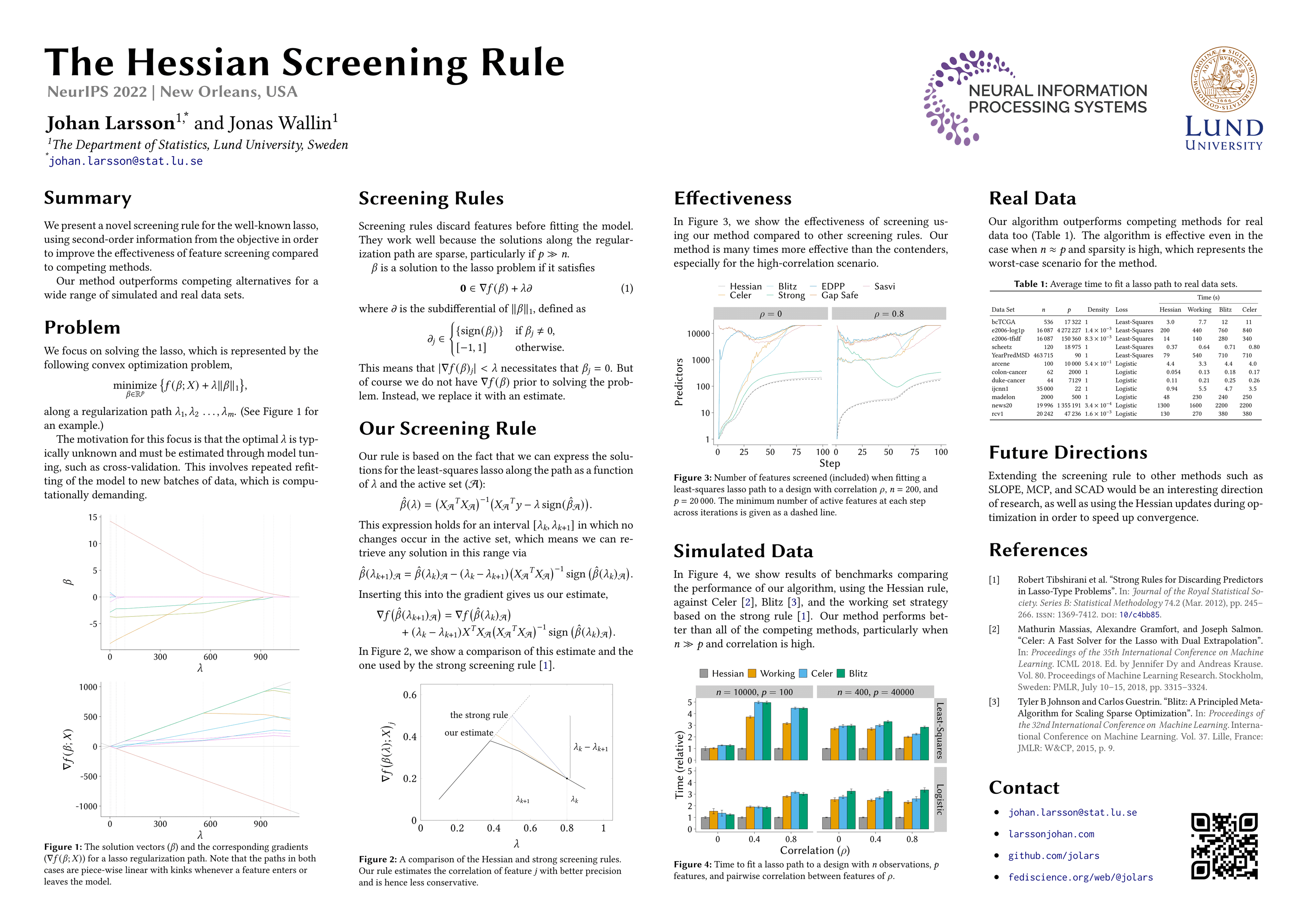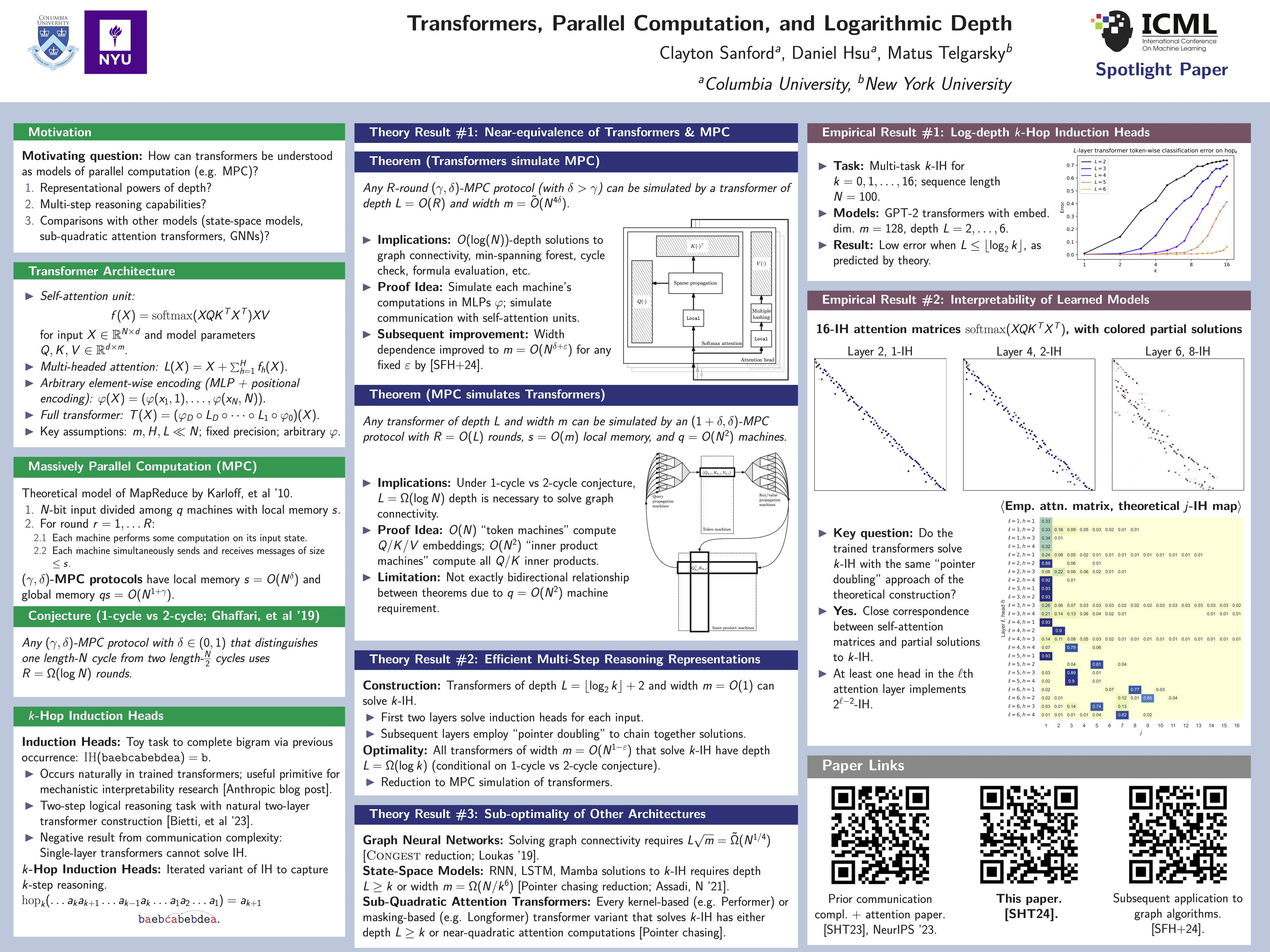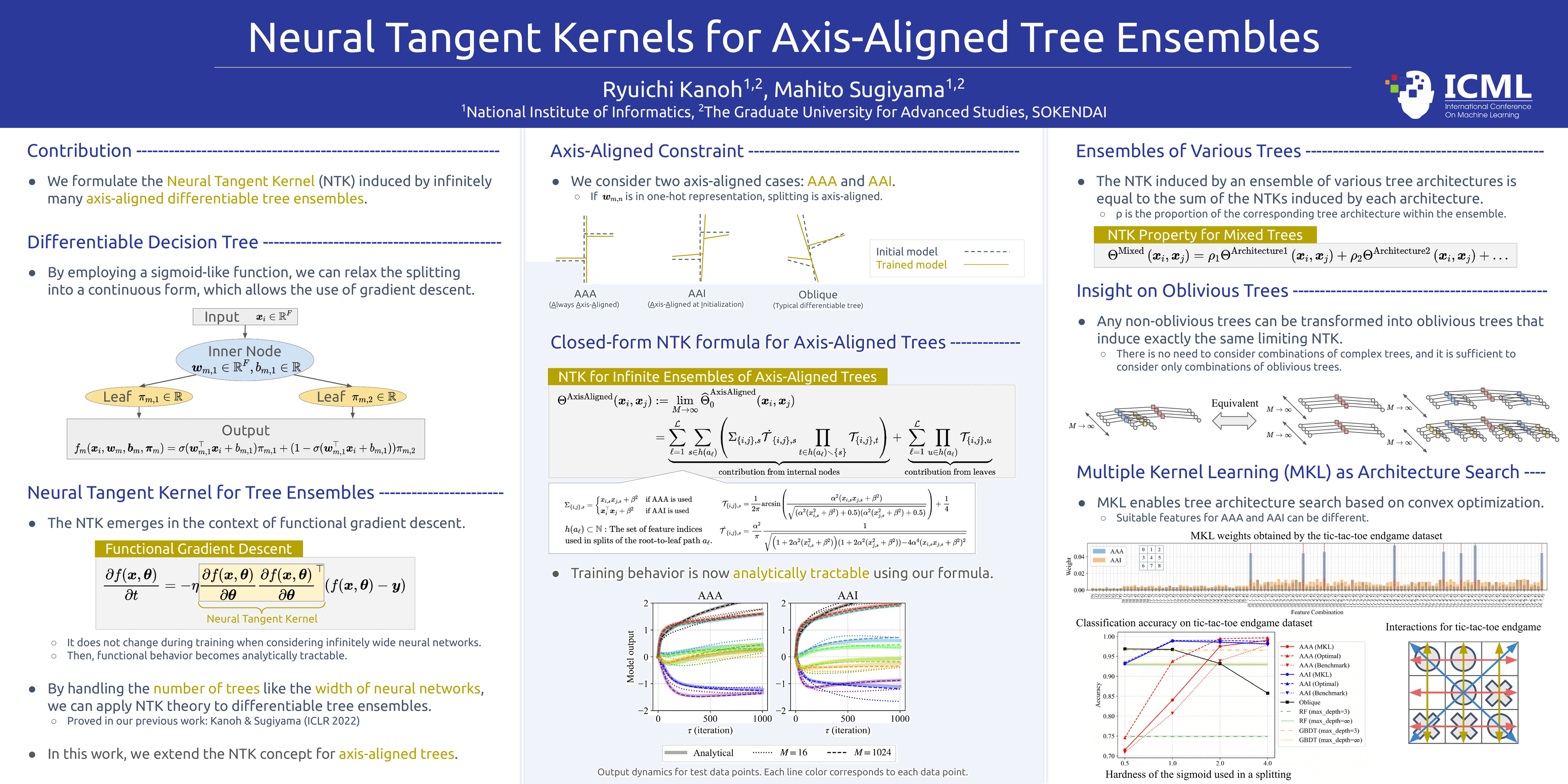
Poster template · Landscape 16:9 · 3 columns
Red Method Panels Academic Poster Template
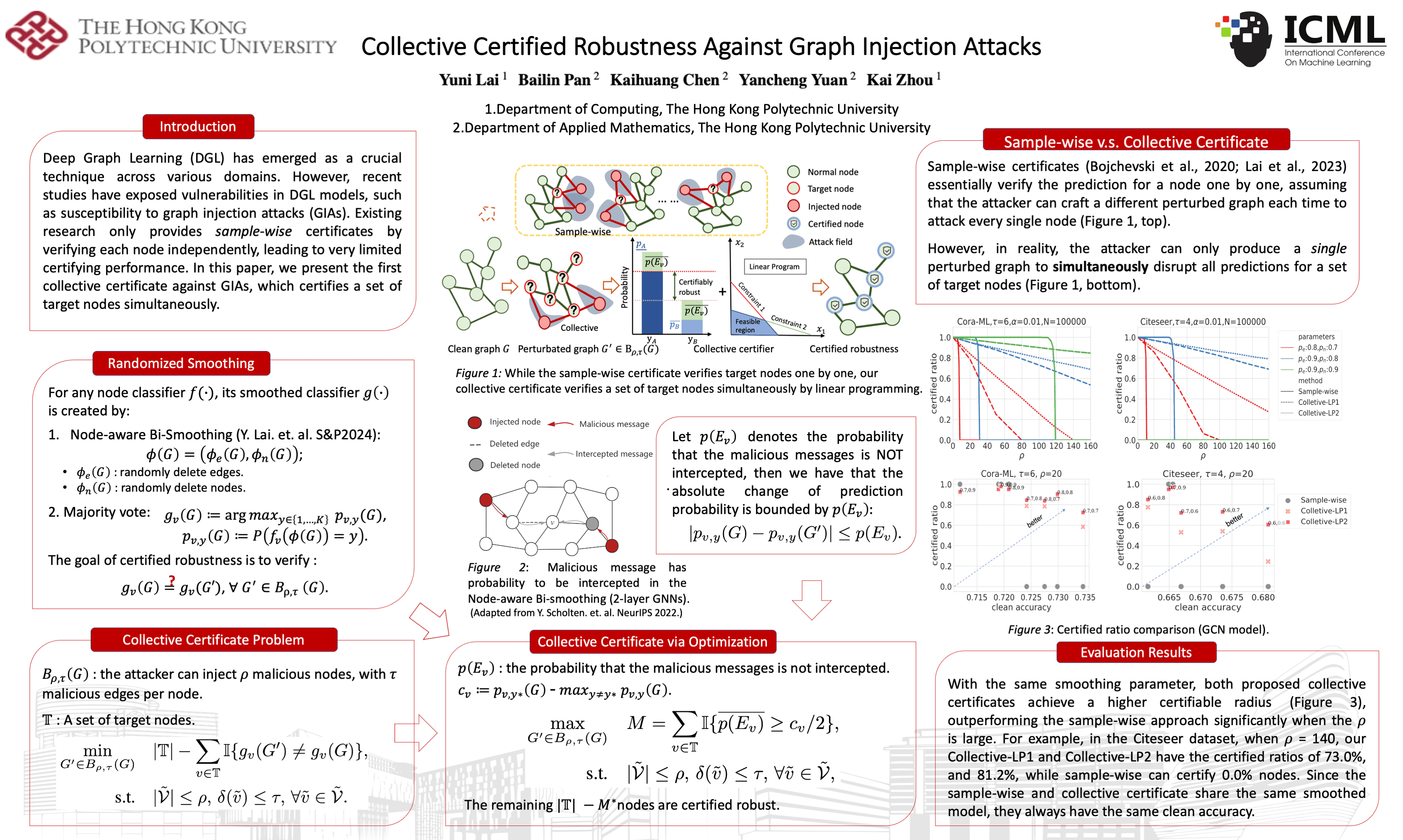
Three columns of red rounded panels with red capsule labels, the centre column widest so one method figure can dominate. Readers go from the problem on the left, through the pipeline, to results on the right.
What this template is
A 16:9 landscape layout in three columns on a white ground. The title, authors and affiliations sit at the top. Every panel is drawn with a red rounded outline and labelled by a red capsule with white lettering. The centre column is the widest: the paper's method diagram and its caption span its top, followed by a smaller figure and the key formula. Readers start with the problem on the left, study the central figure, then compare results on the right. It suits method papers whose contribution can be explained with one pipeline figure.
Layout
Problem and method basis
Left column, stacked red-outlined panelsIn turn: the research context, the existing method you build on, and the formal problem, each with its formula.
150–200 words
Central method figure
Top of the centre column, full column widthThe paper's input-to-output pipeline figure with its caption, then a smaller figure and formula for the key step.
caption 40–70 words
Comparative results
Right column, references at its footA short paragraph contrasting your method with prior work, then the paper's result curves and the evaluation summary.
120–160 words
Can it be printed large?
Yila delivers this layout as one 48 × 27 inch PowerPoint page, 16:9 at poster scale. Capsule labels, panel text and captions are real text, so they print sharply at any size, and body type stays at 20 pt or above. The central pipeline figure and the result curves are your paper's original files, scaled or cropped but never redrawn; enlarged across the wide centre column, a low-resolution diagram shows it first. Inspect it closely in the PDF and print at your venue's stated size.
How to use it in Yila
- 1Pick a layout
- 2Upload your paper
- 3Yila builds an editable PPTX poster and a PDF
Tips
Do
- Use a pipeline figure that already runs left to right in the paper, so it follows the same direction as the poster's reading order.
- Keep each red capsule label to a short noun phrase; long labels widen the capsule and crowd the edge of its panel.
- Plot the right-column result curves on a shared vertical axis in the paper itself, so the gain over the baseline shows directly.
Avoid
- Avoid a central figure crowded with small explanatory text; the poster places it unchanged, so tiny labels stay tiny at print size.
- Avoid opening every left-column panel with a long formula; start each with one sentence on what it settles.
- Avoid letting the right column run much longer than the left; the tallest column sets the shared type size for all three columns at once.
Questions
Can the red method panels poster be printed for a conference board?
Yes. The poster is a 48 × 27 inch PowerPoint page, and its labels, panel text and captions are real text with body type of at least 20 pt, so they print cleanly. The central figure is your paper's original image, not redrawn, so look at it enlarged in the PDF before printing, and scale the PDF to the board size your venue specifies.
Can I swap the red for my university's colour, or use two columns?
Yila builds the poster in this layout's red panels and three columns. The delivered PPTX is editable, so you can change panel outlines, label colours or text colours yourself in PowerPoint, Keynote or WPS. A two-column version is not part of this layout; for a portrait two-column poster, the Portrait Method-to-Results layout is the closest option.
Can I edit the delivered files in PowerPoint?
Yes. You get a one-page PPTX poster and an exported PDF. The PPTX opens in PowerPoint, Keynote or WPS, and every label, sentence and caption is real text you can change. The figures are your paper's original images, so their internal labels cannot be edited as text. Re-export the PDF after editing.
What does it cost?
Viewing this page and reading about the layout costs nothing. Building a poster in this layout with Yila consumes credits, and every new account starts with 2,500. Try it on one paper first to see whether your method figure fills the wide centre column well before preparing the final version.
Will the university and conference details from the example appear on my poster?
No. The example is a published poster by other authors in this layout, shown with permission to illustrate the panels and the central figure. Your poster is built from your own paper, uploaded as PDF, Word, PowerPoint or text, with its own title, authors, figures and references.
My paper has no method pipeline figure. Can I still use this layout?
Yila never draws a new diagram, so the centre column can only hold figures that exist in your paper. Its most important figure, such as an architecture diagram or a main result, can take that place. If no single figure can anchor the centre, the Three-Column Evidence Grid, with its stack of equal cards, may suit the paper better.